
1. Úvod
The ONN 7-inch Wi-Fi Digital Picture Frame (Model 100096732) allows you to easily share and display photos and videos from friends and family. Featuring a vibrant LCD IPS touchscreen and built-in Frameo software, this frame provides a simple and intuitive way to enjoy your cherished memories. With 16GB of internal storage and Micro SD card support, you can store a vast collection of media. This manual provides essential information for setting up, operating, and maintaining your digital picture frame.
2. Co je v krabici
- Digitální fotorámeček ONN s Wi-Fi 7 palců
- Napájecí adaptér
- Průvodce produktem
- Rychlý průvodce

Image: The ONN 7-inch Wi-Fi Digital Picture Frame, power adapter, product guide, and quick start guide as packaged in the box.
3. Nastavení
3.1 Zapnutí
- Connect the provided power adapter to the DC port on the back of the frame.
- Zapojte napájecí adaptér do zásuvky. Rám se automaticky zapne.
3.2 Initial Wi-Fi Connection
- Follow the on-screen prompts to select your language and time zone.
- Připojte rámeček k síti Wi-Fi výběrem sítě a zadáním hesla.
3.3 Frameo App Download and Pairing
To send photos and videos to your frame, download the free Frameo app on your smartphone (available for iOS and Android).
- Hledat "Frameo" in the App Store (iOS) or Google Play Store (Android).
- Nainstalujte si aplikaci a vytvořte si účet.
- On your ONN frame, locate the unique code to pair with the app.
- In the Frameo app, enter this code to connect your smartphone to the frame.
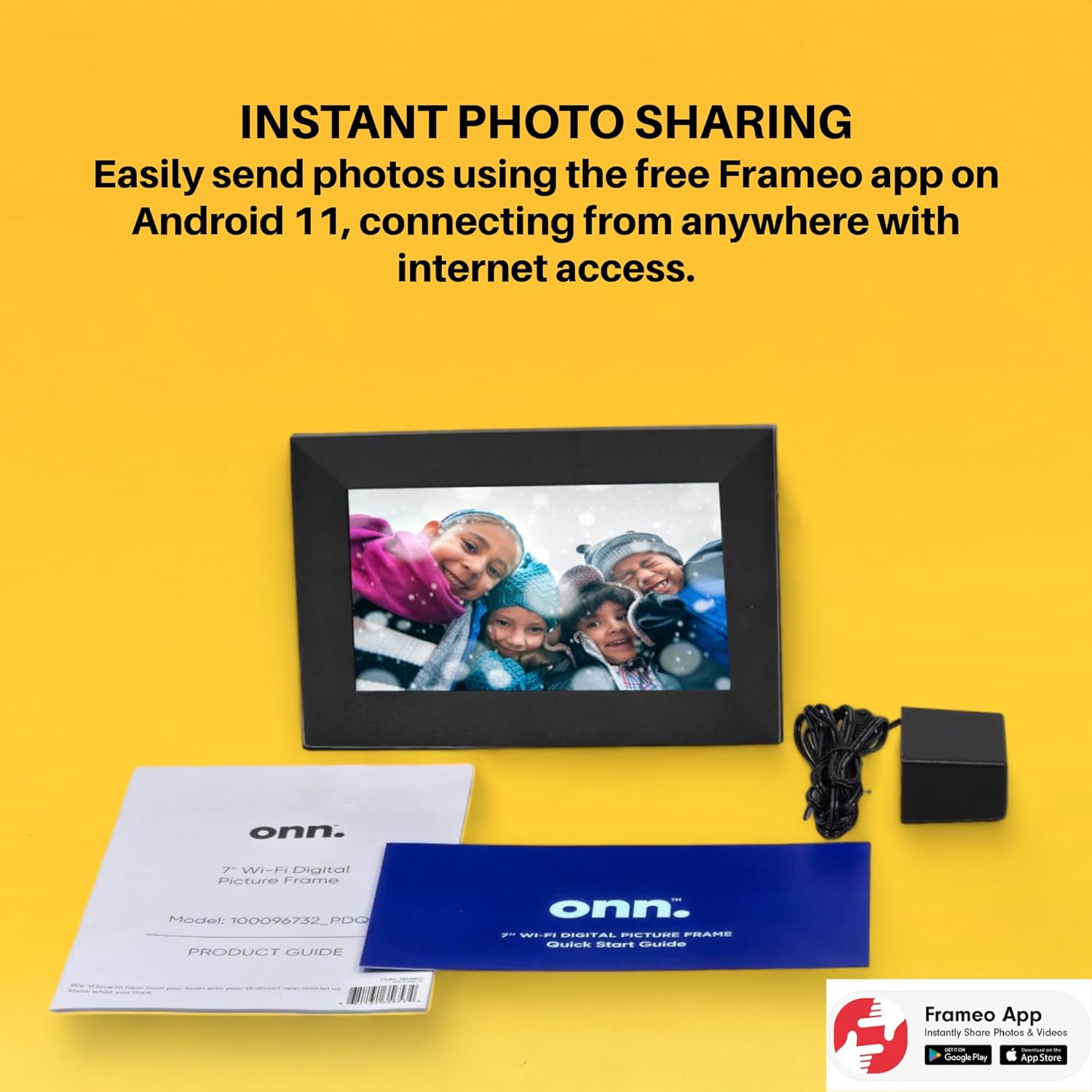
Image: The Frameo app is shown on a smartphone, highlighting its availability on Android and iOS, for instant photo sharing with the ONN digital picture frame.
4. Návod k obsluze
4.1 Odesílání fotografií a videí
Once paired, you can send photos and short videos directly from your smartphone to the frame using the Frameo app. You can also add captions to your media.
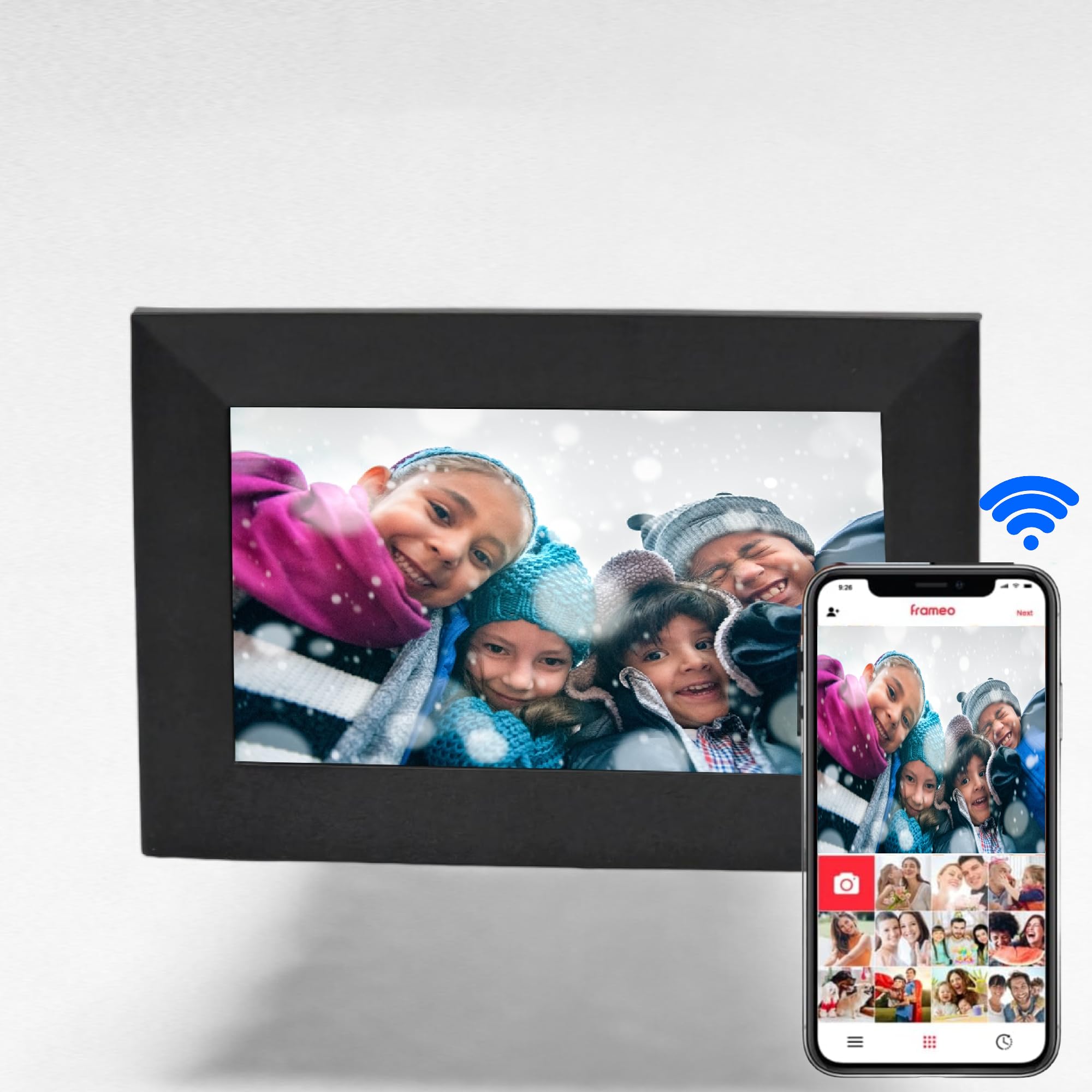
Image: The digital picture frame displays a family photo, while a smartphone shows the Frameo app, illustrating the ease of wireless photo and video sharing.
4.2 Navigace na dotykové obrazovce
The 7-inch IPS touchscreen allows for easy navigation through menus and media. Swipe left or right to browse photos, tap to access settings, and use intuitive gestures for various functions.

Image: A finger touches the screen of the digital picture frame, illustrating its touchscreen functionality for simple navigation.
4.3 Media Management
- Interní úložiště: The frame has 16GB of internal memory, capable of storing up to 20,000 photos.
- Micro SD karta: Insert a Micro SD card (up to 128GB) into the dedicated slot to display photos directly without using internal storage.
- Oblíbené: Mark specific photos as favorites to create a curated slideshow.
- Složky: Organize your media into folders for better management.
4.4 Doplňkové funkce
- Hodiny a budík: Set the clock and configure alarms directly from the frame's interface.
- Přehrávání hudby: The frame supports music playback, allowing you to enjoy audio while viewfotografie.
5. Vlastnosti
- Instant photo and video sharing via the free Frameo app (iOS & Android).
- Vibrant 7-inch LCD IPS high-resolution touch screen (1024x600).
- Automatic photo rotation for optimal display.
- 16GB internal storage, supporting up to 20,000 photos.
- Supports Micro SD cards up to 128GB for expanded storage.
- Equipped with 2 internal speakers for audio playback.
- 16:9 Aspect Ratio for wide-screen media display.
- Wi-Fi connectivity for seamless content transfer.
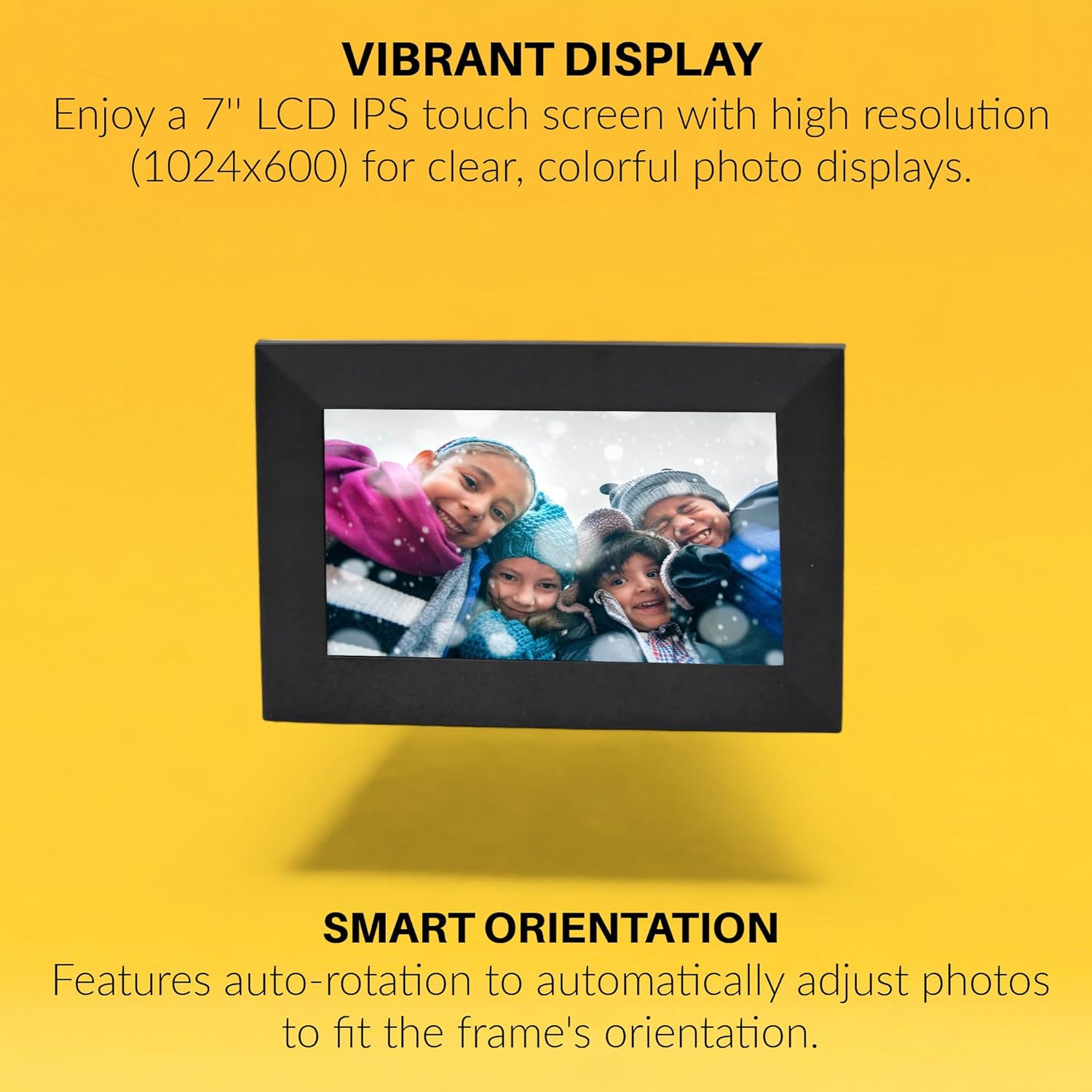
Image: The digital picture frame displays a vibrant image, with text emphasizing its high-resolution IPS display and smart auto-rotation feature.

Image: Visual icons depict the frame's capabilities: remote photo sending, connecting with friends and family, global access, and intuitive touchscreen operation.
6. Specifikace
| Atribut | Hodnota |
|---|---|
| Značka | ONN |
| Číslo modelu | 100096732 |
| Velikost obrazovky | 7 palce |
| Rozlišení displeje | 1024x600 (WXGA+) |
| Typ zobrazení | LCD IPS Touchscreen |
| Poměr stran | 16:9 (Product description states 16:9, specifications state 4:3. Using 16:9 from product description as it aligns with video content) |
| Vnitřní paměť | 16 GB |
| Podpora Micro SD karet | Až 128 GB |
| Technologie připojení | Wi-Fi |
| Zdroj napájení | AC |
| Interní reproduktory | 2x |
| Barva | Černý |
| UPC | 657768649189 |

Image: The rear of the digital picture frame displays its various ports and the serial number A2302486110001089, indicating connectivity options and device identification.
7. Údržba
- Čištění: K čištění obrazovky a rámu používejte měkký, suchý hadřík. Nepoužívejte abrazivní čisticí prostředky ani rozpouštědla.
- Aktualizace softwaru: Ensure your frame's software is up to date for optimal performance and new features. Check for updates through the frame's settings menu.
- Správa úložiště: Pravidelně znovuview your stored photos and videos. Delete unwanted media to free up space, especially if using a Micro SD card.
8. Řešení problémů
- Rám se nezapíná: Ujistěte se, že je napájecí adaptér bezpečně připojen k rámu i k funkční zásuvce.
- Problémy s připojením Wi-Fi: Verify your Wi-Fi password is correct. Try restarting your router and the digital picture frame. Ensure the frame is within range of your Wi-Fi network.
- Fotografie se nezobrazují: Check if the Frameo app is correctly paired with your frame. Ensure photos/videos are successfully uploaded through the app. If using a Micro SD card, ensure it is properly inserted and formatted.
- Dotyková obrazovka nereaguje: Restart the frame. If the issue persists, perform a factory reset (refer to the product guide for specific instructions).
9. Záruka a podpora
This ONN 7-inch Wi-Fi Digital Picture Frame comes with a 90denní omezená záruka. For technical support or warranty claims, please refer to the contact information provided in your product guide or visit the official ONN support webmísto.


