
NEHEME NH525 Silver
Uživatelská příručka k dronu NEHEME NH525
Model: NH525 Silver | Brand: NEHEME
1. Úvod
Welcome to the world of drone flying with your new NEHEME NH525 Drone. This manual provides essential information for the safe operation, setup, and maintenance of your drone. Please read it thoroughly before your first flight to ensure a safe and enjoyable experience. The NH525 is designed for ease of use, making it suitable for beginners and experienced pilots alike, featuring a 1080P HD camera for capturing stunning aerial footage.

Image: The NEHEME NH525 Drone, remote controller, batteries, and accessories.
2. Co je v krabici
Před zahájením instalace ověřte, zda jsou v balení přítomny všechny komponenty.
- Dron NH525
- Remote Controller (Note: 3*AAA Batteries are NOT Included)
- 2 x Lithium Ion Batteries (for drone)
- Nabíjecí kabel USB
- Náhradní vrtule
- Kryty vrtulí (4 kusy)
- Uživatelská příručka (tento dokument)
3. Průvodce nastavením
3.1. Nabíjení baterie dronu
Before first use, fully charge the drone batteries.
- Connect the drone battery to the USB charger cable.
- Plug the USB charger cable into a USB power adapter (e.g., computer USB port, phone charger adapter).
- The indicator light on the USB charger will show charging status (refer to charger's specific light indications, typically red for charging, green for full).
- Charging typically takes approximately 60-90 minutes per battery.

Image: Drone battery and USB charging cable, illustrating the charging process.
3.2. Instalace baterií do dálkového ovladače
Dálkový ovladač vyžaduje 3 baterie AAA (nejsou součástí balení).
- Otevřete přihrádku na baterie na zadní straně dálkového ovladače.
- Vložte 3 baterie typu AAA a dbejte na správnou polaritu (+/-).
- Bezpečně uzavřete přihrádku na baterie.
3.3. Attaching Propeller Guards
For enhanced safety, especially for beginners, attach the propeller guards.
- Identifikujte čtyři kryty vrtulí.
- Align each guard with the corresponding arm of the drone.
- Gently snap or screw the guards into place (refer to drone diagram for exact attachment points).
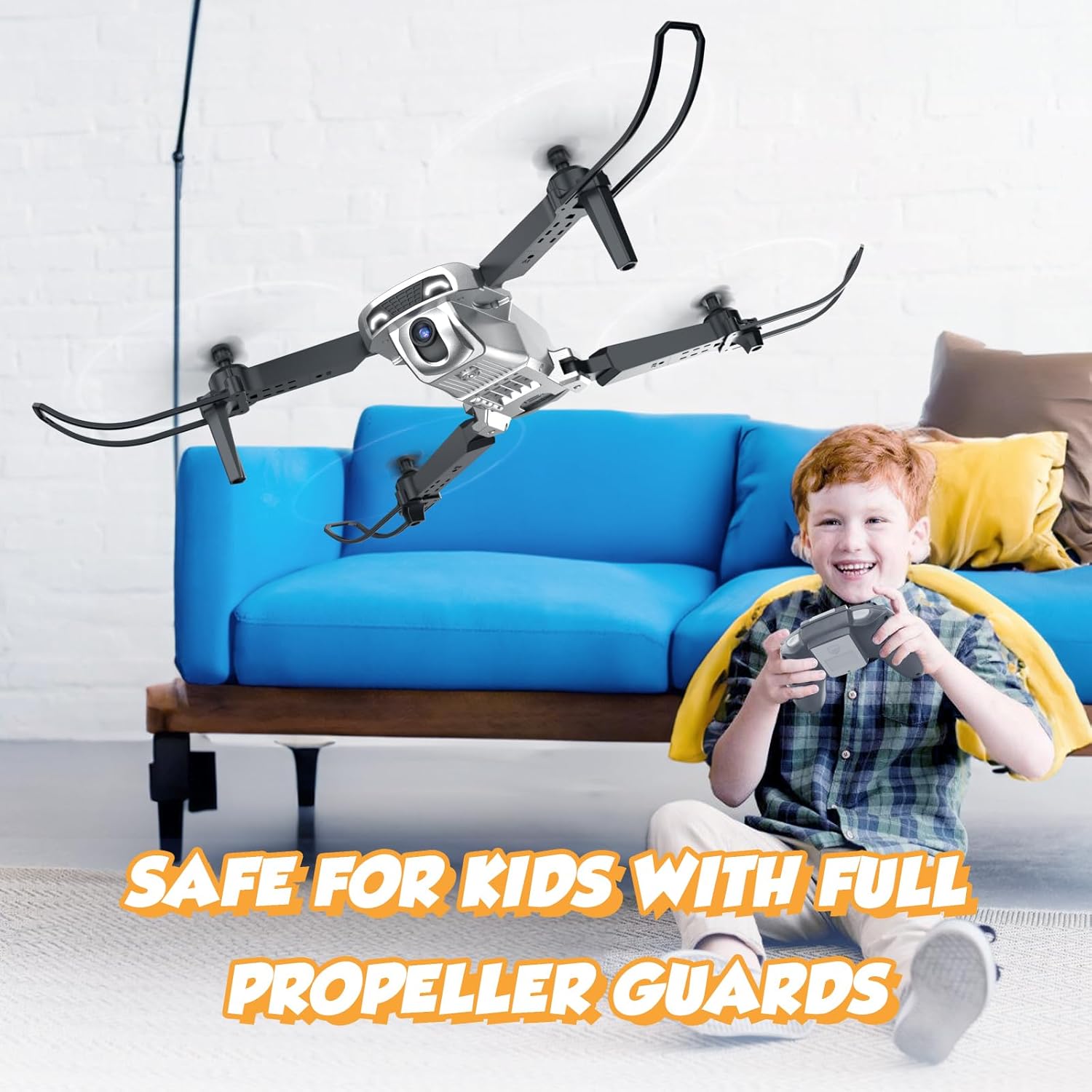
Image: The drone with full propeller guards, emphasizing safety for users.
3.4. Instalace baterie dronu
Vložte nabitou baterii do dronu.
- Najděte přihrádku na baterie na dronu.
- Slide the charged battery into the compartment until it clicks into place.
- Ensure the battery is securely seated to prevent dislodging during flight.
3.5. Folding/Unfolding the Drone Arms
The NH525 features a foldable design for portability.
- To unfold: Gently pull each arm outwards until it locks into position.
- To fold: Press the release button (if present) or gently push the arms inwards until they are compact.
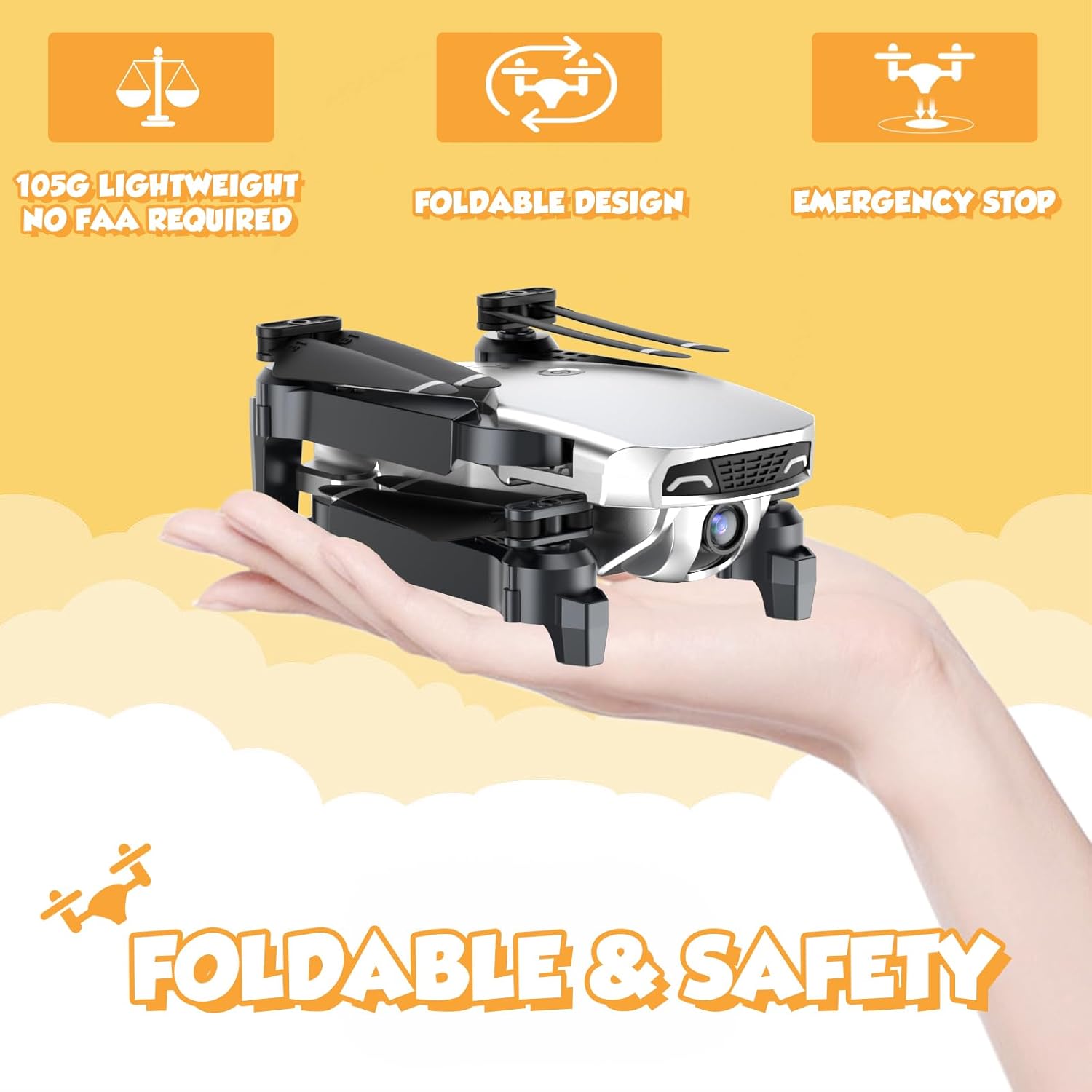
Image: The NEHEME NH525 Drone in its folded, compact state, demonstrating portability.
4. Návod k obsluze
4.1. Párování dronu a dálkového ovladače
- Umístěte dron na rovný a rovný povrch.
- Turn on the drone by pressing the power button. The drone lights will flash.
- Zapněte dálkový ovladač.
- Push the left joystick (throttle) all the way up, then all the way down. The drone lights will stop flashing and become solid, indicating successful pairing.
4.2. One Key Take-off and Landing
This feature simplifies flight for beginners.
- Jeden klíčový start: After pairing, press the One Key Take-off button (usually indicated by an arrow pointing up). The drone will automatically ascend to a stable altitude.
- Jedno klíčové přistání: During flight, press the One Key Landing button (usually indicated by an arrow pointing down). The drone will slowly descend and land automatically.

Image: Visual representation of One Key Take-off and Landing, Headless Mode, and Altitude Hold features.
4.3. Altitude Hold Mode
The drone will maintain its current altitude, allowing for easier control of horizontal movement.
- Once the drone takes off, it will automatically enter Altitude Hold Mode.
- Use the right joystick to control forward, backward, left, and right movement. The left joystick controls rotation and altitude adjustment.
4.4. Bezhlavý režim
In Headless Mode, the drone's orientation is relative to the pilot, regardless of the drone's actual front.
- Press the Headless Mode button on the remote. The drone lights will flash to confirm activation.
- Pushing the right joystick forward will always make the drone fly away from you, and pulling it back will make it fly towards you.
- Press the Headless Mode button again to exit.
4.5. Nastavení rychlosti
Adjust the drone's speed to suit your skill level or flight environment.
- The drone typically has multiple speed settings (e.g., low, medium, high).
- Press the Speed Adjustment button (refer to remote diagram) to cycle through the speeds. The remote may beep to indicate the current speed level.

Image: Illustration of the drone's 3-speed modes and the custom path flight feature.
4.6. 360° Flip Function
Perform exciting aerial stunts with a single button press.
- Ensure the drone has sufficient altitude (at least 2-3 meters).
- Press the 360° Flip button (refer to remote diagram).
- Immediately push the right joystick in the desired flip direction (forward, backward, left, or right). The drone will perform a flip.
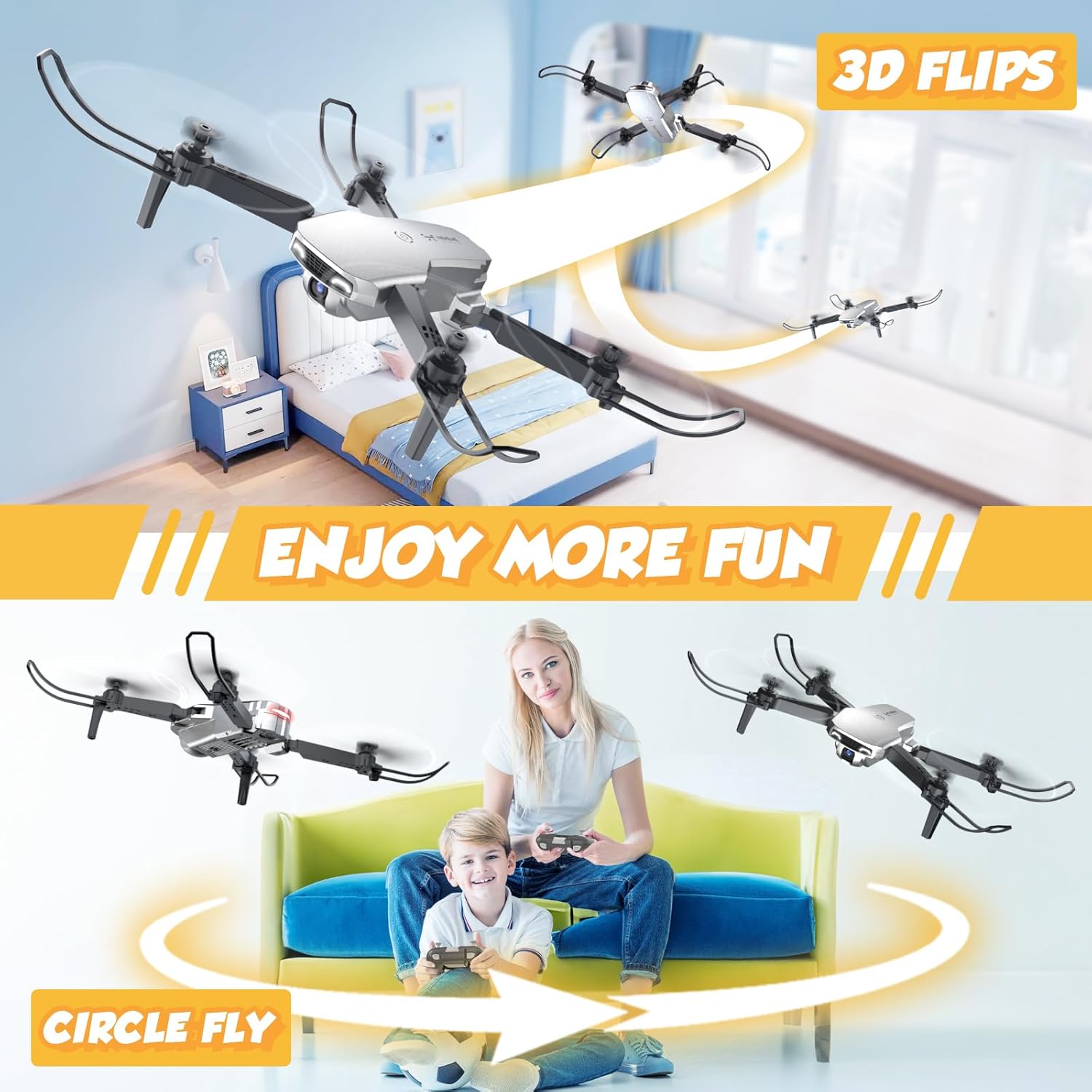
Image: The drone executing 3D flips and a circular flight pattern, highlighting fun flight modes.
4.7. FPV Function and 1080P HD Camera
Experience real-time flight view and capture high-definition photos and videos.
- Download the dedicated NEHEME drone app (check manual for QR code or app store name).
- Connect your smartphone to the drone's Wi-Fi network (usually named "NEHEME-XXXXXX").
- Otevřete aplikaci pro view the real-time FPV feed from the drone's camera.
- Use the app interface to take photos or record videos. The camera resolution is 1080P HD.

Obrázek: Uživatel viewing the 1080P HD camera feed on a smartphone connected to the drone.
4.8. Gesture Control and Voice Control
Enhance your flying experience with intuitive gesture and voice commands via the app.
- Ovládání gesty: Within the app, activate gesture control. Perform specific hand gestures (e.g., V-sign for photo, palm for video) in front of the drone's camera to trigger actions.
- Hlasové ovládání: Activate voice control in the app. Use predefined voice commands (e.g., "Take off", "Land") to control the drone.

Image: A user demonstrating gesture control for taking selfies with the drone's 1080P HD camera.

Image: Depiction of Gravity Control (tilting phone) and Voice Control ("Take off", "Land") features.
4.9. Nouzové zastavení
In case of emergency or loss of control, use the emergency stop function.
- Press the Emergency Stop button (refer to remote diagram). The drone's motors will immediately shut down.
- Use this function only in critical situations as the drone will drop.

Image: The drone with propeller guards, emphasizing safety features like Emergency Stop.
5. Údržba
5.1. Čištění dronu
Regular cleaning helps maintain performance and longevity.
- Před čištěním se ujistěte, že je dron vypnutý a jsou z něj vyjmuty baterie.
- K otření těla dronu použijte měkký, suchý hadřík.
- Pro odolnou špínu je potřeba mírněamp cloth can be used, but avoid getting moisture into electronic components.
- Jemně očistěte objektiv fotoaparátu hadříkem z mikrovlákna.
5.2. Výměna vrtule
Damaged propellers can affect flight stability and safety. Replace them as needed.
- Identify the damaged propeller. Note the letter (A or B) marked on the propeller and the drone arm.
- Carefully remove the screw holding the propeller in place (if applicable) or gently pull the propeller off the motor shaft.
- Select a new propeller with the matching letter (A to A, B to B).
- Install the new propeller, ensuring it is securely attached and spins freely.
5.3. Péče o baterii a její skladování
Proper battery care extends battery life and ensures safety.
- Always use the provided charger.
- Baterie nepřebíjejte ani nevybíjejte.
- Baterie skladujte na chladném a suchém místě mimo dosah přímého slunečního záření a extrémních teplot.
- Pokud skladujete baterie delší dobu, nabijte je přibližně na 50 % jejich kapacity.
- Nepoužívejte poškozené nebo nafouklé baterie.
6. Řešení problémů
| Problém | Možná příčina | Řešení |
|---|---|---|
| Dron nereaguje na dálkové ovládání. | Not paired; Remote batteries low; Drone battery low. | Re-pair drone and remote; Replace remote batteries; Charge drone battery. |
| Dron se během letu unáší. | Not calibrated; Uneven surface at take-off; Damaged propeller. | Perform gyroscope calibration (refer to remote instructions); Take off from a flat surface; Replace damaged propeller. |
| Camera feed is blurry or not showing. | Poor Wi-Fi connection; App not connected; Dirty lens. | Ensure strong Wi-Fi signal; Reconnect app to drone Wi-Fi; Clean camera lens. |
| Krátká doba letu. | Battery not fully charged; Old battery; Aggressive flying. | Fully charge battery; Consider replacing old batteries; Fly more gently. |
| Drony havarují často. | Lack of experience; Flying in windy conditions; Obstacles. | Practice in open areas; Avoid flying in strong winds; Ensure clear flight path. |
7. Specifikace
| Funkce | Detail |
|---|---|
| Název modelu | NH525 Silver |
| Značka | NEHEME |
| Rozlišení záznamu videa | 1080p (1920x1080 pixelů) |
| Technologie připojení | Wi-Fi |
| Kapacita baterie | 1200 miliamp Hodiny (3.7 V) |
| Maximální doba letu | Až 26 minut (se 2 bateriemi) |
| Maximální dosah | 100 metrů |
| Hmotnost položky | 0.25 libry (cca 113 g) |
| Rozměry produktu | 7.08 cm D x 6.69 cm Š x 2.17 cm V (rozložené) |
| Úroveň dovedností | Začátečník |
| Speciální funkce | 360 Degree Flip, Altitude Hold, First Person View (FPV), One Key Start/Land, Speed Adjustment, Headless Mode, Gesture Control, Voice Control, Foldable Design, Emergency Stop |
8. Záruka a podpora
NEHEME offers a warranty for its products.
- 30denní záruka: For quality-related issues concerning the entire unit.
- 90denní záruka: For accessory-related issues.
For technical support, warranty claims, or further assistance, please contact NEHEME customer service through the retailer's platform or visit the official NEHEME brand store.
NEHEME Brand Store: Navštivte obchod
Ask a question about this manual
Ask about setup, troubleshooting, compatibility, parts, safety, or missing instructions. Manuals+ will review the question and use this page’s manual context to help answer it.