
1. Konec produktuview
The Mibro 2 True Wireless Bluetooth Earbuds with SinglePoint technology and an IPX5 rating offer a seamless and durable audio experience. The elegant white design ensures a sleek look, while the SinglePoint feature enhances connectivity. With an IPX5 rating, these earbuds are splash-resistant, making them suitable for various activities.
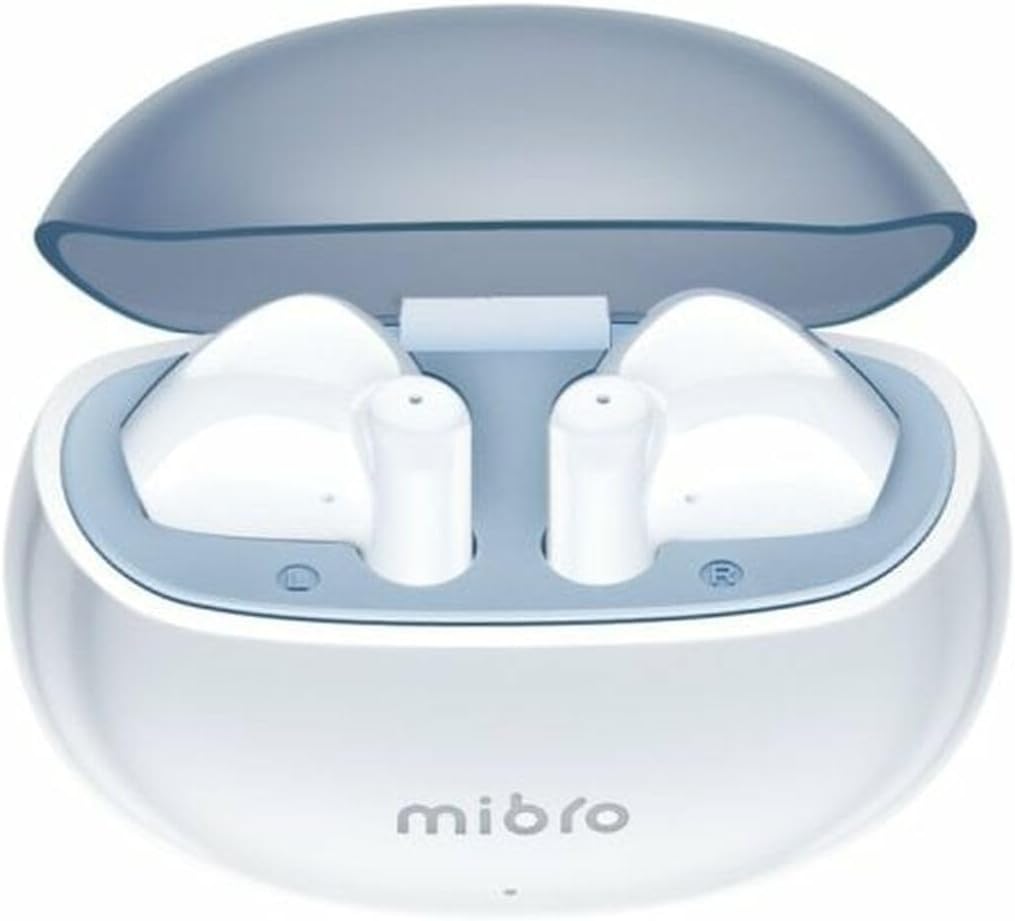
Figure 1.1: Mibro 2 Earbuds in their charging case, showcasinelegantní bílý design.
2. Klíčové vlastnosti
- Seamless and durable audio experience
- SinglePoint technology enhances connectivity
- Elegant white design for a modern look
- Ideal for various activities with a stylish appearance
- Ensures a sleek and reliable audio solution

Figure 2.1: The Mibro 2 Earbuds and charging case, highlighting their compact and modern design.
3. Počáteční nastavení
3.1. Nabíjení sluchátek a pouzdra
Before first use, fully charge the earbuds and the charging case. Place the earbuds into the charging case. Connect the charging case to a power source using a compatible USB cable (not included). The indicator light on the case will show charging status.
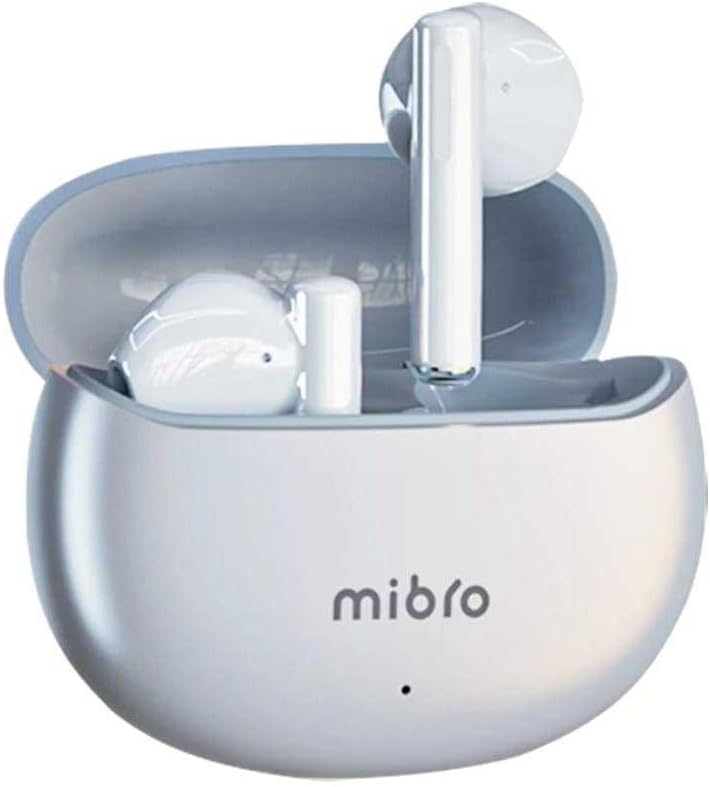
Figure 3.1: Mibro 2 Earbuds in their closed charging case, ready for charging.
3.2. Spárování se zařízením
- Ujistěte se, že jsou sluchátka nabitá.
- Otevřete nabíjecí pouzdro. Sluchátka se automaticky přepnou do režimu párování.
- V mobilním telefonu nebo zařízení s podporou Bluetooth přejděte do nastavení Bluetooth.
- Hledat available devices and select "Mibro 2 Earbuds" from the list.
- Po připojení se přehraje potvrzovací zvuk a sluchátka budou připravena k použití.

Figure 3.2: Pairing the Mibro 2 Earbuds with a mobile device.
4. Návod k obsluze
4.1. Zapnutí/vypnutí
- Zapnutí: Otevřete nabíjecí pouzdro a sluchátka se automaticky zapnou.
- Vypnout: Vložte sluchátka zpět do nabíjecího pouzdra a zavřete víko. Automaticky se odpojí a vypnou.
4.2. Stiskněte Ovládací prvky
The Mibro 2 Earbuds feature intuitive touch controls for various functions:
- Přehrát/pozastavit: Jediným klepnutím na jedno sluchátko.
- Další skladba: Dvakrát klepněte na pravé sluchátko.
- Předchozí skladba: Dvakrát klepněte na levé sluchátko.
- Přijmout/ukončit hovor: Během příchozího hovoru klepněte jedním klepnutím na kterékoli sluchátko.
- Odmítnout hovor: Během příchozího hovoru stiskněte a podržte kterékoli ze sluchátek po dobu 2 sekund.
- Aktivovat Voice Assistant: Trojitě klepněte na kterékoli sluchátko.

Figure 4.1: Demonstrating the touch control on the Mibro 2 Earbuds.
5. Péče a údržba
- Čištění: Pravidelně čistěte sluchátka a nabíjecí pouzdro měkkým, suchým hadříkem, který nepouští vlákna. Nepoužívejte agresivní chemikálie ani abrazivní materiály.
- Voděodolnost: The earbuds are IPX5 splash-resistant. Avoid submerging them in water or exposing them to heavy rain. Dry them thoroughly if they get wet.
- Skladování: Pokud sluchátka nepoužíváte, uchovávejte je v nabíjecím pouzdře, aby byla chráněna a zůstala nabitá. Nevystavujte je extrémním teplotám.
- Péče o baterie: To prolong battery life, avoid fully discharging the earbuds frequently. Charge them regularly, even if not used for extended periods.
6. Řešení problémů
- Sluchátka se nespárují: Ensure earbuds are charged and within range of your device. Turn off and on your device's Bluetooth. Try resetting the earbuds (refer to manufacturer's specific reset instructions if available).
- Z jednoho sluchátka žádný zvuk: Vložte obě sluchátka zpět do nabíjecího pouzdra, zavřete víko, počkejte několik sekund a poté jej znovu otevřete. Tím se často znovu synchronizují.
- Nízká hlasitost: Adjust the volume on both your connected device and the earbuds. Ensure eartips are properly sealed in your ear canal.
- Problémy s nabíjením: Check the charging cable and power adapter. Ensure the charging contacts on the earbuds and inside the case are clean and free of debris.
7. Technické specifikace
| Funkce | Specifikace |
|---|---|
| Značka | Mikro |
| Název modelu | 2 Sluchátka do uší |
| Číslo modelu položky | sol-me2 |
| Technologie připojení | Bezdrátové Bluetooth |
| Kontrolní metoda | Dotek |
| Form Factor | In-Ear |
| Barva | Bílý |
| Materiál | Plast |
| Hmotnost položky | 100 gramů |
| Úroveň odolnosti proti vodě | Odolnost proti stříkající vodě IPX5 |
| Nabíjecí baterie | Ano |
| Speciální funkce | Lehký |
| Kompatibilní zařízení | Mobilní telefon |
| Zahrnuté komponenty | Špička do ucha |
8. Záruka a podpora
8.1. Informace o záruce
Specific warranty information for the Mibro 2 True Wireless Bluetooth Earbuds is not available in the provided product data. Please refer to the product packaging or the official Mibro webpodrobné záruční podmínky naleznete na webu.
8.2. Zákaznická podpora
Customer support contact details are not available in the provided product data. For assistance, please visit the official Mibro webwebu nebo se obraťte na prodejce, u kterého jste produkt zakoupili.