
Zavedení
Thank you for choosing the iKF Y3 Wired Retro Headphones. This manual provides essential information for setting up, operating, maintaining, and troubleshooting your headphones. Please read it thoroughly to ensure optimal performance and longevity of your device.

Image: The iKF Y3 Retro Wired Headphones, showcasing their vintage-inspirovaný design.
Konec produktuview
Klíčové vlastnosti
- Retro design: Metal steel bars create a vintage-inspirovaná estetika.
- Lehký a pohodlný: Weighing approximately 50g, with breathable, dense sponge ear pads for extended wear.
- HiFi kvalita zvuku: Equipped with 30mm white magnetic speakers for clear, dual-channel stereo audio.
- Flexible and Convenient: Features a retractable body and manually adjustable earcups for a personalized fit.
- Vysoká kompatibilita: Connects to devices with a standard 3.5mm audio jack, including phones, tablets, and computers.
Obsah balení
Ujistěte se, že v balení jsou přítomny všechny položky:
- 1 x iKF Y3 Wired Headphones
- 1 x Uživatelská příručka
- 2 x Pairs of Replacement Ear Pads (1 Black, 1 Orange)

Image: The iKF Y3 headphones, user manual, and two pairs of ear pads (black and orange) included in the package.
Nastavení
1. Nastavení čelenky
Gently extend or retract the metal steel bars of the headband to fit your head comfortably. The earcups can also be manually adjusted for optimal positioning over your ears.

Image: The iKF Y3 headphones demonstrating the ergonomic headband design for a pressure-free fit.
2. Připojení k zařízení
Locate the 3.5mm audio jack on your device (phone, tablet, laptop, PC). Insert the 3.5mm plug of the iKF Y3 headphones firmly into the audio jack. No additional drivers or software are required for basic audio playback.
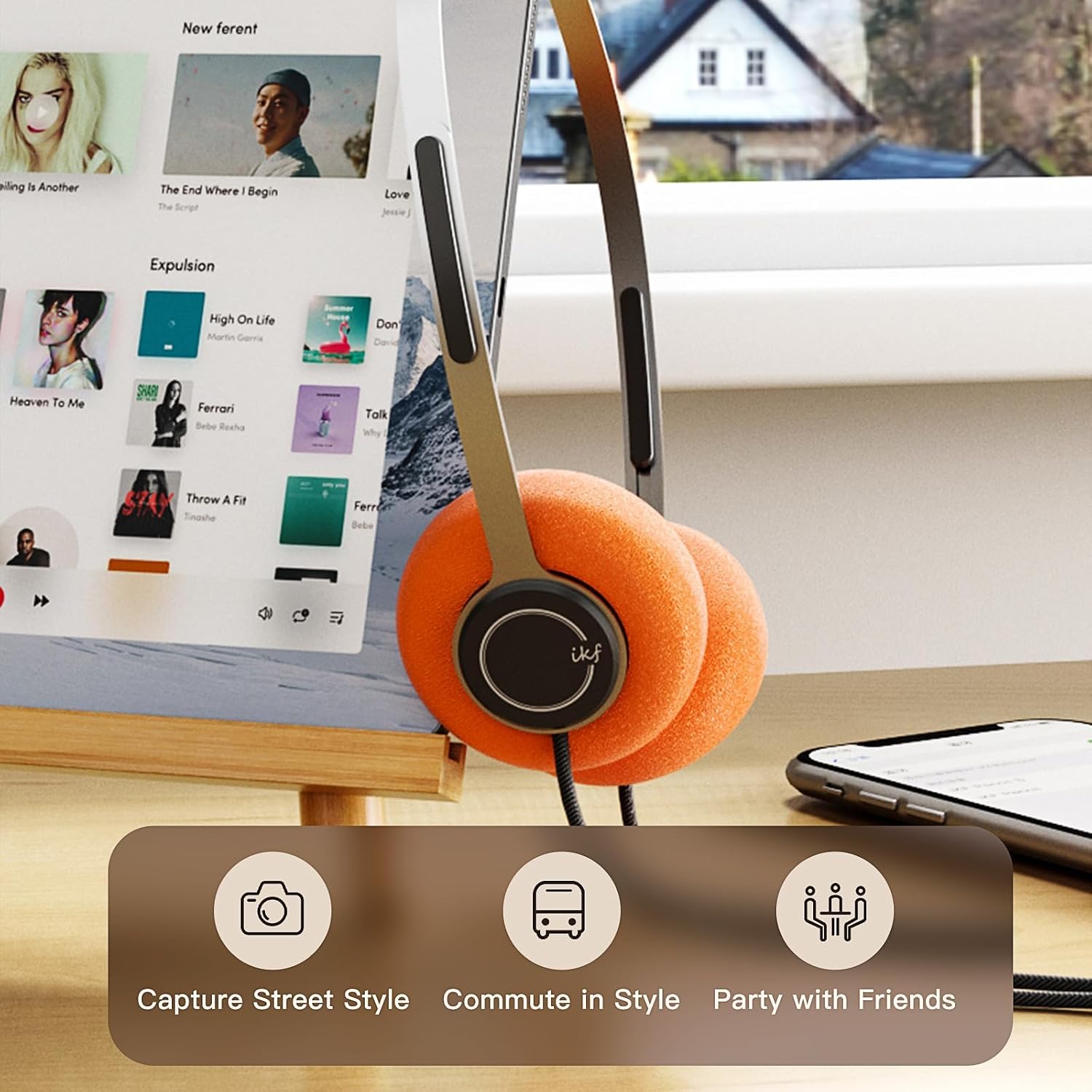
Image: iKF Y3 headphones connected to a tablet, illustrating compatibility with various devices for music and communication.
Návod k obsluze
Ovládání hlasitosti
The iKF Y3 headphones feature an inline controller on the cable for convenient volume adjustment:
- Zvýšení hlasitosti: Slide the volume button upwards.
- Snížit hlasitost: Slide the volume button downwards.
Note: The volume level on your connected device (phone, tablet, PC) will also affect the overall sound output. Adjust both for your preferred listening level.
Call and Media Control
The inline controller also allows for basic call and media management:
- Play/Pause Music / Answer/End Call: Single click the central button.
- Odmítnout hovor: Dlouze stiskněte středové tlačítko.
- Další skladba: Double click the central button.
- Předchozí skladba: Triple click the central button.

Image: Close-up of the inline controller on the headphone cable, showing the volume slider and multi-function button for media and call control.
Údržba
Čištění
- Use a soft, dry cloth to wipe the headphones.
- Náušníky jemně otřete lehceamp hadříkem a před použitím nechte zcela uschnout na vzduchu.
- Vyhněte se používání agresivních chemikálií, rozpouštědel nebo abrazivních čisticích prostředků.
Výměna náušníků
The iKF Y3 headphones come with detachable sponge ear cushions, allowing for easy replacement:
- Gently pull off the existing ear pad from the earcup.
- Align the new ear pad with the earcup and carefully stretch it over the edge until it is securely fitted.

Image: Illustration of the detachable sponge ear cushions, highlighting the ease of switching between different styles (black and orange).
Skladování
Store your headphones in a cool, dry place away from direct sunlight and extreme temperatures. Avoid tangling the cable to prevent damage.
Odstraňování problémů
| Problém | Možná příčina | Řešení |
|---|---|---|
| Žádný zvuk | Headphone plug not fully inserted. Device volume too low. Incorrect audio output selected on device. | Ensure 3.5mm plug is fully inserted. Increase volume on both headphones and connected device. Check device audio settings to ensure headphones are selected as output. |
| Zvuk je zkreslený nebo nejasný | Volume too high. Damaged cable or connector. | Lower the volume. Inspect the cable and 3.5mm plug for any visible damage. Try with another device to isolate the issue. |
| Mikrofon nefunguje | Microphone input not selected on device. | Check your device's audio input settings and ensure the headphone microphone is selected. |
Specifikace

Obrázek: Explodoval view of the iKF Y3 headphone's internal components, highlighting the 30mm neodymium driver for crystal clear sound.
| Funkce | Detail |
|---|---|
| Značka | iKF |
| Název modelu | iKF Y3 |
| Barva | Hnědý |
| Technologie připojení | Kabelové |
| Jack pro sluchátka | Zásuvka 3.5 mm |
| Umístění uší | On-Ear |
| Impedance | 32 ohmů |
| Zvuková izolace | Zvuková izolace |
| Typ zvukového ovladače | Dynamický |
| Velikost zvukového ovladače | 30 milimetrů |
| Frekvenční rozsah | 20 Hz až 20,000 Hz |
| Hmotnost produktu | Přibl. 50 g |
| Kompatibilní zařízení | Computer, Laptop, Mobile Phone |
| Vlastnosti produktu | Adjustable Headband, Retro Design, Lightweight, HiFi Sound Quality |
| Typ ovládání | Media Control (Inline Controller) |
| Země původu | Čína |
Záruka a podpora
For warranty information and customer support, please refer to the documentation provided with your purchase or contact iKF customer service through their official webUschovejte si doklad o koupi pro případ reklamace.