
1. Úvod
This manual provides essential instructions for setting up and operating your Luoran M4B MP3 Player. Please read this guide thoroughly to ensure proper use and to maximize your device's capabilities. The Luoran M4B is a portable media player designed for music, video, and app playback, featuring a 4.0-inch IPS display, Bluetooth, and Wi-Fi connectivity.
2. Obsah balení
Ověřte, zda jsou v balení přítomny všechny položky:
- Luoran M4B MP3 Player
- USB-C kabel
- Uživatelská příručka (tento dokument)
3. Zařízení skončiloview

Obrázek 3.1: Přední a zadní strana view of the Luoran M4B MP3 Player, highlighting its 4.0-inch IPS display and metal frame with tempered glass back.
3.1. Fyzická tlačítka a porty
- Vypínač: Located on the side, used to turn the device on/off and wake/sleep the screen.
- Tlačítka hlasitosti (+/-): Nachází se na boku, slouží k nastavení hlasitosti zvuku.
- Port USB-C: Nachází se ve spodní části, slouží k nabíjení a přenosu dat.
- 3.5mm konektor pro sluchátka: Nachází se ve spodní části, pro připojení drátových sluchátek.
- Slot pro kartu Micro SD: Located on the side, for expanding storage.
4. Začínáme
4.1. Nabíjení zařízení
Before first use, fully charge the MP3 player. Connect the provided USB-C cable to the device's USB-C port and the other end to a compatible USB power adapter (not included) or a computer's USB port. The charging indicator will show the charging status.
4.2. Zapnutí/vypnutí
- Zapnutí: Stiskněte a podržte tlačítko Napájení, dokud se nerozsvítí obrazovka.
- Vypnutí: Stiskněte a podržte tlačítko napájení a poté z možností na obrazovce vyberte možnost „Vypnout“.
- Spánek/probuzení: Briefly press the Power button to turn the screen off or on.
5. Základní obsluha
5.1. Navigace na dotykové obrazovce
The Luoran M4B features a full touchscreen for navigation. Swipe left, right, up, or down to browse menus and content. Tap icons to open applications or select options.
5.2. Připojení k Wi-Fi
To access online features and apps, connect your device to a Wi-Fi network:
- Přejít na Nastavení.
- Vybrat Síť a internet.
- Zapnout Wi-Fi.
- Vyberte ze seznamu požadovanou síť Wi-Fi.
- Zadejte heslo, pokud se zobrazí výzva, a klepněte na Připojit.
5.3. Připojení přes Bluetooth
Pair your MP3 player with Bluetooth headphones, speakers, or car stereos:
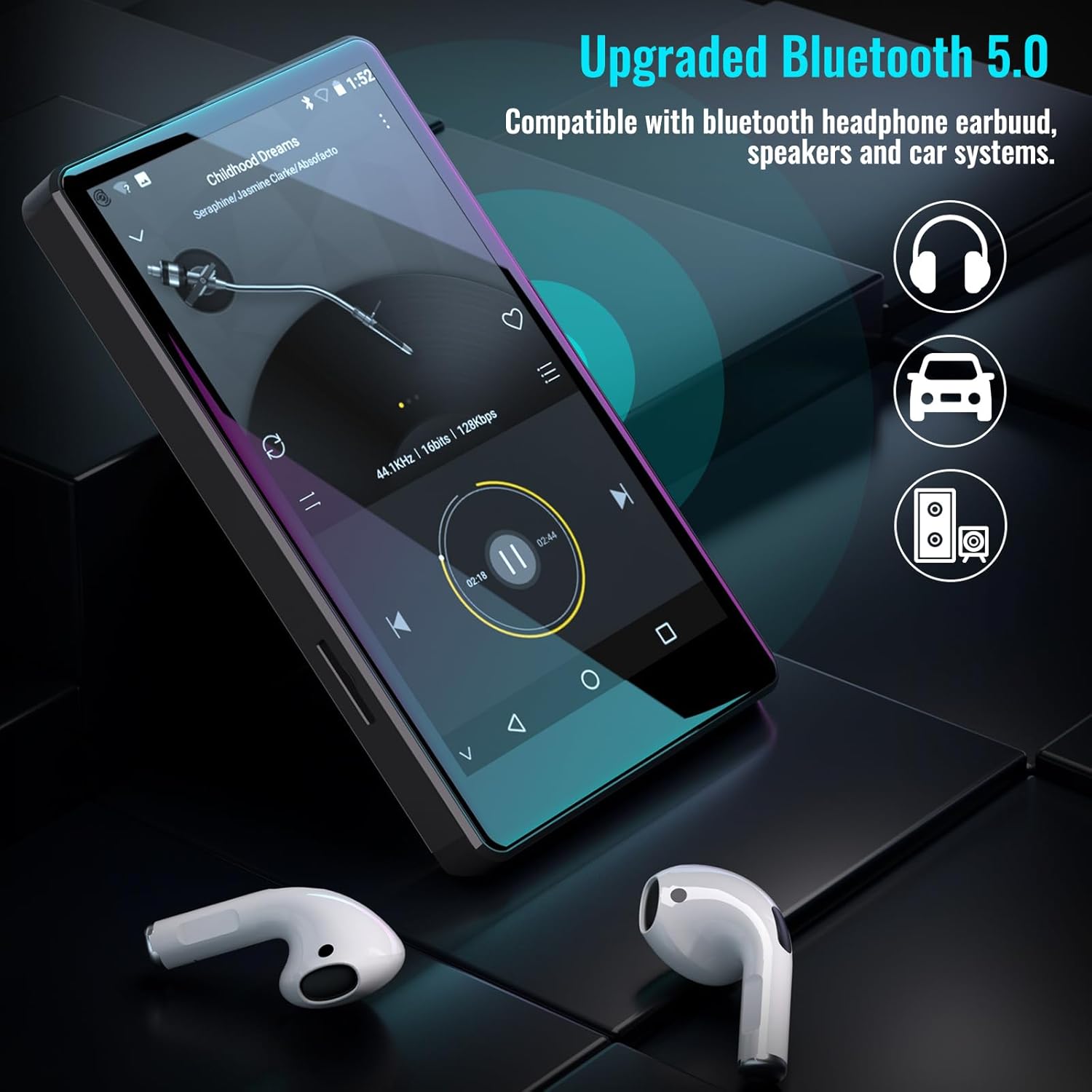
Figure 5.1: The Luoran M4B MP3 Player supports Bluetooth 5.0 for connecting to various audio devices.
- Přejít na Nastavení.
- Vybrat Připojená zařízení.
- Zapnout Bluetooth.
- Ujistěte se, že je vaše Bluetooth příslušenství v režimu párování.
- Vyberte příslušenství ze seznamu dostupných zařízení, která chcete spárovat.
6. Music and Media Playback
6.1. Supported Music Formats
The device supports a wide range of audio formats, including MP3, WAV, FLAC, APE, OGG, M4A, AAC, WMA, and MP2.
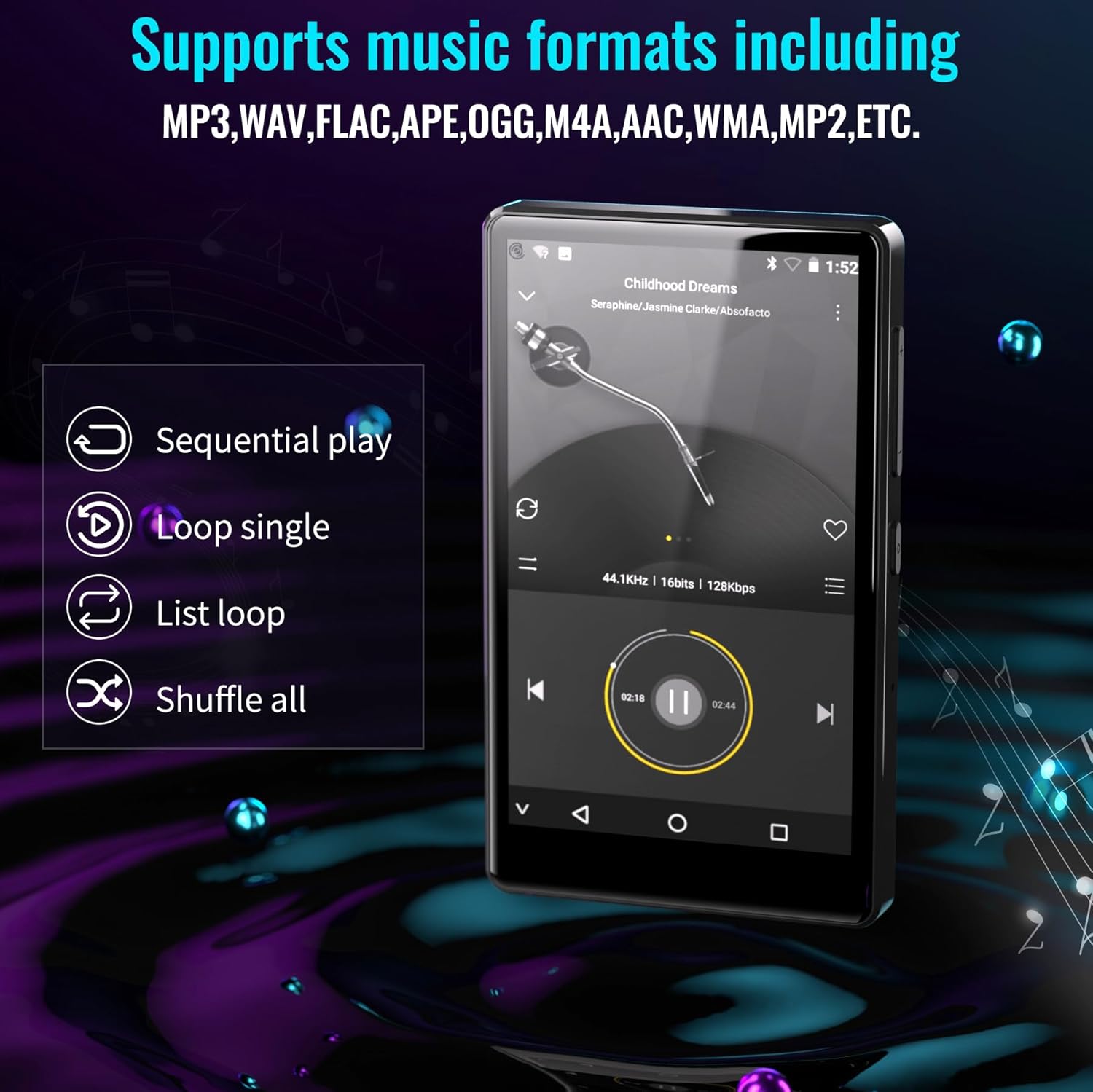
Figure 6.1: The MP3 player's interface showing various playback options and supported music formats.
6.2. Using Pre-installed Applications
The Luoran M4B comes with several popular music and media applications pre-installed, such as Spotify, Spotify Kids, Amazon Music, Audible, and HiBy Music. Access these apps from the home screen to stream or play your content.
6.3. Rozšiřitelné úložiště
The device has an internal storage capacity of 8GB. You can expand the storage up to 256GB using a Micro SD card (SDXC, SDHC compatible). Insert the Micro SD card into the dedicated slot on the side of the device.

Figure 6.2: Inserting a Micro SD card to expand the device's memory up to 256GB.
7. Další funkce
7.1. Web Prohlížeč
A web browser is included for internet access. This browser can be removed if desired, offering a level of content control.

Figure 7.1: The option to uninstall the web browser for content management.
7.2. FM rádio
The device includes an FM radio function, allowing you to listen to local radio stations. It may also support recording FM broadcasts.

Figure 7.2: The FM Radio interface on the device.
7.3. Ebook Reader
An Ebook application is available for reading digital books directly on the device's screen.

Figure 7.3: The device's interface for audiobooks or ebooks.
8. Údržba
8.1. Čištění
K čištění zařízení používejte měkký, suchý hadřík, který nepouští vlákna. Nepoužívejte abrazivní čisticí prostředky ani rozpouštědla.
8.2. Péče o baterie
To prolong battery life, avoid exposing the device to extreme temperatures. Charge the device regularly, but avoid leaving it fully charged or fully discharged for extended periods.
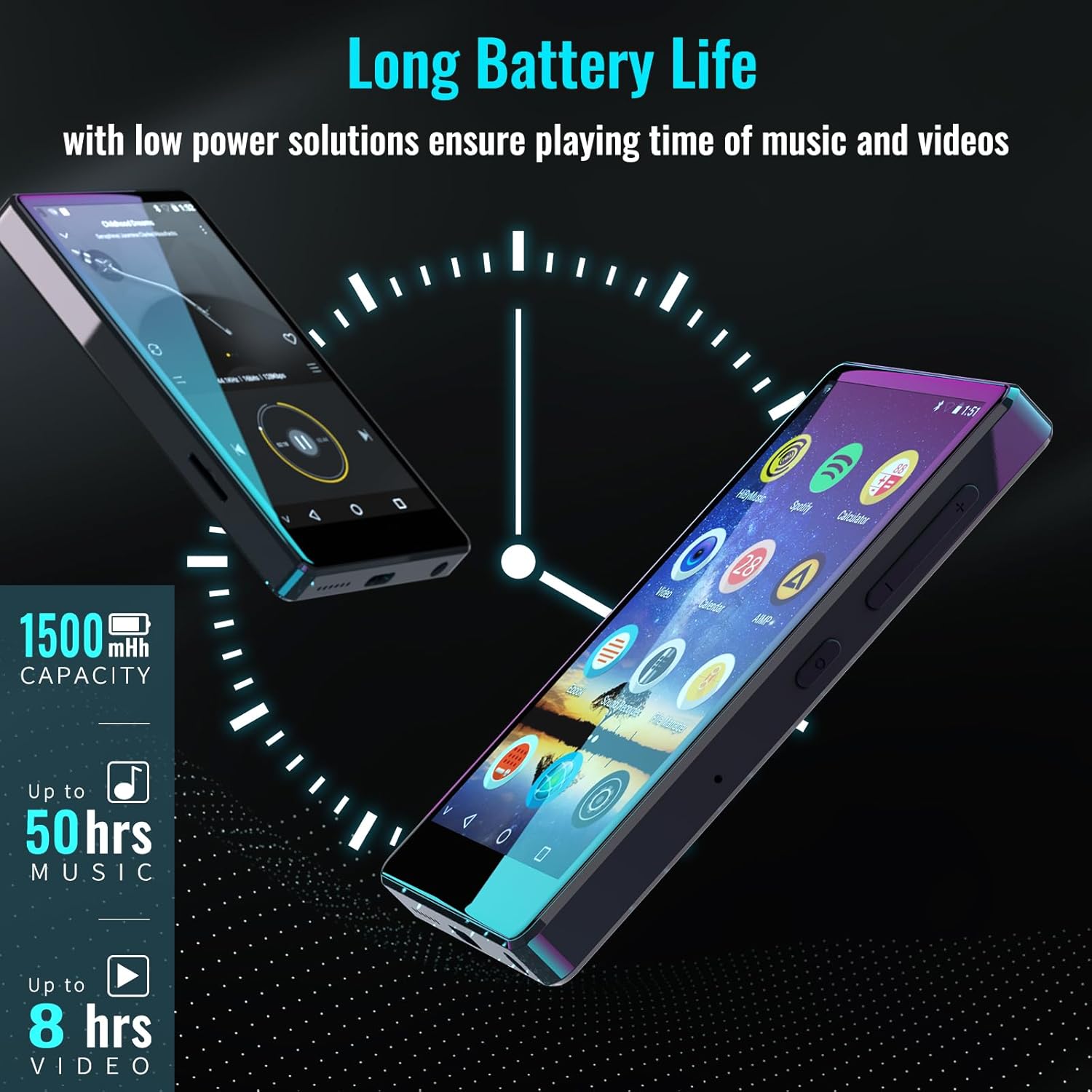
Figure 8.1: The device features a 1500mAh battery, providing up to 50 hours of music playback or 8 hours of video playback.
9. Řešení problémů
9.1. Zařízení se nezapíná
- Ensure the device is sufficiently charged. Connect it to a power source for at least 30 minutes.
- Stiskněte a podržte tlačítko napájení po dobu 10–15 sekund pro provedení vynuceného restartu.
9.2. Nelze se připojit k Wi-Fi/Bluetooth
- Verify that Wi-Fi/Bluetooth is enabled in Settings.
- Ensure you are within range of the network/device.
- Check that the Wi-Fi password is correct.
- For Bluetooth, ensure the accessory is in pairing mode.
9.3. App Issues or Missing Apps
If you encounter issues with pre-installed applications or need to install/upgrade specific apps, please contact the Luoran Team for assistance. They can provide APK files and installation steps.
10. Specifikace
| Značka | Luoran |
| Název modelu | M4B-C-BLK |
| Technologie připojení | Bluetooth, WiFi |
| Kapacita paměti | 8 GB (rozšiřitelné až na 256 GB pomocí Micro SD karty) |
| Velikost obrazovky | 4 palce |
| Kompatibilní zařízení | Sluchátka, reproduktor |
| Podporovaný typ média | Paměťová karta |
| Technologie displeje | LED |
| Podporované zvukové standardy | MP3, WAV, FLAC, APE, M4A, AAC, WMA, MP2, etc. |
| Průměrná životnost baterie | 50 Hours (music playback) |
| Rozměry položky (D x Š x V) | 0.4"H x 2.4"Š x 4.2"V |
| UPC | 747783656344 |
11. Záruka a podpora
The Luoran M4B MP3 Player comes with a Záruka 12 měsíců. For technical support, warranty claims, or assistance with app installation/upgrades, please contact the Luoran Team directly. Contact information can typically be found on the manufacturer's webwebu nebo prostřednictvím vaší nákupní platformy.