
1. Úvod
The OTOFIX TireGO 808 is a comprehensive Tire Pressure Monitoring System (TPMS) tool designed for vehicle maintenance professionals and enthusiasts. It provides a range of functions including TPMS status verification, sensor activation, programming of MX-Sensors, relearning of TPMS sensors, and TPMS diagnostics and reset procedures. The device supports both 315 MHz and 433 MHz sensors and offers lifetime software updates to ensure compatibility with new vehicle technologies.
This manual provides detailed instructions for the safe and effective use of your TireGO 808 tool.
2. Nastavení
2.1 Vybalení a počáteční kontrola
Carefully unpack the TireGO 808 tool and all accessories. Inspect the device for any signs of damage. If any components are missing or damaged, contact your vendor immediately.
2.2 Nabíjení zařízení
Before first use, fully charge the device using the provided power cable. The device is powered by a Lithium-Ion battery.
2.3 Zapnutí/vypnutí
- Zapnutí: Stiskněte a podržte tlačítko napájení, dokud se nerozsvítí obrazovka.
- Vypnutí: Stiskněte a podržte tlačítko napájení a poté na obrazovce vyberte možnost „Vypnout“.
2.4 Aktualizace softwaru
The TireGO 808 supports lifetime free updates. It is recommended to update the software regularly to ensure compatibility with the latest vehicle models and TPMS sensors.
- Připojte zařízení k síti Wi-Fi.
- Navigate to the "Update" section on the device menu.
- Follow the on-screen instructions for a one-click update.
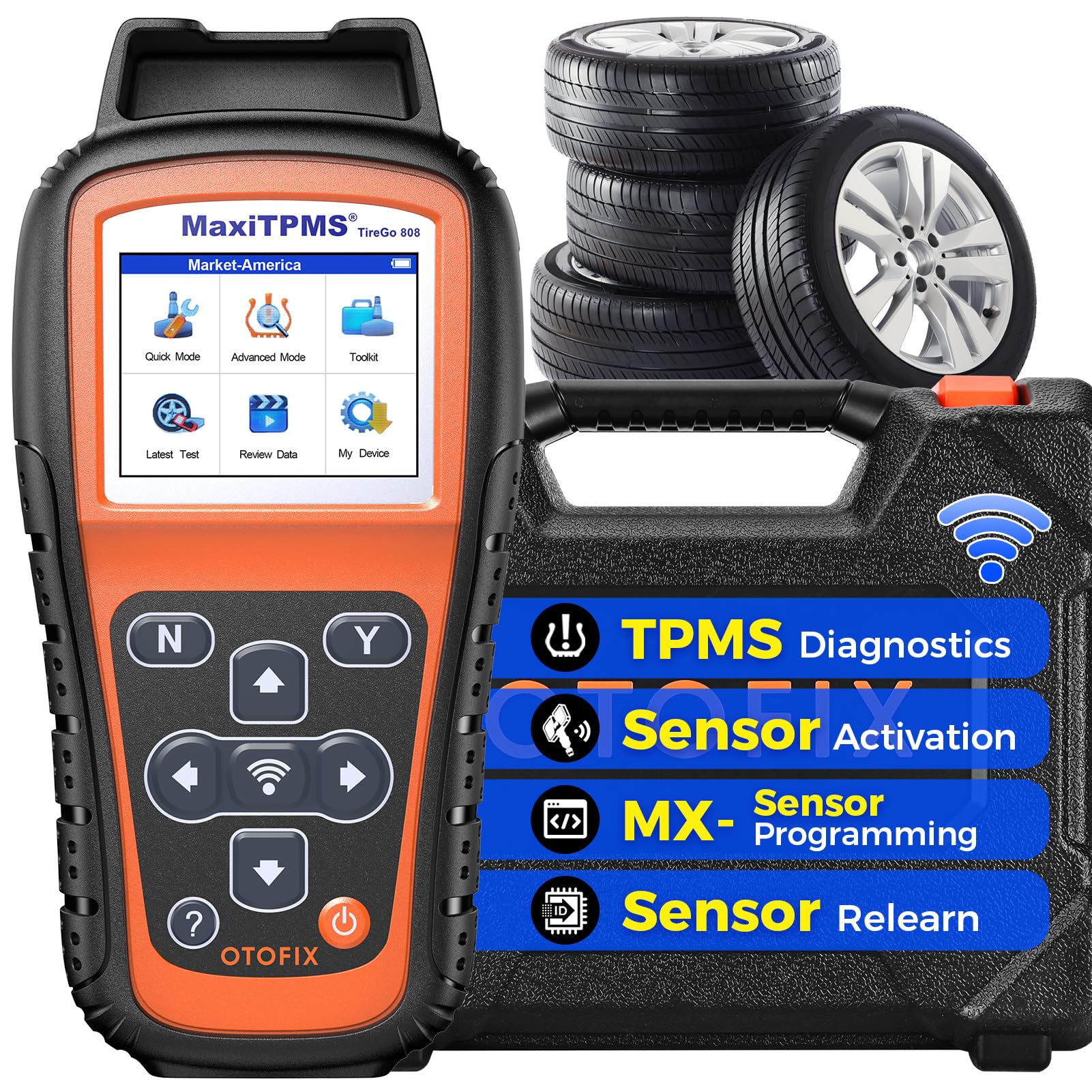
Image: The OTOFIX TireGO 808 device, showing its main interface and key functionalities like WiFi updating and free updates.
3. Návod k obsluze
3.1 TPMS Status Check
This function allows for a quick check of the TPMS system status. It can verify sensor health and identify any immediate issues.
3.2 Aktivace senzoru
The TireGO 808 can activate all universal and OE TPMS sensors operating at 315 MHz and 433 MHz. This process reads sensor IDs, tire pressure, tire temperature, battery status, and sensor position without dismounting the tire.
- Select the "Activate Sensor" option from the main menu.
- Follow the on-screen prompts to position the tool near each tire's sensor.
- The tool will display sensor information upon successful activation.
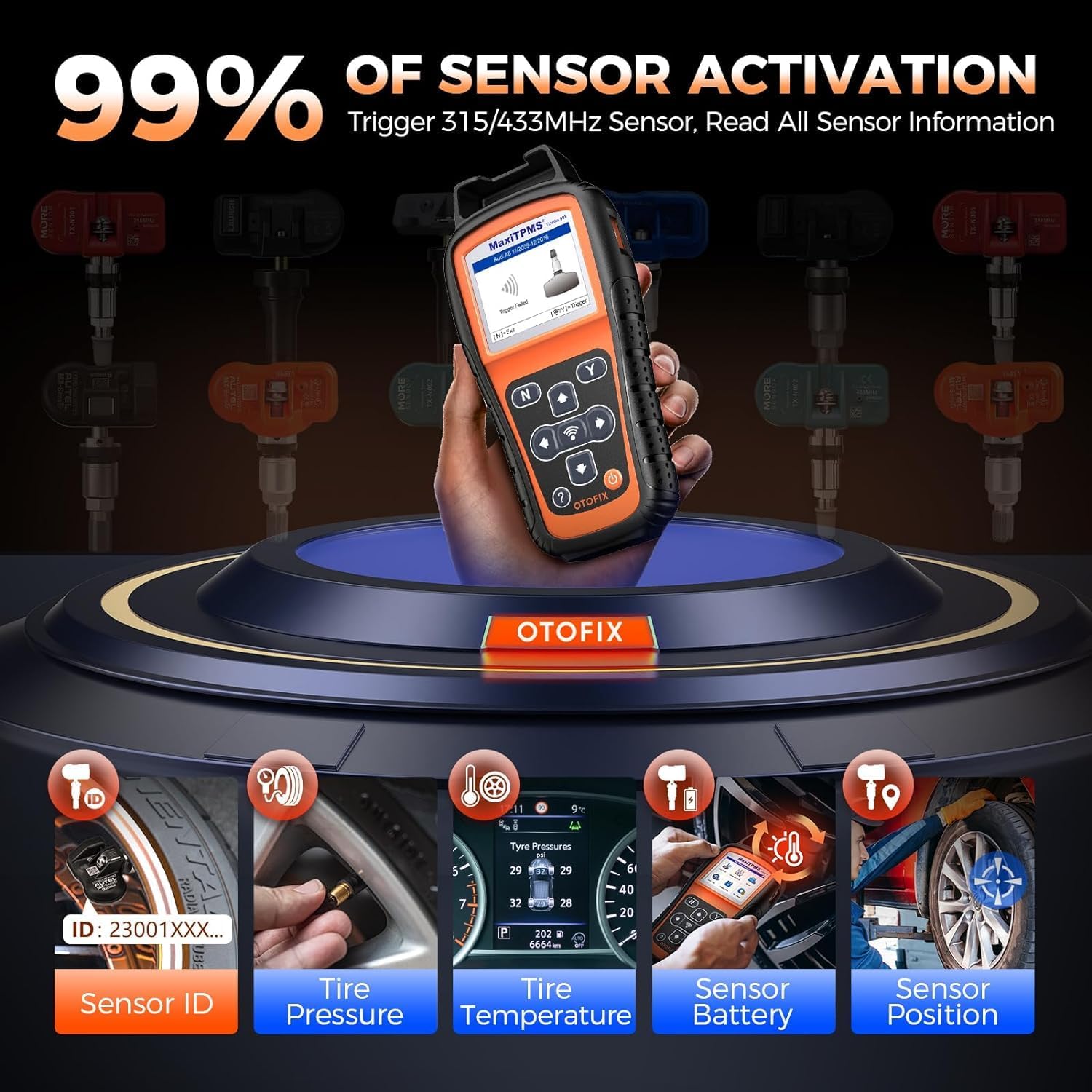
Image: Activating a TPMS sensor with the OTOFIX TireGO 808, displaying real-time sensor data.
3.3 Programování MX-senzoru
This tool is designed to program OTOFIX MX-Sensors. It offers four programming methods:
- Kopírování aktivací: Copies the ID from an activated original sensor.
- Copy by Manual Input: Allows manual entry of the original sensor ID.
- Automatické vytvoření: Generates new, unique IDs for up to 16 MX-Sensors simultaneously.
- Kopie pomocí OBD: Copies sensor IDs directly from the vehicle's ECU via the OBD-II port, eliminating the need for relearn procedures.
Note: This function is exclusively for OTOFIX MX-Sensors.

Image: MX-Sensor programming interface, illustrating Auto Create and Copy by OBD methods.
3.4 Sensor Relearn
After replacing TPMS sensors or rotating tires, a relearn procedure is necessary to link the new sensor IDs to the vehicle's ECU. The TireGO 808 supports three relearn methods for most known sensors:
- OBD přeučení: Connects to the vehicle's OBD-II port to write new sensor IDs directly to the ECU.
- Automatické opětovné učení: Guides the user through a driving procedure to allow the vehicle to automatically learn new sensor IDs.
- Stacionární opětovné učení: Requires the vehicle to be in a specific mode (often activated via the tool) to learn new sensor IDs while stationary.

Obrázek: Overview of the three sensor relearn methods supported by the tool.
3.5 Diagnostika TPMS
Perform a comprehensive health check of the entire TPMS system. This function allows you to:
- Scan the TPMS system for issues.
- Read Diagnostic Trouble Codes (DTCs) related to TPMS.
- Clear TPMS DTCs to resolve warning lights.
- Save the last test history for record-keeping.

Image: TPMS diagnostic screen showing a low tire pressure warning and the tool's diagnostic capabilities.
3.6 Quick Mode and Advanced Mode
The TireGO 808 features two operational modes to suit different user needs:
- Rychlý režim: Provides intelligent guided operations for routine tasks such as activating and relearning all TPMS sensors, reading sensor ID, tire pressure, temperature, and battery level, and auto-creating 1-16 sensors. This mode streamlines common TPMS procedures.
- Pokročilý mód: Designed for more complex TPMS repairs, offering deeper functionalities including full TPMS diagnostics, TPMS reset, reading/clearing TPMS DTCs, sensor position relearn, and advanced auto-create and copy by OBD options.

Image: The device interface highlighting Quick Mode and Advanced Mode for varied TPMS tasks.
3.7 Další funkce
- Test klíčenky: Checks key frequency and battery electricity.
- TPMS ECU Unlock: Specific function for Toyota & Lexus vehicles to restart OBD relearn.
- Sensor Data Printing: Allows printing of sensor data via PC connection.
- History Test Record: Maintains a record of past diagnostic and programming sessions.

Image: Visual representation of additional features like Key Fob Test and Sensor Data Printing.
4. Údržba
4.1 Aktualizace softwaru
Regularly update the device software to ensure optimal performance and access to the latest vehicle and sensor data. Updates are free for life and can be performed via Wi-Fi.
4.2 Čištění zařízení
Použijte měkký, damp cloth to clean the exterior of the device. Avoid using abrasive cleaners or solvents that could damage the screen or casing.
4.3 Péče o baterii
The device is equipped with a Lithium-Ion battery. To prolong battery life:
- Vyhněte se častému úplnému vybíjení baterie.
- Pokud zařízení delší dobu nepoužíváte, skladujte jej na chladném a suchém místě.
- Zařízení pravidelně nabíjejte, i když jej aktivně nepoužíváte, abyste udrželi baterii v dobrém stavu.
5. Řešení problémů
5.1 Zařízení se nezapíná
- Ensure the battery is sufficiently charged. Connect the device to the power adapter and try again.
- Pokud se zařízení stále nezapne, kontaktujte zákaznickou podporu.
5.2 Sensor Activation Failure
- Verify that the sensor is a 315 MHz or 433 MHz type.
- Ensure the tool is held correctly and close to the sensor.
- Check the sensor's battery status; a dead sensor battery will prevent activation.
- Confirm the vehicle's make, model, and year are correctly selected in the tool.
5.3 Problémy s programováním
- Ensure you are using OTOFIX MX-Sensors for programming. The tool is designed specifically for these sensors.
- Follow the programming steps precisely for the chosen method (Copy by Activation, Manual Input, Auto Create, or Copy by OBD).
5.4 DTC Guidance
The device provides on-screen DTC descriptions to help understand and resolve diagnostic trouble codes. Refer to these descriptions for specific fault information.

Image: DTC Guidance screen, providing information on diagnostic trouble codes.
6. Specifikace
| Číslo modelu | TireGo 808 |
| Velikost obrazovky | 2.8 palce |
| Zdroj napájení | Kabel elektrický |
| Typ baterie | 1 Lithium Ion (included), 3.7V 3200mAh |
| Rozměry balení | 32.9 x 26.8 x 10.4 cm |
| Hmotnost | 1.9 kg |
| Výrobce | OTOFIX |
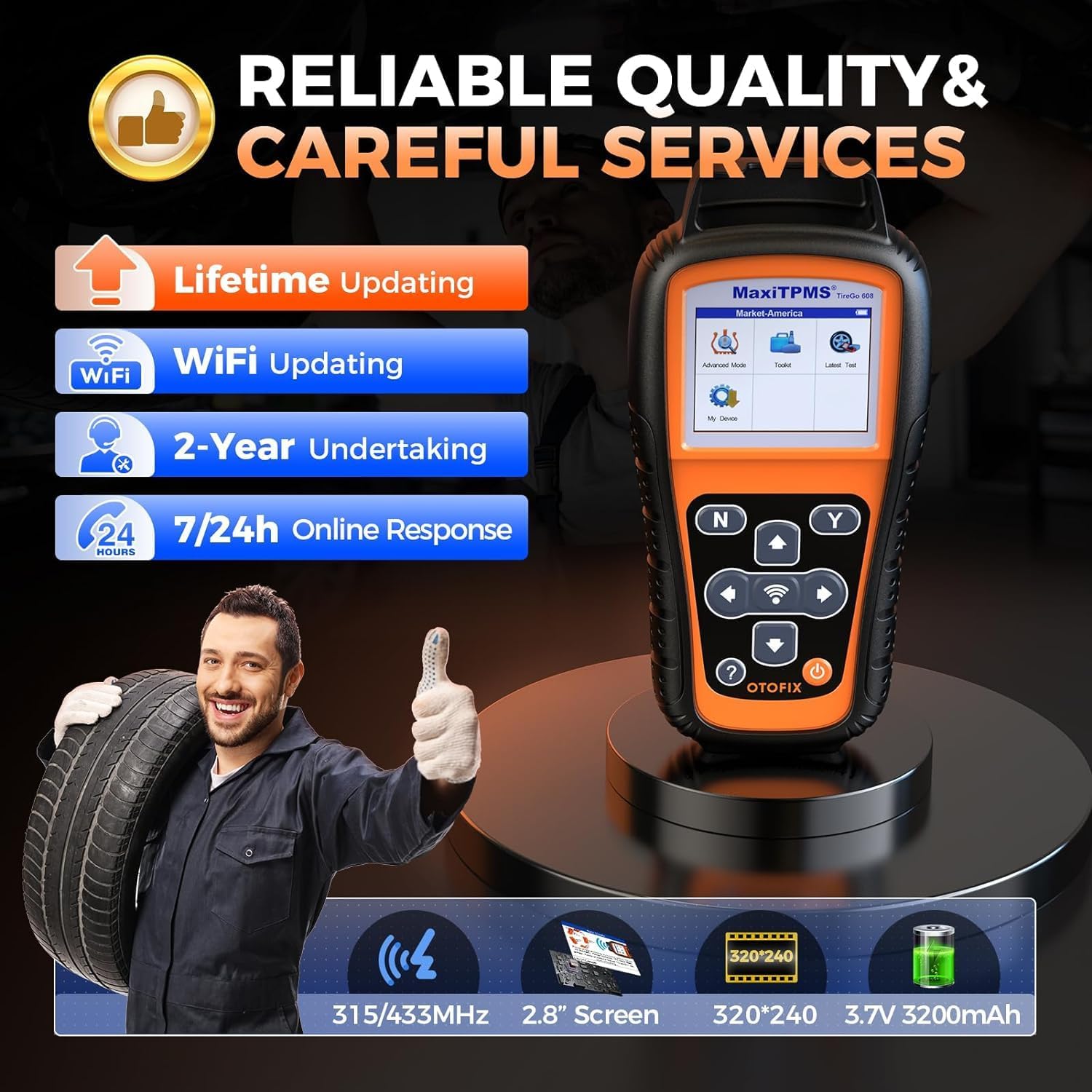
Image: The OTOFIX TireGO 808 tool with its key technical specifications.
7. Záruka a podpora
7.1 Informace o záruce
The OTOFIX TireGO 808 TPMS Programming Tool comes with a 2-year quality commitment od výrobce. Tato záruka se vztahuje na vady materiálu a zpracování při běžném používání.
Navíc a 30-day return and replacement policy is offered, allowing for returns or exchanges within 30 days of purchase if the product does not meet expectations or has issues.
7.2 Zákaznická podpora
For technical assistance, troubleshooting, or warranty claims, OTOFIX provides 7/24h online response. Please refer to the contact information provided with your product packaging or visit the official OTOFIX webstránky pro podrobnosti o podpoře.