
1. Úvod
This manual provides essential instructions for the safe operation and maintenance of your Cuifati S99 4K Camera Drone. Please read this manual thoroughly before operating the drone to ensure proper usage and to prevent damage or injury. Keep this manual for future reference.
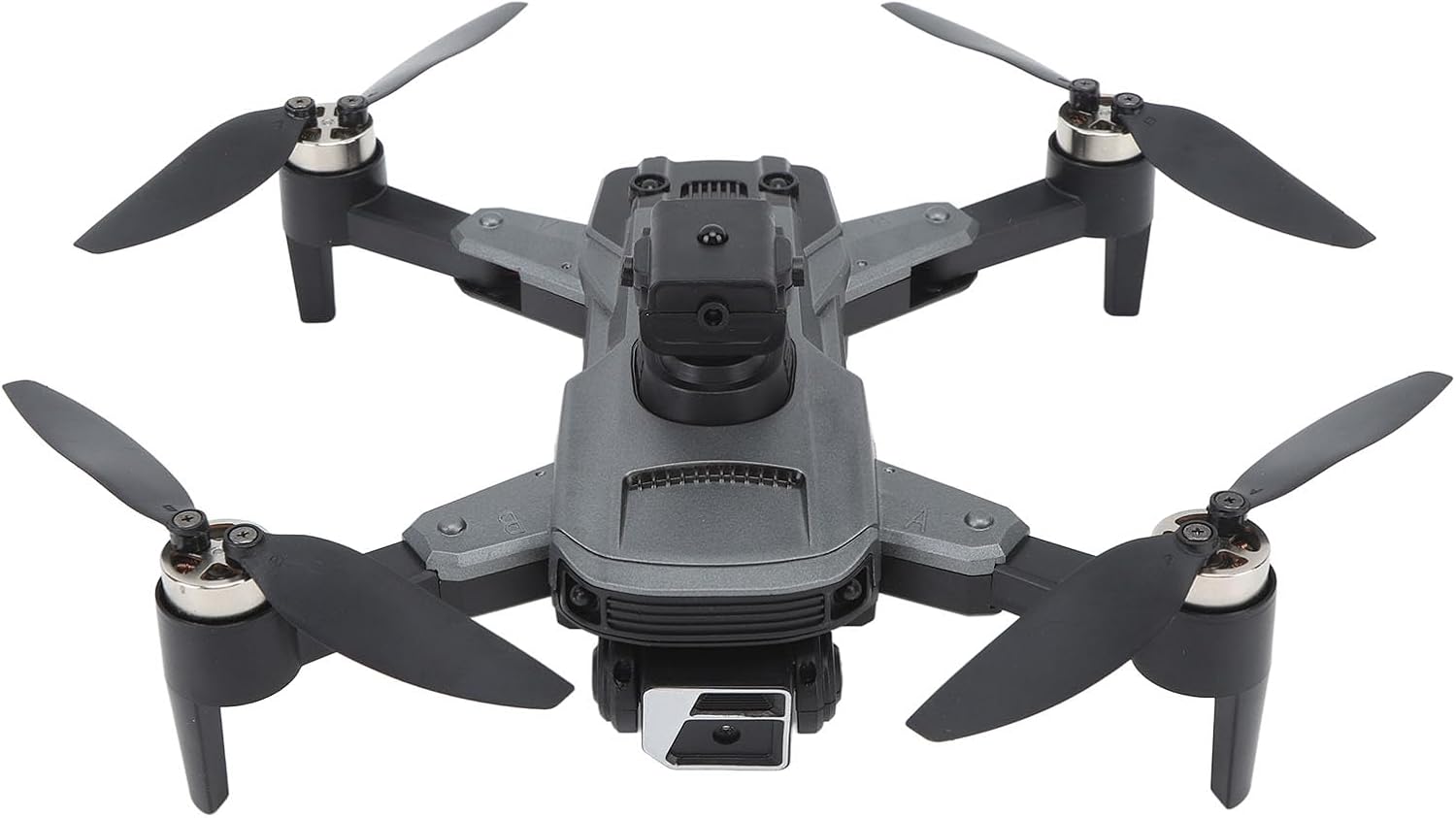
Image 1.1: The Cuifati S99 4K Camera Drone, showcasing its four propellers and central body with camera.
2. Bezpečnostní informace
Operating a drone requires attention to safety. Adhere to the following guidelines:
- Předletová kontrola: Always inspect the drone, propellers, and battery before each flight.
- Podmínky prostředí: Avoid flying in strong winds, rain, or snow. Maintain clear line of sight.
- Bezpečnost baterie: Use only approved batteries and chargers. Do not overcharge or puncture batteries.
- Vyhýbání se překážkám: Utilize the drone's obstacle avoidance features, but always remain vigilant of surroundings.
- Doporučený věk: Tento produkt je doporučen pro uživatele od 14 let.
- Respektujte soukromí: Při používání funkce fotoaparátu dodržujte zákony na ochranu osobních údajů.
3. Obsah balení
Ověřte, zda jsou v balení přítomny všechny položky:
- Cuifati S99 Drone
- Dálkové ovládání
- Nabíjecí baterie
- USB nabíjecí kabel
- Náhradní vrtule
- Šroubovák
- Uživatelská příručka

Image 3.1: Visual representation of the drone, remote control, battery, and accessories included in the package.
4. Nastavení
4.1. Instalace a nabíjení baterie
- Ujistěte se, že je dron vypnutý.
- Najděte přihrádku na baterie na dronu.
- Insert the modular battery firmly until it clicks into place.
- To charge, remove the battery and connect it to the USB charging cable. Connect the cable to a suitable USB power source. The charging indicator will show the charging status.

Image 4.1: Illustration of the modular battery being inserted into the drone, highlighting its easy installation and removal.
4.2. Instalace vrtule
If propellers are not pre-installed or need replacement, attach them according to the markings (A and B) on the propellers and motor arms. Use the provided screwdriver to secure them.
4.3. Nastavení dálkového ovládání
- Install required batteries (not specified in product data, assume standard AA/AAA) into the remote control.
- Extend the phone holder on the remote control to mount your smartphone.
4.4. Instalace aplikace
Download the official Cuifati drone application from your smartphone's app store (iOS or Android). This app is essential for accessing advanced features and real-time viewIng.
5. Návod k obsluze
5.1. Zapněte a spárujte
- Umístěte dron na rovný a rovný povrch.
- Zapněte dron a poté dálkové ovládání.
- The drone and remote control will automatically pair. Refer to the remote control's indicator lights for pairing status.
- Open the drone app on your smartphone and connect to the drone's Wi-Fi network for real-time viewa pokročilé ovládací prvky.
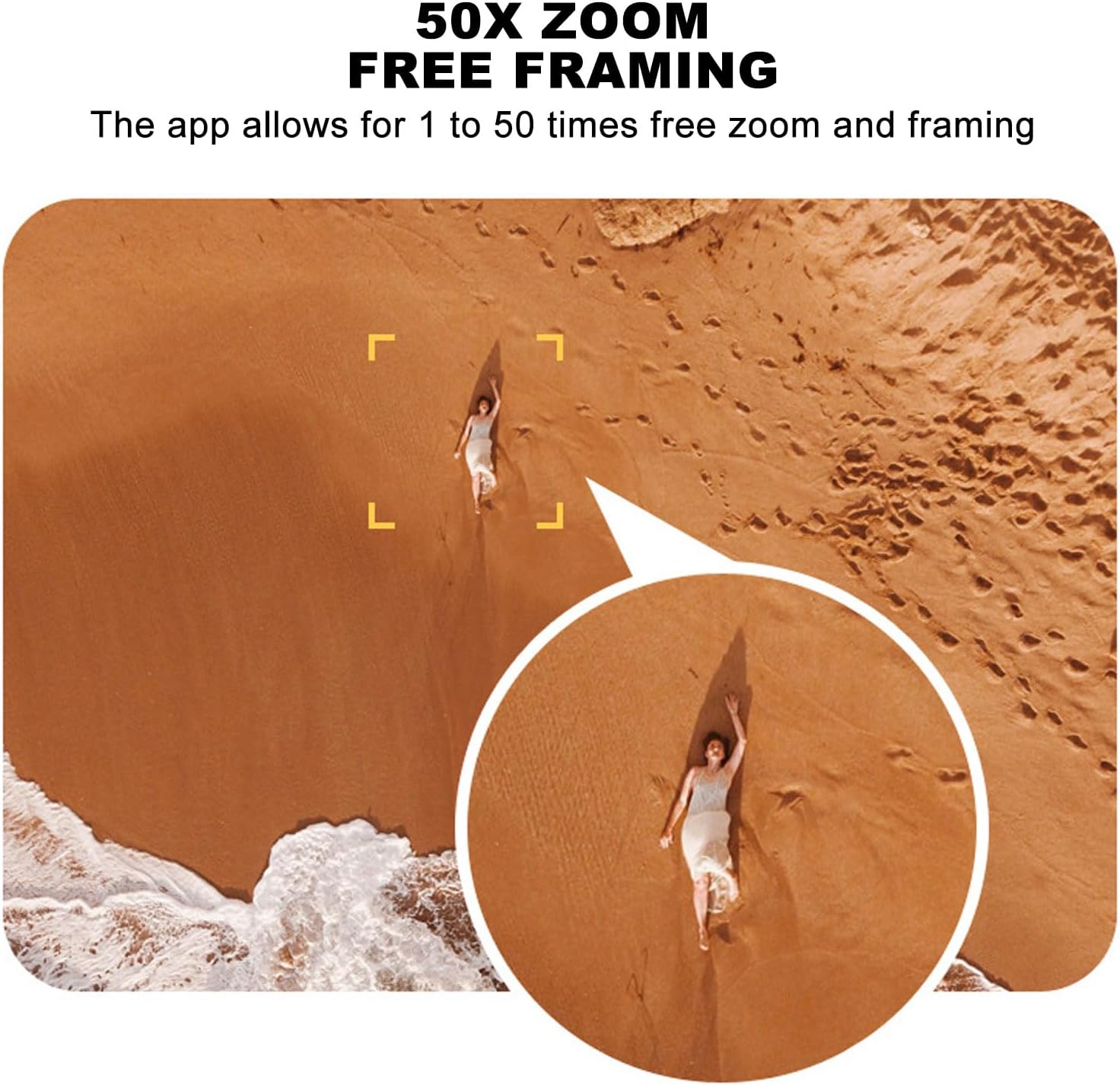
Image 5.1: A smartphone mounted on the remote control displaying real-time video feed from the drone's camera.
5.2. Vzlet a přistání
- Vzlet jedním klíčem: Press the designated one-key takeoff button on the remote control or in the app. The drone will automatically ascend to a safe hovering altitude.
- Přistání jedním klíčem: Stiskněte určené tlačítko pro přistání s jedním tlačítkem. Dron automaticky klesne a přistane.
5.3. Řízení letu
- Dálkové ovládání: Use the joysticks on the remote control for directional flight (forward, backward, left, right, ascend, descend, rotate).
- Gravitační indukce: In the app, activate gravity induction mode to control flight by tilting your smartphone.
- Optical Visual Hovering: The S99 drone features optical visual hovering, allowing it to maintain a stable position without constant throttle input.
- 360-Degree Roll: Execute aerial stunts with a single button press for a 360-degree roll.
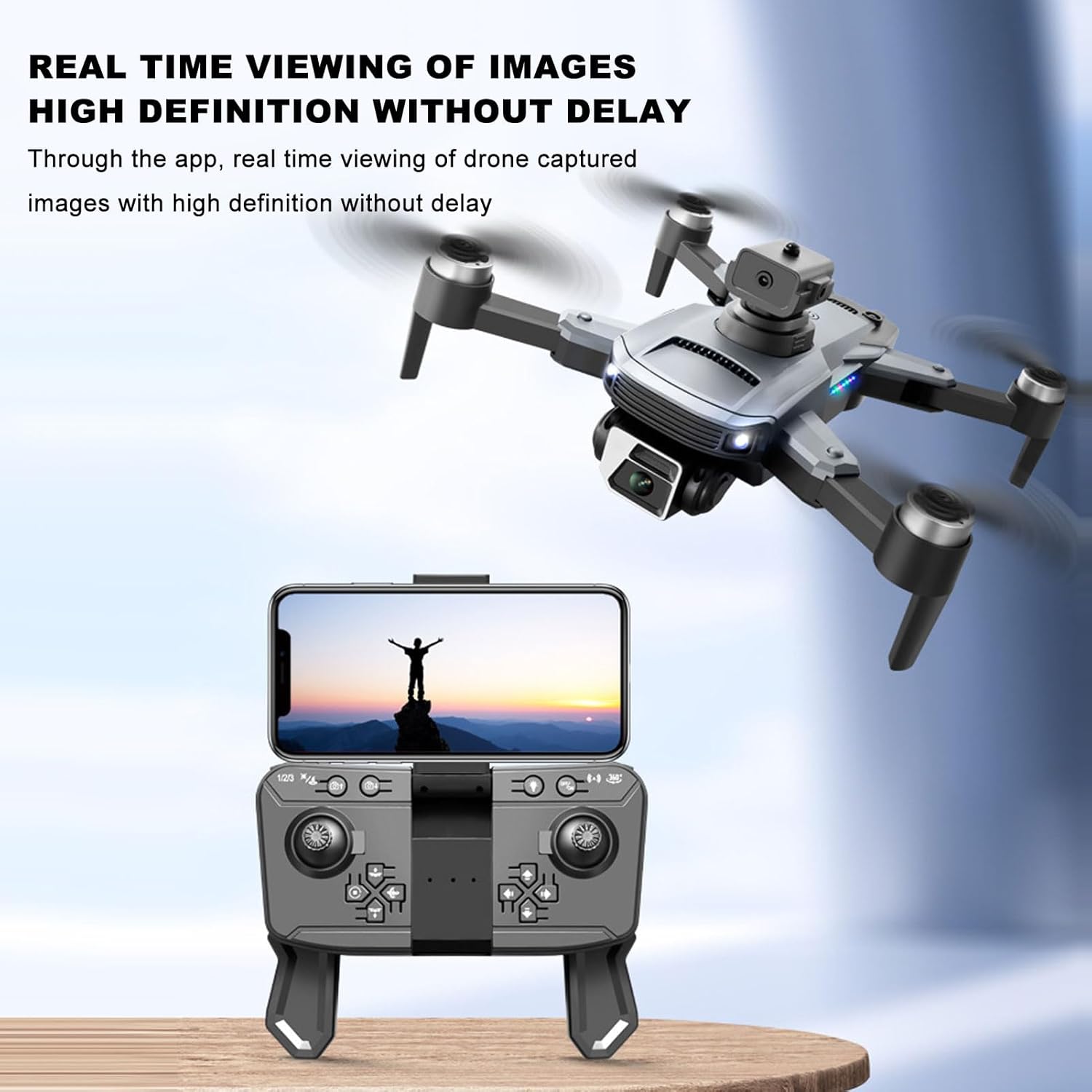
Image 5.2: A user demonstrating gravity induction control by tilting a smartphone to maneuver the drone.
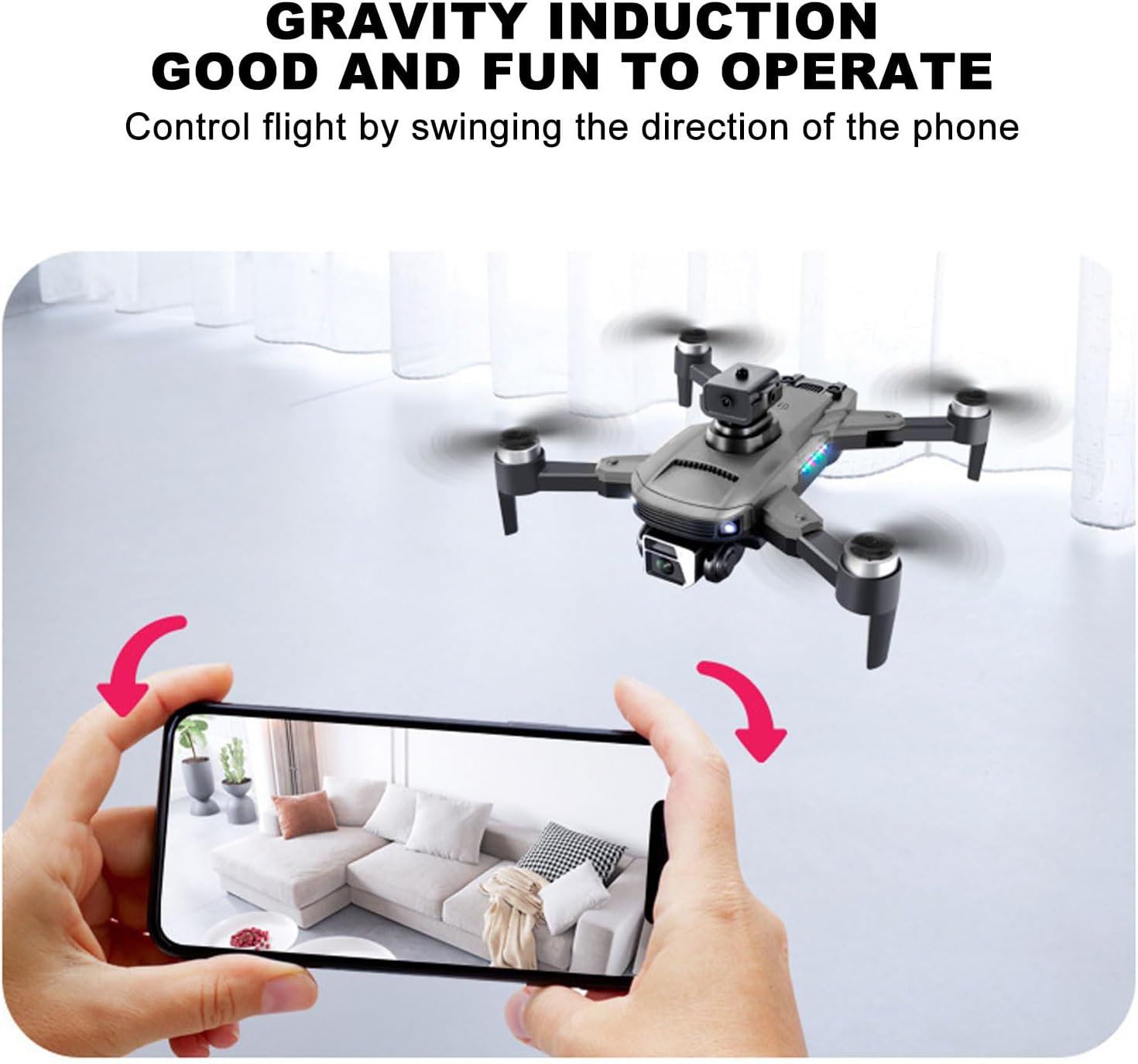
Image 5.3: Multiple drones performing a synchronized 360-degree roll, illustrating the stunt capability.
5.4. Obsluha kamery
- Duální 4K fotoaparát: The drone is equipped with a high-definition 4K camera.
- 90-Degree Electric Angle Adjustment: Adjust the camera angle remotely via the app or remote control.
- 50x digitální zoom: Utilize the app to zoom up to 50 times for detailed shots.
- Gestografie: Provádějte specifická gesta rukou pro spuštění fotografování nebo nahrávání videa.
- Real-Time FPV: View živé footage from the drone's camera directly on your smartphone via the app.
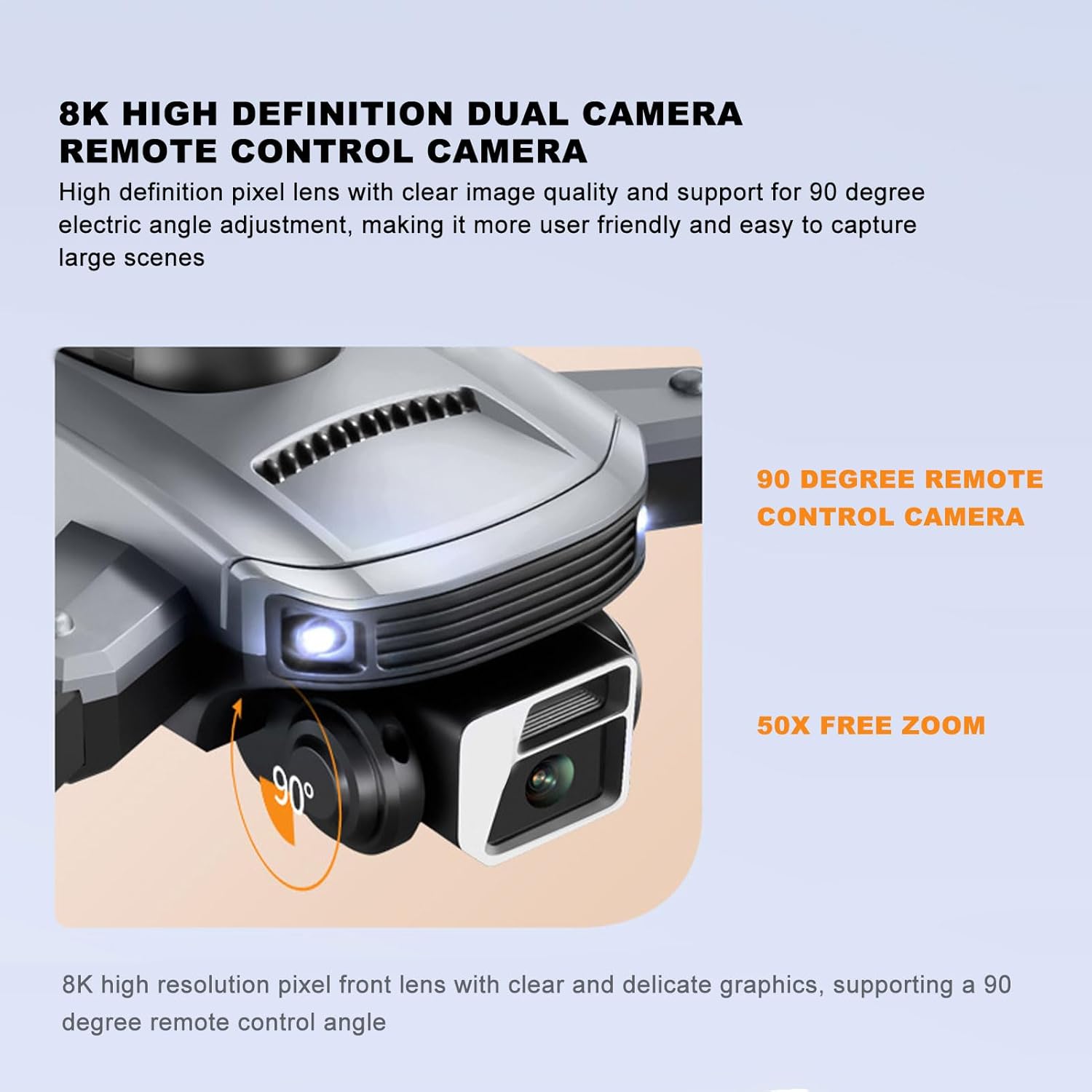
Image 5.4: Close-up of the drone's 4K camera, indicating its 90-degree remote control adjustment capability.
Obrázek 5.5: Anténa view demonstrating the 50x zoom feature, focusing on a person on a beach.
5.5. Vyhýbání se překážkám
The S99 drone is equipped with four-way obstacle avoidance sensors (front, rear, left, right) that automatically detect and intelligently avoid obstacles, enhancing flight safety.
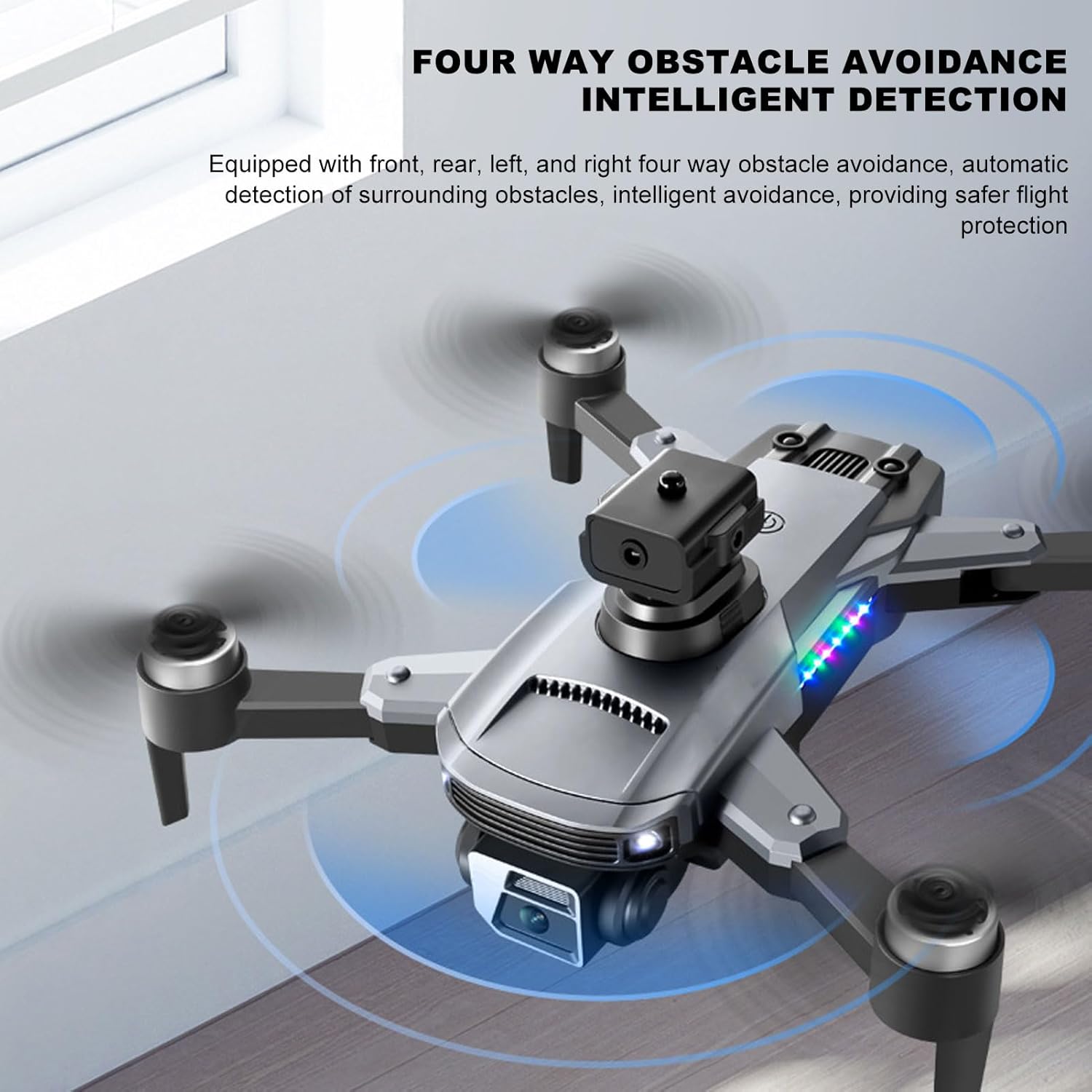
Image 5.6: The drone in flight with visual indicators of its four-way obstacle avoidance system detecting surrounding objects.
6. Údržba
- Čištění: Gently wipe the drone body and camera lens with a soft, dry cloth. Avoid using liquids.
- Kontrola vrtule: Regularly check propellers for damage (cracks, bends). Replace damaged propellers immediately.
- Péče o baterie: Baterie skladujte na chladném a suchém místě. Nenechávejte baterie delší dobu zcela vybité.
- Skladování: When not in use, store the drone and remote control in a protective case to prevent dust and physical damage.
7. Řešení problémů
| Problém | Možná příčina | Řešení |
|---|---|---|
| Dron se nezapne | Baterie není správně nainstalována nebo je vybitá | Ujistěte se, že je baterie plně nabitá a správně vložená. |
| Drone fails to pair with remote | Remote control or drone not powered on, or too far apart | Ensure both devices are on and within close proximity. Restart both if necessary. |
| Nestabilní let nebo driftování | Propellers damaged, drone not calibrated, or strong wind | Check propellers for damage and replace if needed. Perform drone calibration as per app instructions. Avoid flying in windy conditions. |
| No real-time video feed | Smartphone not connected to drone's Wi-Fi, or app issue | Verify Wi-Fi connection. Restart the app and drone. |
| Krátká výdrž baterie | Zhoršení stavu baterie nebo nesprávné nabíjení | Ensure proper charging cycles. Consider replacing the battery if performance significantly degrades over time. |
8. Specifikace
| Funkce | Detail |
|---|---|
| Značka | Cuifati |
| Název modelu | CUIFATImu9824bk0w |
| Rozlišení záznamu videa | 4K |
| Technologie připojení | USB, Wi-Fi |
| Kapacita baterie | 2000 miliamp hodiny |
| Složení článků baterie | Lithium |
| Technologie dálkového ovládání | Rádiová frekvence 2.4 GHz |
| Maximální dosah | 100 metrů |
| Hmotnost položky | 1.14 libry |
| Rozměry balení | 10.12 x 7.05 x 3.7 palce |
| Úroveň dovedností | Středně pokročilý |
| Podporovaný formát obrázku | JPEG |
| Formát záznamu videa | MP4 |
| Technologie optických senzorů | CMOS |
9. Záruka a podpora
The Cuifati S99 4K Camera Drone comes with a 90-day warranty. For technical support, warranty claims, or further assistance, please contact Cuifati customer service or visit the official Cuifati store online.
Official Cuifati Store: Visit Cuifati Store

Image 9.1: The Cuifati brand logo, representing the manufacturer.