
1. Úvod
The WOLFANG GA300 is a high-performance 4K action camera designed to capture your adventures in stunning detail. Featuring 4K/60FPS video recording, 24MP photo capabilities, advanced EIS stabilization, and a waterproof design up to 40 meters, it is suitable for a wide range of activities from daily vlogging to extreme sports. This manual provides essential information for setting up, operating, and maintaining your GA300 action camera.
2. Co je v krabici
Upon unboxing your WOLFANG GA300 Action Camera, please verify that all the following components are included:

Image: WOLFANG GA300 Action Camera and its comprehensive accessory kit.
- 1x Akční kamera WOLFANG GA300
- 1x Dálkové ovládání
- Baterie 2x 1350mAh
- Vodotěsné pouzdro 1x
- Stojan na kolo 1x
- 5x montáže (různé typy)
- 2x oboustranná páska
- Přilby na helmu 2x
- Bandáže 4x
- 5x Tethers
- 1x USB kabel
- 1x čočka
- 1x Stručná referenční příručka
3. Klíčové vlastnosti
The WOLFANG GA300 is equipped with several advanced features to enhance your recording experience:
3.1. 4K/60FPS Video & 24MP Photo
Capture incredibly sharp and fluid footage with 4K resolution at 60 frames per second. The camera also supports high-resolution 24MP still photos, ensuring every moment is preserved with clarity.
3.2. 40M Waterproof Camera & Dive Mode
The included waterproof case allows the GA300 to be submerged up to 40 meters (131 feet), making it ideal for underwater activities. The dedicated Dive Mode automatically corrects colors to produce more vibrant and natural-looking footage in aquatic environments.
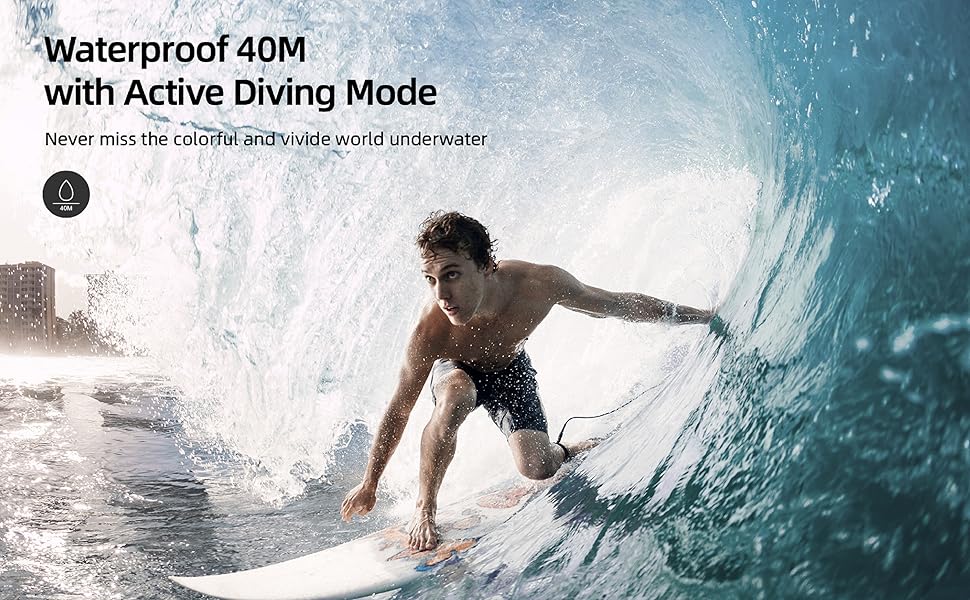
Obrázek: Overview of the WOLFANG GA300's main features, including its waterproof capability.
3.3. Dual Microphone & Plenty of Accessories
The GA300 comes with an external noise-canceling microphone for superior audio capture in noisy settings. A wide array of mounting accessories is included, providing versatile options for attaching the camera to bikes, helmets, and other gear without additional purchases.

Image: The WOLFANG GA300 camera shown with its external microphone and remote control.
3.4. 6-Axis EIS Stabilization & Eight Times Zoom
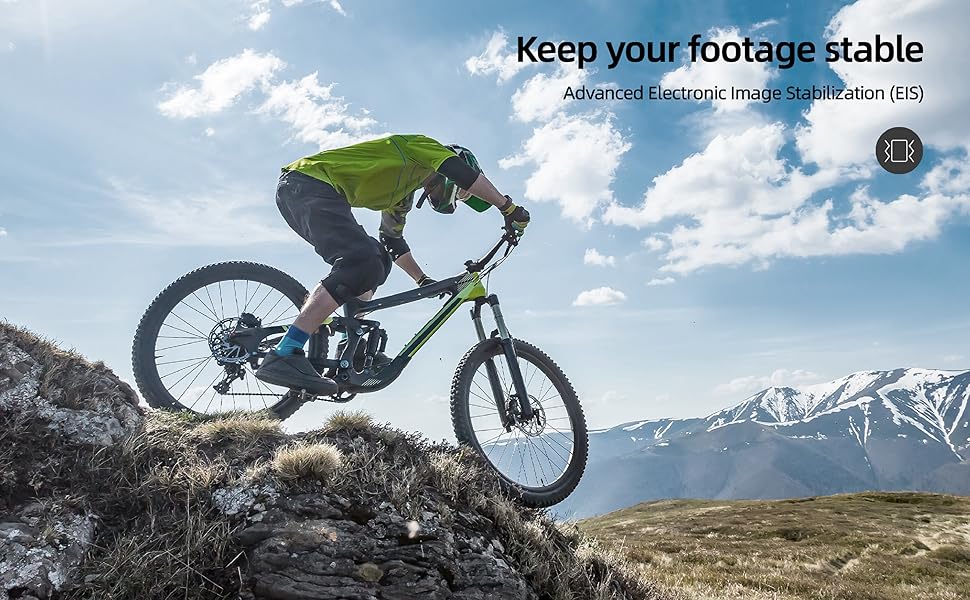
Equipped with advanced 6-axis Electronic Image Stabilization (EIS), the GA300 ensures smooth and steady video footage even during intense activities. The 8x digital zoom allows you to capture distant subjects with clarity.
3.5. Sensitive Touchscreen & Extensive Functions
Navigate settings and preview footage effortlessly with the responsive touchscreen. The camera offers a variety of functions including loop recording, time-lapse, slow-motion, burst recording, and a convenient auto video recording mode for dashcam functionality.
Image: The WOLFANG GA300's intuitive touchscreen interface and accessible battery compartment.
Obrázek: Vizuální examples of various shooting modes available on the WOLFANG GA300, including Time Lapse and Slow Motion.
4. Nastavení
4.1. Nabíjení baterie
Before first use, fully charge both 1350mAh Lithium Ion batteries. Insert a battery into the camera or an external charger (if provided) and connect the USB cable to a power source. The charging indicator will show progress and turn off when fully charged.
4.2. Vložení karty MicroSD
The GA300 requires a MicroSD card (not included) for storing photos and videos. Open the MicroSD card slot cover, and gently insert the card with the gold contacts facing the back of the camera until it clicks into place. Ensure the card is formatted in the camera's settings before recording.
4.3. Attaching Waterproof Case
For underwater use or protection against dust and impact, place the camera inside the waterproof case. Ensure the case is properly sealed and the latch is securely fastened. Test the case without the camera in water first to confirm it is watertight.
5. Návod k obsluze
5.1. Zapnutí/vypnutí
Press and hold the Power/Mode button on the front of the camera for 3 seconds to turn it on or off.
5.2. Přepínání režimů
Short press the Power/Mode button to cycle through different modes: Video, Photo, Playback, and Settings.
5.3. Nahrávání videa
In Video mode, press the Shutter/OK button on top of the camera to start recording. Press it again to stop recording.
5.4. Fotografování
V režimu Foto stisknutím tlačítka Spoušť/OK pořídíte snímek.
5.5. Připojení Wi-Fi
Enable Wi-Fi in the camera's settings. Download the official WOLFANG app on your smartphone. Connect to the camera's Wi-Fi network (SSID and password displayed on camera screen). Use the app for live preview, dálkové ovládání a file převod.
5.6. Navigace na dotykové obrazovce
Swipe left/right to switch between modes, swipe up/down to access settings or playback options. Tap icons to select functions or confirm actions.
6. Údržba
6.1. Čištění
Use the provided lens cloth to clean the camera lens and screen. For the waterproof case, rinse with fresh water after saltwater use and allow to air dry. Do not use harsh chemicals.
6.2. Péče o baterie
Store batteries in a cool, dry place. For long-term storage, charge batteries to about 50% capacity. Avoid fully discharging batteries frequently to prolong their lifespan.
6.3. Skladování
When not in use, store the camera and accessories in a protective case away from direct sunlight, high temperatures, and humidity.
7. Řešení problémů
- Kamera se nezapíná: Ensure the battery is fully charged and correctly inserted. Try a different battery.
- Chyba SD karty: Reformat the MicroSD card in the camera's settings. Ensure the card is a genuine, high-speed card (U3 or higher recommended) and not exceeding the maximum supported capacity.
- Špatná kvalita videa/fotografií: Check the resolution settings. Ensure the lens is clean. Verify lighting conditions are adequate.
- Problémy s připojením Wi-Fi: Ensure Wi-Fi is enabled on the camera and your smartphone. Restart both devices. Check the Wi-Fi password.
- Zamrznutí kamery: Vyjměte a znovu vložte baterii pro resetování fotoaparátu.
8. Specifikace
| Specifikace | Hodnota |
|---|---|
| Rozměry produktu | 1.18 x 1.65 x 2.36 palce |
| Hmotnost položky | 1.26 libry |
| Číslo modelu položky | GA300 |
| Baterie | Jsou vyžadovány 2 lithium-iontové baterie |
| Výrobce | WOLFANG |
| Technologie fotosenzoru | CMOS |
| Rozlišení záznamu videa | 4K 60FPS, 4K 30FPS, 2.7K 30FPS, 1080P 120FPS, 1080P 60FPS, 1080P 30FPS, 720P 240FPS, 720P 120FPS, 720P 60FPS |
| Maximální ohnisková vzdálenost | 4 milimetrů |
| Maximální clona | 2 f |
| Typ paměti Flash | Micro SD |
| Formát záznamu videa | MOV |
| Velikost obrazovky | 2 palce |
| Technologie připojení | Wi-Fi |
| Barva | Černý |
9. Záruka a podpora
The WOLFANG GA300 Action Camera comes with a 24-month warranty from the date of purchase, covering manufacturing defects. For technical support, troubleshooting assistance, or warranty claims, please contact WOLFANG customer service through their official webwebu nebo kontaktních informací uvedených na obalu produktu.
For further assistance, please visit the WOLFANG Store: WOLFANG Store on Amazon