
HOCO Y10
Uživatelská příručka k chytrým sportovním hodinkám Hoco Y10 Amoled
Model: Y10
Zavedení
Thank you for choosing the Hoco Y10 Amoled Smart Sports Watch. This manual provides essential information for setting up, operating, and maintaining your device. Please read this manual thoroughly before using the watch to ensure proper function and longevity.
Bezpečnostní informace
- Nepokoušejte se zařízení rozebírat, opravovat ani upravovat. Neoprávněné úpravy mohou vést ke ztrátě záruky a způsobit poškození.
- Keep the watch away from extreme temperatures, direct sunlight, and corrosive liquids.
- Use only the provided charging cable. Using incompatible chargers may cause damage or fire.
- While the watch is 3ATM waterproof, it is not suitable for diving or high-pressure water activities. Avoid prolonged submersion.
- Před zahájením jakéhokoli nového cvičebního režimu se poraďte s lékařem, zejména pokud máte již existující zdravotní problémy.
- Udržujte zařízení mimo dosah dětí a domácích zvířat.
Obsah balení
Po otevření zkontrolujte obsah balení, abyste se ujistili, že jsou přítomny všechny položky:
- Hoco Y10 Amoled Smart Sports Watch
- Nabíjecí kabel
Konec produktuview
The Hoco Y10 Smart Sports Watch features a vibrant 1.3-inch AMOLED display and a durable design suitable for daily wear and sports activities. Below are various views of the watch highlighting its design and features.

Přední view of the Hoco Y10 Smart Watch displaying a digital watch face with time, battery, steps, and heart rate.
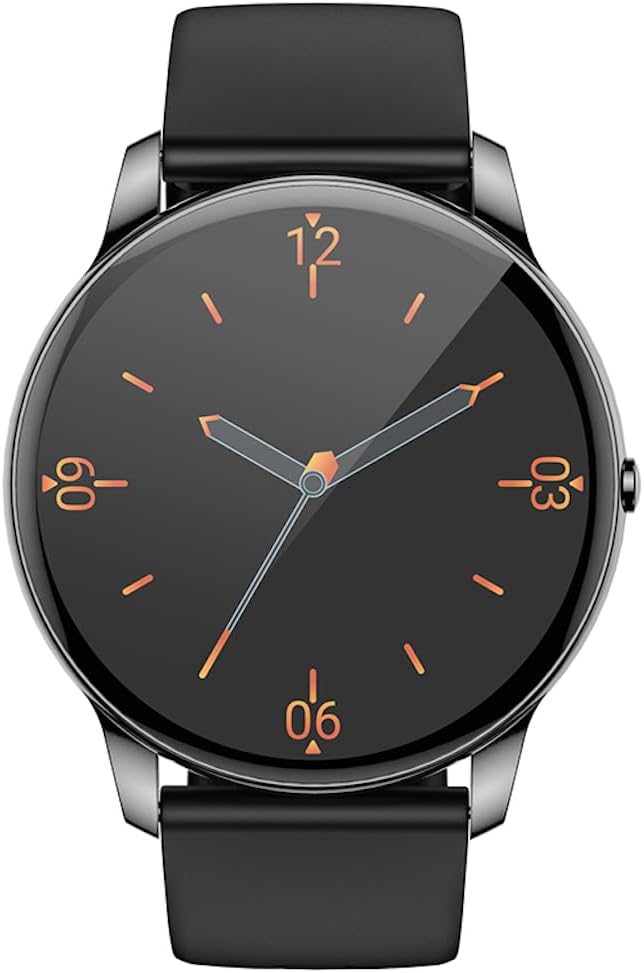
Přední view of the Hoco Y10 Smart Watch displaying a classic analog watch face.
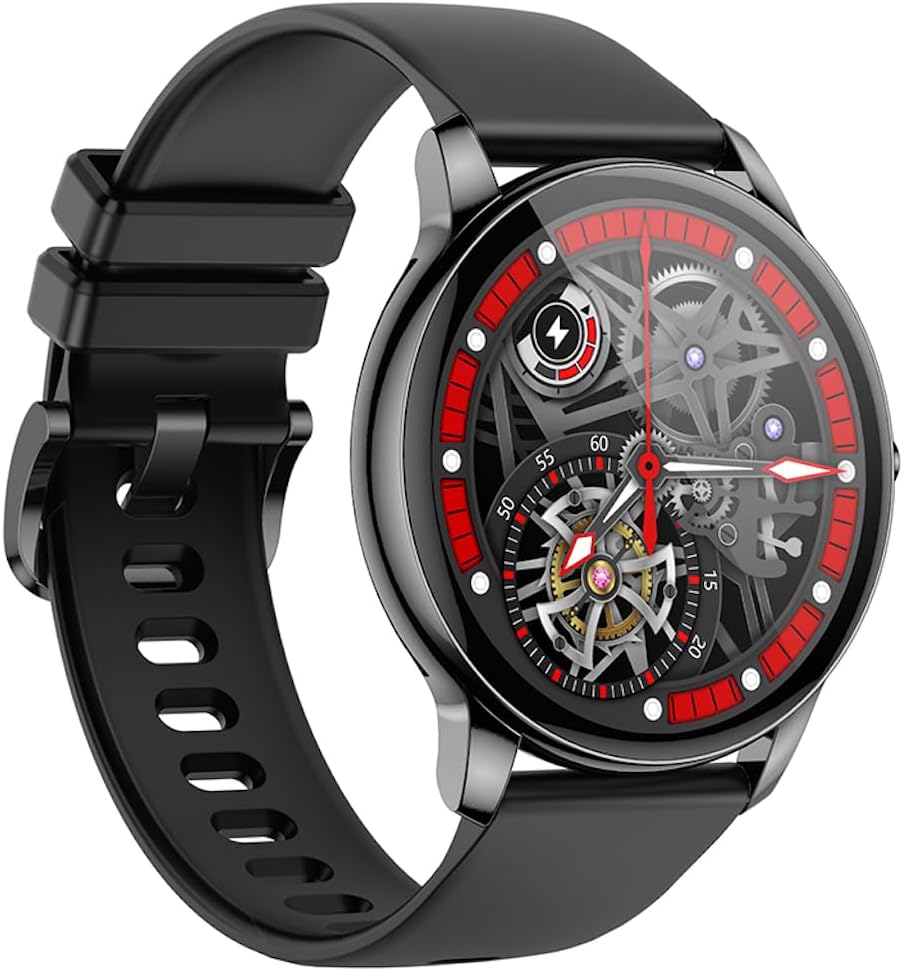
Úhlové view of the Hoco Y10 Smart Watch showcasing a mechanical-style watch face.
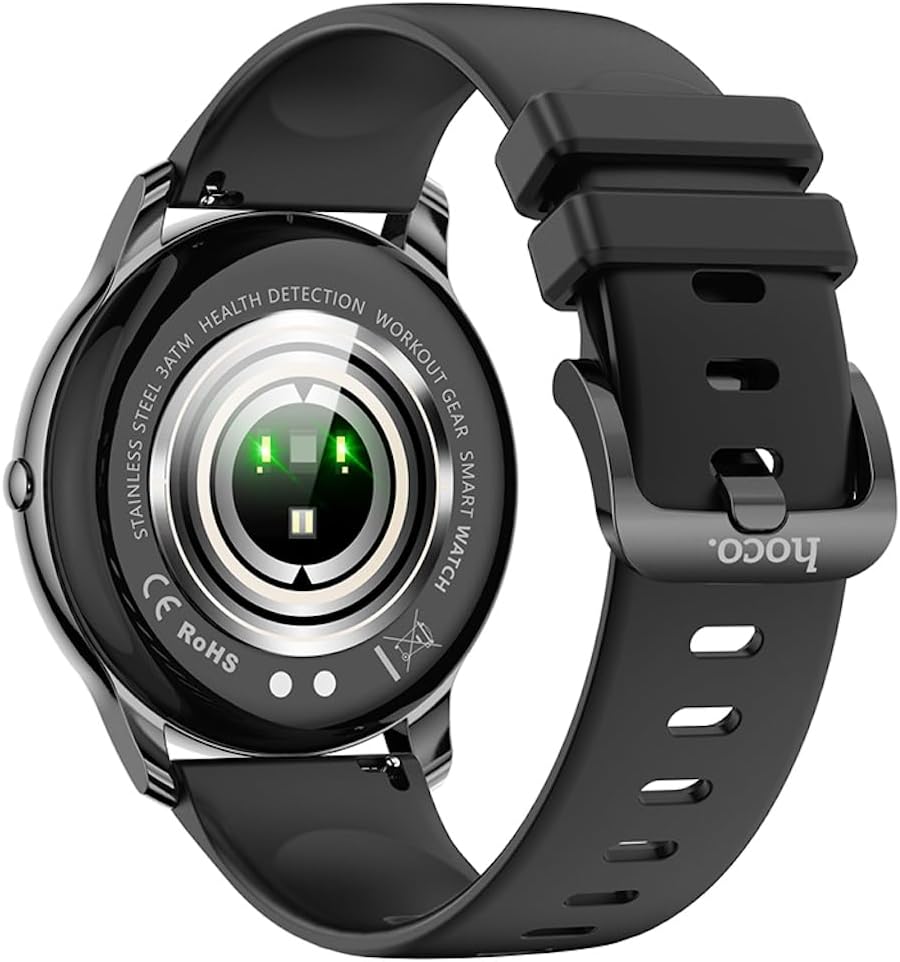
Zadní view of the Hoco Y10 Smart Watch, highlighting the optical sensors for health detection and charging contacts.
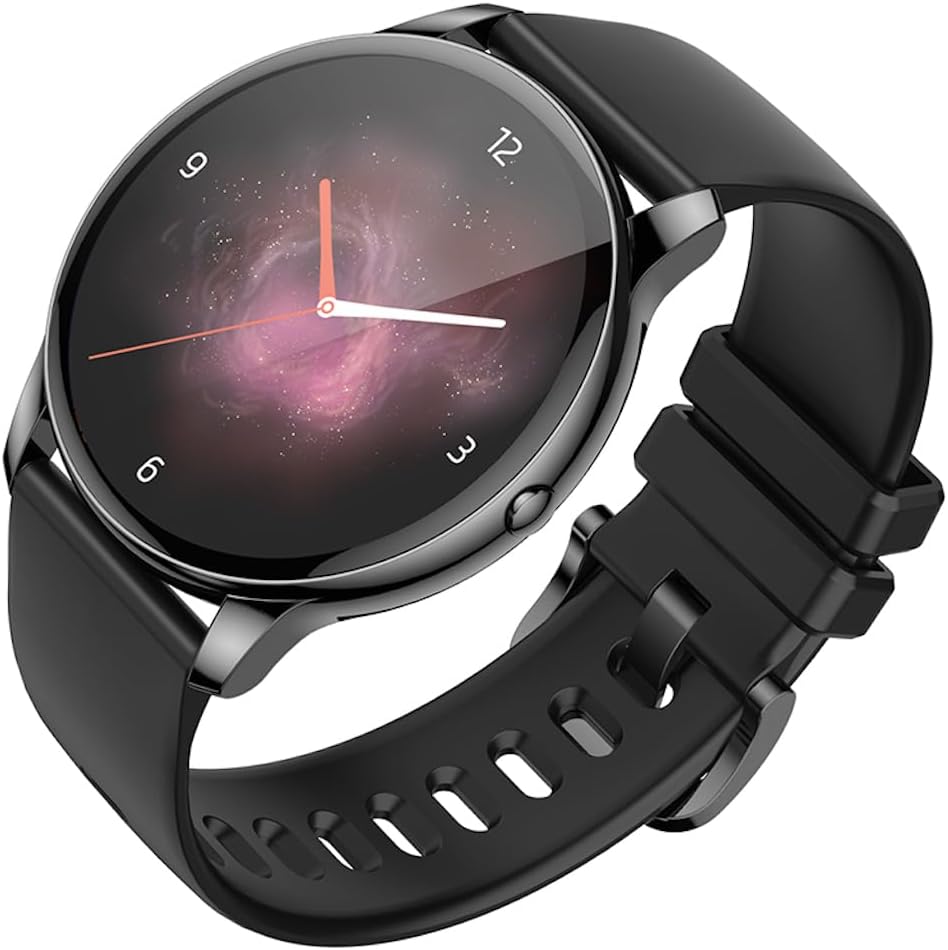
Úhlové view of the Hoco Y10 Smart Watch with an abstract, artistic watch face.
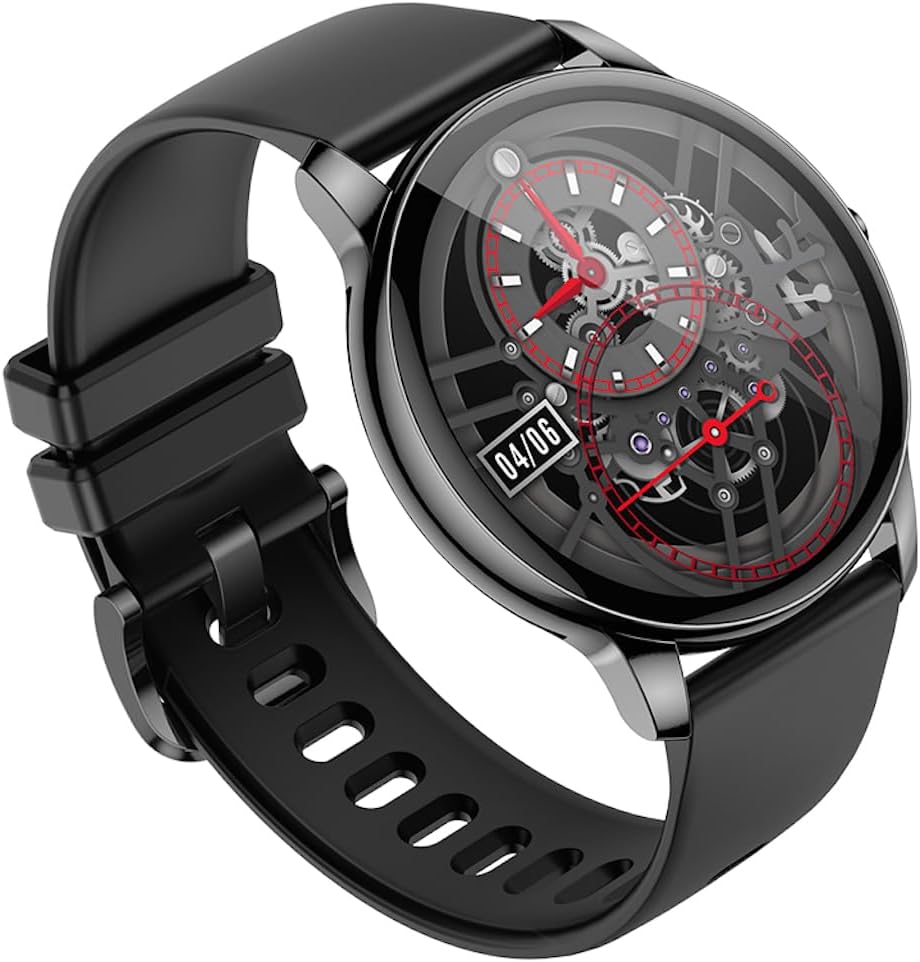
Další úhlový view of the Hoco Y10 Smart Watch, showing a detailed mechanical-style watch face with visible gears.

The Hoco Y10 Smart Watch displayed on a textured, light-colored surface, highlighting its sleek design.
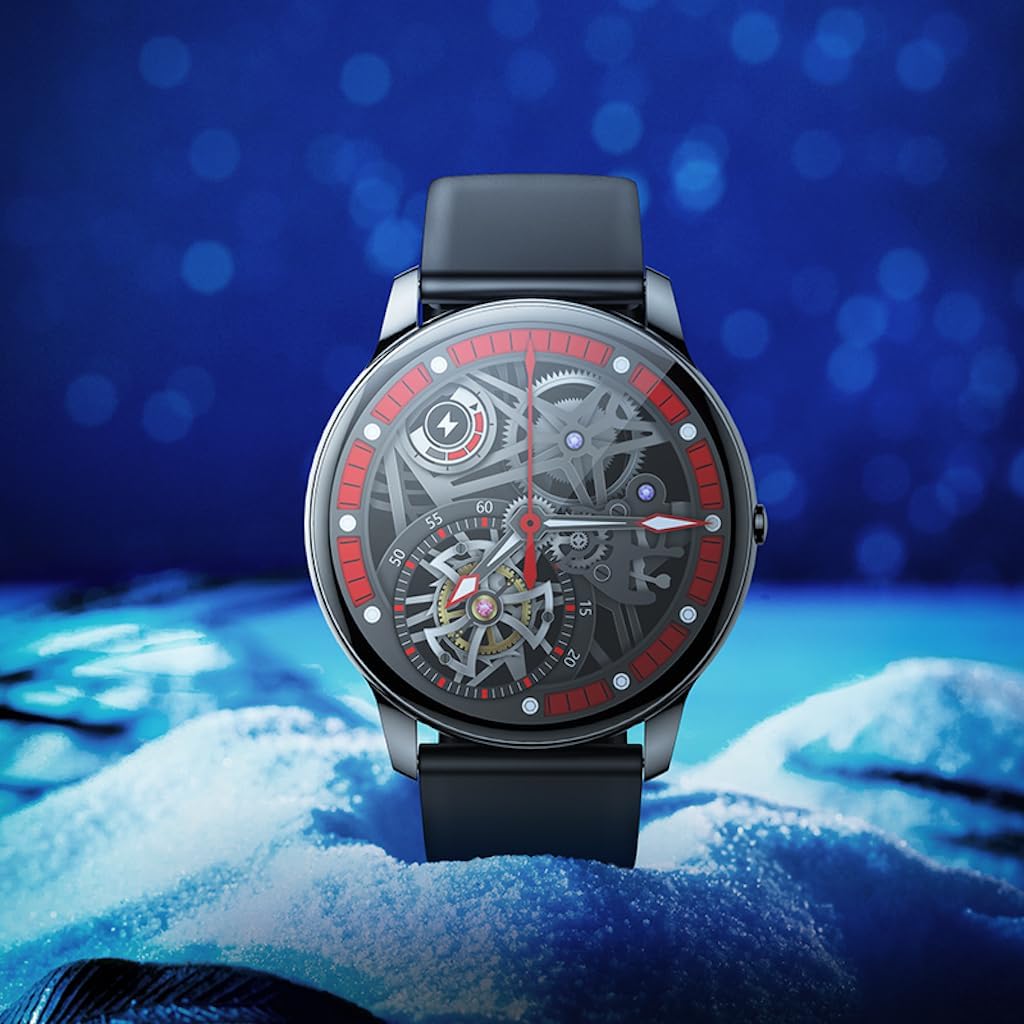
Two Hoco Y10 Smart Watches presented together, one with a digital face and the other with an analog face.
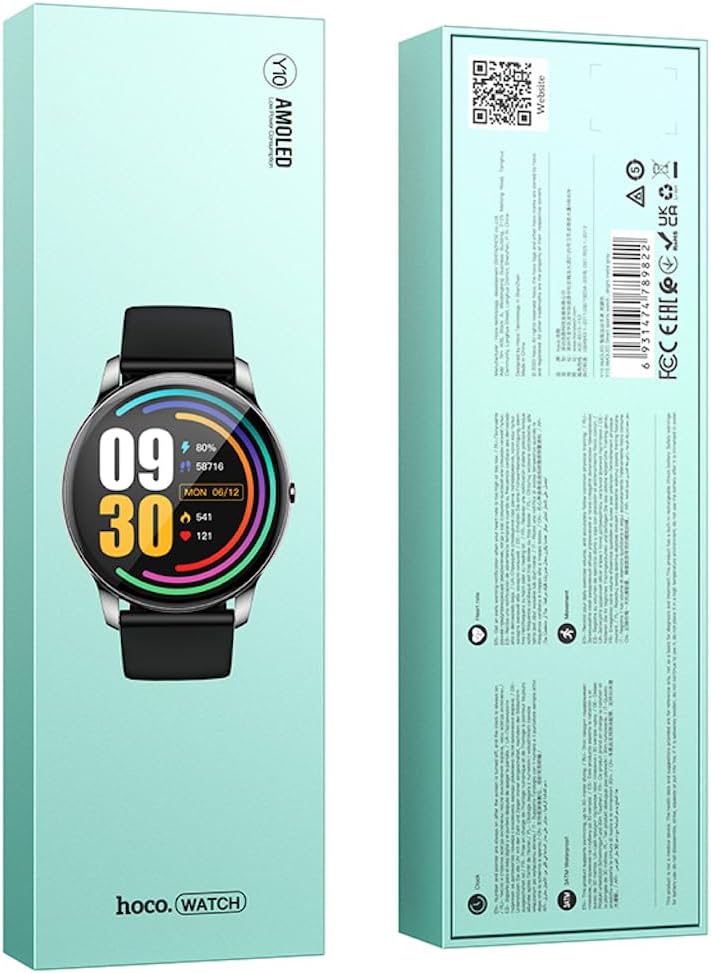
Přední a zadní view of the Hoco Y10 Smart Watch product packaging, showing product details and certifications.
Nastavení
1. Počáteční nabíjení
Before first use, fully charge your Hoco Y10 Smart Watch. Connect the provided charging cable to the charging contacts on the back of the watch and plug the USB end into a standard USB power adapter (not included) or a computer USB port. The watch display will indicate charging status. A full charge typically takes approximately 2 hours.
2. Zapnutí/vypnutí
- Zapnutí: Press and hold the side button until the Hoco logo appears.
- Vypnutí: Na ciferníku přejeďte prstem dolů nebo přejděte do nabídky nastavení a poté vyberte možnost „Vypnout“. Potvrďte svůj výběr.
3. Párování s vaším smartphonem
To unlock the full features of your Hoco Y10, you need to pair it with your smartphone via Bluetooth. While the specific app name is not provided, most smartwatches require a companion app. Please refer to the QR code on the product packaging or search for "Hoco Smart Watch" or "Hoco Y10" in your phone's app store (Google Play Store for Android, Apple App Store for iOS).
- Stáhněte si a nainstalujte doprovodnou aplikaci do svého smartphonu.
- Ujistěte se, že je na vašem smartphonu povoleno Bluetooth.
- Otevřete aplikaci a podle pokynů na obrazovce vytvořte účet nebo se přihlaste.
- In the app, select "Add Device" or "Pair Device" and choose "Hoco Y10" from the list of available devices.
- Potvrďte požadavek na párování na hodinkách i smartphonu.
Návod k obsluze
Základní navigace
- Dotyková obrazovka: Přejetím prstem doleva/doprava, nahoru/dolů procházejte nabídkami a funkcemi. Klepnutím vyberete.
- Boční tlačítko: Typically used to wake the screen, return to the watch face, or access the app menu.
Klíčové vlastnosti
- Ciferníky: Customize your watch face by long-pressing the screen or through the companion app.
- Sportovní režimy: Access various sports tracking modes (e.g., running, walking, cycling) to monitor your activity data.
- Monitorování zdraví: The watch supports health detection features, likely including heart rate monitoring. Refer to the app for detailed data and historical trends.
- Oznámení: Receive call, message, and app notifications directly on your wrist (requires app setup).
- Nastavení: Adjust brightness, language (supports 20 languages), vibration, and other watch settings.
- Ovládání hudby: Ovládejte přehrávání hudby na spárovaném smartphonu.
- Počasí: View current weather conditions (requires app synchronization).
Note: The Hoco Y10 does not support direct call functionality.
Údržba a péče
- Čištění: Hodinky a řemínek pravidelně otírejte měkkým hadříkemamp tkanina. Nepoužívejte agresivní chemikálie nebo abrazivní materiály.
- Voděodolnost: The watch is 3ATM waterproof, meaning it can withstand splashes, rain, and brief immersion. Do not wear it while showering with hot water, in saunas, or for diving. After contact with saltwater, rinse with fresh water and dry thoroughly.
- Nabíjení: Před nabíjením se ujistěte, že jsou nabíjecí kontakty na hodinkách a kabelu čisté a suché.
- Skladování: Pokud hodinky delší dobu nepoužíváte, skladujte je na chladném a suchém místě. Pravidelně je nabíjejte, abyste zabránili hlubokému vybití baterie.
Odstraňování problémů
| Problém | Možné řešení |
|---|---|
| Hodinky se nezapínají. | Ujistěte se, že jsou hodinky plně nabité. Připojte je k nabíječce alespoň na 30 minut. |
| Nelze spárovat se smartphonem. |
|
| Nepřesné zdravotní údaje. | Ujistěte se, že hodinky máte pevně na zápěstí, ne příliš těsně ani příliš volně. Vyčistěte senzory na zadní straně hodinek. |
| Krátká výdrž baterie. |
|
Specifikace
| Funkce | Detail |
|---|---|
| Model | Y10 |
| Hlavní obrazovka | 1.3 palcový AMOLED |
| Rezoluce | 360 x 360 |
| Hodnocení voděodolnosti | 3 ATM |
| CPU | Ruiyu RTL8762DT |
| Paměť | 128 Mb |
| Verze Bluetooth | 5.0 |
| Kapacita baterie | 230 XNUMX mAh |
| Vytrvalost | 7–10 dní (typické použití) |
| Podporované jazyky | 20 languages (Chinese, English, Russian, Arabic, Vietnamese, Danish, Thai, Polish, Persian, Spanish, Malay, Greek, French, Italy, German, Portuguese, Türkiye, Romania, Hebrew, Burmese) |
| Funkce volání | Není podporováno |
| Operační systém | Android (kompatibilní) |
| Barva | Bright Metal Grey |
| Hmotnost položky | 169 g |
Záruka a podpora
For information regarding the manufacturer's warranty, please refer to the warranty card included with your product or contact your point of purchase. For technical support and further inquiries, please visit the official HOCO webmísto:
Ask a question about this manual
Ask about setup, troubleshooting, compatibility, parts, safety, or missing instructions. Manuals+ will review the question and use this page’s manual context to help answer it.