
1. Úvod
The JZAQ A13 Bluetooth Helmet Speakers and Intercom System provides wireless communication and audio playback for motorcycle riders, skiers, cyclists, and other sports enthusiasts. This system features Bluetooth 5.3 connectivity, two-way intercom functionality, noise cancellation, and a waterproof design for reliable performance in various conditions.

Image 1.1: JZAQ A13 Bluetooth Helmet Headset overview.
2. Obsah balení
Před instalací se prosím ujistěte, že balení obsahuje všechny níže uvedené položky:
- JZAQ A13 Headphone Host
- Hard Earbuds
- Soft Earbuds
- Základna klipu
- Paste Base
- Suchý zip z rohoviny
- Nabíjecí kabel TYPE-C
- Hard and Soft Velcro Pads
- Uživatelská příručka

Image 2.1: All components included in the JZAQ A13 package.
3. Konec produktuview
Familiarize yourself with the main unit and its controls:
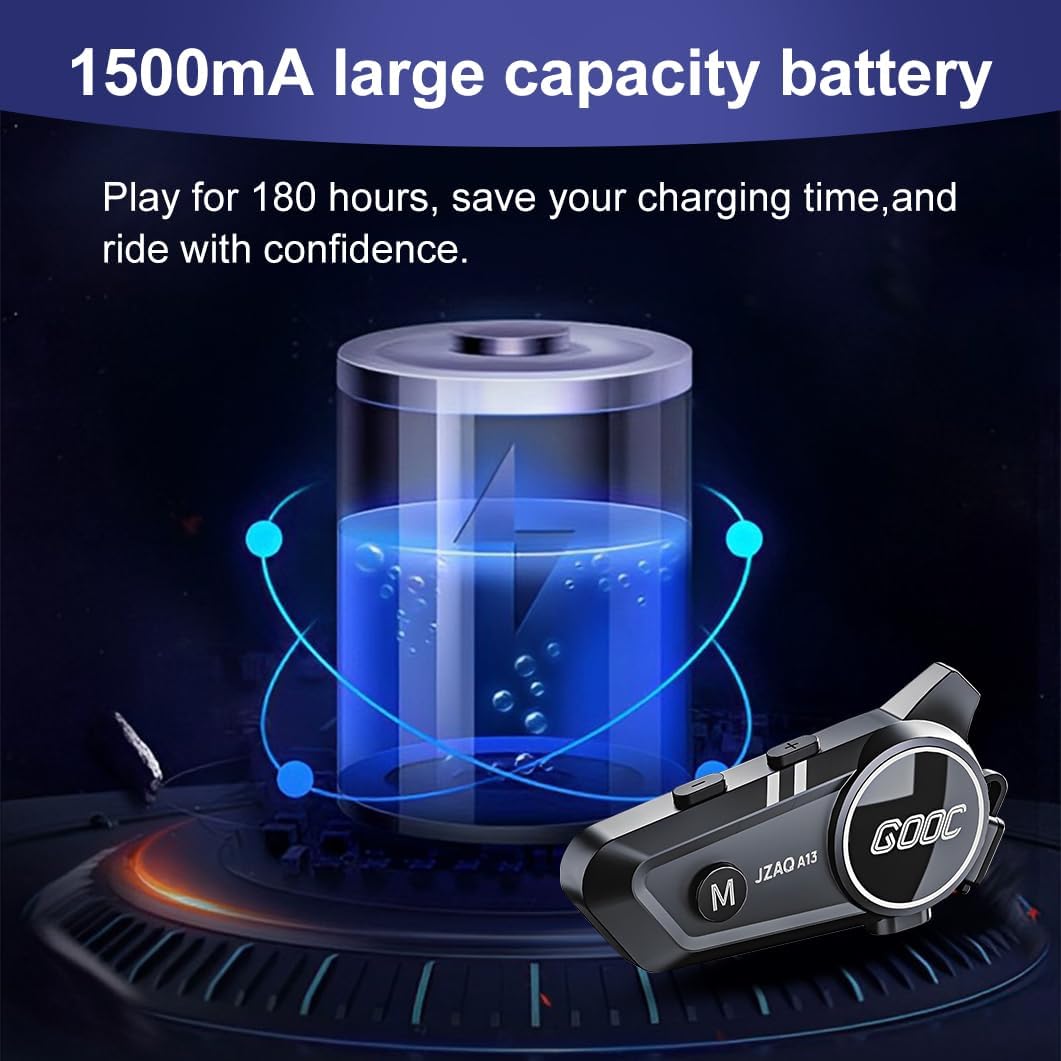
Image 3.1: Diagram illustrating the button functions and ports on the JZAQ A13 unit.
- Power On/Off/Pause/Play/Connect Button: Controls power, music playback, and Bluetooth connection.
- Volume Up/Next Song Button: Zvyšuje hlasitost a přeskočí na další skladbu.
- Volume Down/Previous Song/Voice Assistant Button: Decreases volume, goes to the previous track, and activates the voice assistant.
- Nabíjecí port: Port USB typu C pro nabíjení zařízení.
- Sluchátkový jack: Connects the speakers and microphone.
4. Nastavení a instalace
4.1 Nabíjení zařízení
Before first use, fully charge the JZAQ A13 unit. Connect the provided TYPE-C charging cable to the charging port on the unit and a USB power source. A full charge typically takes approximately 2 hours. The device features a 1500mAh battery, providing up to 180 hours of continuous play time.

Image 4.1: Illustration of the 1500mAh large capacity battery.
4.2 Instalace přilby
The JZAQ A13 is designed to be compatible with various helmet types. The speakers are ultra-thin (10mm) to ensure comfort and avoid ear pressure.

Obrázek 4.2: Příkladamples of various helmet types compatible with the JZAQ A13.
Follow these steps to install the system in your helmet:
- Umístění reproduktorů: Identify suitable locations within your helmet for the speakers, typically in the ear recesses. Use the provided Velcro pads to secure the speakers.
- Připojení mikrofonu: Choose between the hard or soft earbuds (microphones) based on your helmet type and preference. Attach the microphone using Velcro in a position that allows clear voice pickup without obstructing your vision or comfort.
- Main Unit Mounting: Use either the clip base or the paste base to attach the main JZAQ A13 unit to the side of your helmet. Ensure it is securely fastened and easily accessible for operation.
- Správa kabelů: Všechny kabely úhledně veďte v polstrování helmy, abyste předešli nepohodlí nebo rušení.

Image 4.3: Step-by-step visual guide for installing the JZAQ A13 system into a helmet.
5. Návod k obsluze
5.1 Zapnutí/vypnutí
- Zapnutí: Stiskněte a podržte tlačítko napájení přibližně 3 sekundy, dokud se nerozsvítí kontrolka.
- Vypnout: Stiskněte a podržte tlačítko napájení přibližně 3 sekundy, dokud kontrolka nezhasne.
5.2 Párování Bluetooth
The JZAQ A13 uses Bluetooth 5.3 for stable wireless connectivity.
- Ujistěte se, že je zařízení vypnuté.
- Stiskněte a podržte tlačítko napájení přibližně 5–7 sekund, dokud kontrolka nezačne střídavě blikat červeně a modře, což signalizuje režim párování.
- On your mobile phone or Bluetooth-enabled device, search for "JZAQ A13" in the Bluetooth settings.
- Select "JZAQ A13" to connect. Once paired, the indicator light will flash blue slowly.
5.3 Přehrávání hudby
After successful Bluetooth pairing, you can play music from your connected device. The system features Hi-Fi stereo sound and DSP noise reduction technology for clear audio.

Image 5.1: The JZAQ A13 provides clear music playback with noise reduction.
- Přehrát/pozastavit: Stiskněte jednou tlačítko Napájení.
- Zvýšit hlasitost: Stiskněte tlačítko pro zvýšení hlasitosti (+).
- Snížit hlasitost: Stiskněte tlačítko pro snížení hlasitosti (-).
- Další skladba: Stiskněte a podržte tlačítko pro zvýšení hlasitosti (+).
- Předchozí skladba: Stiskněte a podržte tlačítko pro snížení hlasitosti (-).
5.4 Obousměrný interkom
The JZAQ A13 supports two-way intercom communication between two riders within a range of up to 200 meters. The universal pairing function allows connection with other compatible intercom systems.

Image 5.2: Illustration of two-way intercom communication between riders.
- Zahájení interkomu: Consult the specific instructions for initiating intercom with another JZAQ A13 unit or a universally paired device.
- Konec interkomu: Press the Power button once during an active intercom call.
5.5 Telefonní hovory
The system supports hands-free calling with automatic answering and DSP noise reduction for clear voice communication.
- Přijmout hovor: The system will automatically answer incoming calls after a few rings.
- Ukončit hovor: Stiskněte jednou tlačítko Napájení.
- Odmítnout hovor: Stiskněte a podržte tlačítko Napájení po dobu 2 sekund.
5.6 Hlasový asistent
Activate your smartphone's voice assistant (e.g., Siri) directly from the JZAQ A13.
- Aktivovat Voice Assistant: Press the Volume Down (-) button twice quickly.
6. Údržba
6.1 Hydroizolace
The JZAQ A13 features IPX67 deep waterproof technology with Nano coating, making it suitable for use in rainy or snowy conditions and capable of operating in temperatures as low as -20°F.
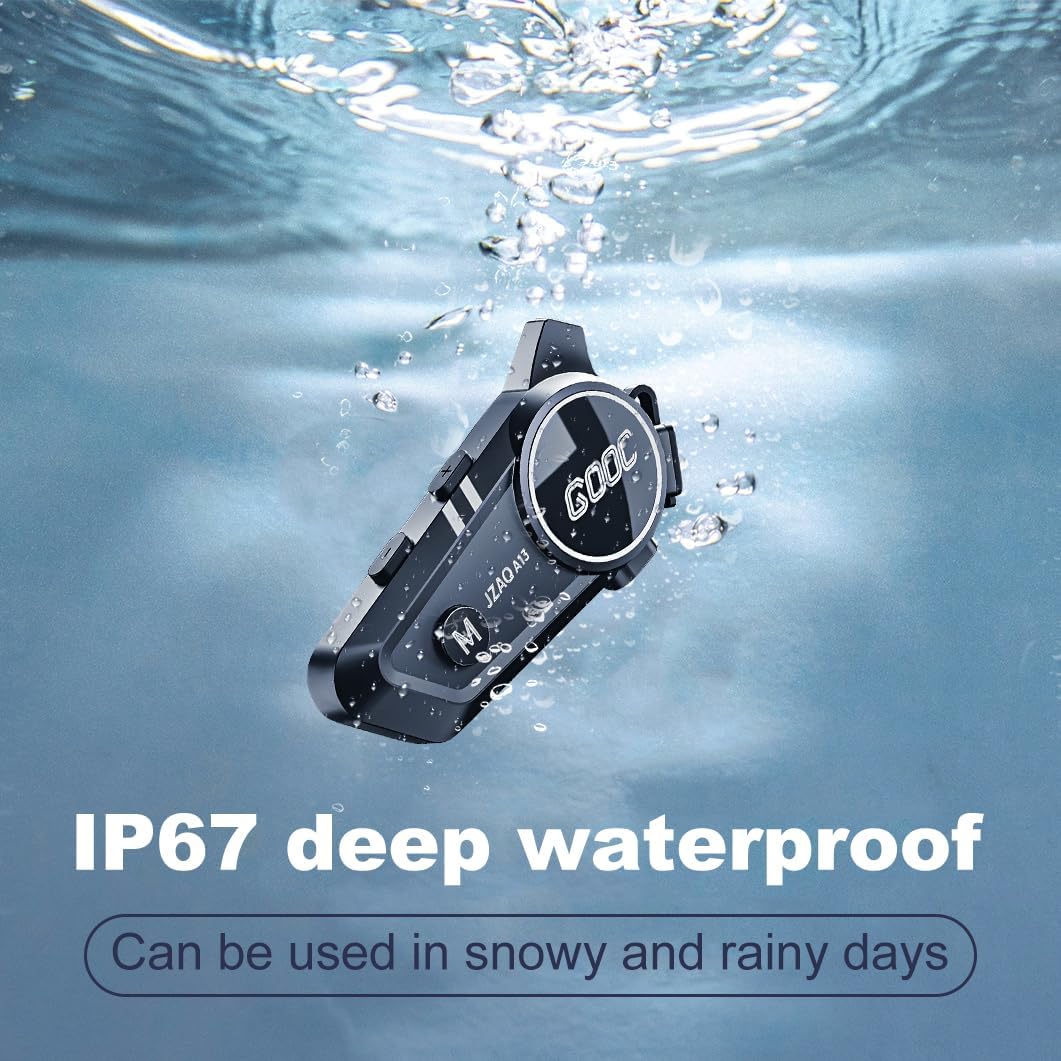
Image 6.1: The JZAQ A13 demonstrating its IP67 deep waterproof capability.
6.2 Čištění a skladování
- Jednotku otřete měkkým, damp tkanina. Vyhněte se používání agresivních chemikálií nebo abrazivních čisticích prostředků.
- Ujistěte se, že je kryt nabíjecího portu bezpečně uzavřen, aby byla zachována vodotěsnost.
- Pokud zařízení nepoužíváte, skladujte jej na chladném a suchém místě.
7. Řešení problémů
If you encounter issues with your JZAQ A13, refer to the following common problems and solutions:
| Problém | Možná příčina | Řešení |
|---|---|---|
| Zařízení se nezapne | Slabá baterie; Zařízení zamrzlo | Charge the device fully; Perform a hard reset (if applicable, refer to manufacturer for specific steps). |
| Nelze spárovat s telefonem | Not in pairing mode; Bluetooth off on phone; Device already paired | Ensure device is in pairing mode (flashing red/blue); Turn on phone's Bluetooth; Forget previous connections on phone and re-pair. |
| Žádný zvuk z reproduktorů | Volume too low; Speakers disconnected; Faulty connection | Increase volume on device and phone; Check speaker connections; Try re-plugging speakers into the main unit. |
| Interkom se nepřipojuje | Mimo dosah; Nesprávný postup párování | Ensure riders are within 200m range; Repeat intercom pairing steps for both units. |
| Poor voice quality during calls/intercom | Microphone position; Excessive wind noise | Adjust microphone closer to mouth; Ensure microphone is shielded from direct wind. |
8. Specifikace
Key technical specifications for the JZAQ A13 Bluetooth Helmet Speakers & Intercom System:
| Funkce | Specifikace |
|---|---|
| Název modelu | A13 |
| Značka | JZAQ |
| Technologie připojení | Bezdrátové (Bluetooth) |
| Verze Bluetooth | 5.3 |
| Kapacita baterie | 1500 XNUMX mAh |
| Výdrž baterie (doba přehrávání) | Až 180 hodin |
| Doba nabíjení | 2 hodiny |
| Rozsah interkomu | Up to 200 meters (two-way) |
| Úroveň odolnosti proti vodě | IPX67 (vodotěsný) |
| Kontrola hluku | Sound Isolation, DSP Noise Reduction |
| Speciální funkce | Built-In Voice Assistant, Fast Charging, Includes microphone, Lightweight |
| Hmotnost položky | 7.4 unce (0.21 kilogramů) |
| Provozní teplota | -20°F to (unspecified upper limit) |
9. Záruka a podpora
The JZAQ A13 Bluetooth Helmet Speakers & Intercom System comes with a 2-letá záruka. For any product-related inquiries, technical assistance, or warranty claims, please contact JZAQ customer service through the Amazon Buyer Center. Our customer service team is available to assist you.


