
Zavedení
This manual provides detailed instructions for the setup, operation, and maintenance of your Sandberg Mechanical Gamer Keyboard, model 640-31. Please read this manual thoroughly before using the product to ensure proper functionality and longevity.
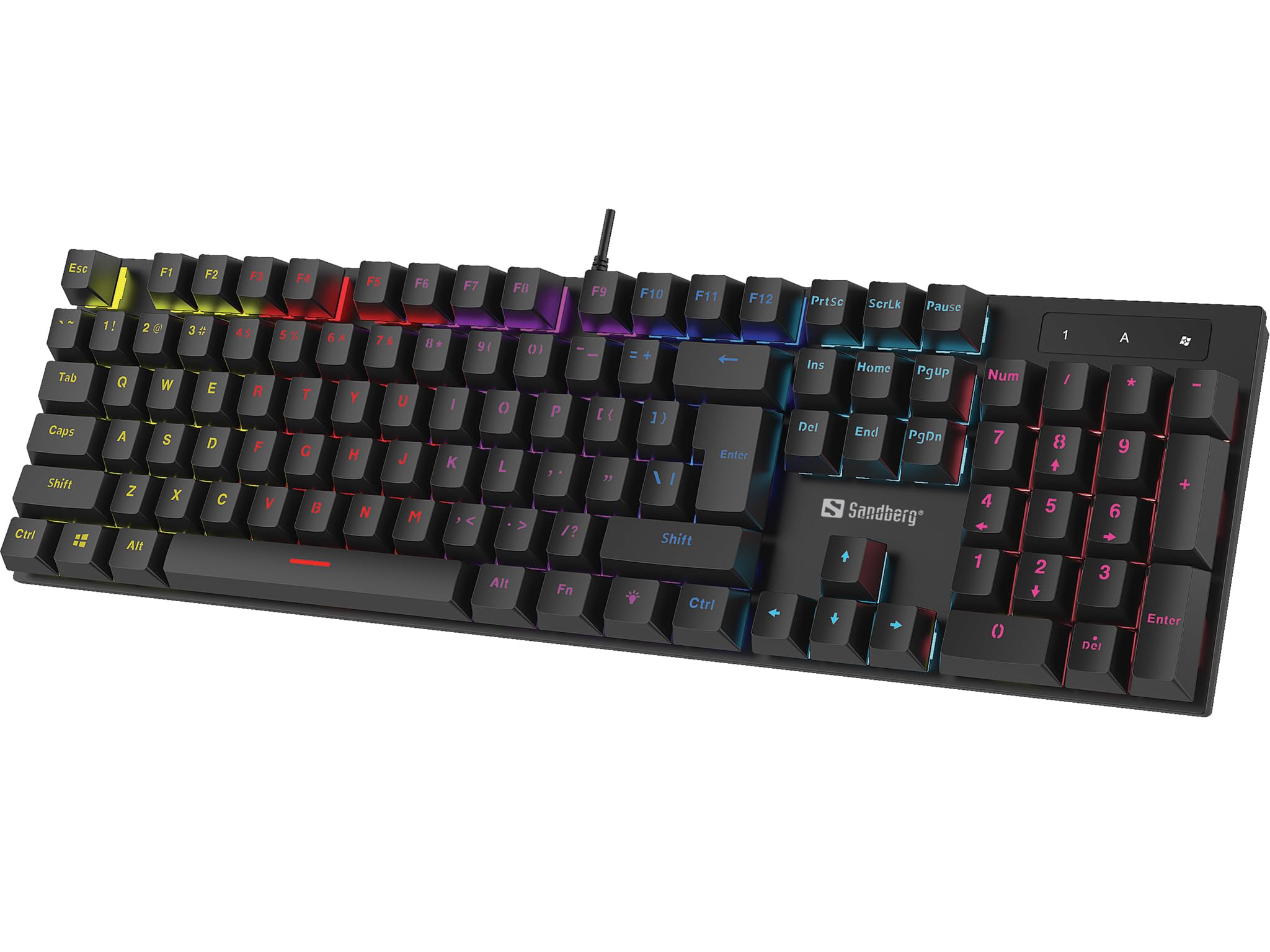
Obraz: The Sandberg Mechanical Gamer Keyboard 640-31, showcasing its full layout with RGB backlighting.
Obsah balení
Ujistěte se, že v balení jsou přítomny všechny položky:
- Sandberg Mechanical Gamer Keyboard 640-31 (German Layout)
- Uživatelská příručka (tento dokument)
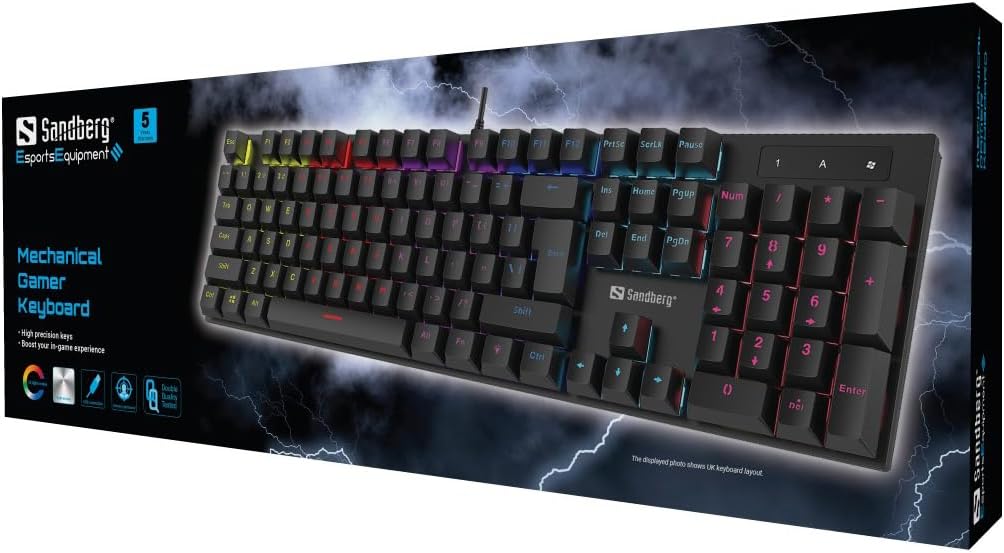
Obraz: The retail packaging for the Sandberg Mechanical Gamer Keyboard 640-31, displaying the keyboard and key features.
Nastavení
- Rozbalení: Opatrně vyjměte klávesnici z obalu.
- Spojení: Locate an available USB port on your computer. Insert the USB connector of the keyboard into the USB port.
- Instalace ovladače: The keyboard is plug-and-play. Your operating system will automatically detect and install the necessary drivers. No additional software installation is typically required for basic functionality.
- Počáteční test: Open a text editor or any application where you can type to verify that all keys are functioning correctly.
Návod k obsluze
Základní funkce klávesnice
The Sandberg Mechanical Gamer Keyboard 640-31 features a standard German QWERTZ layout with a full numeric keypad. All standard alphanumeric keys, function keys (F1-F12), navigation keys, and the numeric keypad operate as expected.
Multimedia and Function Keys (Fn Combinations)
Mnoho kláves má sekundární funkce přístupné stisknutím Fn key (located near the Alt key) simultaneously with the desired function key. Refer to the keycaps for specific icons indicating these functions.
- Fn + F1–F12: Typically control multimedia playback, volume, and other system functions.
- Fn + klávesa Windows: Zamkne/odemkne klávesu Windows, aby se zabránilo nechtěnému stisknutí během hraní.
- Fn + klávesy se šipkami: May control backlight brightness or animation speed.
- Fn + Ins/Home/PgUp/Del/End/PgDn: Often used for backlight mode selection or customization.
Ovládání podsvícení
The keyboard features customizable RGB backlighting. Specific key combinations are used to adjust lighting effects:
- Nastavení jasu: Použití Fn + šipka nahoru pro zvýšení jasu a Fn + šipka dolů ke snížení jasu.
- Přepínání režimů: Stiskněte Fn + Ins, Fn + Home, Fn + PgUp, Fn + Del, Fn + Konecnebo Fn + PgDn to cycle through various lighting modes and effects.
- Úprava barev: Some modes allow color changes using Fn + šipka doleva or Fn + šipka vpravo.
- Nastavení rychlosti: For dynamic lighting modes, Fn + mínus (-) a Fn + Plus (+) keys (on the main keyboard, not numpad) may adjust the effect speed.
Údržba
Čištění klávesnice
- Odpojit: Před čištěním vždy odpojte klávesnici od počítače.
- Odstranění prachu: K odstranění prachu a nečistot z prostoru mezi klávesami použijte nádobku se stlačeným vzduchem.
- Čištění povrchu: Otřete klávesy a povrch klávesnice měkkým, lehce suchým hadříkem.amp, hadřík, který nepouští vlákna. Zabraňte nadměrné vlhkosti.
- Vyhněte se agresivním chemikáliím: Do not use strong cleaning agents, solvents, or abrasive materials, as these can damage the keyboard's finish or keycap legends.
Skladování
Pokud klávesnici delší dobu nepoužíváte, skladujte ji na suchém a chladném místě mimo dosah přímého slunečního záření a extrémních teplot.
Odstraňování problémů
| Problém | Možná příčina | Řešení |
|---|---|---|
| Klávesnice nereaguje | Volné USB připojení, vadný USB port, problém s ovladačem. |
|
| Nefungují konkrétní klávesy | Debris under keycap, key switch malfunction. |
|
| Podsvícení nefunguje nebo je nesprávné | Backlight settings, software conflict. |
|
| Keyboard input lag | System performance, USB port issues. |
|
Specifikace
- Model: 640-31
- Značka: Sandberg
- Rozložení klávesnice: Němčina (DE)
- Typ: Mechanická herní klávesnice
- Počet tlačítek: 105
- Konektivita: USB
- Rozměry produktu: 2.34 x 6.22 x 2.6 palce
- Hmotnost položky: 6.8 unce
- Zahrnuté komponenty: Mechanical keyboard DE
Záruka a podpora
Sandberg products are designed for quality and come with a warranty. For specific warranty terms and conditions, please refer to the warranty information provided with your purchase or visit the official Sandberg webmísto.
For technical support, troubleshooting assistance, or to inquire about replacement parts, please visit the official Sandberg support page or contact their customer service directly. You can find contact information on the Sandberg webmísto: www.sandberg.it