
1. Úvod
This manual provides instructions for the Re-Flix Superior Light 4-in-1 Universal Remote Control, model 747516. This remote is pre-programmed for immediate use with the Daewoo DV2500H DVD/BD player. It is designed to offer a straightforward and reliable control solution for your device.
Please read this manual carefully before using the remote control to ensure proper operation and to understand its features.
2. Nastavení
2.1 Instalace baterie
The remote control requires two (2) AAA 1.5V batteries (not included). Follow these steps to install the batteries:
- Najděte kryt prostoru pro baterie na zadní straně dálkového ovladače.
- Posuňte kryt dolů nebo stiskněte západku a zvedněte jej pro otevření.
- Vložte dvě baterie typu AAA a ujistěte se, že kladný (+) a záporný (-) pól odpovídají schématům uvnitř přihrádky.
- Nasaďte kryt přihrádky na baterie tak, že jej zasunete zpět na místo, dokud bezpečně nezacvakne.

Obrázek 1: Zadní strana view dálkového ovladače s přihrádkou na baterie.
2.2 První použití
This Re-Flix remote control is pre-programmed for the Daewoo DV2500H DVD/BD player. No code entry or additional setup is required for this specific device. Simply insert the batteries, and the remote will be ready for use.
Poznámka: If you intend to program this remote for other devices, a separate USB programmer is required. This programmer is not included with the remote control.
3. Návod k obsluze
The Re-Flix Superior Light remote control functions like your original Daewoo DV2500H remote. Point the remote directly at your Daewoo DV2500H DVD/BD player and press the desired function buttons.
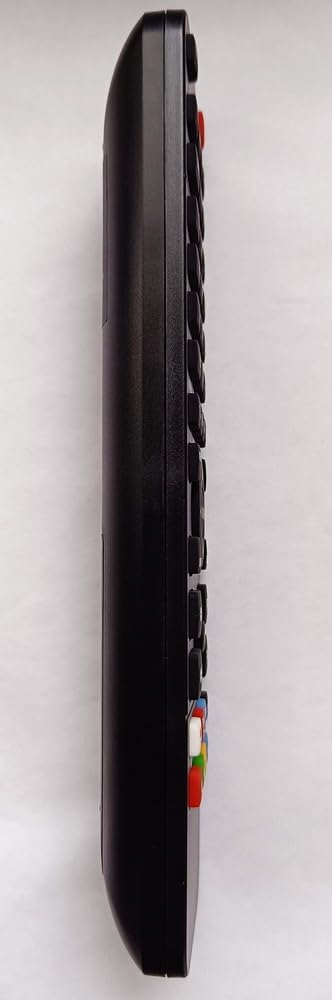
Obrázek 2: Přední strana view of the remote control displaying its buttons.
- Vypínač: Zapíná nebo vypíná zařízení.
- Ovládání přehrávání: Přehrát, Pozastavit, Zastavit, Rychle vpřed, Přetočit vzad, Přeskočit skladbu.
- Navigační tlačítka: Nahoru, dolů, vlevo, vpravo a OK/Enter pro navigaci v menu.
- Numerická klávesnice: Pro přímý výběr nebo zadávání stopy.
- Funkční tlačítka: Specific buttons for DVD/BD functions (e.g., Menu, Title, Audio, Subtitle).
The remote is designed to retain its programming even when batteries are removed or replaced, ensuring no loss of settings.
4. Údržba
4.1 Čištění
To clean the remote control, use a soft, dry cloth. Do not use abrasive cleaners, solvents, or chemical wipes, as these may damage the surface or internal components.
4.2 Výměna baterie
Replace batteries when the remote control's response becomes sluggish or stops working. Always replace both batteries at the same time with new AAA 1.5V batteries. Do not mix old and new batteries or different types of batteries.
Použité baterie zlikvidujte v souladu s místními předpisy.
5. Řešení problémů
- Dálkové ovládání nereaguje:
- Ujistěte se, že jsou správně vloženy nové baterie.
- Check for any obstructions between the remote control and the Daewoo DV2500H DVD/BD player.
- Ensure you are pointing the remote directly at the device's infrared receiver.
- Verify that the Daewoo DV2500H DVD/BD player is powered on.
- Funkce dálkového ovladače jsou nesprávné:
- Confirm that your device is indeed the Daewoo DV2500H DVD/BD player. This remote is specifically pre-programmed for this model.
- If you are attempting to use it with a different device, remember that a separate USB programmer is required for additional device programming.
6. Specifikace
| Atribut | Detail |
|---|---|
| Značka | Re-Flix |
| Číslo modelu | 747516 |
| Technologie připojení | Infračervený |
| Kompatibilní zařízení | Daewoo DV2500H DVD/BD Player (Pre-programmed) |
| Maximální počet podporovaných zařízení | 1 (Pre-programmed for Daewoo DV2500H) |
| Jsou vyžadovány baterie | 2x AAA 1.5V (nejsou součástí balení) |
| Hmotnost | 89 g |
| Rozměry (D x Š x V) | 21 x 4.7 x 2 cm |
7. Záruka a podpora
Information regarding specific warranty terms for this product is not provided in the product details. For warranty claims or technical support, please contact the retailer or manufacturer directly. Keep your purchase receipt as proof of purchase.