
Walfront YA100 A
Walfront YA100 A Cycling Speedometer Bike Computer Instruction Manual
Model: YA100 A
1. Úvod
This manual provides detailed instructions for the installation, operation, and maintenance of your Walfront YA100 A Cycling Speedometer Bike Computer. Please read this manual thoroughly before using the device to ensure proper function and longevity.
2. Obsah balení
Ověřte, zda jsou v balení obsaženy všechny níže uvedené položky:
- 1 x Speedometer
- 1 x Speed Cadence Sensor (ABS)
- 1 x Speedometer Bracket
- 1 x Držák na řídítka
- 1 x Wheel Magnet
- 1 x šroub
- 3 x lepicí pásky
- 4 x Kravaty
- 2 x Uživatelská příručka (tento dokument)

Image: The Walfront YA100 A Speedometer along with its included accessories, such as the sensor, various mounts, and installation hardware.
3. Konec produktuview
The Walfront YA100 A Cycling Speedometer is designed to provide essential cycling data with ease of use. Key features include:
- 2.8palcový LCD displej: A large, clear screen with soft white backlight for visibility in various lighting conditions.
- Bezdrátové funkce: Eliminates the need for complex wiring, offering automatic scanning, start, and stop functions.
- Multiple Data Displays: Tracks distance, maximum and average speeds, travel time, calorie consumption, temperature, and stopwatch functions.
- Uživatelsky přívětivá tlačítka: Two physical buttons for straightforward operation, even in adverse weather.
- Všestranná montáž: Includes two brackets for extended mounting or direct handlebar attachment.
- Vodotěsný design: Engineered to withstand rain and wet conditions.

Obrázek: Detailní záběr view of the Walfront YA100 A Speedometer's 2.8-inch LCD display, showing speed and other metrics.
4. Nastavení a instalace
Follow these steps to correctly install your bike computer and sensor:
4.1. Speedometer Installation
- Choose Mount: Select either the extended mounting bracket or the handlebar mount based on your preference.
- Bezpečný držák: Attach the chosen bracket to your bicycle's handlebar or stem using the provided screws or ties. Ensure it is firmly secured and does not obstruct steering or braking.
- Attach Speedometer: Slide the speedometer onto the bracket until it clicks securely into place.
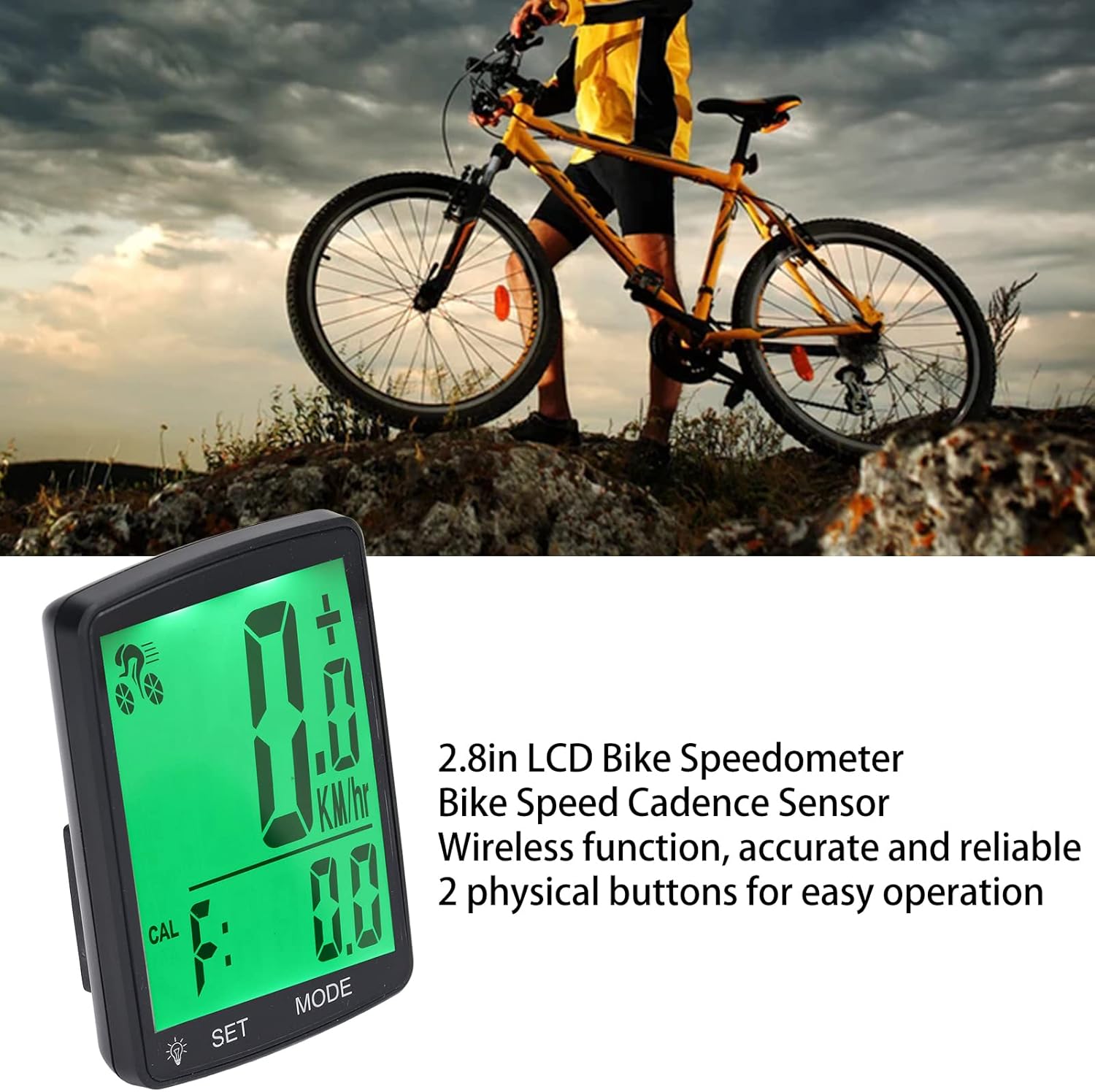
Image: The Walfront YA100 A Speedometer securely mounted on a bicycle handlebar, ready for use.
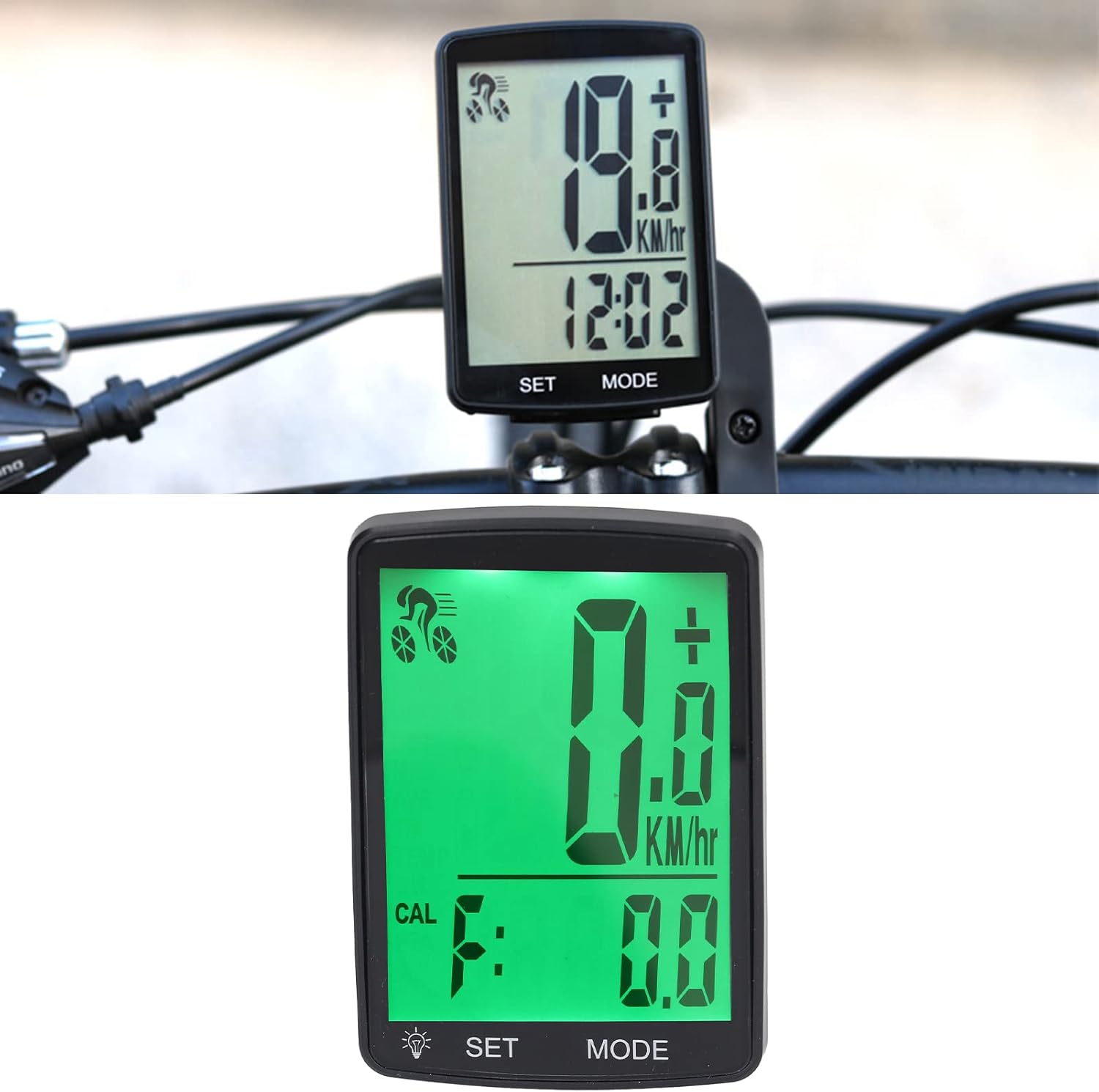
Image: A close-up of the speedometer mounted on the handlebar, showing its position relative to the rider's view.
4.2. Speed/Cadence Sensor Installation
- Připojení senzoru: Mount the speed/cadence sensor to the front fork of your bicycle using the provided ties. Ensure it is positioned correctly to align with the wheel magnet.
- Instalace magnetu na kolo: Attach the wheel magnet to a spoke on your front wheel.
- Upravit vzdálenost: Adjust the position of the sensor and magnet so that they are within 3mm of each other when the wheel rotates. The sensor should be aligned with the magnet.
- Zabezpečené komponenty: Tighten all ties and ensure the sensor and magnet are firmly in place and will not shift during cycling.
Video: This video demonstrates the installation process for a bicycle speedometer and its associated speed/cadence sensor, including mounting the main unit, attaching the wireless transmitter to the fork, and positioning the wheel magnet.
Video: This video provides a general guide on installing and using a cycling cadence and speed sensor. While it features a COOSPO branded sensor, the installation principles are similar for most wireless speed/cadence sensors.
5. Návod k obsluze
Your Walfront YA100 A bike computer features two main buttons: "SET" and "MODE".
5.1. Zapnutí/vypnutí
- To power on, press and hold the "SET" button.
- The device will automatically enter sleep mode after a period of inactivity and wake up when motion is detected.
5.2. Režimy zobrazení
Press the "MODE" button to cycle through different display screens:
- Speedometer (SPD): Current speed (KM/H or M/H).
- Průměrná rychlost (AVS): Average speed during the current ride.
- Maximální rychlost (MXS): Highest speed recorded during the current ride.
- Vzdálenost (DST): Ujetá vzdálenost během aktuální jízdy.
- Travel Time (TM): Délka aktuální jízdy.
- Total Distance (ODO): Celková ujetá vzdálenost.
- Kalorie (CAL): Estimated calorie consumption.
- Teplota (TEMP): Aktuální okolní teplota.
- Stopky: Pro časově specifické intervaly.

Obrázek: Podrobný view of the speedometer's display, highlighting the various data fields such as speed, calories, and other metrics.
5.3. Úprava nastavení
To enter settings mode, press and hold the "SET" button while the device is on. Use "MODE" to navigate options and "SET" to confirm or adjust values.
- Výběr jednotky: Choose between kilometers per hour (KM/H) or miles per hour (M/H).
- Obvod kola: Input your wheel's circumference for accurate speed and distance readings. Refer to your bicycle's manual or an online calculator for this value.
- Nastavení času: Upravte aktuální čas.
- Maintenance Scan: Activate or deactivate the maintenance reminder function.
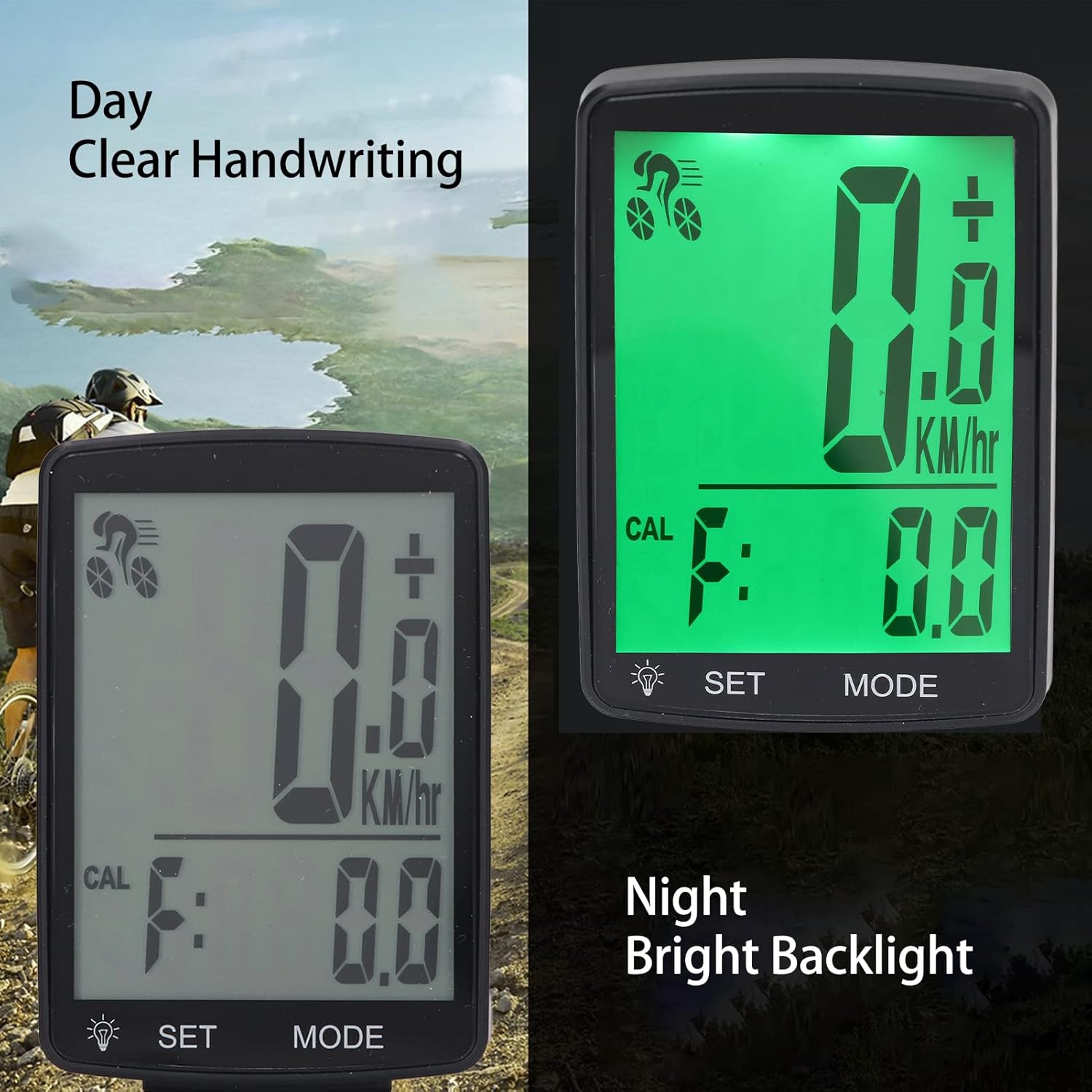
Image: Comparison of the speedometer's display readability in daylight and with its bright backlight activated for night use.
6. Údržba
- Čištění: Otřete zařízení měkkým, damp tkanina. Nepoužívejte abrazivní čisticí prostředky nebo rozpouštědla.
- Voděodolnost: The device is waterproof (IPX4 rated), suitable for use in rain. However, avoid submerging it in water.
- Baterie: The speedometer and sensor each use one CR2032 button cell battery. Replace batteries when the low battery indicator appears on the display. Ensure correct polarity when replacing.
- Skladování: Pokud zařízení delší dobu nepoužíváte, skladujte jej na chladném a suchém místě.
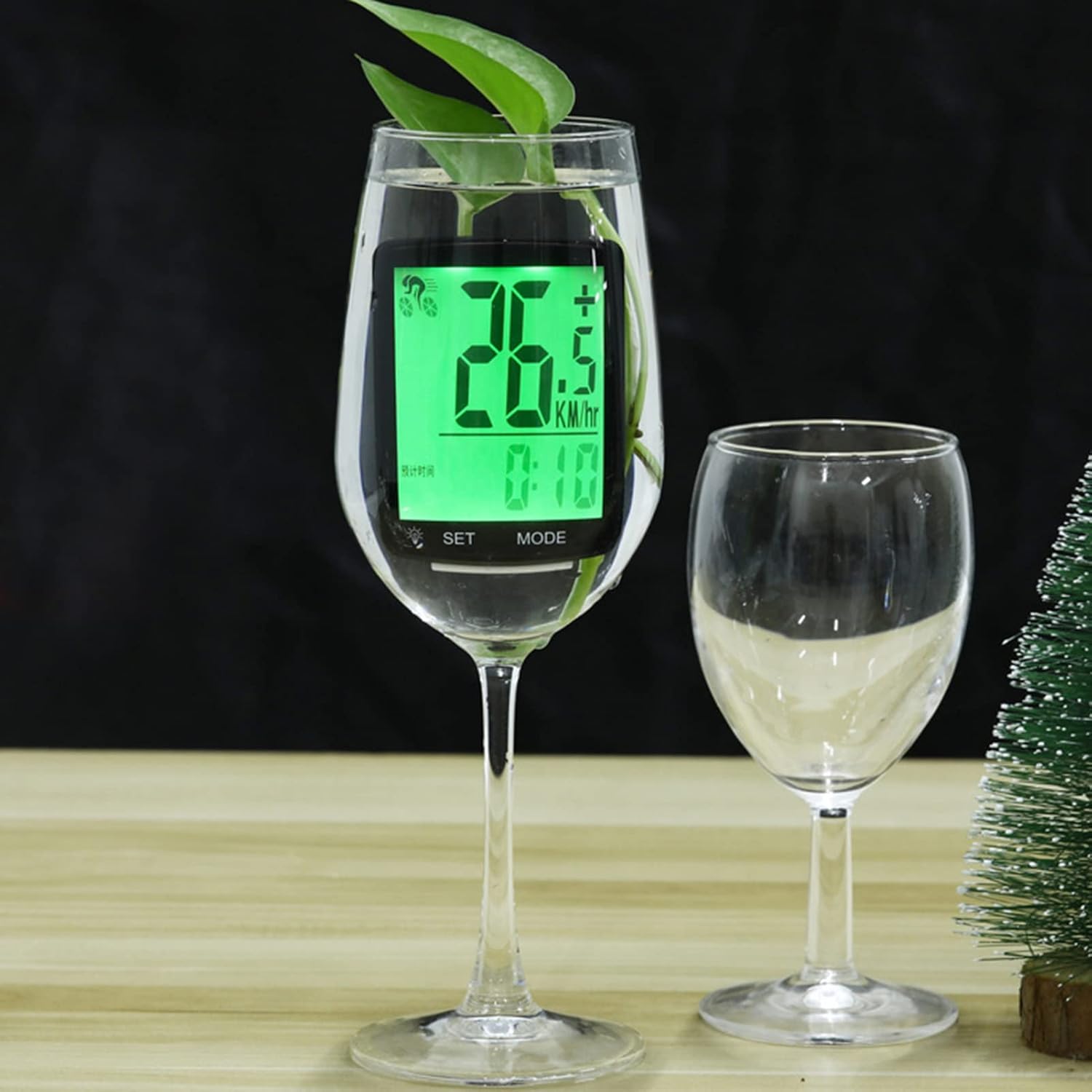
Image: The Walfront YA100 A Speedometer undergoing a water resistance test, demonstrating its ability to function in wet conditions.
7. Řešení problémů
- Žádné rychlé čtení:
- Check battery in sensor and speedometer.
- Ensure sensor and magnet are correctly aligned and within 3mm distance.
- Verify the wheel circumference setting is accurate.
- Displej nefunguje:
- Check speedometer battery.
- Ujistěte se, že je zařízení zapnuté.
- Nepřesná čtení:
- Re-check wheel circumference setting.
- Ensure sensor and magnet alignment is precise.
8. Specifikace
| Funkce | Detail |
|---|---|
| Model | YA100 A |
| Materiál | ABS |
| Velikost displeje | 2.8 palce |
| Typ zobrazení | LCD |
| Napájení (senzor) | 1 x CR2032 button cell 380mAh (built-in) |
| Power Supply (Speedometer) | 1 x CR2032 button cell 380mAh (built-in) |
| Funkce | SPD, AVS, MXS, DST, TM, CAL, TEMP, Stopwatch, Maintenance Scan |
| Hodnocení voděodolnosti | IPX4 |
| Hmotnost položky | 150 g |
| Rozměry balíku | 14.7 x 8.3 x 5.1 cm |

Image: The Walfront YA100 A Speedometer displaying its physical dimensions for reference.
9. Záruka a podpora
Informace o záruce a zákaznické podpoře naleznete na obalu produktu nebo se obraťte na prodejce. Uschovejte si účtenku jako doklad o koupi.
Ask a question about this manual
Ask about setup, troubleshooting, compatibility, parts, safety, or missing instructions. Manuals+ will review the question and use this page’s manual context to help answer it.