
Roberts PLAY11BK
Uživatelská příručka k přenosnému rádiu Roberts Radio Digital Play11 DAB/DAB+/FM
Model: PLAY11BK
Zavedení
Thank you for choosing the Roberts Radio Digital Play11. This portable radio offers high-quality audio with DAB, DAB+, and FM reception. Designed for ease of use, it features a headphone jack for personal listening and flexible power options. This manual provides essential information for setting up, operating, and maintaining your device.
Bezpečnostní informace
Před použitím tohoto výrobku si prosím přečtěte a pochopte všechny bezpečnostní pokyny. Uschovejte si tyto pokyny pro budoucí použití.
- Nevystavujte rádio dešti, vlhkosti ani extrémním teplotám.
- Neumisťujte jednotku do blízkosti zdrojů tepla nebo na přímé sluneční světlo.
- Use only the specified power supply (USB-C cable) or 4 x AA batteries.
- Nepokoušejte se jednotku rozebírat ani upravovat. Veškerý servis svěřte kvalifikovanému personálu.
- Zajistěte dostatečné větrání; nezakrývejte větrací otvory.
- Baterie zlikvidujte zodpovědně v souladu s místními předpisy.
Co je v krabici
Po vybalení se prosím ujistěte, že jsou přítomny všechny následující položky:
- Roberts Radio Digital Play11
- Rychlý průvodce
- USB-C napájecí kabel
- Bezpečnostní a záruční list
Konec produktuview
Familiarize yourself with the main components and controls of your Play11 radio.

Obrázek: Přední strana view of the Roberts Play11 radio with labels indicating the On/Off button, Volume knob, Antenna, LCD Display, Select knob, Favourites button, Info/Menu button, Mode button, and Next/Previous buttons.
- Tlačítko zapnutí/vypnutí: Zapíná nebo vypíná jednotku.
- Knoflík hlasitosti: Nastavuje výstupní úroveň zvuku.
- Anténa: Pro optimální příjem rádia vysuňte.
- LCD displej: Zobrazuje informace o stanici, čas a možnosti nabídky.
- Vybrat knoflík: Prochází menu a potvrzuje výběr.
- Favourites (2 sec) Button: Press and hold to save a favourite station; short press to recall.
- Info | Menu Button: Displays station information; press and hold to access the main menu.
- Tlačítko režimu: Switches between DAB, DAB+, and FM modes.
- Next | Previous Buttons: Prochází stanicemi nebo možnostmi nabídky.
- Sluchátkový jack: For private listening (3.5mm AUX Out Port).
- Port USB-C: Pro napájení.

Obrázek: Detail view of the Roberts Play11 radio, highlighting the 3.5mm headphone jack on the side for personal listening.
Nastavení
1. Napájení
The Play11 can be powered by either batteries or the included USB-C power cable.

Obrázek: Zadní view of the Roberts Play11 radio, illustrating the battery compartment for 4x AA batteries (not included) and the USB-C power input port.
- Provoz na baterie: Open the battery compartment on the rear of the radio. Insert 4 x AA (LR6) batteries, ensuring correct polarity. Close the compartment securely. Batteries are not included.
- Provoz ze sítě: Connect the supplied USB-C power cable to the USB-C port on the radio and plug the other end into a suitable USB power adapter (not supplied).
2. Anténa
Pro optimální příjem v režimech DAB/DAB+ i FM plně vysuňte teleskopickou anténu.
3. Počáteční zapnutí
Stiskněte tlačítko Zapnuto/Vypnuto button to power on the radio. If this is the first time using the radio, it will automatically perform a full scan for DAB/DAB+ stations.
Návod k obsluze
Switching Modes (DAB/DAB+/FM)
Stiskněte tlačítko Režim button repeatedly to cycle between DAB, DAB+, and FM radio modes.
Rádio DAB / DAB +
- Vyhledávání stanic: After initial power-on, the radio will automatically scan. To perform a manual scan, press and hold the Informace | Jídelní lístek button, navigate to "Full Scan" using the Vybrat knob, and press Vybrat potvrdit.
- Výběr stanic: Otočte Vybrat knob to browse available stations. Press the Vybrat knob to tune into the desired station.
- Saving Presets (Favourites): Nalaďte požadovanou stanici. Stiskněte a podržte Favourites (2 sec) dokud se nezobrazí „Preset Store“ (Uložení předvoleb). Otáčejte knoflíkem Vybrat knob to choose a preset number (1-10) and press Vybrat uložit.
- Vyvolání předvoleb: Krátce stiskněte Favourites (2 sec) knoflík. Otočte Vybrat knob to choose the desired preset and press Vybrat naladit se.
FM rádio
- Vyhledávání stanic: V režimu FM stiskněte a podržte tlačítko Next | Previous tlačítka pro automatické vyhledání další dostupné stanice.
- Ruční ladění: Otočte Vybrat knoflík pro ruční ladění na konkrétní frekvenci.
- Saving Presets (Favourites): Nalaďte požadovanou stanici. Stiskněte a podržte Favourites (2 sec) dokud se nezobrazí „Preset Store“ (Uložení předvoleb). Otáčejte knoflíkem Vybrat knob to choose a preset number (1-10) and press Vybrat uložit.
- Vyvolání předvoleb: Krátce stiskněte Favourites (2 sec) knoflík. Otočte Vybrat knob to choose the desired preset and press Vybrat naladit se.
Používání sluchátek
Connect standard 3.5mm headphones to the headphone jack on the side of the radio for private listening. The internal speaker will automatically mute when headphones are connected.
Údržba
- Čištění: Rádio otírejte měkkým, suchým hadříkem. Nepoužívejte abrazivní čisticí prostředky ani rozpouštědla.
- Výměna baterie: When using batteries, replace all four AA batteries simultaneously when the low battery indicator appears on the display. Ensure correct polarity.
- Skladování: Pokud rádio skladujete delší dobu, vyjměte baterie, abyste zabránili vytečení.
Odstraňování problémů
| Problém | Možná příčina | Řešení |
|---|---|---|
| Žádná síla | Batteries are flat or incorrectly inserted; USB-C cable not connected properly. | Replace batteries, ensuring correct polarity. Check USB-C cable connection and power adapter. |
| Špatný příjem DAB/FM | Antenna not fully extended; weak signal area; interference. | Fully extend the telescopic antenna. Try repositioning the radio. Perform a full scan for DAB stations. |
| Žádný zvuk | Volume too low; headphones connected; unit muted. | Increase volume. Disconnect headphones. Check if the unit is muted (though this model doesn't have a dedicated mute button, ensure volume is not at zero). |
| Tlačítka nereagují | Dočasná softwarová závada. | Turn the radio off and on again. If problem persists, remove power source (batteries/USB-C) for a few minutes, then reconnect. |
Specifikace
| Model | PLAY11BK |
| Typ tuneru | DAB, DAB+, FM |
| Předvolby | 10 DAB, 10 FM |
| Zdroj napájení | 4 x AA batteries (not included) or USB-C (4.5 Volts) |
| Hardwarové rozhraní | USB typ C |
| Jack pro sluchátka | 3.5 mm |
| Typ zobrazení | LCD |
| Rozměry (DxŠxV) | 17.4 x 6 x 11 cm |
| Hmotnost | 357 g |
| Materiál | Plast, Polykarbonát (PC) |
Záruka a podpora
Your Roberts Radio Digital Play11 comes with a 2-year warranty. Please refer to the included Safety and Warranty leaflet for detailed terms and conditions. For technical support or service inquiries, please visit the official Roberts Radio webnebo kontaktujte jejich oddělení zákaznických služeb.
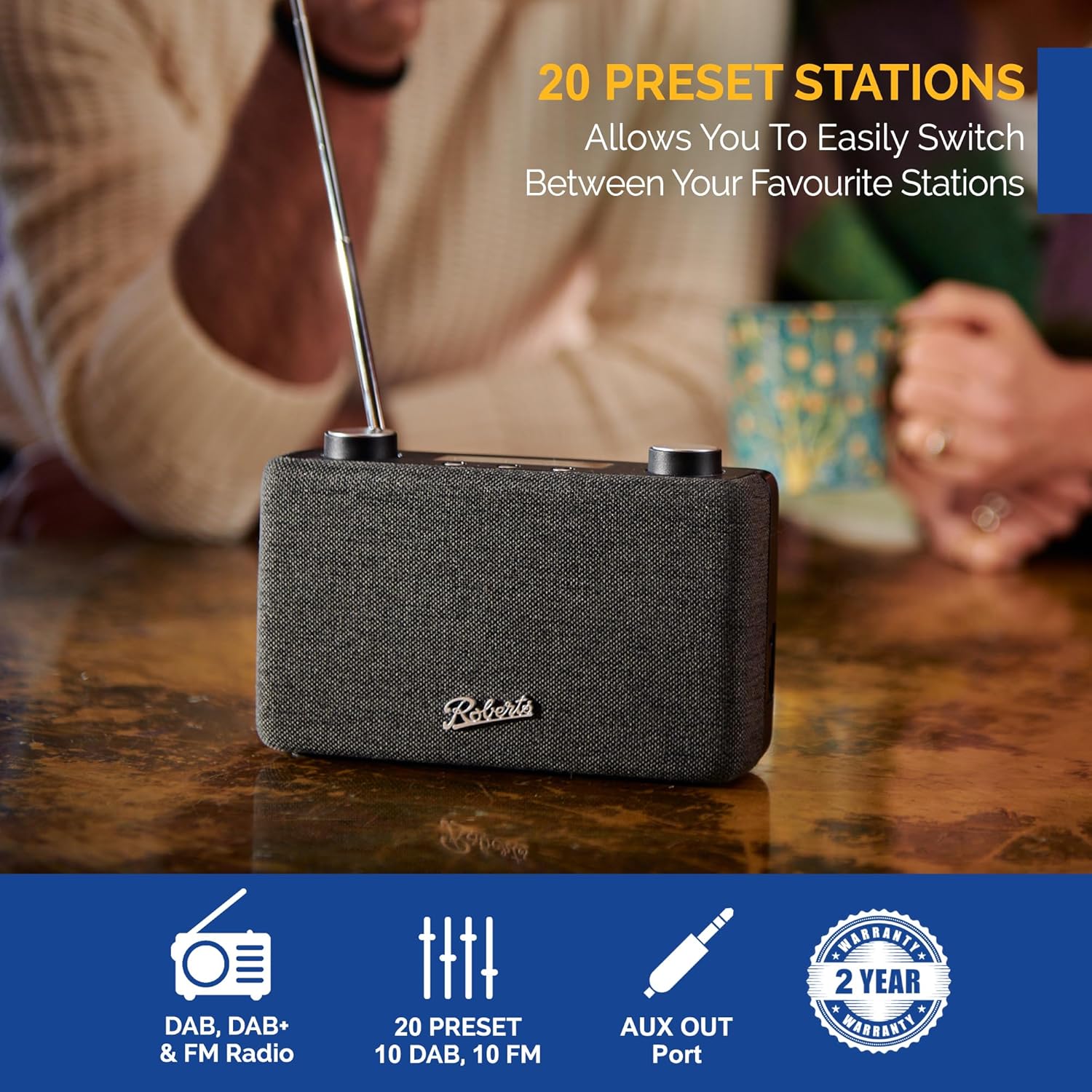
Image: The Roberts Play11 radio displayed alongside icons indicating DAB/DAB+ & FM Radio, 20 Presets, AUX Out Port, and a 2-Year Warranty badge.
Ask a question about this manual
Ask about setup, troubleshooting, compatibility, parts, safety, or missing instructions. Manuals+ will review the question and use this page’s manual context to help answer it.