
MARK ADLER Xeno 4.1
MARK ADLER Xeno 4.1 Electric Height-Adjustable Desk Frame
Model: Xeno 4.1 | Brand: MARK ADLER
Zavedení
This manual provides essential instructions for the assembly, operation, and maintenance of your MARK ADLER Xeno 4.1 Electric Height-Adjustable Desk Frame. Please read this manual thoroughly before use to ensure safe and efficient operation.
The MARK ADLER Xeno 4.1 desk frame offers a flexible workspace solution, allowing you to switch between sitting and standing positions. Its robust construction and intuitive controls are designed for comfort and stability in various work environments.
Bezpečnostní informace
- Před použitím se ujistěte, že jsou všechny součásti bezpečně upevněny.
- Nepřekračujte maximální nosnost 70 kg (154 lb).
- Během nastavování výšky držte děti a domácí zvířata v dostatečné vzdálenosti od stolu.
- Zabraňte přímému kontaktu tekutin s ovládacím panelem nebo součástmi motoru.
- Před čištěním nebo prováděním jakékoli údržby odpojte napájení.
- Používejte pouze dodaný napájecí adaptér a komponenty.
- If any unusual noise or malfunction occurs, immediately stop operation and disconnect power.
Obsah balení
Verify that all parts are present before beginning assembly. Refer to the included assembly guide for a detailed list of components.
- Electric Height-Adjustable Desk Frame components
- Control Panel with Memory Function
- Napájecí adaptér
- Průvodce montáží
- Necessary Screws and Tools (Screwdriver recommended for assembly)
Nastavení a montáž
Follow these general steps for assembling your MARK ADLER Xeno 4.1 desk frame. A detailed assembly guide is included with your product.
- Rozbalte komponenty: Opatrně vyjměte všechny díly z obalu a položte je na čistý, rovný povrch.
- Sestavení nohou a chodidel: Attach the desk legs to the feet using the provided screws. Ensure they are stable and level.
- Připojení příčníku: Attach the adjustable crossbar between the two leg assemblies. Adjust the width to match your desired tabletop size (90 to 160 cm).
- Instalace motoru a řídicí jednotky: Secure the motor and control box to the frame according to the assembly guide.
- Připojení ovládacího panelu: Mount the LED control panel in an accessible location on the frame.
- Zapojení: Connect all cables from the motor, control panel, and power adapter to the control box. Ensure all connections are secure.
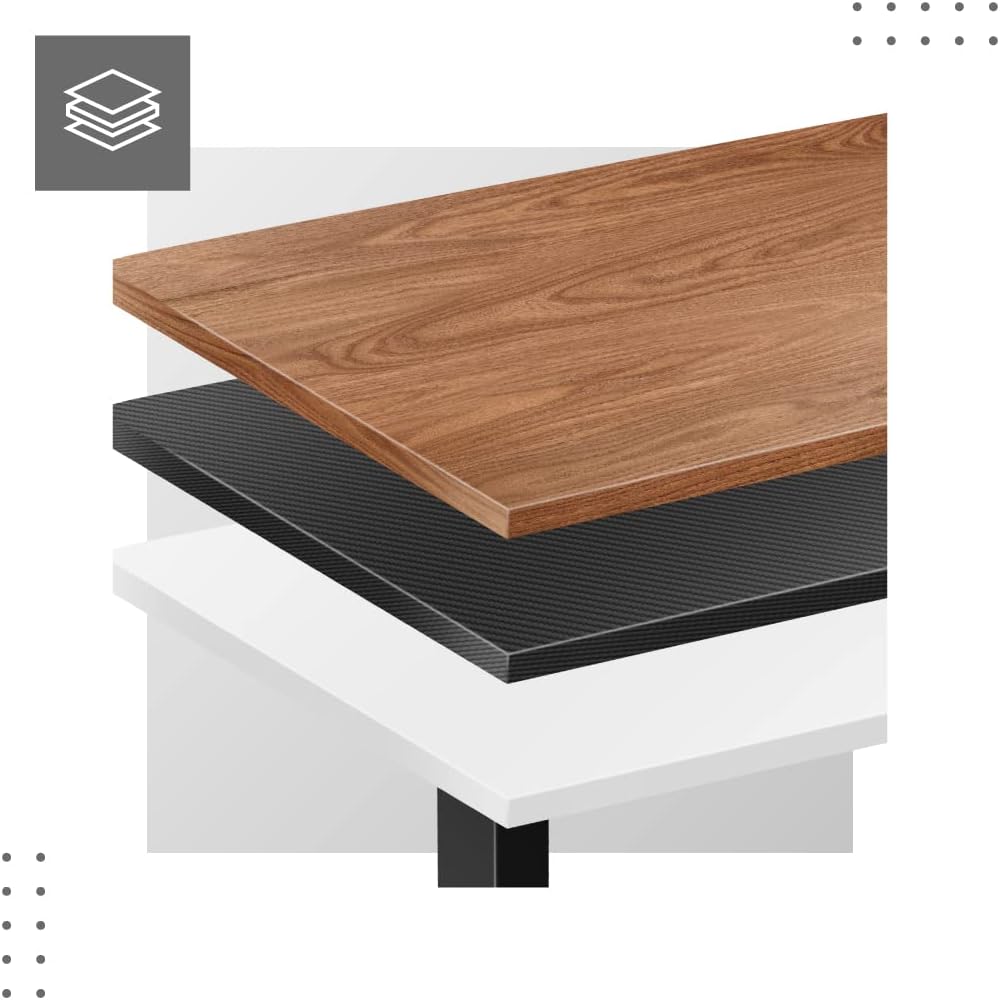
- Attach Tabletop (Not Included): Place your tabletop (90-160 cm width recommended) onto the assembled frame and secure it using appropriate screws (not included with frame).
- Počáteční zapnutí: Plug the power adapter into a wall outlet. The desk is now ready for calibration.
Dimensions and Compatibility:

Návod k obsluze
The MARK ADLER Xeno 4.1 features an intuitive LED control panel for easy height adjustment and memory functions.


Základní nastavení výšky
- Použijte Nahoru (▲) šipkou zvedněte stůl do požadované výšky stání.
- Použijte Dolů (▼) tlačítko se šipkou spusťte stůl do požadované výšky sezení.
- Aktuální výška se zobrazí na LED displeji.
Nastavení předvoleb paměti
The desk allows you to save up to three preferred height settings.
- Nastavte stůl do požadované výšky pomocí tlačítek Nahoru/Dolů.
- Stiskněte tlačítko „S“ (Save) button. The display will show "S-".
- Do 3 sekund stiskněte jedno z paměťových tlačítek ("1", "2"nebo "3"). The current height is now saved to that preset.
Recalling Memory Presets
- Simply press the desired memory button ("1", "2"nebo "3"). Stůl se automaticky přesune do uložené výšky.
Initial Calibration / Reset
If the desk does not operate correctly or displays an error code, a reset may be required.
- Stiskněte a podržte Dolů (▼) button until the desk reaches its lowest position and then slightly rises. Release the button.
- If the issue persists, disconnect the power for 10 seconds, then reconnect and attempt the reset procedure again.
Údržba
- Čištění: Rám stolu otřete měkkým hadříkemamp cloth. Avoid abrasive cleaners or solvents. Ensure the control panel and electrical components remain dry.
- Správa kabelů: Regularly check and organize cables to prevent tangles or damage, especially during height adjustments.
- Kontrola upevňovacích prvků: Pravidelně kontrolujte všechny šrouby a vruty, zda jsou pevně utažené. V případě potřeby je dotáhněte.
- Mazání: The electric lifting mechanism is generally maintenance-free. Do not attempt to lubricate internal components unless specifically instructed by the manufacturer.
Odstraňování problémů
| Problém | Možná příčina | Řešení |
|---|---|---|
| Stůl se nehýbe. | Power cable disconnected; Overload; Motor overheating; Control panel issue. | Check power connection. Reduce load. Allow motor to cool down. Perform a reset (see Operating Instructions). |
| Uneven movement or desk tilting. | Uneven load distribution; Loose fasteners. | Distribute weight evenly on the tabletop. Check and tighten all assembly screws. |
| Na ovládacím panelu se zobrazuje chybový kód. | System malfunction; Overload; Sensor issue. | Perform a reset (see Operating Instructions). If the error persists, contact customer support. |
| Předvolby paměti nefungují. | Předvolby nebyly správně uloženy. | Re-save your desired height presets (see Operating Instructions). |
Specifikace
| Funkce | Detail |
|---|---|
| Název modelu | Xeno 4.1 Black |
| Značka | MARK ADLER |
| Rozsah nastavení výšky | 72 cm - 118 cm (28.3 palce - 46.5 palců) |
| Width Adjustment Range | 84 cm - 129 cm (33.1 palce - 50.8 palců) |
| Doporučená šířka desky stolu | 90 cm - 160 cm (35.4 palce - 63 palců) |
| Maximální nosnost | 70 kg (154 lb) |
| Materiál rámu | Kov |
| Barva | Černý |
| Ovládací panel | LED with 3 Memory Presets |
| Typ motoru | Electric, Smooth Operation |
| Montáž Vyžadována | Ano |
| Doporučené nástroje | Šroubovák |
| Hmotnost položky | 17 kg (37.5 lb) |
| Výrobce | Meester Group sp. z o.o. |
Záruka a podpora
For warranty information and customer support, please refer to the official MARK ADLER webnebo se obraťte na prodejce. Uschovejte si účtenku jako doklad o koupi pro případné reklamace.
Výrobce: Meester Group sp. z o.o.
ASIN: B0C66DP9NT
Pro další pomoc prosím navštivte stránka produktu na Amazonu or contact MARK ADLER customer service.
Ask a question about this manual
Ask about setup, troubleshooting, compatibility, parts, safety, or missing instructions. Manuals+ will review the question and use this page’s manual context to help answer it.