
Zavedení
This manual provides comprehensive instructions for the FULODE MIX-7 7-Channel Audio Mixer. It covers setup, operation, maintenance, and troubleshooting to ensure optimal performance and longevity of your device. The MIX-7 is a versatile audio mixer designed for various applications, including studio recording, live performances, DJ events, and karaoke, offering features like Bluetooth connectivity, USB playback, 48V phantom power, and a multi-effects processor.

Figure 1: FULODE MIX-7 7-Channel Audio Mixer, front view.
Nastavení
1. Rozbalení a počáteční kontrola
Upon receiving your FULODE MIX-7, carefully unbox the unit. Verify that all components are present: the mixer unit, power supply, and instruction manual. Inspect the mixer for any visible damage that may have occurred during transit.
2. Připojení napájení
Connect the provided power adapter to the mixer's power input port. Ensure the power switch is in the OFF position before connecting to a power outlet. The mixer operates on AC 90-240V, 50-60Hz.
3. Připojení zvukových zařízení
The MIX-7 offers versatile input options:
- Kanály 1 5-: Utilize XLR and 1/4-inch (6.35mm) jack inputs for microphones or guitars. These channels support +48V phantom power for condenser microphones.
- Kanály 6 7-: Use 1/4-inch (6.35mm) jacks for stereo inputs, suitable for connecting CD players, keyboards, or computers.
- Hlavní výstup: A pair of 1/4-inch (6.35mm) jacks are available to connect to speakers or power ampzáchranáři.
- Sluchátkový výstup: Equipped with a listening interface for real-time monitoring.
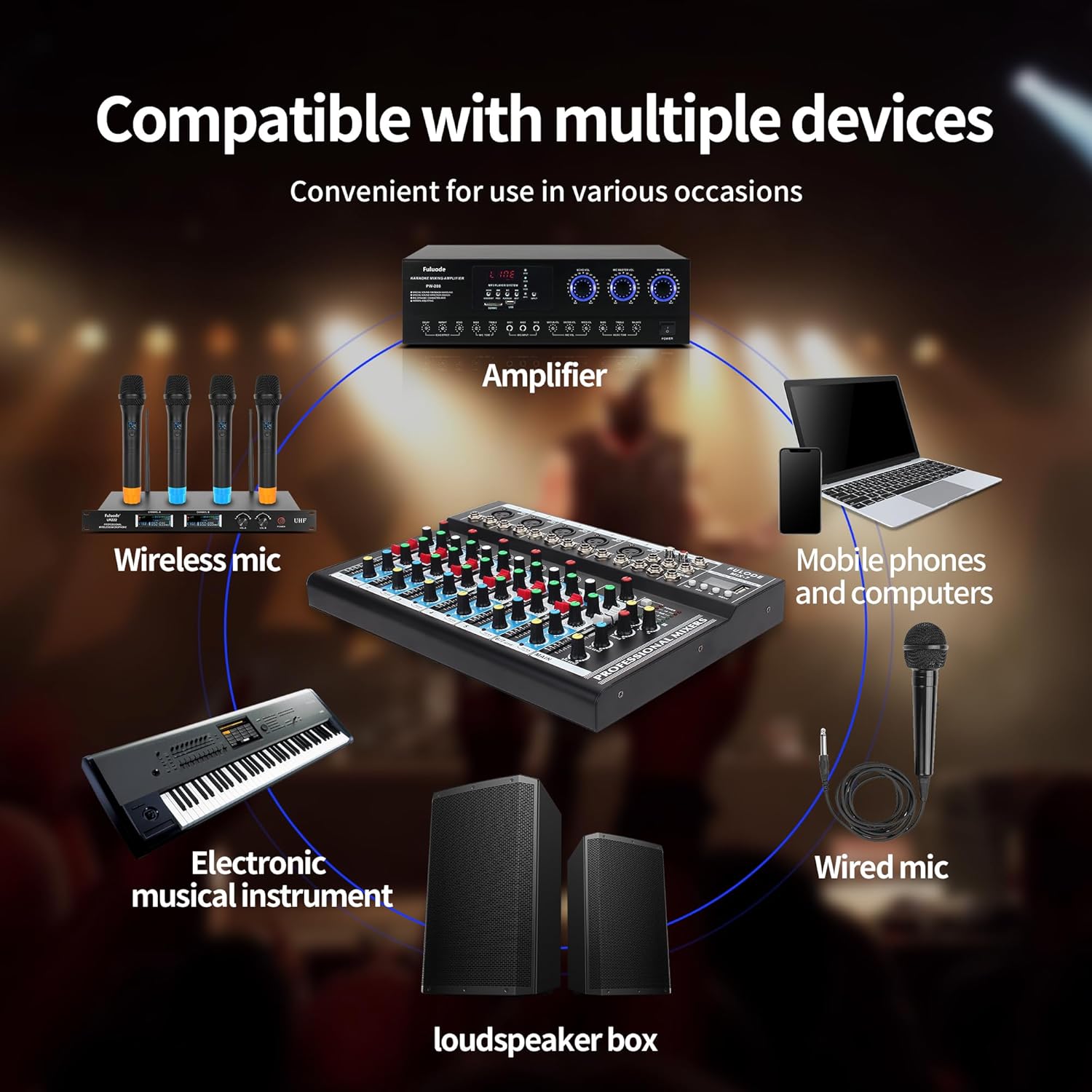
Figure 2: The FULODE MIX-7 mixer connected to various audio devices including wireless mics, electronic musical instruments, mobile phones, computers, wired mics, amplifiers, and loudspeaker boxes.

Obrázek 3: Detail view of the headphone output jack on the FULODE MIX-7, highlighting its real-time monitoring capability.
Návod k obsluze
1. Channel Control and Equalization
Each mono channel features a 3-band EQ (High, Mid, Low) and gain controls for precise sound shaping. Independent adjustment faders allow for individual audio input channel volume control, as well as total audio output volume adjustment.

Obrázek 4: Detailní view of the 3-band equalization section on the FULODE MIX-7, showing knobs for High, Mid, and Low frequency adjustments for each channel.
2. Bezdrátové připojení Bluetooth
Pro připojení přes Bluetooth:
- Press the "MENU" button on the mixer's digital display panel to switch to "BLUE Bluetooth Mode".
- On your mobile phone or smart device, enable Bluetooth and search for "NK-F8A" (the mixer's Bluetooth name) and connect.
- If there is no sound after connecting, adjust the volume knob.
- Adjust the high, middle, and bass frequencies as needed.
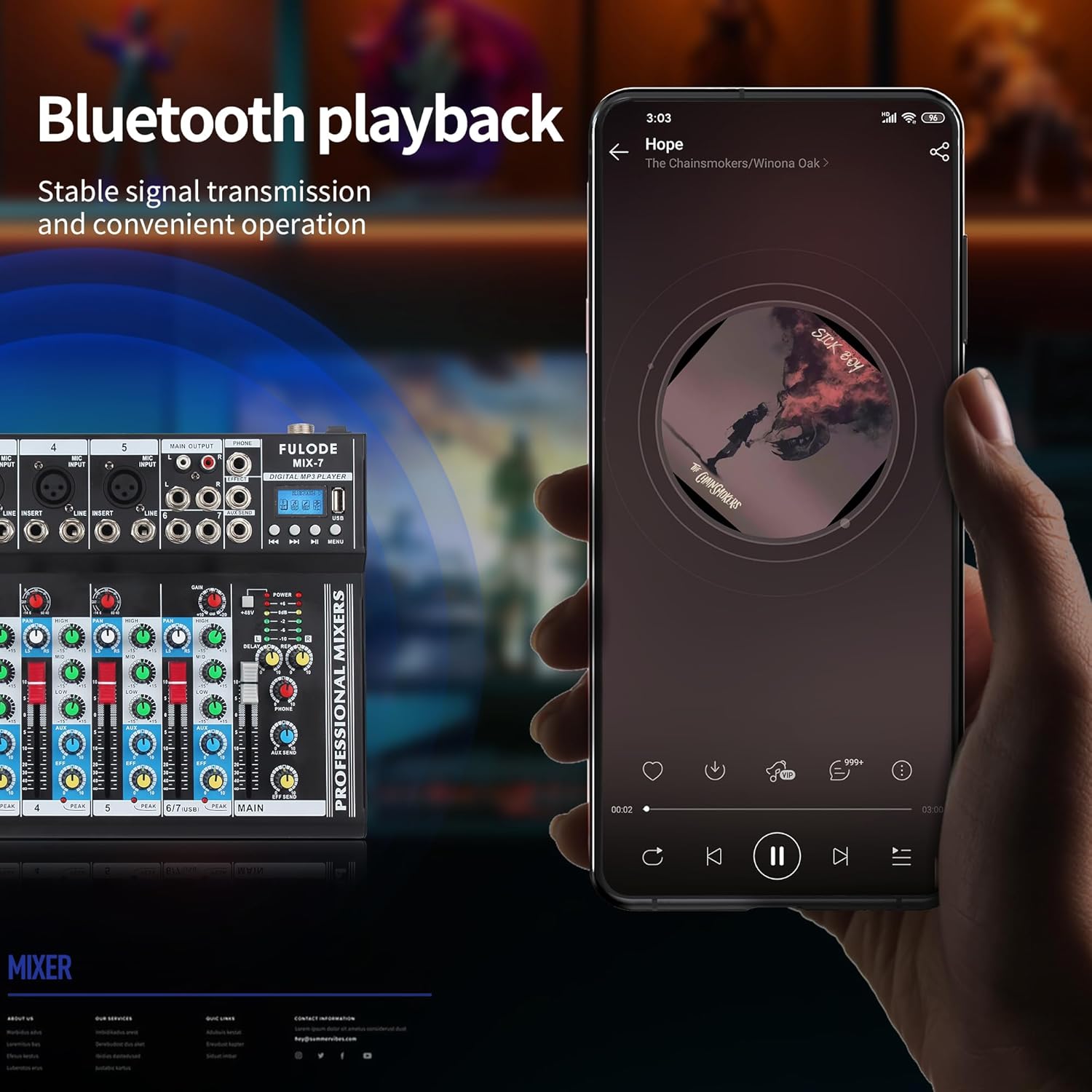
Figure 5: Illustration of Bluetooth playback on the FULODE MIX-7, showing a smartphone connected wirelessly to the mixer for audio input.
3. Přehrávání a nahrávání z USB
The mixer supports U disk playback. To record:
- Long press the rightmost button on the mixer to enter the recording state.
- Press the play button to start recording.
- After recording is complete, long press the play button to exit or save the recording.
- Recordings are saved as the last song on the U disk. Sub-channel recordings are also stored on the U disk.

Figure 6: Close-up of the FULODE MIX-7's digital MP3 player section, featuring a display screen and USB port for flash drive playback.
4. Digital Effects (DSP)
The MIX-7 features a built-in digital processing effects unit with excellent reverberation effects. Adjust the reverb depth and delay effect by turning the dedicated knob to achieve desired soundscapes.

Figure 7: The FULODE MIX-7 showcasing its digital effects unit, emphasizing fast response and excellent reverberation for an immersive sound experience.
5. Přesview ovládacích prvků
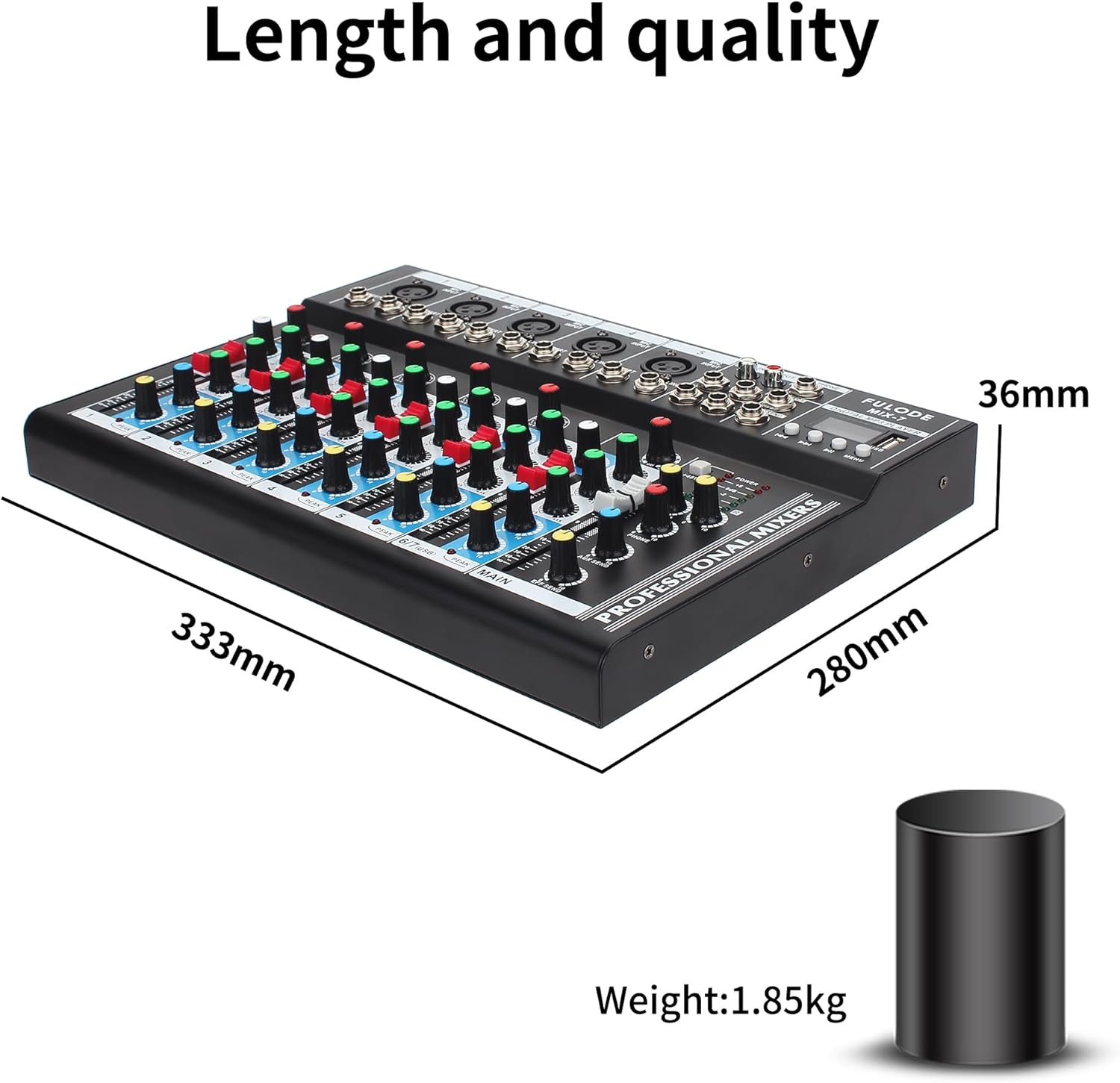
Figure 8: A detailed diagram of the FULODE MIX-7, labeling key components such as Microphone input, Recording output, USB interface, Play Control, 48V phantom power supply, Reverb effect, Monitor volume, Auxiliary output volume, Reverb level adjustment, High, medium, and low tone adjustment, Peak indicator light, Main signal output pusher, power switch, power interface, and Heat dissipation port.
Údržba
1. Čištění
Regularly clean the surface of the mixer with a soft, dry cloth. Avoid using abrasive cleaners or solvents, as they may damage the finish. For faders and knobs, use a soft brush to remove dust and debris.
2. Skladování
When not in use for extended periods, store the mixer in a cool, dry place away from direct sunlight and extreme temperatures. Protect it from dust and moisture.
3. Power Supply Care
Always use the original power supply. Disconnect the power cord from the outlet when not in use or during electrical storms to prevent damage.
Odstraňování problémů
1. Žádný zvukový výstup
- Check all cable connections to ensure they are secure and correctly inserted into the appropriate input/output jacks.
- Verify that all volume faders and gain knobs are set to an audible level.
- Ensure that no channels are muted. Check the mute buttons on each channel.
- If using condenser microphones, confirm that +48V phantom power is activated for the respective channels.
- Check the connected speakers or amplifier for power and proper function.
2. Problémy s připojením Bluetooth
- Ensure the mixer is in "BLUE Bluetooth Mode" as described in the Operating section.
- Verify that Bluetooth is enabled on your mobile device and that "NK-F8A" is selected.
- Move your device closer to the mixer to ensure a stable signal.
- Zkuste restartovat mixážní pult i zařízení Bluetooth.
3. USB Playback/Recording Problems
- Ensure the USB flash drive is properly inserted and formatted correctly (FAT32 is generally recommended).
- Zkontrolujte, zda je zvuk files on the U disk are in a supported format (e.g., MP3).
- For recording, ensure the U disk has sufficient free space.
- Note: Recording is not supported on macOS systems at this moment.
Reminder: Any operation error may cause the device to have no sound. Please refer to the manual carefully or contact support if issues persist.
Specifikace
| Funkce | Detail |
|---|---|
| Číslo modelu | MIX-7 7channel |
| Značka | FULODE |
| Počet kanálů | 7 |
| Technologie připojení | Bluetooth |
| Zdroj napájení | Elektrický kabel |
| Hmotnost položky | 4.08 libry (1.85 kg) |
| Rozměry produktu | 13.11 x 11 x 1.42 palce (333 mm x 280 mm x 36 mm) |
| Země původu | Čína |
| První dostupný termín | 18. května 2023 |
Informace o záruce
The FULODE MIX-7 audio mixer is typically covered by a standard manufacturer's warranty. For specific details regarding warranty duration and coverage, please refer to the warranty card included in your product packaging or contact FULODE customer support.
Volitelné plány ochrany
Extended protection plans may be available for purchase to provide additional coverage beyond the standard warranty. These plans often include:
- Dvouletý ochranný plán
- Dvouletý ochranný plán
- Kompletní ochrana (měsíční obnovení)
Details on these plans, including terms, conditions, and pricing, can be found at the point of purchase or by contacting the plan provider.
Zákaznická podpora
For any questions, concerns, or technical assistance regarding your FULODE MIX-7 7-Channel Audio Mixer, please contact FULODE customer support. You can typically find contact information, such as an email address or phone number, in the "Package content" section of your product's documentation or on the official FULODE webmísto.
We are committed to serving you and ensuring your satisfaction with our products.
Oficiální videa produktů
No official product videos from the seller were found for this model. Please refer to the written instructions and diagrams provided in this manual for guidance.