
Sharp 2TC40EF4UR
Sharp 40-inch Full HD Smart LED Roku TV User Manual
Model: 2TC40EF4UR
Zavedení
This manual provides comprehensive instructions for the installation, operation, maintenance, and troubleshooting of your Sharp 40-inch Full HD Smart LED Roku TV. Please read this manual thoroughly before using your television to ensure proper setup and functionality. Keep this manual for future reference.

Obrázek: Přední strana view of the Sharp 40-inch Full HD Smart LED Roku TV.
Nastavení
1. Vybalení a obsah balení
Opatrně vyjměte všechny součásti z obalu. Zkontrolujte, zda jsou přítomny všechny níže uvedené položky:
- Sharp 40-inch Full HD Smart LED Roku TV
- Dálkové ovládání (vyžaduje 2 baterie AAA, nejsou součástí balení)
- Table Stand with Screws
- Uživatelská příručka (tento dokument)
- Informace o záruce
2. Připevnění televizního stojanu
If you are placing the TV on a table or entertainment unit, you will need to attach the included stand. Place the TV screen-down on a soft, clean surface to prevent scratches. Align the stand legs with the mounting holes on the bottom of the TV and secure them using the provided screws.

Image: The Sharp Roku TV displayed on its table stand in a room.
3. Připojení externích zařízení
Your Sharp Roku TV offers various ports for connecting external devices such as cable boxes, gaming consoles, and USB drives.
- HDMI porty: Connect high-definition devices using HDMI cables. This TV features 3 HDMI inputs.
- USB port: Connect USB storage devices for media playback. This TV features 1 USB input.
- Kompozitní video vstup: For older devices, use the composite video (AV) input.
- Optický audio výstup: Pro připojení k externím zvukovým systémům.

Image: Rear panel of the TV illustrating the power connector and various input/output ports (HDMI, USB, Optical, AV).
4. Připojení napájení
Connect the power cord to the TV's power input and then plug it into a standard electrical outlet (120V AC, 60Hz).
5. Počáteční nastavení a síťové připojení
Upon first power-on, the TV will guide you through the initial setup process. This includes selecting your language, connecting to your Wi-Fi network, and activating your Roku account. A stable Wi-Fi connection is required to access smart TV features and streaming content.
Návod k obsluze
1. Funkce dálkového ovládání
The included remote control uses infrared technology. Ensure there is a clear line of sight between the remote and the TV's IR receiver. Insert two AAA batteries into the remote control, observing polarity.
2. Roku OS Interface
Your TV operates on the Roku OS, providing a user-friendly interface for accessing streaming channels, live TV, and connected devices. The home screen displays your installed channels and input selections.

Image: The Roku TV home screen interface and a smartphone displaying the Roku mobile app remote control with voice search functionality.
3. Hlasové ovládání
The Sharp Roku TV supports voice control through compatible devices like Amazon Alexa or Google Assistant. You can use voice commands to search for movies, change channels, switch inputs, and more.
4. Streamování a aplikace
Access a wide variety of streaming services and applications through the Roku Channel Store. Many popular apps are pre-installed, and you can download additional ones to customize your viewzkušenosti.
5. Dolby Audio
This television features Dolby Audio technology, which enhances sound quality for a more immersive listening experience. Ensure your audio settings are configured to utilize this feature for optimal performance.
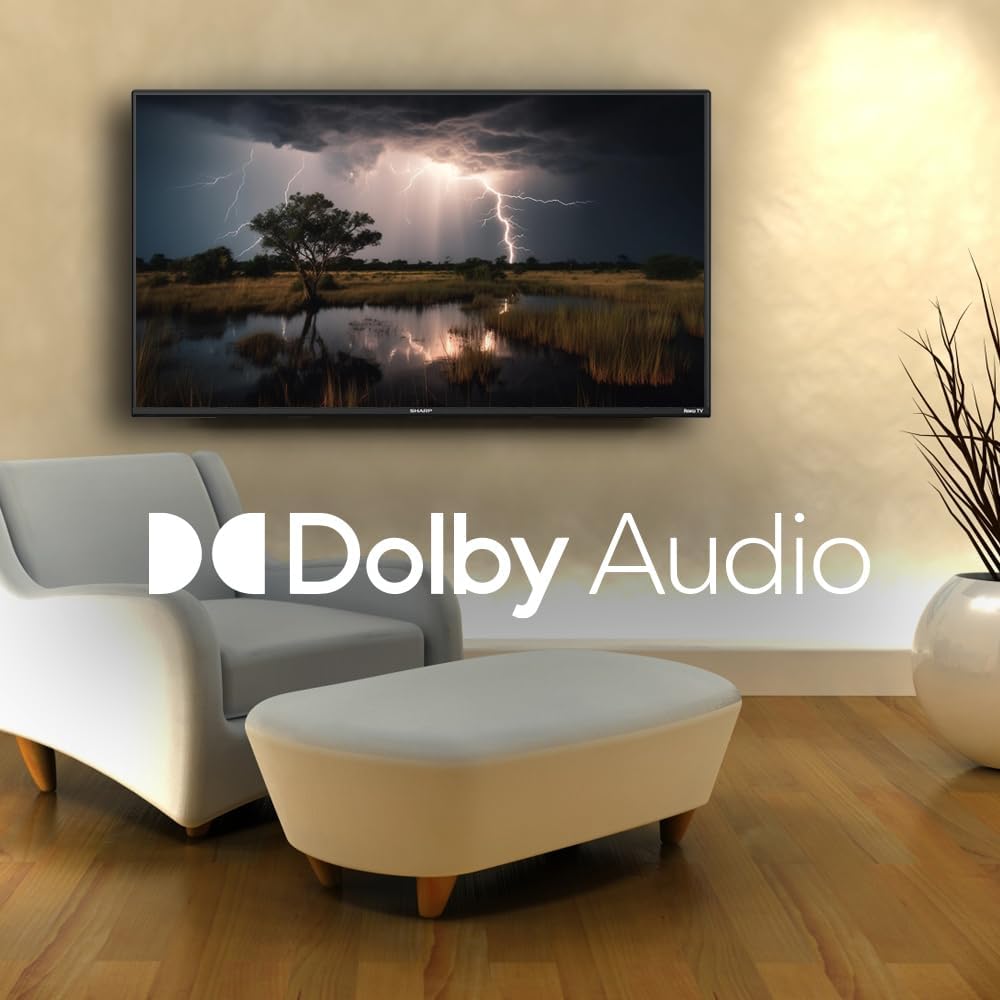
Image: A television screen displaying a dramatic scene with the Dolby Audio logo prominently featured.
Údržba
1. Čištění televizní obrazovky
Obrazovku jemně otřete měkkým hadříkem, který nepouští vlákna. V případě odolných skvrn ji lehce otřeteampen the cloth with water or a screen-specific cleaning solution. Avoid using harsh chemicals, abrasives, or direct spraying onto the screen.
2. Cleaning the TV Casing
Otřete televizor casinměkkým, suchým hadříkem. Nepoužívejte tekuté čisticí prostředky přímo na casing.
3. Větrání
Ensure that the ventilation openings on the back of the TV are not blocked. Proper airflow is essential to prevent overheating.
Odstraňování problémů
Pokud se s televizorem setkáte s problémy, podívejte se na následující běžné problémy a jejich řešení:
| Problém | Možné řešení |
|---|---|
| Žádná síla | Check if the power cord is securely connected to both the TV and the electrical outlet. Ensure the outlet is functional. |
| Žádný obraz, ale zvuk je přítomen | Ověřte, zda je vybrán správný vstupní zdroj. Zkontrolujte připojení externích zařízení. |
| Žádný zvuk, ale obraz je přítomen | Zkontrolujte úroveň hlasitosti a stav ztlumení. Ujistěte se, že jsou externí audiosystémy správně připojeny a zapnuty. |
| Dálkové ovládání nefunguje | Replace the batteries in the remote control. Ensure no obstructions are between the remote and the TV. |
| Nelze se připojit k Wi-Fi | Verify your Wi-Fi password. Restart your router and the TV. Ensure the TV is within range of your Wi-Fi network. |
| Chytré funkce nereagují | Check your internet connection. Restart the TV by unplugging it for 30 seconds and plugging it back in. |
Specifikace
| Funkce | Detail |
|---|---|
| Číslo modelu | 2TC40EF4UR |
| Velikost obrazovky | 40 palců (102 cm viditelné úhlopříčky) |
| Technologie displeje | LED |
| Rezoluce | Full HD (1920 x 1080) |
| Obnovovací frekvence | 60 Hz |
| Operační systém | OS Roku |
| BERAN | 512 MB |
| Zvukový výstupní výkon | 16 Watts (2.0 Dolby) |
| HDMI porty | 3 |
| USB porty | 1 |
| Konektivita | HDMI, USB, Wi-Fi, Composite Video |
| Kompatibilita hlasového ovládání | Amazon Alexa, Google Assistant |
| Spotřeba energie (v zapnutém režimu) | 65 wattů |
| svtage | 120 voltů (AC) |
| Rozměry (se stojanem) | 99 cm (Š) x 12 cm (H) x 57 cm (V) |
| Hmotnost | 5.7 kg |
| Technologie dálkového ovládání | Infračervený |
| Podpora Bluetooth | Žádný |

Image: The Sharp Roku TV with its width, depth, and height dimensions indicated.
Záruka a podpora
Informace o záruce
Your Sharp 40-inch Full HD Smart LED Roku TV comes with a manufacturer's warranty. Please refer to the warranty document included in your product packaging for detailed terms, conditions, and registration information. Keep your proof of purchase for warranty claims.
Zákaznická podpora
For technical assistance, troubleshooting beyond this manual, or warranty service, please contact Sharp customer support. Contact information can typically be found on the Sharp official webna webu nebo v záruční dokumentaci.
Ask a question about this manual
Ask about setup, troubleshooting, compatibility, parts, safety, or missing instructions. Manuals+ will review the question and use this page’s manual context to help answer it.