
Zavedení
This manual provides detailed instructions for the installation, operation, and maintenance of your Mars Gaming MARSGAMING MCX ATX PC Gaming Case, Model MCF. Please read this manual thoroughly before beginning assembly to ensure proper setup and optimal performance.

Figure 1: Mars Gaming MARSGAMING MCX ATX PC Gaming Case (Model MCF)
Klíčové vlastnosti
- Advanced Gaming Lighting: Features triple vented front and rear fans with ARGB lighting, complemented by a Metal-Mesh front design and tempered glass side window.
- Aerodynamický design: Sophisticated look with pure geometric lines and premium finishes. The aerodynamically designed front panel enhances ventilation and airflow.
- Full ARGB Compatibility: ARGB lighting with multiple preset effects, controllable via an ARGB connector or motherboard for extensive aesthetic customization.
- Maximální chladicí výkon: Includes a triple front fan system and a 120mm rear fan. Supports up to 6 x 120mm fans, removable magnetic top and bottom filters, and dual chamber design. Full support for up to 360mm liquid cooling.
- Maximum Internal Capacity: Supports ATX, micro-ATX, and mini-ITX motherboards, up to 5 hard drives, and efficient internal cable management. Accommodates VGAs up to 305mm long (330mm without front fan) and 167mm wide, and heatsinks up to 177mm high.
Obsah balení
Před zahájením instalace ověřte, zda jsou v balení přítomny všechny komponenty.
- Mars Gaming MARSGAMING MCX ATX PC Gaming Case (Model MCF)
- 4 x 120mm ARGB ventilátory (předinstalované)
- Sada příslušenství (šrouby, distanční sloupky, stahovací pásky)
- Uživatelská příručka (tento dokument)
Pokyny pro nastavení
1. Příprava případu
Place the case on a stable, flat surface. Remove the tempered glass side panel by unscrewing the thumb screws at the rear of the case and carefully sliding the panel off.
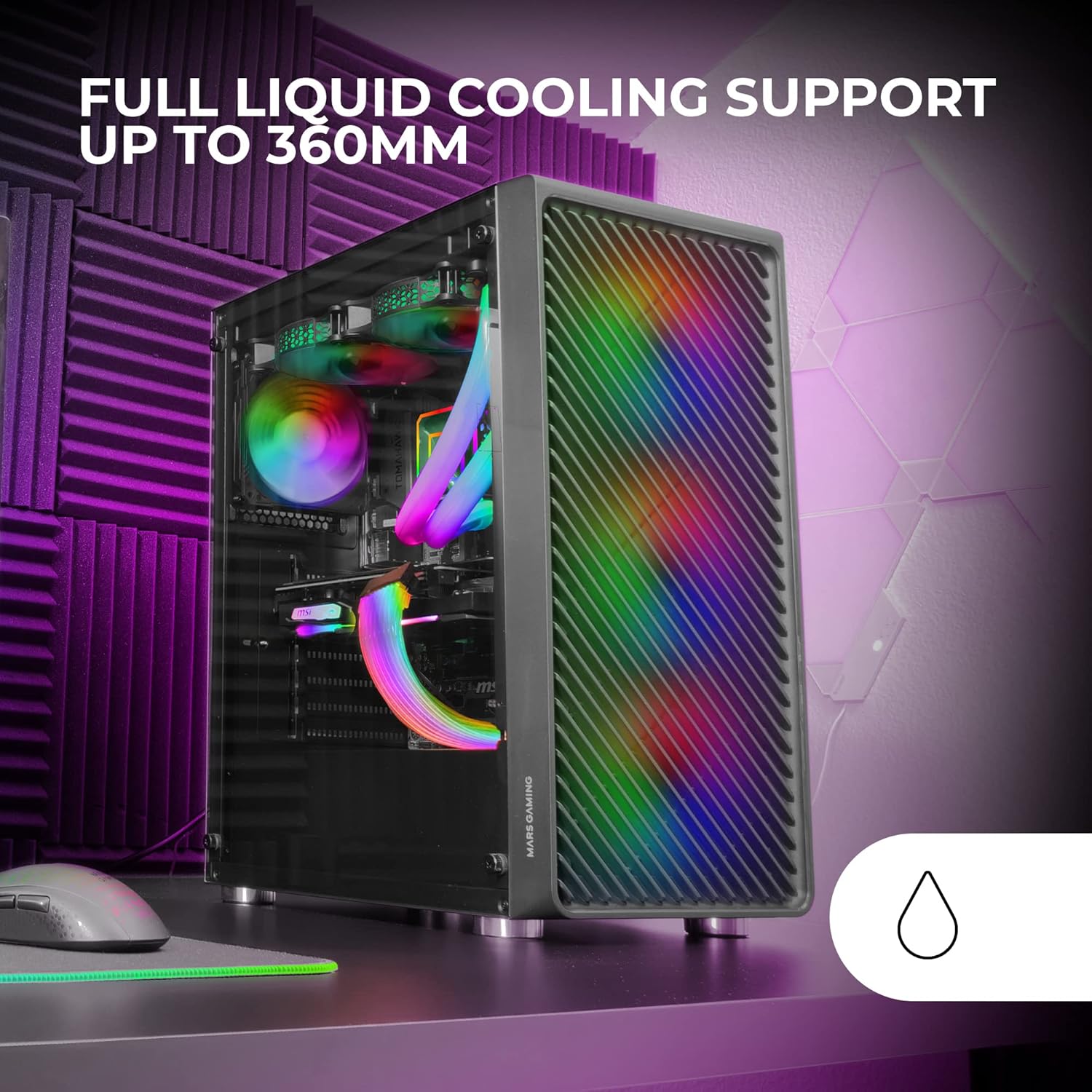
Figure 2: Tempered Glass Side Window
The front panel features a Metal-Mesh design for optimal airflow.

Figure 3: Metal-Mesh Front Panel
2. Instalace základní desky
Install the appropriate standoffs for your ATX, Micro-ATX, or Mini-ITX motherboard. Carefully place the motherboard into the case, aligning it with the standoffs and the I/O shield opening. Secure the motherboard with screws from the accessory kit.
3. Instalace napájecího zdroje (PSU)
The case features a bottom-mount power supply design. Slide your PSU into its designated compartment at the bottom rear of the case and secure it with screws. Route the necessary cables through the cable management cutouts.
4. Instalace úložného disku
Install your 3.5-inch hard drives and 2.5-inch solid-state drives into the available drive bays. The case supports up to 5 hard drives. Refer to the internal layout diagram for bay locations.
5. Instalace grafické karty (VGA)
Remove the necessary PCI-E slot covers. Insert your graphics card into the appropriate PCI-E slot on your motherboard and secure it with screws. The case supports VGAs up to 305mm long (330mm without a front fan) and 167mm wide.
6. Cooling System Installation (Fans & Liquid Cooling)
The case comes with four pre-installed 120mm ARGB fans (three front, one rear). Additional fans can be installed as follows:
- Nahoře: Up to 2 x 120mm or 2 x 140mm fans.
- Přední: Up to 3 x 120mm or 2 x 140mm fans (pre-installed).
- Zadní: 1 x 120mm ventilátor (předinstalovaný).
For liquid cooling, the case supports radiators up to 360mm.

Figure 4: Pre-installed 4x 120mm ARGB Fans

Figure 5: Internal Layout and Cooling Support
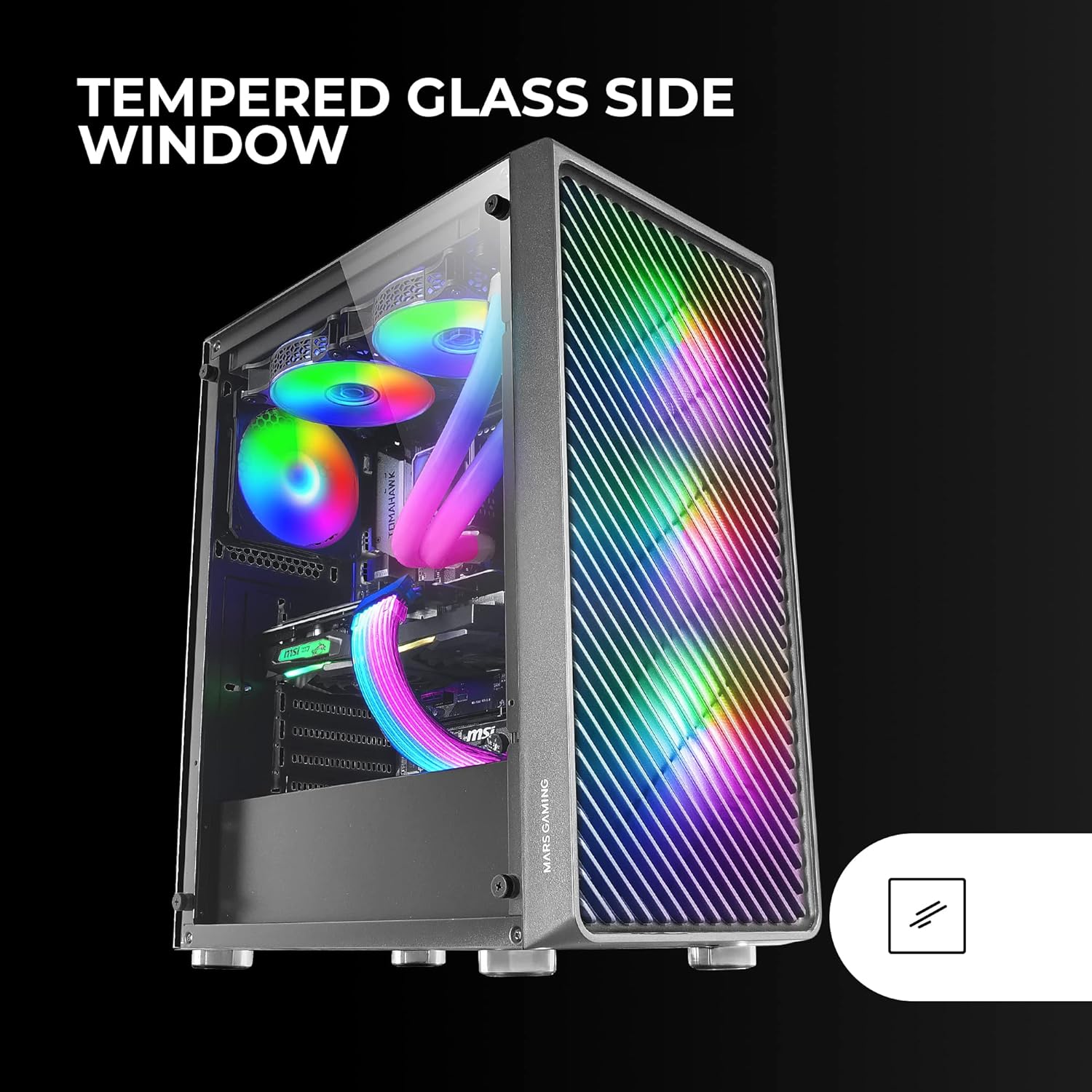
Figure 6: Liquid Cooling Support
7. Správa kabelů
Utilize the cable management cutouts and tie-down points behind the motherboard tray to route and secure cables. This improves airflow and aesthetics.
8. Závěrečná montáž
Once all components are installed and cables are managed, reattach the tempered glass side panel and secure it with the thumb screws.
Návod k obsluze
Zapnutí
Connect your power supply to a wall outlet. Press the power button located on the top panel of the case to turn on your system.
Ovládání osvětlení ARGB
The pre-installed ARGB fans can be controlled via your motherboard's ARGB software (if connected to an ARGB header) or through the integrated controller (if applicable). Refer to your motherboard manual for specific ARGB software instructions. The case offers multiple preset lighting effects.
Údržba
Čištění pouzdra
Pravidelně čistěte vnější povrch pouzdra měkkým hadříkemamp cloth. Avoid abrasive cleaners. For interior cleaning, use compressed air to remove dust from components and fans.
Údržba prachového filtru
The case features removable magnetic dust filters on the top and bottom. Periodically remove and clean these filters to maintain optimal airflow and prevent dust buildup inside the system. Wash with water and mild soap, then dry completely before reattaching.
Odstraňování problémů
Fans Not Spinning / RGB Not Working
- Check all fan and ARGB connections to the motherboard or controller.
- Ujistěte se, že zdroj napájení poskytuje dostatečný výkon.
- Verify that ARGB software or physical controls are correctly configured.
Poor Airflow / Overheating
- Clean all dust filters and fans.
- Ensure proper fan orientation for intake and exhaust.
- Verify that no cables are obstructing airflow.
- Consider adding additional fans if temperatures remain high.
System Not Powering On
- Check all power connections from the PSU to the motherboard and components.
- Ujistěte se, že je kabel tlačítka napájení na předním panelu správně připojen k základní desce.
- Verify the PSU is switched on.
Specifikace
| Funkce | Detail |
|---|---|
| Značka | Mars Gaming |
| Název modelu | MCF |
| Typ pouzdra | Střední věž |
| Kompatibilita základní desky | ATX, Micro ATX, Mini-ITX |
| Materiál | Kov |
| Barva | Černý |
| Rozměry položky (D x Š x V) | 14.96"H x 8.5"Š x 18.11"V |
| Hmotnost položky | 4.7 kg |
| Internal Bays Quantity | 5 (for 3.5" Hard Disk Form Factor) |
| Maximální délka GPU | 305mm (330mm without front fan) |
| Maximální výška chladiče CPU | 177 mm |
| Předinstalované ventilátory | 4 x 120mm ARGB ventilátory |
| Způsob chlazení | Vzduch, voda |
| Podpora kapalného chlazení | Up to 360mm radiator |
| Typ montáže napájecího zdroje | Spodní montáž |
| Celkový počet portů USB | 2 2.0 (USB XNUMX) |
| Speciální funkce | RGB Lighting, Tempered Glass Side Panel, Metal-Mesh Front Panel |
Záruka a podpora
For warranty information and technical support, please refer to the official Mars Gaming webnebo se obraťte na jejich zákaznický servis. Uschovejte si doklad o koupi pro případ reklamace.
Výrobce: Mars Gaming