
AULA S505
AULA S505 USB Gaming Headset Instruction Manual
Model: S505 | Značka: AULA
Zavedení
Thank you for choosing the AULA S505 USB Gaming Headset. This manual provides essential information for setting up, operating, and maintaining your headset to ensure optimal performance and longevity. Please read this manual thoroughly before use.

Image: AULA S505 USB Gaming Headset with RGB lighting.
Klíčové vlastnosti
- Immersive Virtual 7.1 Surround Sound: Experience precise positional audio with 50mm neodymium magnet drivers, delivering strong bass and clear treble for an immersive gaming and multimedia experience.
- Mikrofon s potlačením šumu: The 360° rotatable microphone reduces ambient noise, ensuring clear and loud voice pickup for effective communication. It can be easily turned on or off via the in-line control.
- Charming RGB Backlight: Built-in LED lights display dynamic rainbow lighting effects, enhancing the gaming atmosphere. The lighting can be turned off when not desired.
- Convenient In-Line Control: The 2.1m USB wired headset features a one-key control button for quick adjustments to volume, mute, microphone on/off, and RGB lighting control.
- Uživatelsky přívětivý design: Lightweight (approx. 320g) with an adjustable padded headband for various head shapes. Soft memory earmuffs with breathable cloth reduce pressure and prevent sweat for comfortable long-term use.
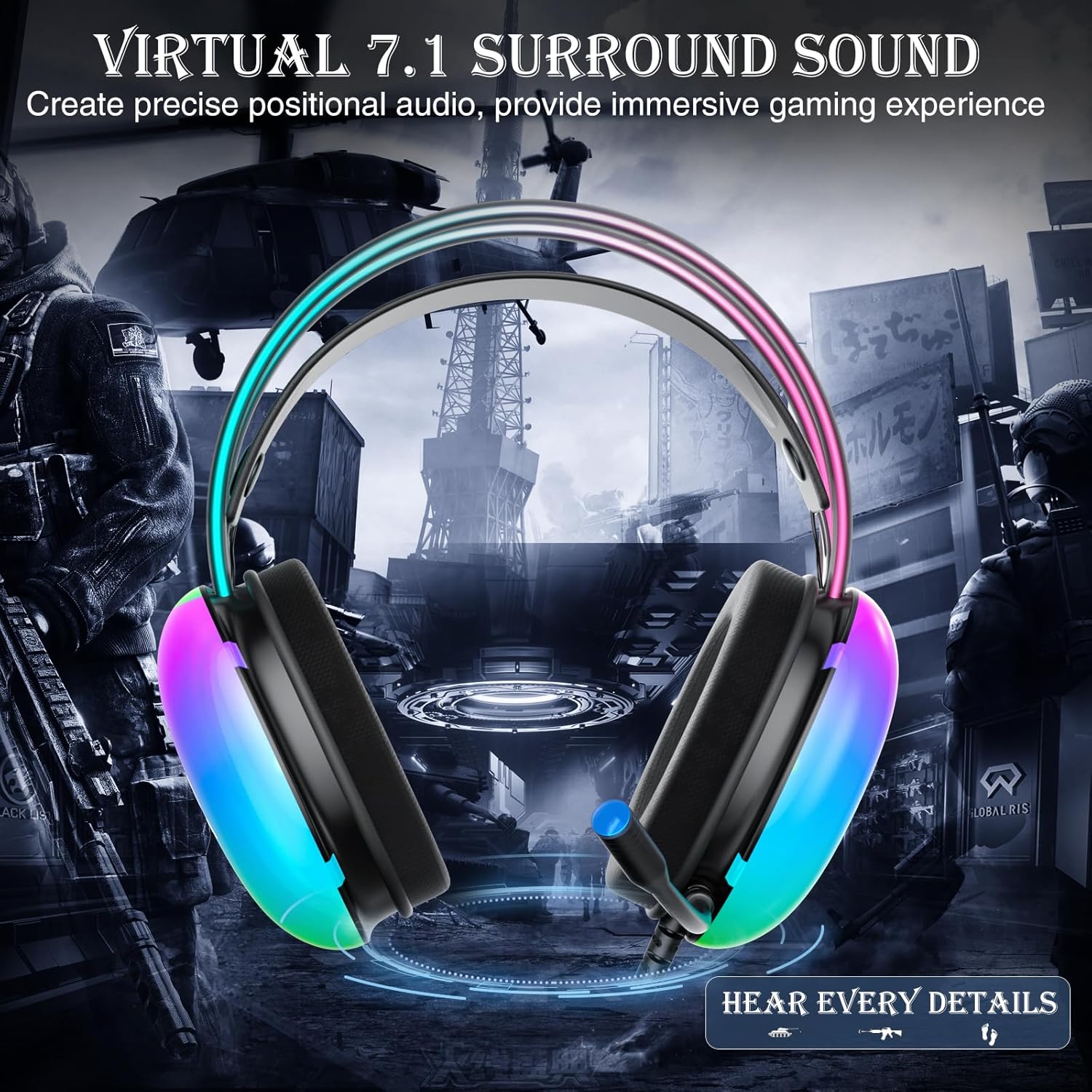
Image: Diagram illustrating virtual 7.1 surround sound and 50mm drivers.
Video: Demonstrating the AULA S505 USB Gaming Headset with Virtual 7.1 Surround Sound.
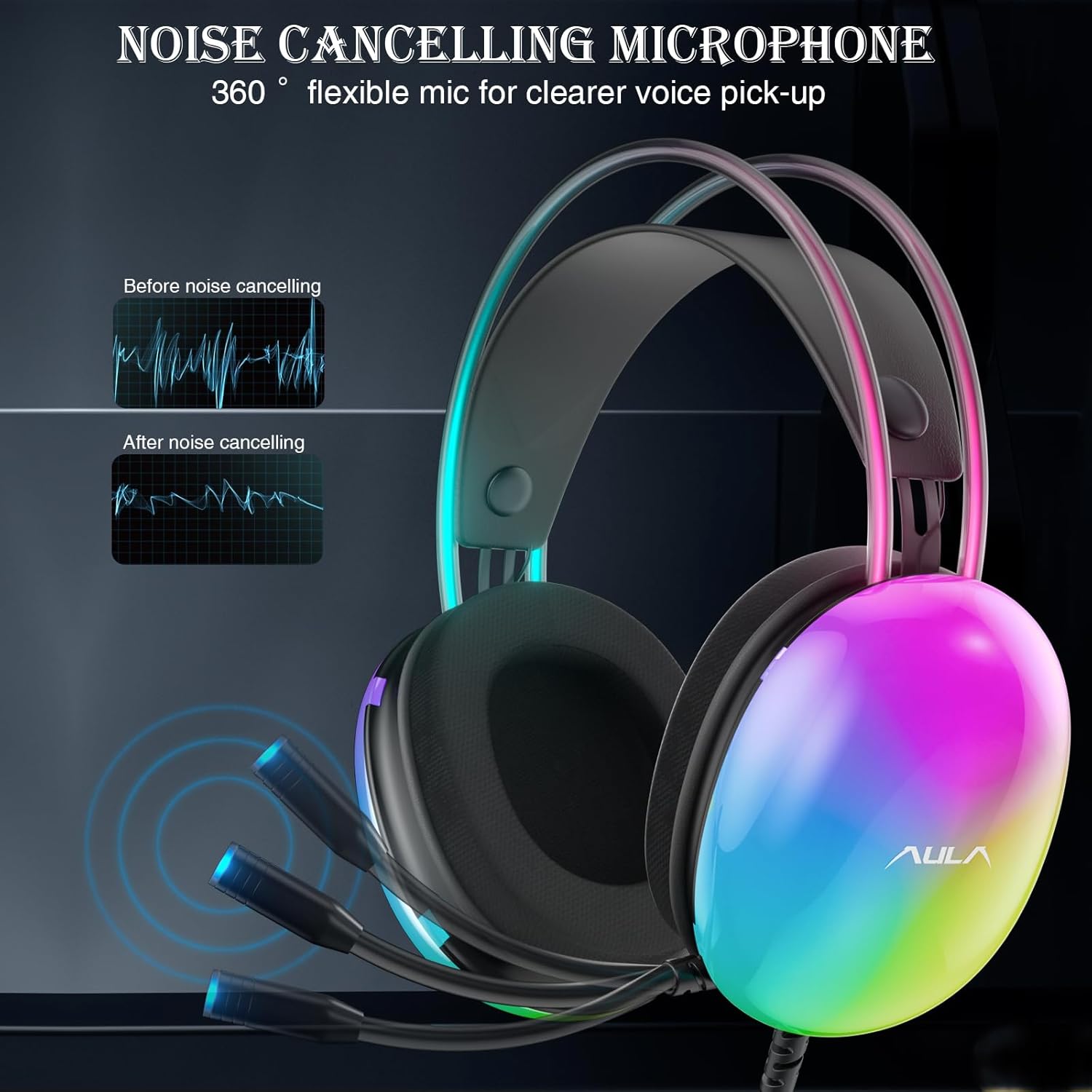
Image: Headset with its noise-canceling microphone extended.
Video: Showcasing the AULA S505 Black USB Gaming Headset with Noise Cancelling Mic.

Image: AULA S505 headset displaying dynamic RGB lighting effects.
Video: Highlighting the unique RGB lighting of the AULA S505 Headset.
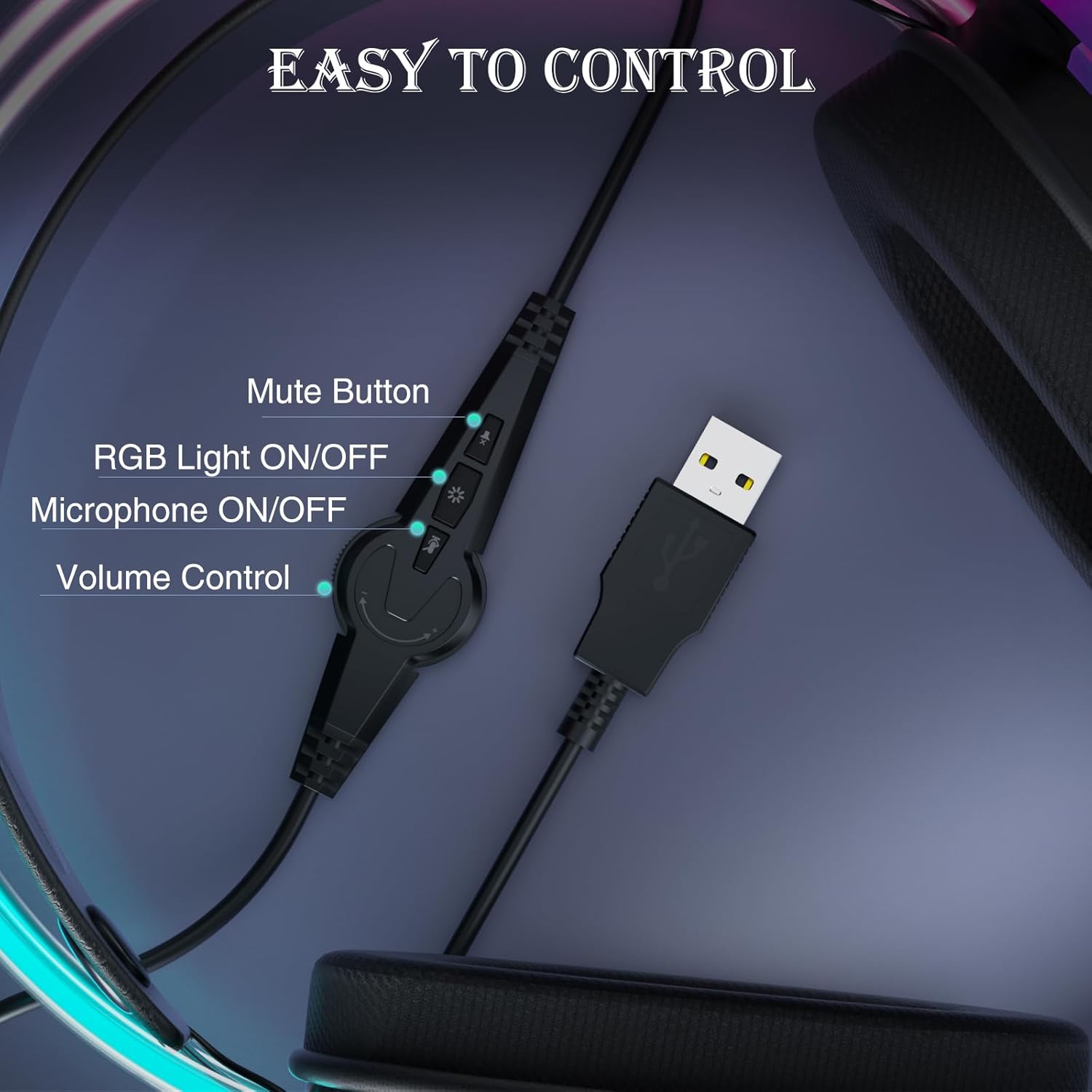
Image: Close-up of the in-line control unit with buttons for volume, mute, mic, and RGB.
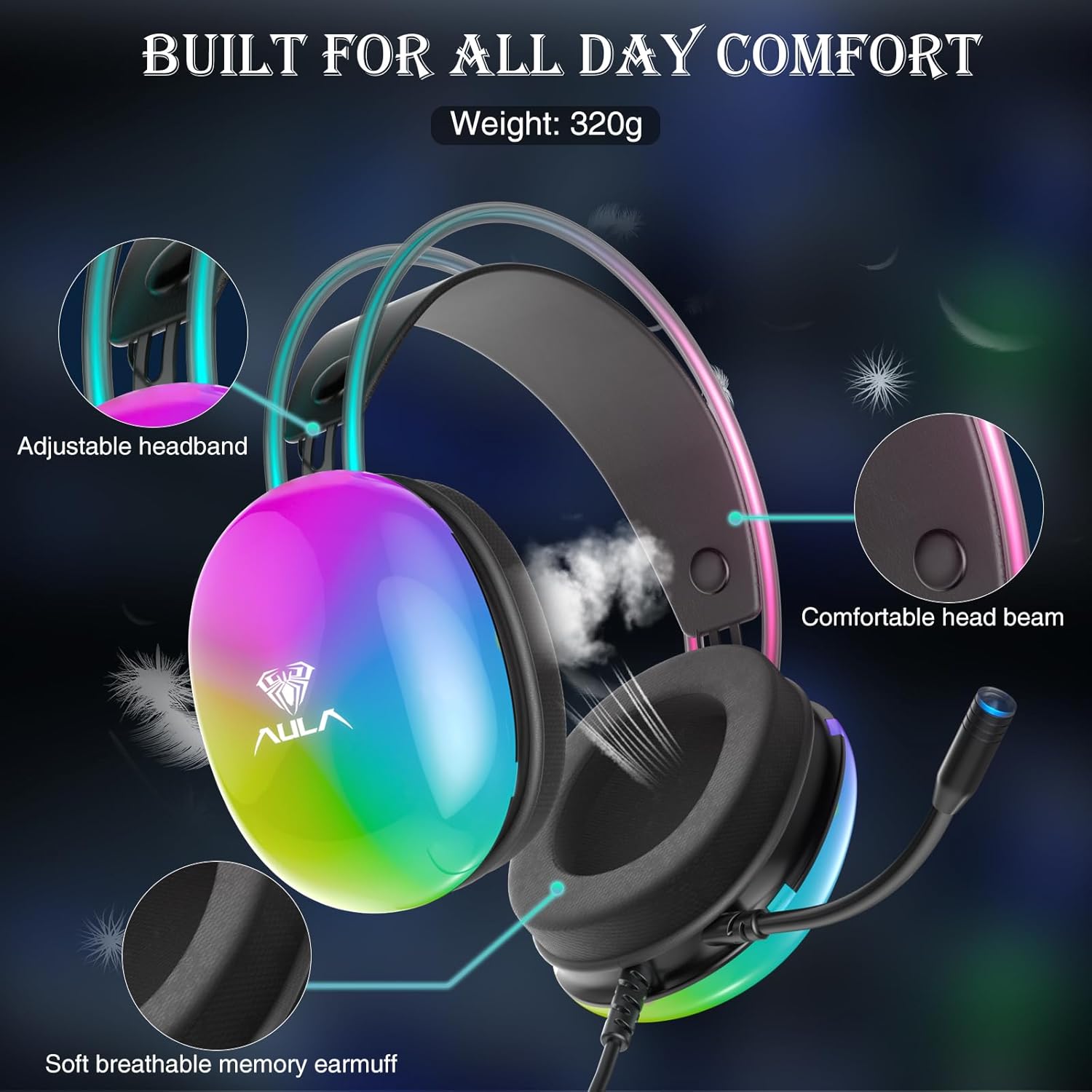
Image: Diagram showing adjustable headband and soft memory earmuffs for comfort.
Pokyny pro nastavení
- Připojit k zařízení: Plug the USB connector of the AULA S505 headset into an available USB port on your PC, laptop, or other compatible device. The headset is plug-and-play, requiring no additional drivers or software installation.
- Upravit čelenku: Gently adjust the padded headband to fit comfortably on your head. The headband is designed to be auto-adjustable for various head sizes.
- Pozice mikrofonu: Rotate the flexible microphone boom to a position near your mouth for optimal voice pickup.
- Initial Volume Check: Before starting your game or application, use the in-line volume control to set an appropriate listening level.
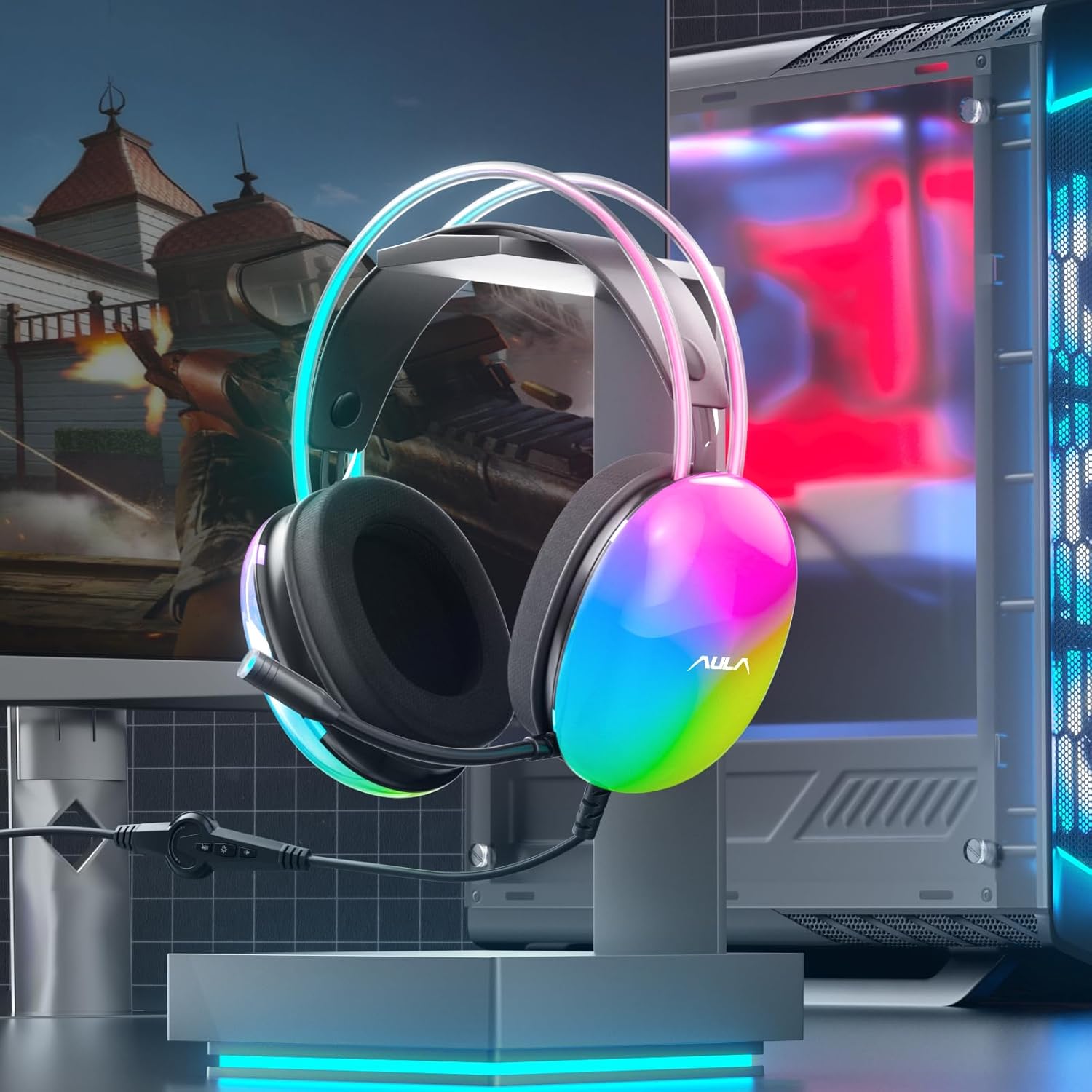
Image: AULA S505 headset connected to a desktop computer setup.
Návod k obsluze
- Ovládání hlasitosti: Use the rotary dial on the in-line control unit to increase or decrease the audio volume.
- Ztlumení mikrofonu: Press the microphone button on the in-line control to mute or unmute the microphone. An indicator light on the microphone tip may show its status (e.g., blue for active).
- Ovládání RGB osvětlení: Press the light button on the in-line control to toggle the RGB backlight effects on or off.
- Virtuální 7.1 prostorový zvuk: The virtual 7.1 surround sound is automatically enabled upon connection. Ensure your device's audio settings are configured to output stereo sound for the headset to process the virtual surround effect.

Image: User wearing the AULA S505 headset with active RGB lighting.
Údržba
- Čištění: Use a soft, dry cloth to wipe the headset. For earmuffs, a slightly damp Lze použít hadřík, ale před dalším použitím se ujistěte, že je zcela suchý. Nepoužívejte agresivní chemikálie ani abrazivní čisticí prostředky.
- Skladování: Sluchátka skladujte na chladném a suchém místě mimo dosah přímého slunečního záření a extrémních teplot. Zabraňte zamotání kabelu.
- Péče o kabely: Netahejte za kabel silou ani jej neohýbejte, mohlo by dojít k poškození vnitřního zapojení.
Odstraňování problémů
- Žádný zvuk z náhlavní soupravy:
- Ujistěte se, že je USB konektor zcela zasunut do portu.
- Check the in-line volume control and increase it if necessary.
- Verify your computer's audio output settings are set to the AULA S505 headset.
- Test the headset on another USB port or device to rule out a port issue.
- Mikrofon nefunguje:
- Ujistěte se, že mikrofon není ztlumen pomocí integrovaného ovladače.
- Check your computer's microphone input settings and select the AULA S505 headset as the default input device.
- Zkontrolujte, zda je rameno mikrofonu správně umístěno.
- RGB světla nefungují:
- Press the RGB light button on the in-line control to ensure it is turned on.
- Verify the USB connection is secure.
Specifikace
| Funkce | Detail |
|---|---|
| Značka | AULA |
| Číslo modelu | S505 |
| Technologie připojení | Kabelové (USB) |
| Velikost ovladače | 50 mm |
| Typ zvuku | Virtuální 7.1 prostorový zvuk |
| Mikrofon | Noise Canceling, 360° Rotatable |
| Osvětlení | RGB Rainbow Backlit |
| In-Line Controls | Volume, Mic On/Off, RGB On/Off |
| Umístění uší | Přes ucho |
| Earmuff Material | Soft Memory Foam with Breathable Cloth |
| Hmotnost položky | 390 gramů |
| Délka kabelu | 2.1 m |
| Kompatibilní zařízení | PC, Laptops, Tablets (with USB input) |
Informace o záruce
The AULA S505 USB Gaming Headset comes with a 1letá omezená záruka od data nákupu. Tato záruka se vztahuje na výrobní vady a zpracování. Nevztahuje se na škody způsobené nesprávným použitím, nehodami, neoprávněnými úpravami nebo běžným opotřebením. Uschovejte si prosím doklad o koupi pro případné reklamace.
Podpora
For further assistance, technical support, or warranty inquiries, please refer to the contact information provided on the product packaging or visit the official AULA website. You may also contact your retailer for support.
Ask a question about this manual
Ask about setup, troubleshooting, compatibility, parts, safety, or missing instructions. Manuals+ will review the question and use this page’s manual context to help answer it.