
1. Úvod
This manual provides comprehensive instructions for the LENVII D7800 Desktop Automatic 2D Barcode Scanner. Please read this manual carefully before using the product to ensure proper operation and to maximize its performance and lifespan. Keep this manual for future reference.
2. Bezpečnostní informace
- Do not expose the scanner to water or excessive humidity.
- Avoid dropping the scanner from heights exceeding 1.2 meters to prevent damage, despite its anti-shock design.
- Nepokoušejte se skener rozebírat ani opravovat sami. Obraťte se na kvalifikovaný servisní personál.
- Pro zajištění optimálního výkonu udržujte skenovací okénko čisté.
- Zabraňte přímému vystavení očí světelnému zdroji skeneru.
3. Obsah balení
Ověřte, zda jsou v balení přítomny všechny položky:
- LENVII D7800 Desktop Automatic 2D Barcode Scanner
- USB kabel (integrovaný)
- Uživatelská příručka (tento dokument)

Obrázek 3.1: Package contents including the scanner, USB cable, and user manual.
4. Konec produktuview
4.1 Klíčové vlastnosti
- Hands-free design: Omnidirectional scanning for 1D, 2D, and QR codes.
- CCD Scanning Technology: Capable of reading barcodes from mobile phone and computer screens, as well as damaged, blurred, distorted, colorful, or reflective barcodes.
- Plug and Play: Není nutná instalace ovladače.
- Široká kompatibilita: Works with Windows XP/7/8/10, Mac OS, and Linux operating systems.
- Nastavitelná hlava: Features a 15° adjustable head for flexible scanning angles.
- Anti-shock Design: Navrženo tak, aby odolalo pádům z výšky až 1.2 metrů.
4.2 Rozměry
The scanner has compact dimensions suitable for desktop use.

Obrázek 4.1: Přední a boční view of the LENVII D7800 scanner with dimensions indicated.
4.3 Anti-shock Design
The LENVII D7800 is designed for durability, capable of withstanding accidental drops from a height of 1.2 meters without affecting its functionality.

Obrázek 4.2: Illustration of the scanner's anti-shock capability.
5. Nastavení
5.1 Připojení skeneru
- Place the LENVII D7800 scanner on a stable, flat surface.
- Connect the integrated USB cable from the scanner to an available USB port on your computer (desktop or laptop).
- The scanner will power on automatically and initiate the "Plug and Play" process.

Obrázek 5.1: The scanner connected to various devices, demonstrating its plug-and-play functionality.
5.2 Instalace ovladače
The LENVII D7800 is a plug-and-play device. No additional drivers or software installation is required for basic operation. Your operating system (Windows, Mac OS, Linux) will automatically recognize the device.
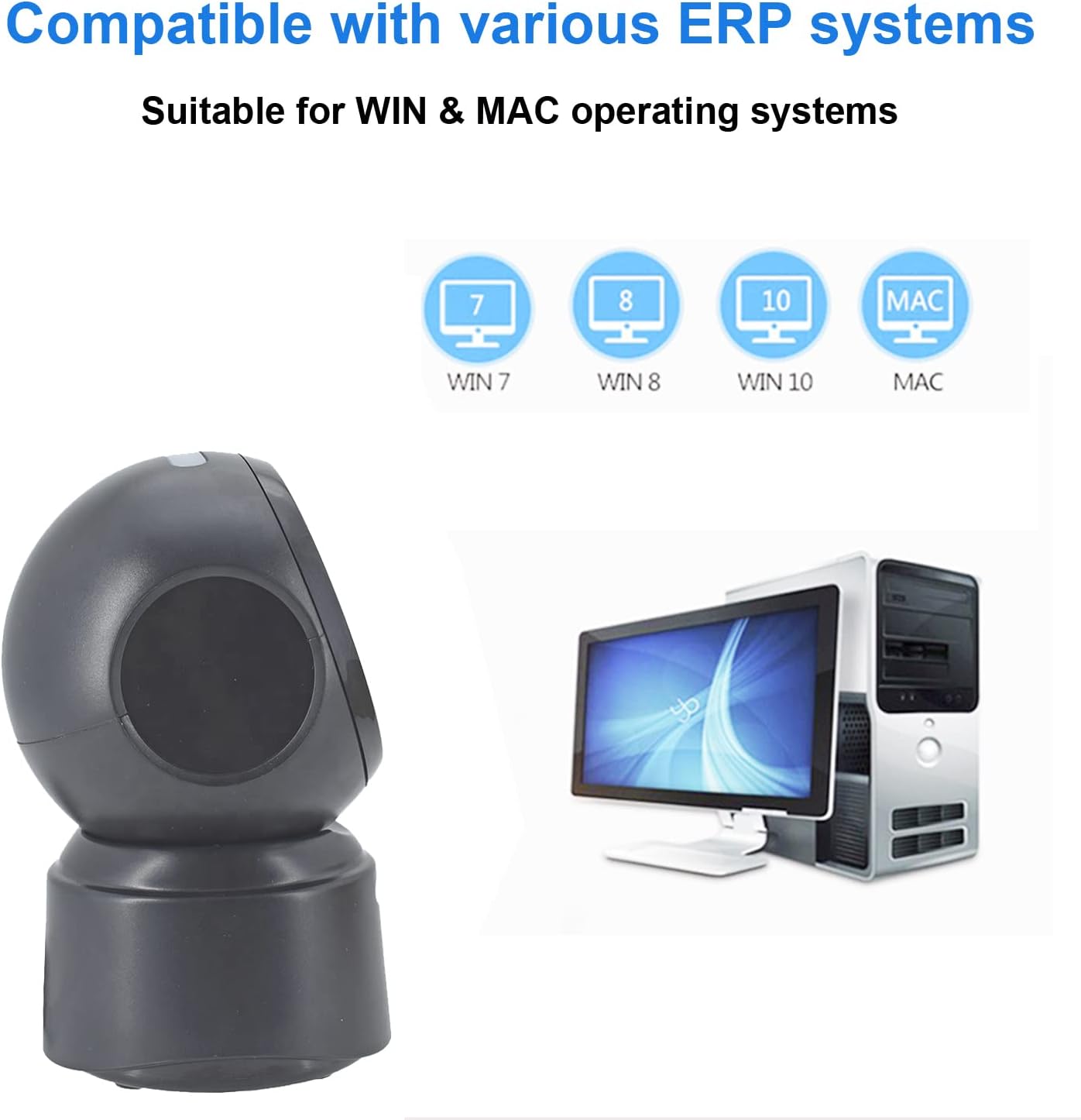
Obrázek 5.2: Compatibility with various operating systems.
6. Návod k obsluze
6.1 Základní postup skenování
The D7800 scanner operates in an automatic, hands-free mode. Once connected, it is ready to scan.
- Ensure the scanner is connected to your computer and powered on.
- Přiložte čárový kód ke skenovacímu okénku. Skener čárový kód automaticky detekuje a přečte.
- A successful scan is typically indicated by an audible beep and/or a visual confirmation (e.g., LED indicator).
- The scanned data will be transmitted to your computer as keyboard input.
6.2 Skenování typů čárových kódů
The scanner supports a wide range of 1D, 2D, and QR codes, including those that are less than perfect.
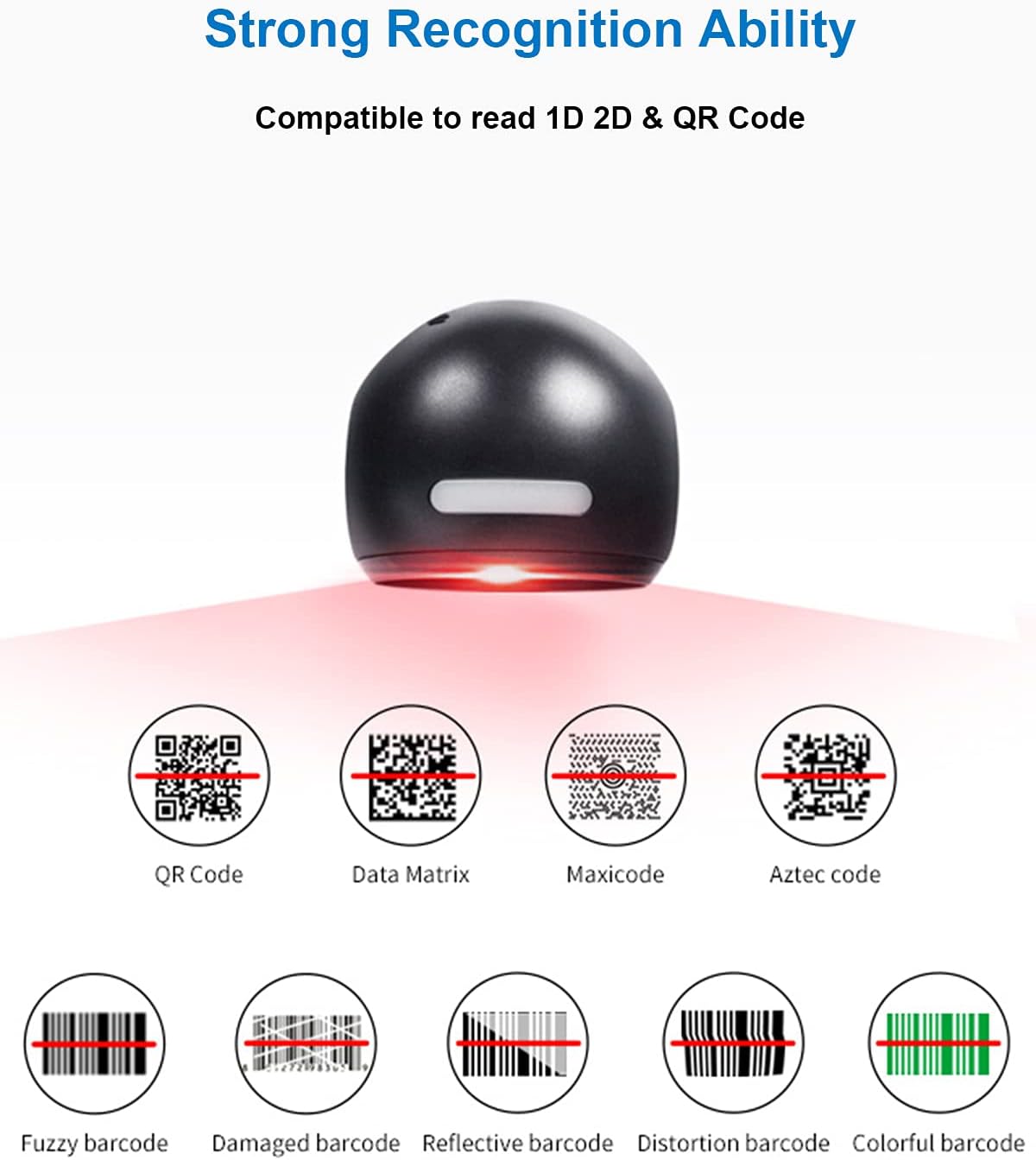
Obrázek 6.1: Examples of various barcode types and conditions the scanner can recognize.
6.3 On-Screen Barcode Scanning
The D7800 is capable of scanning barcodes directly from digital displays, such as smartphones, tablets, and computer monitors.

Obrázek 6.2: The scanner reading a barcode from a digital screen. Exampčárový kód: 1234567890
6.4 Aplikační scénáře
The LENVII D7800 is suitable for various environments requiring efficient barcode scanning.
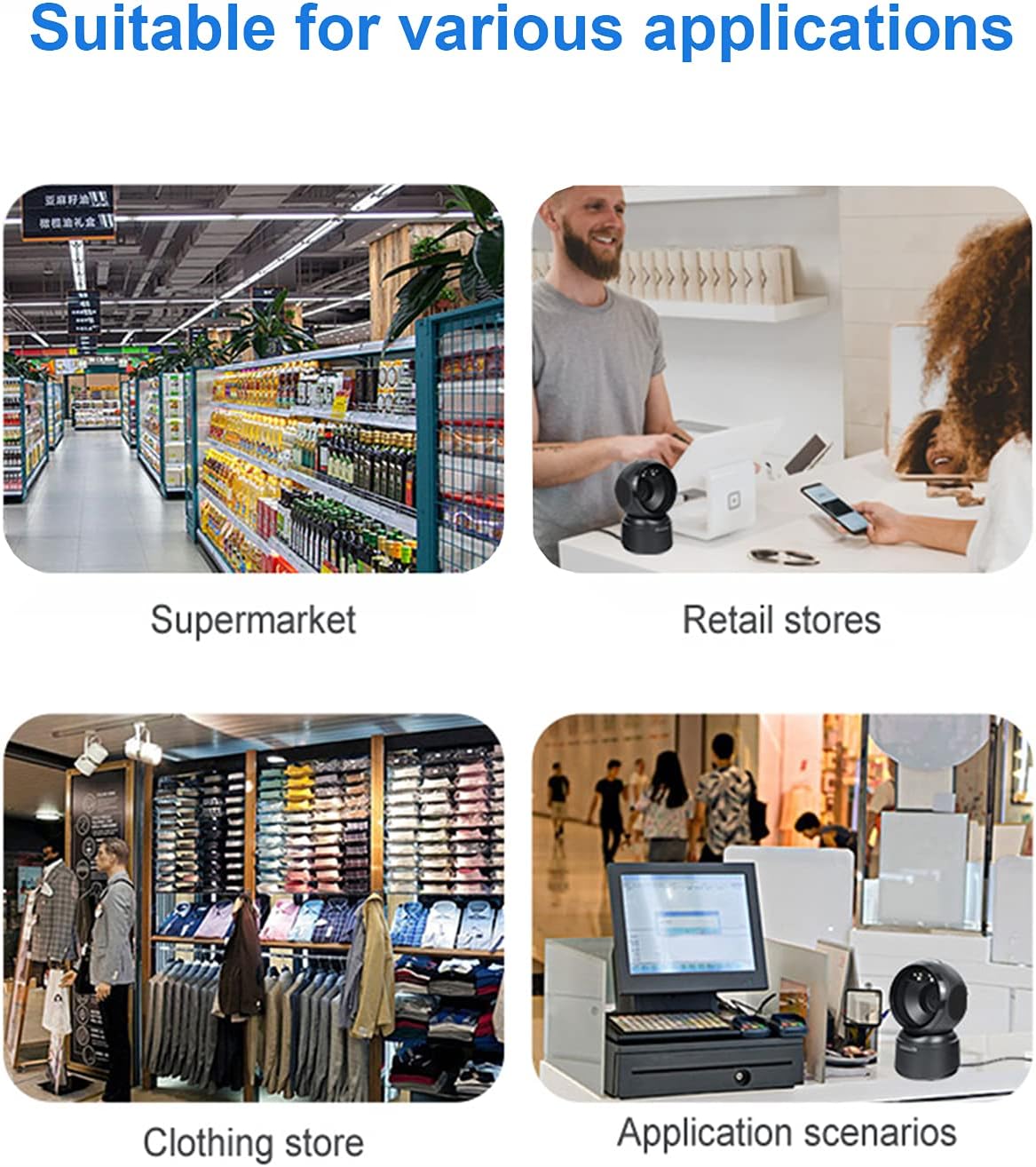
Obrázek 6.3: Common application environments for the scanner.
7. Údržba
7.1 Čištění skeneru
- Ensure the scanner is disconnected from the power source before cleaning.
- K otření vnější strany skeneru použijte měkký, suchý hadřík, který nepouští vlákna.
- For the scanning window, use a lens cleaning cloth or a soft cloth lightly dampened with a mild, non-abrasive cleaning solution. Avoid spraying cleaners directly onto the scanner.
- Do not use harsh chemicals, solvents, or abrasive materials, as these can damage the scanner's surface or scanning window.
7.2 Skladování
When not in use, store the scanner in a cool, dry place, away from direct sunlight and extreme temperatures. The maximum storage temperature is 60°C (140°F).
8. Řešení problémů
| Problém | Možná příčina | Řešení |
|---|---|---|
| Skener se nezapne. | USB kabel není správně připojen nebo je USB port vadný. | Ensure the USB cable is securely connected. Try a different USB port on your computer. |
| Skener nečte čárové kódy. |
|
|
| Naskenovaná data jsou nesprávná nebo neúplná. |
|
|
Pokud problém přetrvává i po vyzkoušení těchto řešení, kontaktujte zákaznickou podporu.
9. Specifikace
| Funkce | Detail |
|---|---|
| Model | D7800 |
| Typ | 2D CMOS Wired Barcode Scanner |
| Způsob připojení | USB |
| Rozměry (Š x V x H) | 84 mm × 140.2 mm × 90.1 mm (přibližně 3.31 × 5.52 × 3.55 palce) |
| Hmotnost | 230 g (přibližně 0.51 libry) |
| Materiál | ABS |
| Barva | Černý |
| Světelný zdroj | 617nm LED (aimer); 6500K LEDs (illumination) |
| Obrazový snímač | 640 * 480 CMOS |
| Procesor | ARM 32bitový |
| Rychlost skenování | 200krát / s |
| Moc | DC 5V |
| Proud | 400 mA ± 5 % |
| Kompatibilní OS | Windows XP/7/8/10, Mac OS, Linux |
| Podpora 1D kódu | EAN-8, EAN-13, Codabar, CODE 39, CODE 93, CODE 128, China Post, GS1-128, UPC-A, UPC-E, ISBN/ISSN, ISBT, Interleaved 2 of 5, Standard 2 of 5, Matrix 2 of 5, Industrial 2 of 5, MSI, RSS, ITF14, Telepen, etc. |
| 2D/QR Code Support | Micro QR Code, Data Matrix, PDF417, Micro PDF417, Maxicode, Aztec, Hanxin, etc. |
| Maximální skladovací teplota | 60 °C (140 °F) |
10. Záruka a podpora
10.1 Informace o záruce
LENVII products are covered by a limited warranty against defects in materials and workmanship. Please refer to the warranty card included with your product or contact LENVII customer support for specific warranty terms and conditions.
10.2 Zákaznická podpora
For technical assistance, troubleshooting, or product inquiries, please contact LENVII customer support. Contact information can typically be found on the product packaging or the official LENVII webmísto.