
Zavedení
Thank you for choosing the LC-dolida Bluetooth Headband Headphones. This manual provides detailed instructions on how to set up, operate, and maintain your device. Please read this manual thoroughly before use to ensure optimal performance and longevity of your product.
Obsah balení
Zkontrolujte prosím balení, zda neobsahuje následující položky:
- LC-dolida Bluetooth Headband Headphones (Model LC001)
- USB nabíjecí kabel
- Uživatelská příručka
Pokud některé položky chybí nebo jsou poškozené, kontaktujte prosím zákaznickou podporu.
Konec produktuview
The LC-dolida Bluetooth Headband Headphones (Model LC001) are designed for versatile use, combining a comfortable headband with integrated audio technology. They are suitable for various activities including sleep, sports, and general audio listening.

Obrázek: Přední strana view of the LC-dolida Bluetooth Headband Headphones, highlighting the control panel.
Klíčové vlastnosti:
- Design 3 v 1: Functions as a sports headband, sleep mask, and Bluetooth headphones.
- Pohodlný materiál: Made from highly elastic, breathable, and sweat-wicking fabric.
- Ultra-Thin Speakers: Designed for comfort, especially for side sleepers, with adjustable positioning.
- Připojení Bluetooth 5.2: Provides stable connections and clear audio.
- Vestavěný mikrofon: Umožňuje handsfree volání.

Image: Visual representation of the headband's material properties: soft, sweat-absorbing, elastic, and breathable.

Image: Depiction of the headband's comfort for side sleepers, highlighting the super thin speakers and zero pressure design.
Nastavení
1. Počáteční nabíjení
- Connect the provided USB charging cable to the charging port on the headband.
- Druhý konec kabelu USB připojte k napájecímu adaptéru USB (není součástí balení) nebo k portu USB počítače.
- The LED indicator light will illuminate during charging.
- A full charge typically takes 1-2 hours. The LED indicator will change or turn off once charging is complete.

Image: Visual guide for charging time (2 hours) and approximate playtime (14 hours).
2. Párování Bluetooth
- Ujistěte se, že je čelenka plně nabitá.
- Press and hold the Power button on the control panel until the LED indicator light flashes blue and red, indicating pairing mode.
- Na svém zařízení (chytrém telefonu, tabletu atd.) povolte Bluetooth a vyhledejte dostupná zařízení.
- Select "LC-dolida" from the list of devices.
- Po připojení bude LED indikátor obvykle svítit nepřerušovaně modře nebo pomalu modře blikat.
- Automatické opětovné připojení: After the initial pairing, the headband will automatically attempt to connect to the last paired device when powered on, provided the device's Bluetooth is active and within range.
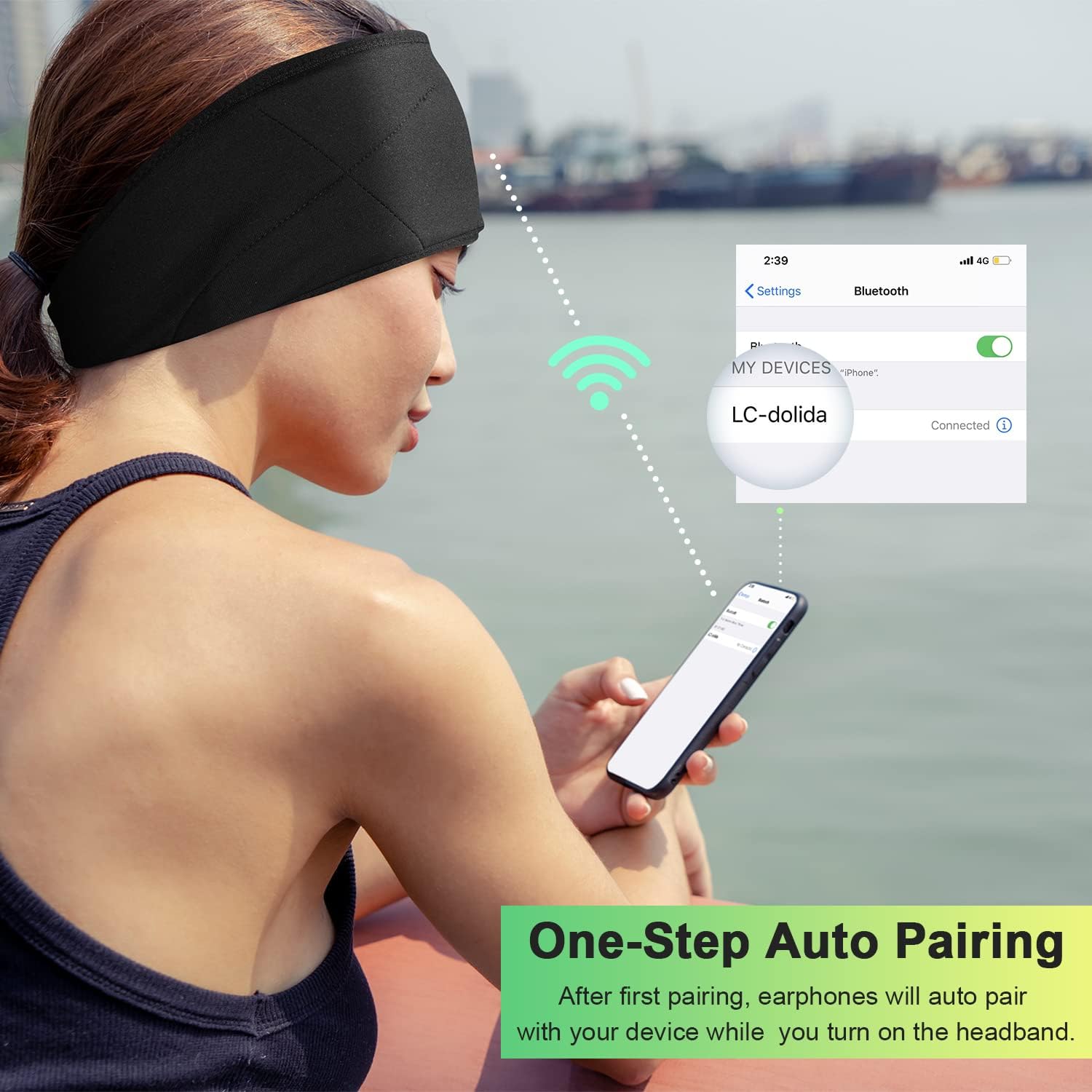
Image: Illustration of the one-step auto pairing process with a smartphone.

Image: Visual confirmation of strong compatibility with various Bluetooth-enabled devices (Android, iOS, Windows).
Návod k obsluze
Funkce ovládacího panelu
The control panel on the headband allows you to manage power, music playback, and calls.
- Zapnutí/vypnutí: Press and hold the Power button (center button) for approximately 3 seconds.
- Přehrát/pozastavit hudbu: Stiskněte jednou tlačítko Napájení.
- Zvýšit hlasitost: Stiskněte tlačítko „+“.
- Snížit hlasitost: Stiskněte tlačítko „-“.
- Další skladba: Stiskněte a podržte tlačítko „+“ po dobu 2 sekund.
- Předchozí skladba: Stiskněte a podržte tlačítko „-“ po dobu 2 sekund.
- Přijmout/ukončit hovor: Stiskněte jednou tlačítko Napájení.
- Odmítnout hovor: Stiskněte a podržte tlačítko Napájení po dobu 2 sekund.
- Znovu vytočit poslední číslo: Dvakrát stiskněte tlačítko napájení.

Image: Visual highlighting of the HIFI music and HD stereo sound capabilities.
Nastavení reproduktoru
The ultra-thin speakers inside the headband can be gently moved to align with your ears for optimal sound and comfort. Simply slide them within the fabric casing to find your preferred position.
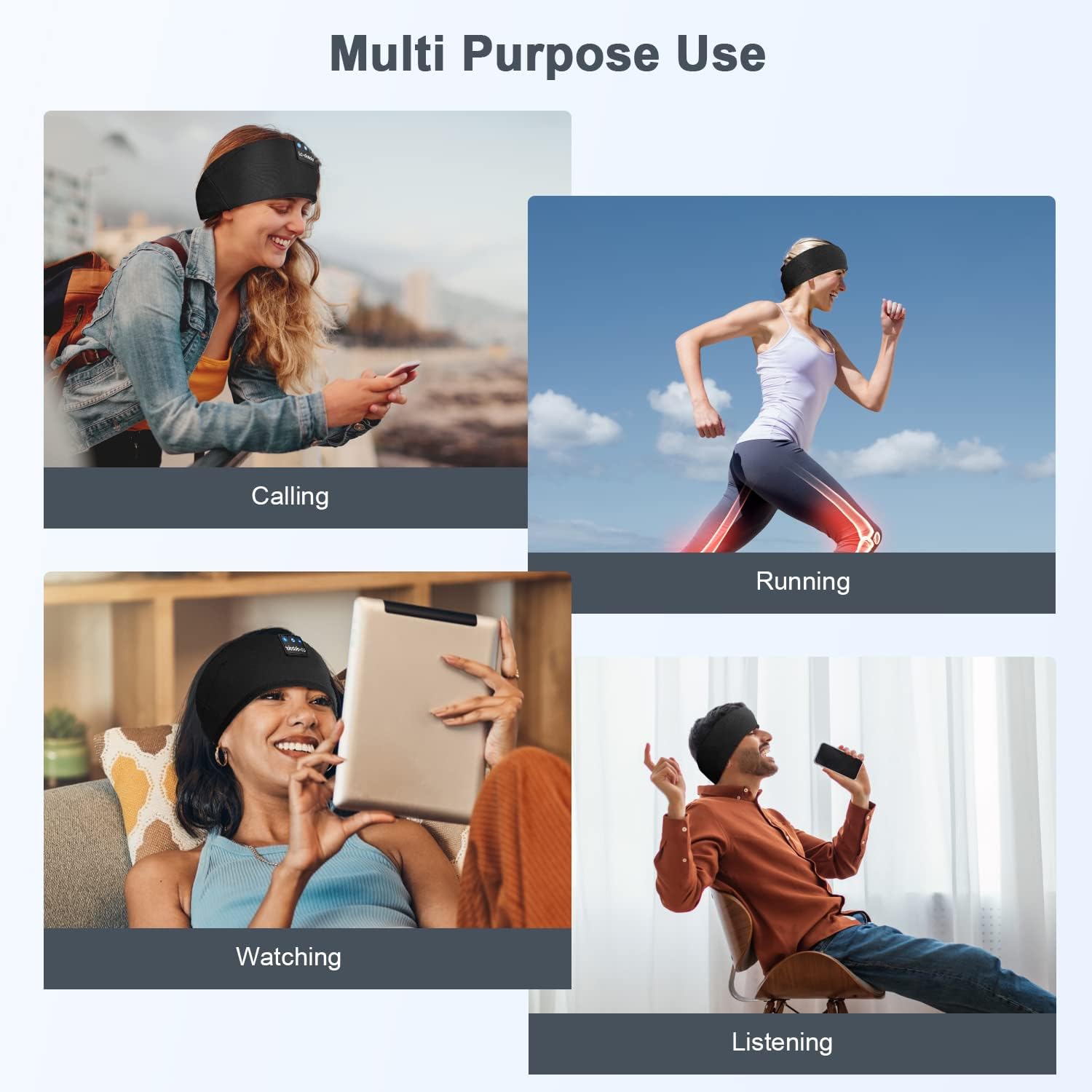
Obrázek: Přamples of multi-purpose use, including hands-free calling, running, watching media, and general listening.
Údržba
Cleaning the Headband
- Before cleaning, ensure the headband is powered off and disconnected from any charging source.
- Gently remove the electronic module (control panel and speakers) from the fabric headband.
- The fabric headband can be hand-washed with mild soap and cold water. Do not machine wash or tumble dry.
- Allow the fabric headband to air dry completely before reinserting the electronic module.
- Wipe the electronic module with a dry, soft cloth. Do not immerse it in water.
Skladování
- Čelenku skladujte na chladném a suchém místě mimo dosah přímého slunečního záření a extrémních teplot.
- Avoid placing heavy objects on the headband to prevent damage to the speakers or internal components.
Odstraňování problémů
| Problém | Možná příčina | Řešení |
|---|---|---|
| Čelenka se nezapíná. | Slabá baterie. | Charge the headband for 1-2 hours. |
| Nelze spárovat se zařízením. | Bluetooth is off on your device; headband is not in pairing mode; device is too far. | Ensure Bluetooth is enabled on your device. Put the headband into pairing mode (flashing blue/red LED). Move device closer to the headband. |
| Žádný zvuk nebo nízká hlasitost. | Volume too low on headband or device; speakers misaligned; connection issue. | Increase volume on both the headband and your device. Adjust speaker position within the headband. Re-pair the device. |
| Přerušované připojení. | Zařízení je příliš daleko; rušení; slabá baterie. | Move closer to your device. Avoid strong electromagnetic interference. Charge the headband. |
| Mikrofon nefunguje. | Mikrofon zablokován; nastavení zařízení. | Ensure the microphone area is clear. Check your device's audio input settings. |
If you encounter issues not listed here, please refer to the Warranty and Support section for assistance.
Specifikace
| Název modelu | LC001 |
| Technologie připojení | Bezdrátové (Bluetooth) |
| Verze Bluetooth | 5.2 |
| Dosah Bluetooth | 45 stop |
| Typ zvukového ovladače | Dynamický ovladač |
| Frekvenční rozsah | 20Hz - 20,000Hz |
| Životnost baterie | Až 13 hodin (přehrávání) |
| Doba nabíjení | 1-2 hodin |
| Typ ovládání | Ovládání médií (tlačítka) |
| Úroveň odolnosti proti vodě | Není odolný vůči vodě |
| Hmotnost položky | 2.89 unce |
| Rozměry balení | 7.95 x 3.98 x 0.94 palce |
Poznámka: Specifikace se mohou změnit bez předchozího upozornění.
Záruka a podpora
Záruka výrobce
This LC-dolida product comes with a one-year manufacturer's warranty from the date of purchase, covering defects in materials and workmanship under normal use.
Additionally, a 30-day satisfaction guarantee allows for a refund within 30 days of purchase if you are not satisfied with the product.
Zákaznická podpora
For any questions, technical assistance, or warranty claims, please contact our after-sales team via email. We aim to provide a satisfactory solution within 6 hours.
Please visit the official LC-dolida webkonkrétní kontaktní údaje naleznete na webu nebo na vaší nákupní platformě.