
Zavedení
This manual provides instructions for the Beyution RC-V21-0B replacement remote control. This remote is designed to function as a direct replacement for the original remote controls of various Dynex Digital TV models. It requires no programming or setup; simply insert batteries to begin operation.

Image: A side-by-side comparison showing the Beyution RC-V21-0B replacement remote on the left and an original remote on the right, highlighting their similar layouts.
Nastavení
Instalace baterií
The Beyution RC-V21-0B remote control requires two AAA batteries (not included) for operation. Follow these steps to install them:
- Najděte kryt prostoru pro baterie na zadní straně dálkového ovladače.
- Posuňte kryt dolů nebo stiskněte západku pro otevření přihrádky.
- Vložte dvě baterie typu AAA a ujistěte se, že kladný (+) a záporný (-) pól správně shodují s označením uvnitř přihrádky.
- Zasuňte kryt přihrádky na baterie zpět na místo, dokud bezpečně nezacvakne.
Obrázek: Zadní strana view of the Beyution RC-V21-0B remote control, showing the open battery compartment ready for AAA battery insertion.
Once batteries are installed, the remote is ready for use with compatible Dynex Digital TVs without any additional programming.
Návod k obsluze
Není vyžadováno žádné programování
The Beyution RC-V21-0B is a pre-programmed replacement remote control. No codes need to be entered, and no synchronization steps are required. Simply insert the batteries, and the remote will function with your compatible Dynex Digital TV.
Funkce tlačítek
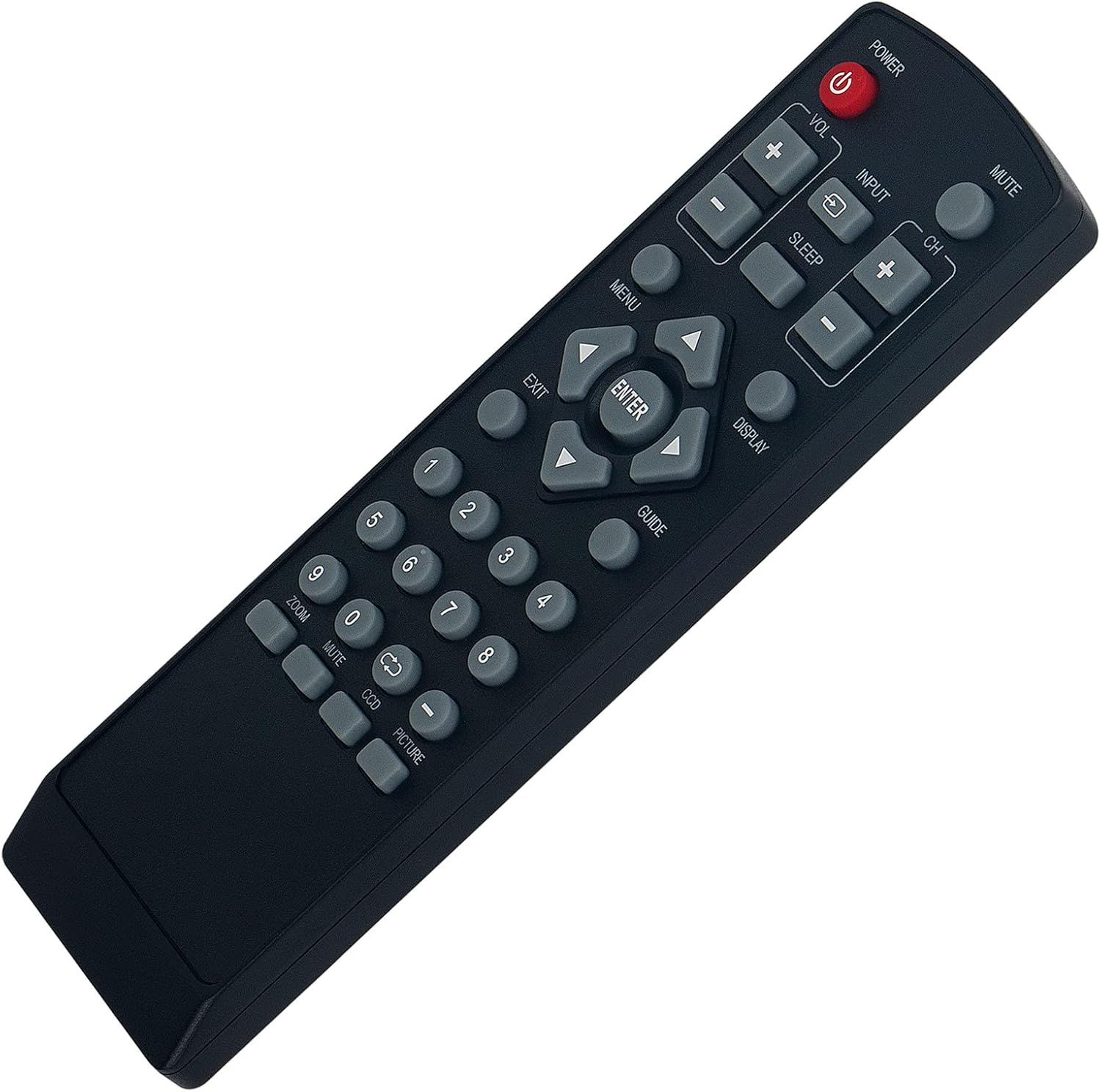
The remote control features standard buttons for TV operation. Refer to the image below for button layout and their general functions:
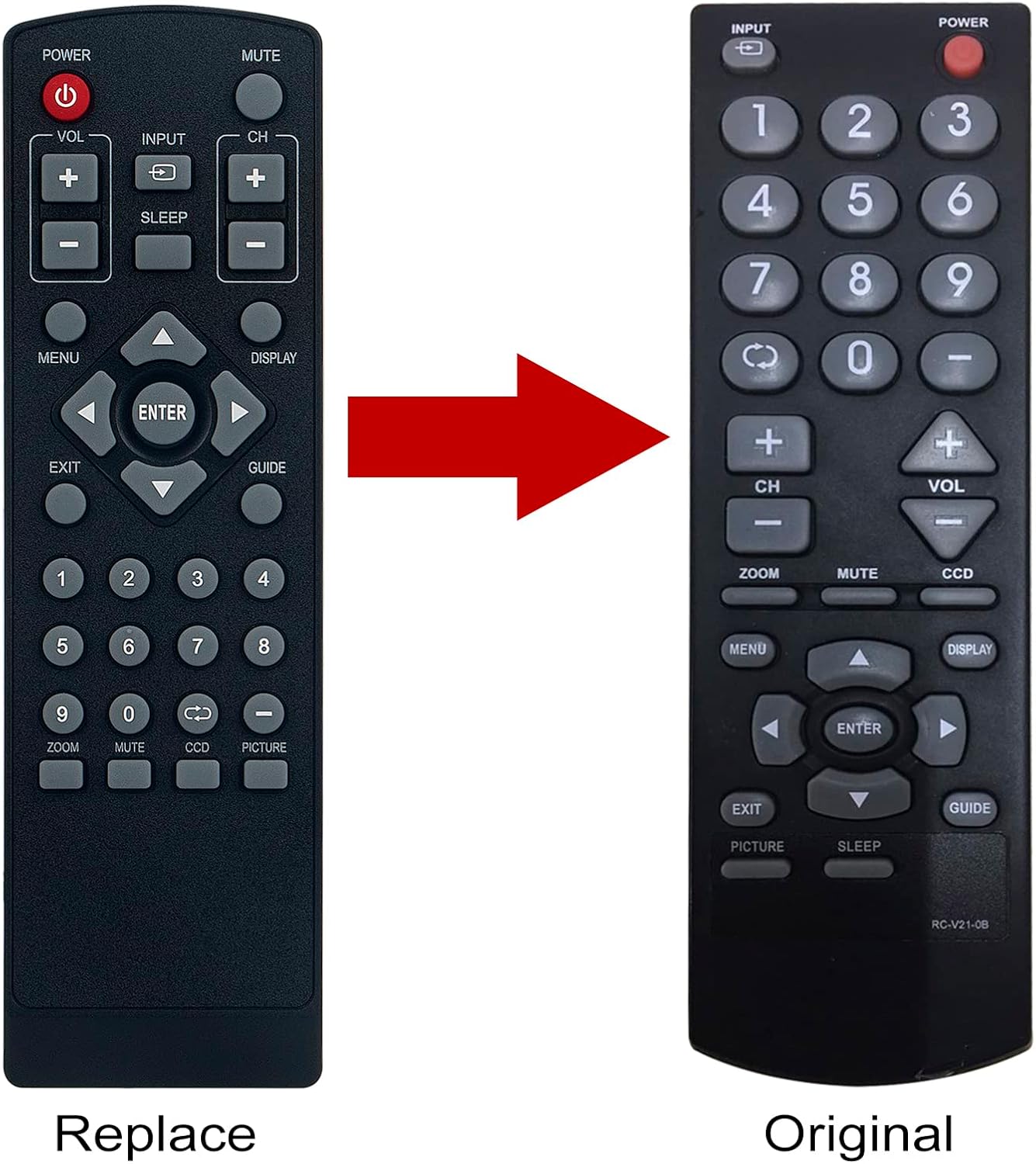
Image: A clear, straight-on view of the Beyution RC-V21-0B remote control, displaying all its buttons and their labels.
- MOC: Zapne nebo vypne televizor.
- ZTLUMIT: Ztlumí nebo zapne zvuk televizoru.
- VOL +/-: Upravuje úroveň hlasitosti.
- CH +/-: Změní televizní kanál.
- VSTUP: Selects the video input source (e.g., HDMI, AV).
- SPÁT: Activates or adjusts the sleep timer function.
- MENU: Otevře hlavní nabídku televizoru.
- ZOBRAZIT: Shows current channel information or other on-screen display.
- PRŮVODCE: Accesses the electronic program guide (if available).
- Navigační šipky (nahoru, dolů, vlevo, vpravo): Procházení nabídek a možností.
- ENTER: Potvrzuje výběry v nabídkách.
- EXIT: Exits the current menu or on-screen display.
- Číselná tlačítka (0-9): Přímé zadávání čísel kanálů.
- ZOOM: Adjusts the screen zoom level.
- CCD: Activates or adjusts Closed Captioning.
- OBRÁZEK: Přístup k nastavení obrazu.
The functionality of some buttons may vary slightly depending on your specific Dynex TV model.
Údržba
Čištění dálkového ovladače
K čištění dálkového ovladače používejte měkký, suchý hadřík. Nepoužívejte tekuté čisticí prostředky, spreje ani abrazivní materiály, protože by mohly poškodit povrch dálkového ovladače nebo jeho vnitřní součásti.
Péče o baterie
- Vyměňte baterie, když dálkový ovladač začne reagovat pomalu nebo nekonzistentně.
- Vždy vyměňujte obě baterie současně za nové stejného typu (AAA).
- Pokud dálkový ovladač nebudete delší dobu používat, vyjměte baterie, abyste zabránili jejich vytečení a možnému poškození.
- Použité baterie zlikvidujte v souladu s místními předpisy.
Odstraňování problémů
Dálkové nereaguje
- Zkontrolujte baterie: Ensure batteries are inserted correctly with the correct polarity (+/-) and are not depleted. Replace with fresh AAA batteries if necessary.
- Zornost: Make sure there is a clear line of sight between the remote control and the TV's infrared receiver. Obstructions can block the signal.
- Vzdálenost: Operate the remote within a reasonable distance from the TV (typically up to 8-10 meters).
- TV kompatibilita: Confirm that your Dynex TV model is listed as compatible with the Beyution RC-V21-0B remote control. Compatible models include DX-R24TV, DX-R20TV, DXR20TV, DX-R20, DXR20, DXR24TV, NSF20TV, NSF24TV, NSF27TV, NSLCD22.
Specific Button Issues
If only certain buttons are not working, ensure they are not stuck or obstructed. If the issue persists, it may indicate a fault with the remote or the TV's receiver.
Specifikace
| Číslo modelu | RC-V21-0B |
| Rozměry produktu | 6.3 x 1.57 x 0.39 palce (16 x 4 x 1 cm) |
| Hmotnost položky | 2.82 unce (80 gramů) |
| Jsou vyžadovány baterie | 2 AAA baterie |
| Kompatibilní zařízení | Dynex Digital TVs (Specific models listed in Introduction) |
| Speciální funkce | Ergonomický design |
Informace o záruce
Specific warranty details for the Beyution RC-V21-0B remote control are typically provided by the seller at the time of purchase. Please refer to your purchase documentation or contact the seller directly for information regarding warranty coverage, terms, and conditions.
Zákaznická podpora
If you encounter any issues with your Beyution RC-V21-0B remote control that cannot be resolved using the troubleshooting steps in this manual, or if you have questions regarding its compatibility or functionality, please contact the seller or manufacturer for assistance. Provide your product model number (RC-V21-0B) and a detailed description of the issue to facilitate a quicker resolution.