
1. Konec produktuview
The Rraycom BW4-N-White-2Pack is a 5MP battery-powered wireless outdoor camera system designed for comprehensive home security. It features advanced AI motion detection, two-way audio, color night vision, and is built to withstand various weather conditions with an IP66 waterproof rating. This manual provides detailed instructions for setting up, operating, and maintaining your Rraycom security cameras.
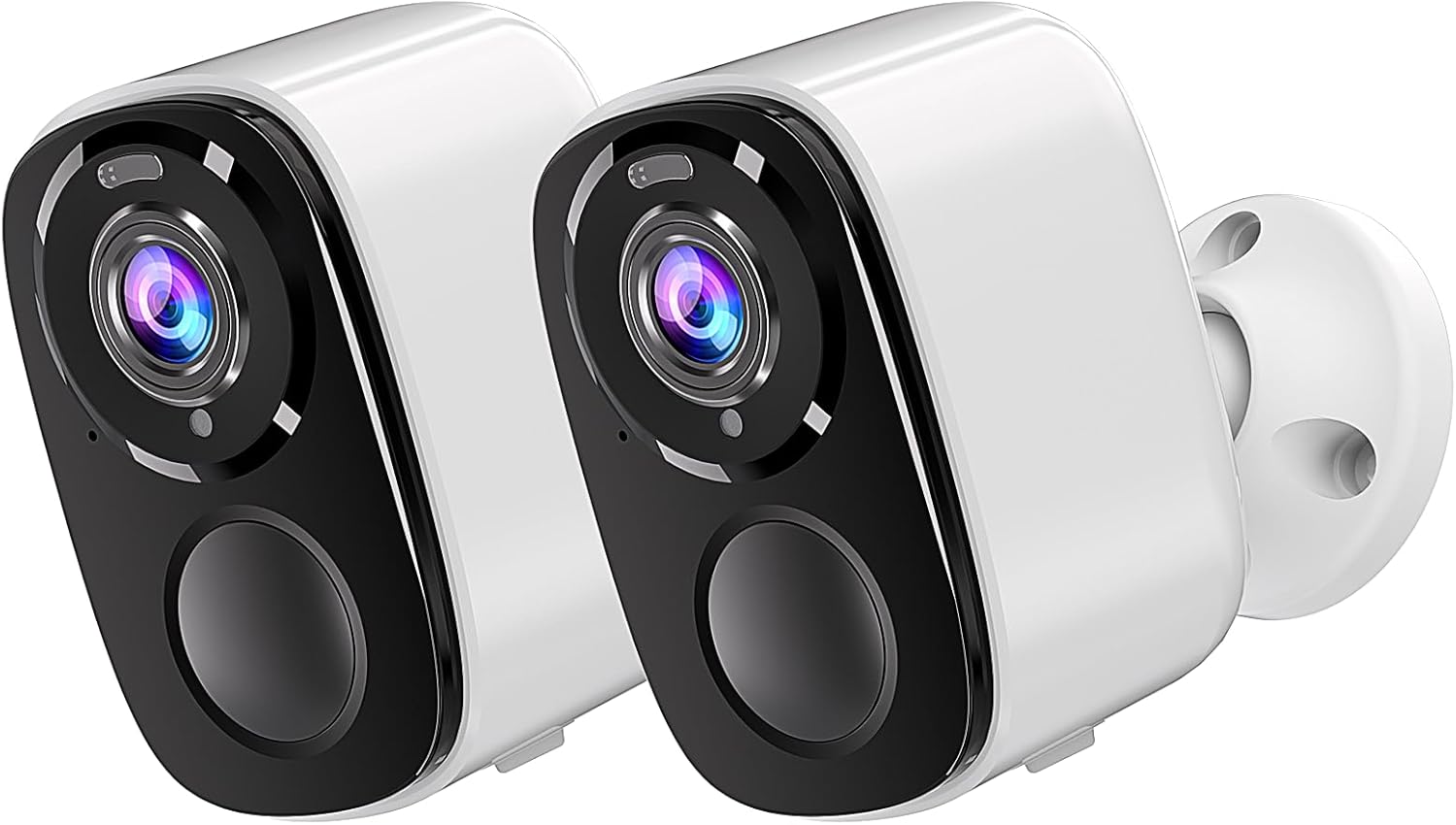
Image: Two Rraycom BW4-N-White-2Pack wireless outdoor cameras, showcasinjejich kompaktní design a bílá povrchová úprava.
2. Co je v krabici
Zkontrolujte prosím, zda jsou v balení přítomny všechny komponenty:
- Rraycom BW4-N-White-2Pack Wireless Outdoor Cameras (2 units)
- Montážní šrouby
- Siren (integrated)
- Rechargeable Batteries (pre-installed or included)
- Uživatelská příručka
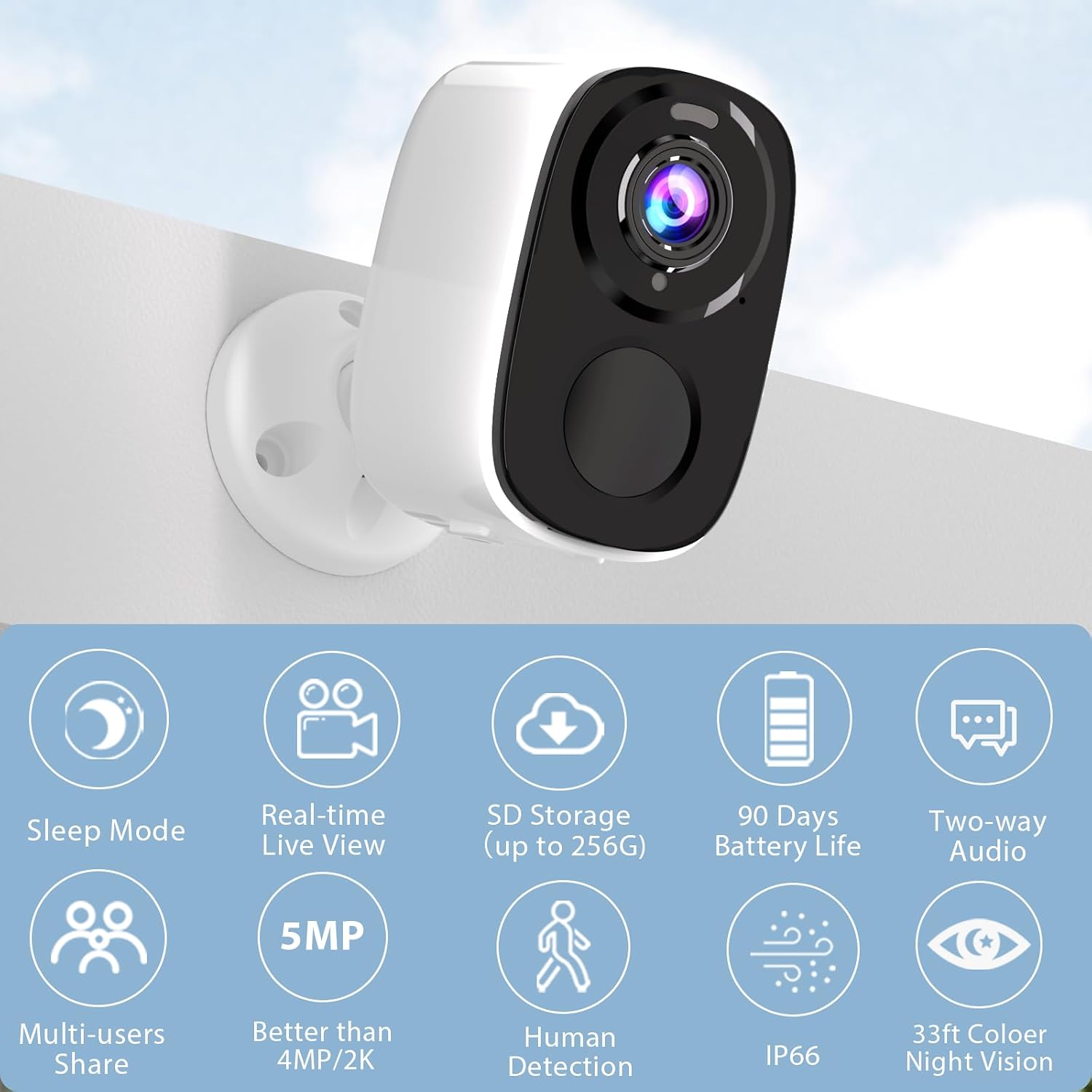
Image: A single Rraycom camera mounted on a wall, surrounded by icons illustrating its key features such as sleep mode, real-time live view, SD storage, 90-day battery life, two-way audio, multi-user sharing, 5MP resolution, human detection, IP66 weather resistance, and 33ft color night vision.
3. Klíčové vlastnosti
- PIR Motion Detection & AI Recognition: Utilizes infrared sensor technology and cloud image analysis for real-time motion detection, sending instant alerts. Customizable detection zones reduce unwanted notifications.
- Wireless & Rechargeable Battery: Cordless operation with a 5200mAh battery, offering 1 to 6 months of operation on a full charge depending on usage.
- 5MP 2.7K Resolution & Color Night Vision: Delivers 2560*1920P clear image quality. Features full-color night vision and infrared night vision up to 33ft.
- Snadná instalace a vodotěsnost IP66: Designed for quick setup in various outdoor and indoor locations. IP66 rating ensures resistance to harsh weather. Operates only with 2.4GHz WiFi.
- SD & FREE Cloud Storage: Supports micro SD card (up to 256GB, not included) and offers free 1-day rolling cloud storage for life without subscription.
- Obousměrný zvuk: Allows for clear conversations through the camera, enabling communication with visitors or deterring intruders.

Image: Visual comparison demonstrating the superior clarity of 5MP resolution over 3MP, and an illustration of the camera's spotlight feature for enhanced night vision.
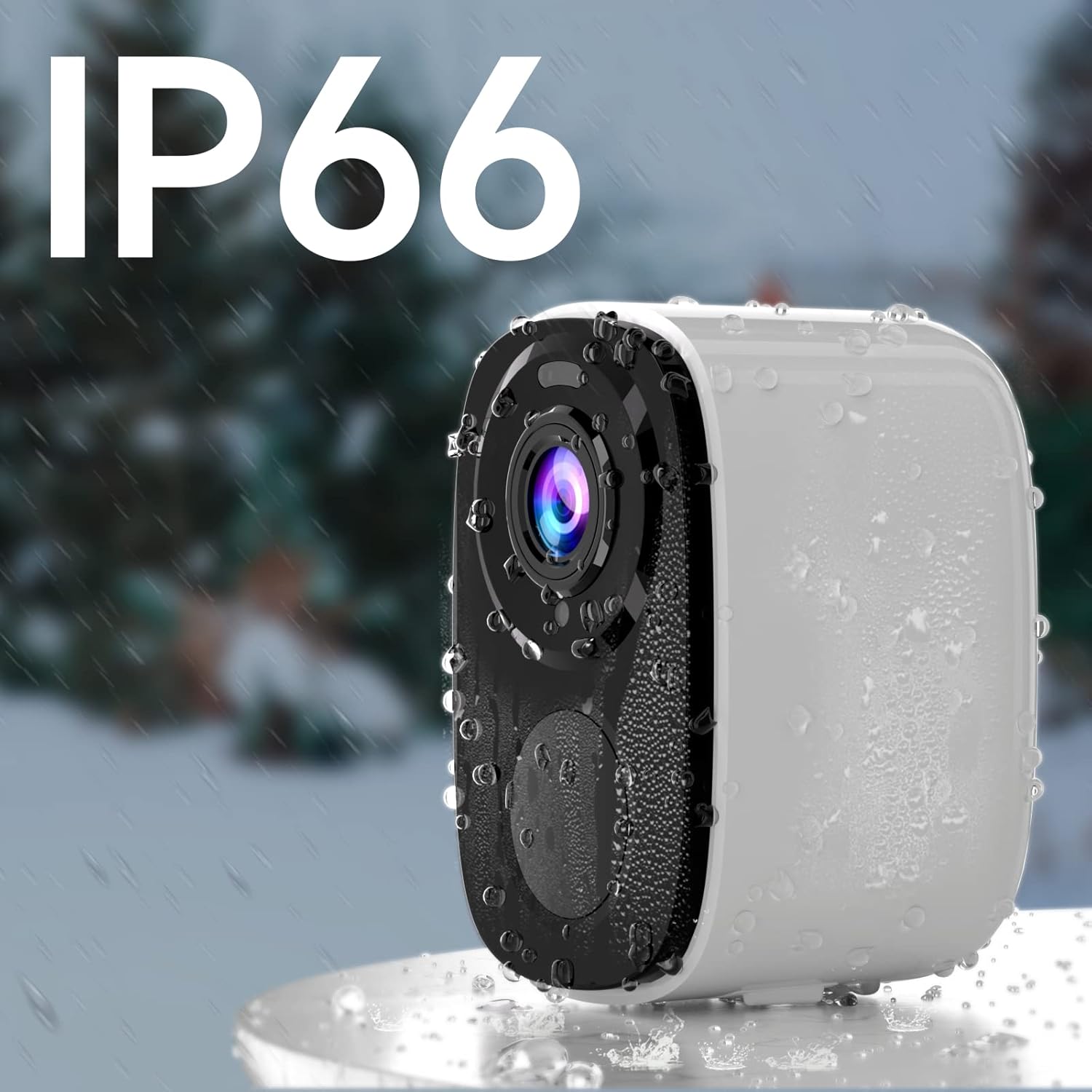
Image: A Rraycom camera with water droplets on its surface, highlighting its IP66 waterproof and weather-resistant design.
4. Průvodce nastavením
- Nabijte kameru: Before first use, fully charge the camera's battery using the provided USB cable. A full charge can take several hours.
- Stáhněte si aplikaci O-KAM: Hledat "O-KAM" in the App Store (iOS) or Google Play Store (Android) and install it on your smartphone.
- Zaregistrujte si účet: Open the O-KAM app and follow the on-screen instructions to create a new account.
- Přidat zařízení: Tap the "+" icon in the app to add a new device. Select your camera model and follow the pairing instructions. Ensure your Wi-Fi network is 2.4GHz.
- Montáž kamery: Choose a suitable location for installation. Use the included screws and bracket to securely mount the camera. Ensure the camera has a clear field of view a nachází se v dosahu vaší sítě Wi-Fi 2.4 GHz.

Image: A person easily installing a Rraycom camera on a ceiling, highlighting the simple installation process.
5. Návod k obsluze
5.1 Živě View a přehrávání
- Open the O-KAM app and select your camera to view živé vysílání.
- Access recorded videos from the cloud storage or inserted SD card for playback.
5.2 Obousměrný zvuk
Klepněte na ikonu mikrofonu v živém vysílání view to speak through the camera. Tap the speaker icon to listen to audio from the camera's location.

Image: A delivery person speaking to someone through the Rraycom camera's two-way audio feature, with the mobile app interface visible on a smartphone.
5.3 Detekce pohybu a upozornění
- Configure motion detection sensitivity and set up specific detection zones within the app to minimize false alerts.
- Dostávejte okamžitá push upozornění na svůj smartphone, když je detekován pohyb.

Image: A Rraycom camera overseeing a detection zone in a driveway, with a smartphone showing real-time alerts for detected motion and persons.
5.4 Režimy nočního vidění
The camera supports both full-color night vision and infrared night vision. You can switch between modes in the app settings based on your preference and lighting conditions.

Obrázek: Rozdělená obrazovka view on a smartphone demonstrating the difference between 5MP color night vision and infrared night vision modes, capturing details in low light.
5.5 Siréna a reflektory
Activate the integrated siren and spotlights via the app to deter intruders or alert others to suspicious activity.

Image: A Rraycom camera emitting a siren and spotlight, with a smartphone displaying a motion detection alert and options to activate the siren or spotlights, illustrating its deterrent capabilities.
5.6 Videoukázky
Video: Overview of the Rraycom camera's features and basic operation, demonstrating its ease of use and key functionalities.
Video: A demonstration of the camera's AI motion detection and alert system, showing how it identifies and notifies users of activity.
Video: A visual guide to setting up and customizing detection zones within the O-KAM app for optimized security monitoring.
6. Údržba
- Nabíjení baterie: Recharge the camera battery when the app indicates low power. Battery life varies based on usage and environmental factors.
- Čištění: Pravidelně otírejte objektiv a tělo fotoaparátu měkkým hadříkemamp hadříkem odstraňte prach a nečistoty. Nepoužívejte agresivní chemikálie.
- Aktualizace firmwaru: Keep the camera firmware updated through the O-KAM app to ensure optimal performance and access to new features.
- Ochrana proti počasí: While IP66 rated, avoid direct high-pressure water jets and extreme temperatures to prolong the camera's lifespan.
7. Řešení problémů
| Problém | Možná příčina | Řešení |
|---|---|---|
| Fotoaparát se nepřipojí k Wi-Fi | Nesprávné heslo k Wi-Fi; síť Wi-Fi 5 GHz; kamera je příliš daleko od routeru. | Ensure correct 2.4GHz Wi-Fi password; move camera closer to router or use a Wi-Fi extender. |
| Špatná kvalita obrazu | Znečištěný objektiv; slabé světelné podmínky; problémy s šířkou pásma sítě. | Clean the lens; ensure adequate lighting or use night vision; check network speed. |
| Žádné upozornění na detekci pohybu | Detection sensitivity too low; detection zone not set correctly; app notifications disabled. | Adjust sensitivity in app; redefine detection zones; enable app notifications in phone settings. |
| Krátká výdrž baterie | Častá detekce pohybu; nepřetržitý živý přenos viewextrémní teploty. | Reduce detection sensitivity; limit live view time; ensure optimal operating temperature. |
| Nefunguje obousměrný zvuk | Microphone/speaker permissions not granted; low volume settings. | Check app permissions for microphone; adjust volume settings in app and on phone. |
If you encounter issues not listed here, please refer to the customer service section for support.
8. Specifikace
| Funkce | Detail |
|---|---|
| Model | BW4-N-White-2Pack |
| Rozlišení záznamu videa | 5 MP (2560*1920P) |
| Zdroj napájení | Napájení z baterie (5200 mAh lithium-iontová) |
| Protokol připojení | Wi-Fi (pouze 2.4 GHz) |
| Rozsah nočního vidění | Up to 33 Feet (Color and Infrared) |
| Pole View | 120 stupňů |
| Hodnocení mezinárodní ochrany | IP66 |
| Možnosti úložiště | Micro SD karta (až 256 GB), cloudové úložiště |
| Kompatibilní zařízení | Chytrý telefon (iOS/Android), Amazon Alexa |
| Typ montáže | Držák na zeď |
| Hmotnost položky | 1.3 libry |
9. Záruka a zákaznická podpora
Rraycom is committed to providing high-quality products and excellent customer service. For any questions, technical assistance, or warranty inquiries, please contact our support team.
- E-mailová podpora: aftersale@rraycom.com
- Online zdroje: Visit the official Rraycom store on Amazon for FAQs and additional product information: Rraycom Store

Image: An illustration depicting a customer service representative, emphasizing available support via email at aftersale@rraycom.com.