
Dangbei Neo
Uživatelská příručka k mini projektoru Dangbei Neo
Model: Neo | Brand: Dangbei
1. Úvod
Welcome to the user manual for your new Dangbei Neo Mini Projector. This portable projector is designed to deliver a high-quality cinematic experience with its 1080P Full HD resolution, 540 ISO Lumens brightness, and officially-licensed streaming applications like Netflix. Equipped with intelligent features such as auto-focus, keystone correction, object avoidance, and screen adaption, the Neo ensures an effortless setup and a clear, sharp image. Its integrated 12W Dolby Audio speakers provide immersive sound, complemented by 5G Wi-Fi and Bluetooth 5.0 connectivity for versatile media playback. Please read this manual thoroughly to understand the product's features and ensure proper operation and maintenance.
2. Co je v krabici
Ověřte, zda balení obsahuje všechny následující položky:
- Dangbei Neo Projector x 1
- Napájecí adaptér 90 W (19 V/4.74 A) x 1
- AC kabel x 1
- Dálkové ovládání x 1
- Návod k použití x 1
3. Konec produktuview

Obrázek 3.1: Přední strana view of the Dangbei Neo Mini Projector, showcasing its compact design, projection lens, and intelligent sensors.
The Dangbei Neo Mini Projector features a sleek, compact design. The front panel houses the projection lens and intelligent sensors for auto-focus and obstacle avoidance. The sides are equipped with ventilation grilles to ensure optimal cooling during operation. The rear panel contains all the necessary input and output ports for connecting external devices.

Obrázek 3.2: Zadní view of the projector, detailing the various connectivity ports including DC power input, S/PDIF, LAN, HDMI/ARC, and USB ports.
Klíčové komponenty:
- Projekční čočka: Promítá obraz na plátno nebo zeď.
- Inteligentní snímače: Used for auto-focus, keystone correction, and obstacle avoidance.
- Ventilační mřížky: Located on the sides, these ensure proper airflow to prevent overheating.
- Power Input (DC): Připojuje se k přiloženému napájecímu adaptéru.
- S/PDIF Port: Pro digitální audio výstup.
- LAN port: Pro kabelové připojení k internetu.
- HDMI/ARC Port: Connects to external video sources (e.g., Blu-ray player, game console). Supports Audio Return Channel (ARC).
- USB porty: Pro připojení USB paměťových zařízení nebo jiných periferií.
4. Nastavení
4.1 Umístění
Choose a flat, stable surface for your projector. The Dangbei Neo is highly portable, allowing for flexible placement in various environments, from your living room to outdoor settings.

Figure 4.1: The projector's compact size makes it ideal for portable use, easily fitting on small surfaces like an outdoor table.
The projector can project an image size of up to 120 inches. Adjust the distance between the projector and the projection surface to achieve your desired screen size. Ensure the projection surface is clean and smooth for the best image quality.
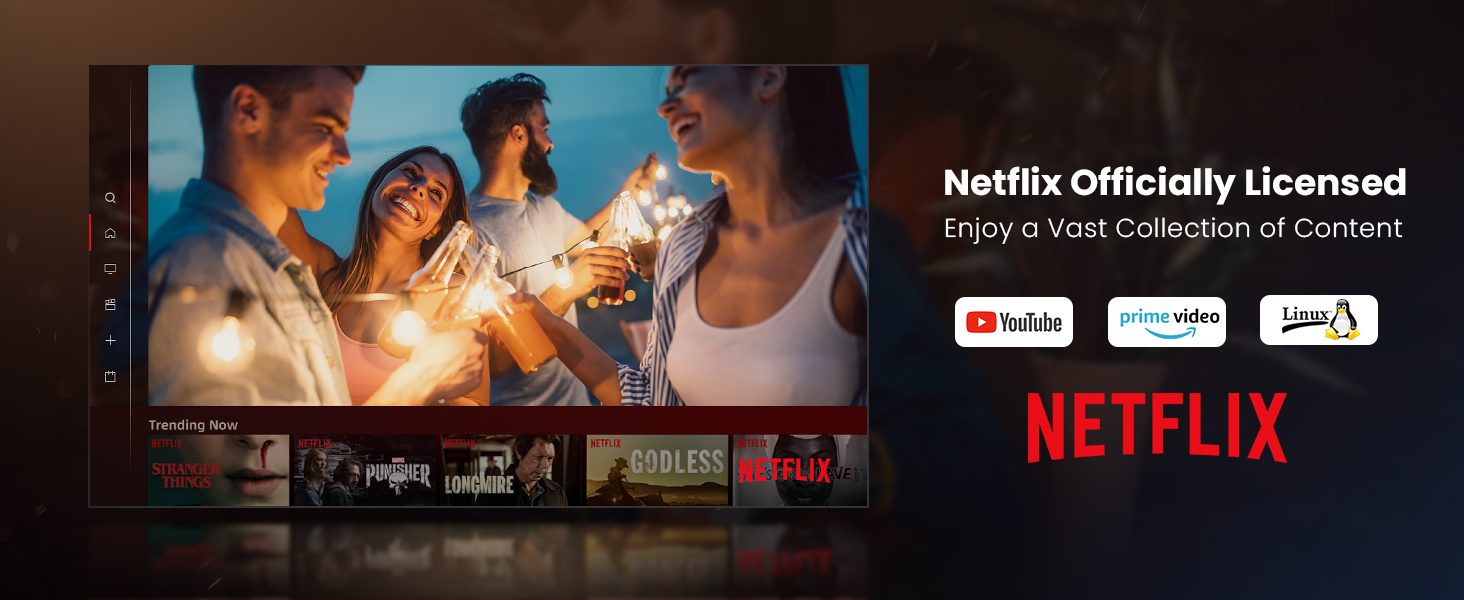
Figure 4.2: Illustrates the flexible projection sizes achievable with the Dangbei Neo, ranging from 37.5 inches to a maximum of 120 inches, allowing for versatile viewzkušenosti.
4.2 Připojení napájení
- Připojte síťový kabel k napájecímu adaptéru.
- Plug the power adapter into the DC input port on the rear of the projector.
- Plug the other end of the AC cord into a power outlet.
4.3 Initial Setup (Intelligent Features)
The Dangbei Neo is equipped with intelligent features to simplify setup:

Figure 4.3: Visual representation of the projector's intelligent features, including automatic focus, keystone correction, obstacle avoidance, and smart screen adaptation for a perfect image.
- Automatické ostření: Upon startup or movement, the projector automatically adjusts the focus to ensure a clear and sharp image.
- Automatická korekce lichoběžníkového zkreslení: The projector automatically corrects trapezoidal distortion, ensuring a perfectly rectangular image even if the projector is not perfectly aligned with the screen.
- Vyhýbání se objektům: The projector can detect and avoid obstacles in the projection path, adjusting the image size or position to bypass them.
- Screen Adaption: The projector intelligently fits the image to the screen or wall, optimizing the display area.
These features typically activate automatically. If manual adjustment is needed, navigate to the 'Settings' menu using the remote control.
5. Návod k obsluze
5.1 Zapnutí/vypnutí
- Zapnutí: Press the Power button on the remote control or the projector's top panel.
- Vypnout: Press the Power button again. A shutdown confirmation prompt may appear; select 'Shutdown' to turn off the projector.
5.2 Navigace
Use the included remote control to navigate the projector's interface. The directional buttons allow you to move through menus, and the 'OK' button confirms selections. Other buttons provide quick access to Home, Back, Volume, and Settings.
5.3 Streamovací aplikace
The Dangbei Neo comes with officially-licensed Netflix, YouTube, and Prime Video pre-installed, running on a Linux system. This allows direct access to a vast library of content without additional devices.

Figure 5.1: The projector's home screen displaying pre-installed streaming applications like Netflix, YouTube, and Prime Video, ready for immediate use.
To access these apps, navigate to their icons on the home screen and select them. Ensure the projector is connected to the internet.
5.4 Konektivita
Projektor nabízí několik možností připojení:
- Wi-Fi (5G): Connect to your wireless network for streaming content and accessing online features. Go to 'Settings' > 'Network' to configure Wi-Fi.
- Bluetooth 5.0: Connect external Bluetooth speakers, headphones, or other compatible devices for enhanced audio. Go to 'Settings' > 'Bluetooth'.
- HDMI: Připojte externí zařízení, jako jsou notebooky, herní konzole nebo přehrávače Blu-ray, pomocí kabelu HDMI. V nabídce projektoru vyberte vstupní zdroj HDMI.
- USB: Plug in USB drives to play local media files (videos, photos, music). Select the USB input source.

Figure 5.2: Demonstrates the projector's high-speed 5G Wi-Fi capability, enabling seamless streaming and screen mirroring from iOS, Android, and Windows devices.

Figure 5.3: Illustrates the wide range of entertainment options and connectivity ports available on the Dangbei Neo, including USB, HDMI, and LAN, supporting various devices.
5.5 zvuk
The projector features built-in 2x6W speakers with Dolby Audio support, providing 360-degree surround sound for an immersive audio experience.

Figure 5.4: Depicts the immersive 360-degree surround sound experience provided by the projector's Dolby Audio speakers, enhancing entertainment.
Adjust the volume using the volume buttons on the remote control. For external audio systems, connect via Bluetooth or the S/PDIF port.
5.6 Ochrana očí
The Dangbei Neo is equipped with a TOF (Time-of-Flight) sensor for eye protection. This sensor intelligently detects obstacles within the projected image's range and rapidly dims the screen to prevent sudden eye irritation caused by direct exposure to the projected light.

Figure 5.5: Illustrates the eye protection feature, where the projector automatically dims the light when an object or person approaches the projection path, safeguarding eyes.
6. Údržba
Pravidelná údržba zajišťuje dlouhou životnost a optimální výkon vašeho projektoru.
6.1 Péče o čočky
The projector features a protection lens filter to prevent scratches and dust on the lens, extending its service life.

Figure 6.1: The projector's design includes a protective lens filter, which helps prevent dust and scratches, contributing to the device's durability and image clarity.
- Čištění objektivu: Use a soft, lint-free cloth specifically designed for optical lenses. Gently wipe the lens in a circular motion. Do not use abrasive cleaners or solvents.
- Prevence prachu: Keep the projector covered when not in use to prevent dust accumulation.
6.2 Obecná péče
- Čištění Casing: Otřete vnější povrch projektoru měkkým, suchým hadříkem.
- Větrání: Ensure the ventilation grilles are not blocked to allow proper airflow and prevent overheating.
- Skladování: Projektor skladujte na chladném a suchém místě mimo dosah přímého slunečního záření a extrémních teplot.
7. Řešení problémů
If you encounter issues with your Dangbei Neo Mini Projector, refer to the following common problems and solutions:
| Problém | Možná příčina | Řešení |
|---|---|---|
| Žádný obraz nebo rozmazaný obraz | Power not connected, lens cap on, focus issue, incorrect input source. | Ensure power is connected. Remove lens cap. Allow auto-focus to complete or manually adjust focus. Select correct input source (HDMI, USB, etc.). |
| Žádný zvuk | Volume too low, mute enabled, incorrect audio output setting, external device audio issue. | Increase volume. Disable mute. Check audio output settings in projector menu. Ensure external device audio is working. |
| Problémy s připojením Wi-Fi | Nesprávné heslo, mimo dosah, problém s routerem. | Ověřte heslo k Wi-Fi. Přemístěte projektor blíže k routeru. Restartujte router a projektor. |
| Dálkové ovládání nefunguje | Batteries low/dead, obstruction, pairing issue. | Replace batteries. Ensure no obstructions between remote and projector. Re-pair remote if necessary (refer to remote control guide). |
| Přehřívání projektoru | Zablokované větrání, dlouhodobé používání v horkém prostředí. | Ensure ventilation grilles are clear. Operate in a well-ventilated area. Allow projector to cool down. |
8. Specifikace
Detailed technical specifications for the Dangbei Neo Mini Projector:
| Funkce | Detail |
|---|---|
| Název značky | Danbei |
| Hmotnost položky | 5.85 libry |
| Rozměry produktu | 7.87 x 6.18 x 3.94 palce |
| Číslo modelu položky | Neo |
| Název barvy | Bílý |
| Speciální funkce | Auto Focus, Auto Obstacle Avoidance, Built-In Dolby Audio Speakers, Netflix Officially-Licensed, Short Throw |
| Doporučená použití pro produkt | Education, Gaming, Home Cinema |
| Technologie připojení | Bluetooth, HDMI, USB, Wi-Fi |
| Rozlišení displeje | 1920 x 1080 (1080P Full HD) |
| Viditelná úhlopříčka obrazovky | 120" / 305 cm (Max) |
| Životnost světelného zdroje | Až 30,000 hodin |
| Zvukový výstup | 2x6W Speakers, Dolby Audio Support |
9. Záruka a podpora
Dangbei products are manufactured to the highest quality standards. For specific warranty details, please refer to the warranty card included with your product or visit the official Dangbei webUschovejte si doklad o koupi pro případ reklamace.
For technical support, troubleshooting assistance, or service inquiries, please contact Dangbei Customer Service through their official website or the contact information provided in your product packaging. When contacting support, please have your product model number (Neo) and purchase information ready.
Online zdroje:
- Navštivte oficiální Dangbei webweb s nejčastějšími dotazy, aktualizacemi softwaru a dalšími zdroji podpory.
- Check the product page on Amazon for updated information or community forums.
Ask a question about this manual
Ask about setup, troubleshooting, compatibility, parts, safety, or missing instructions. Manuals+ will review the question and use this page’s manual context to help answer it.