
1. Úvod
This manual provides essential information for setting up, operating, maintaining, and troubleshooting your HP 15 Laptop. This device is equipped with an Intel Core i5 processor, 16GB RAM, and a 512GB SSD, running on Windows 11 Home. Please read this manual thoroughly to ensure proper use and to maximize the lifespan of your laptop.
2. Obsah balení
Ověřte, zda jsou v krabici přítomny všechny položky:
- Notebook HP 15
- 45W AC adaptér s napájecím kabelem
- Uživatelská příručka (tento dokument)
- 1 Year Warranty information

3. Vlastnosti produktu
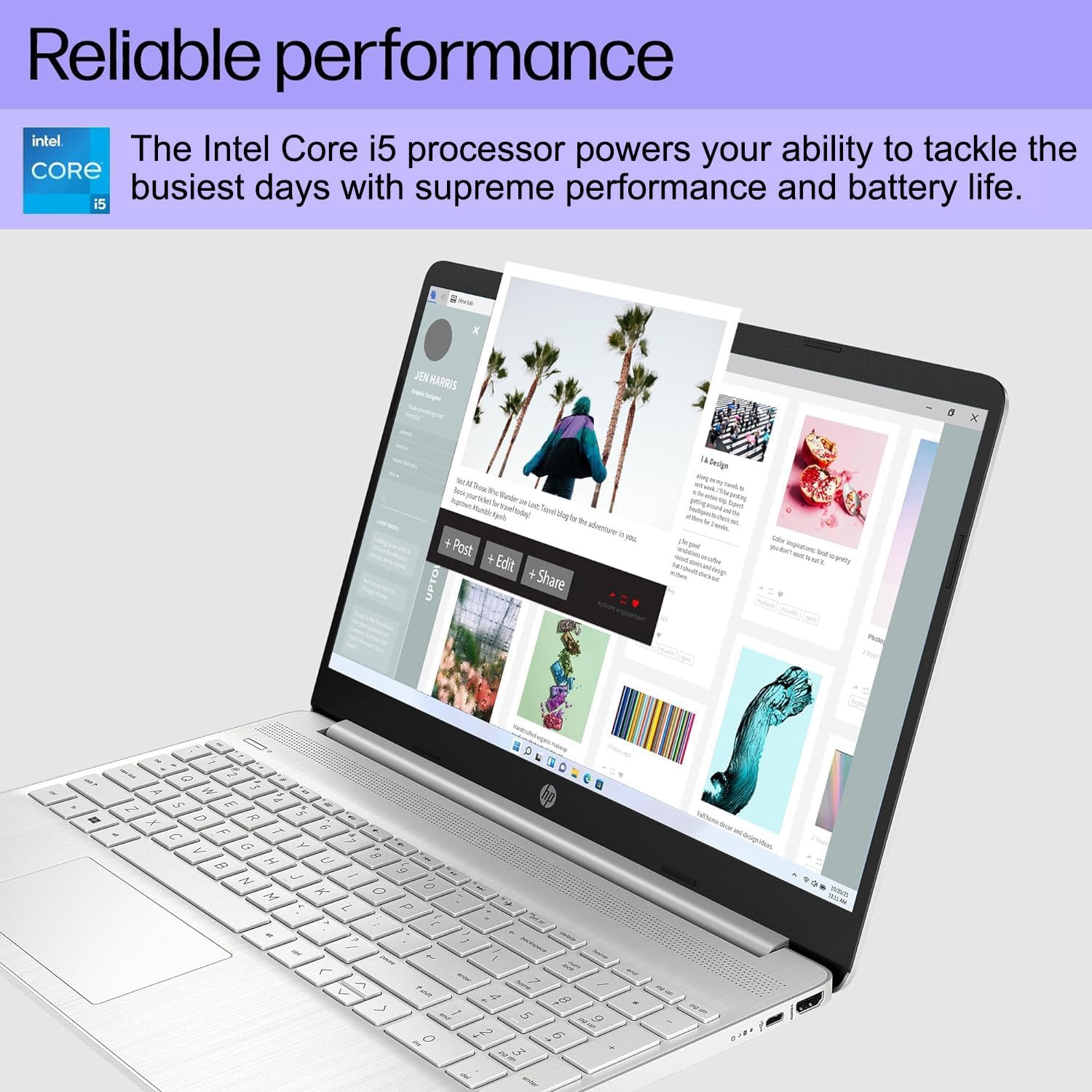
- Spolehlivý výkon: Equipped with an Intel Core i5-1135G7 Processor, 16GB DDR4 RAM, and a 512GB PCIe NVMe M.2 SSD for efficient operation and fast storage.
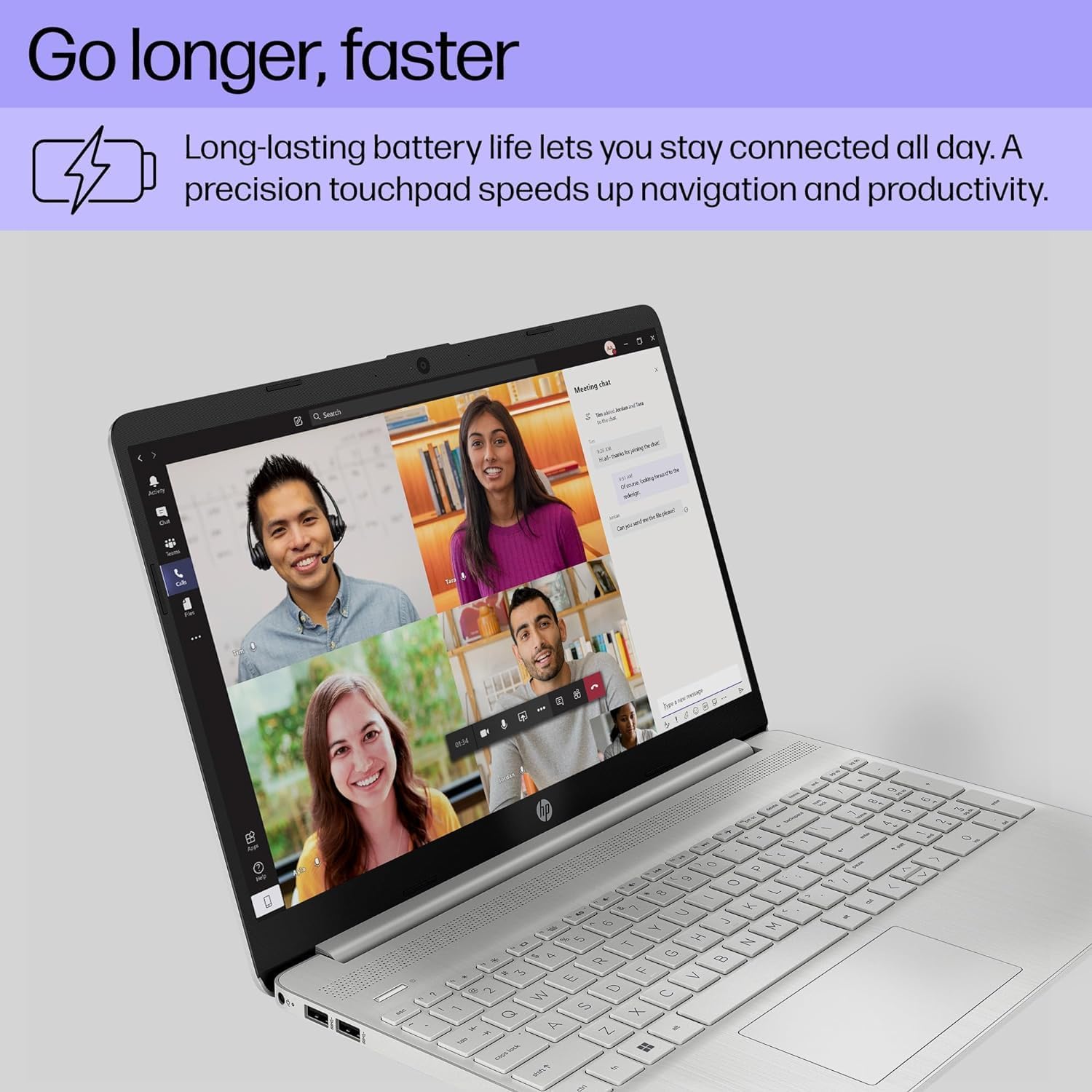
- Prodloužená životnost baterie: Designed for up to 10 hours of battery life, allowing for prolonged use without frequent recharging.
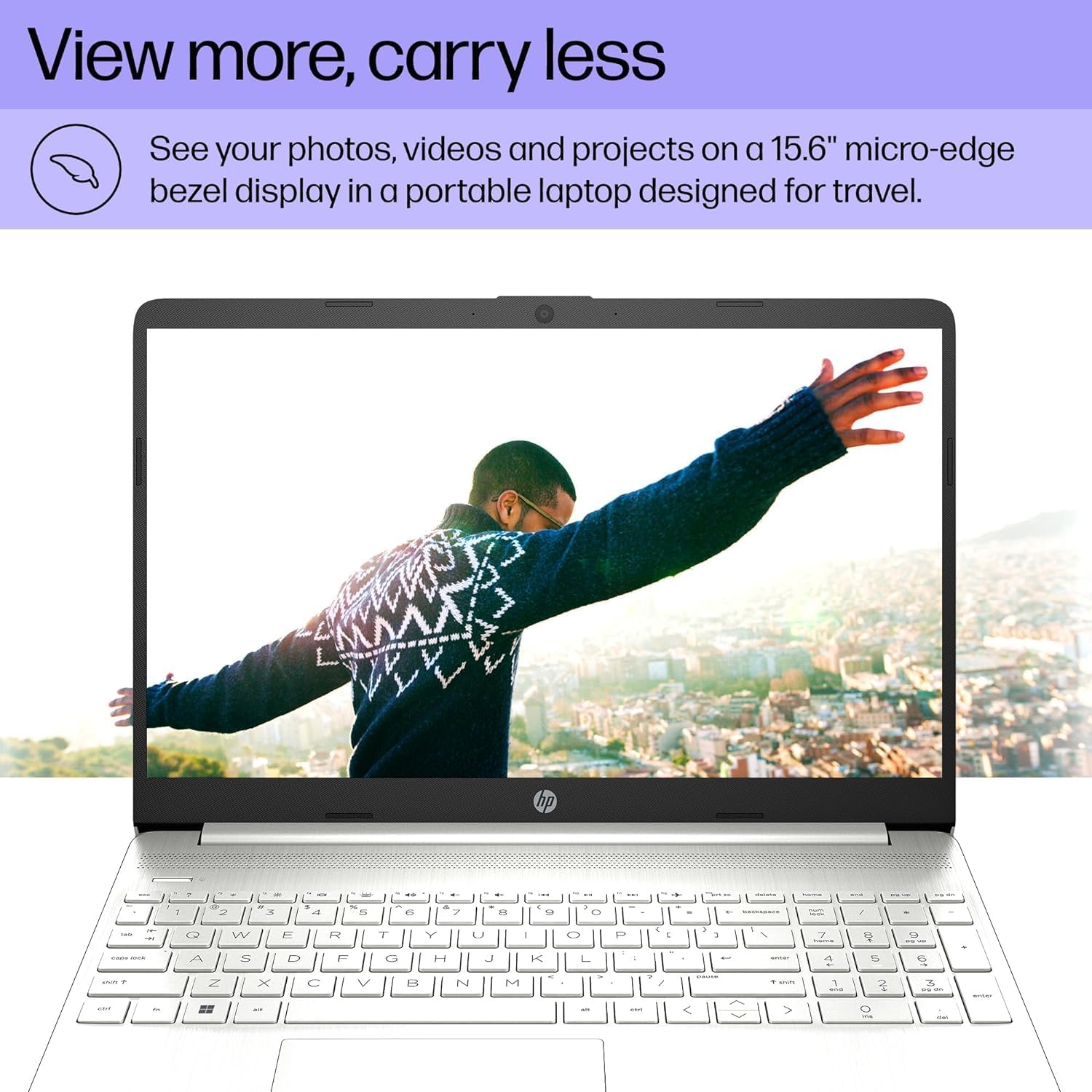
- Jasný displej: Features a 15.6" FHD (1920 x 1080) IPS micro-edge anti-glare BrightView Display with Intel Iris Xe graphics. Supports external monitors via HDMI at 4K (3840x2160) @60Hz.
- Integrovaný Webvačka: HD webcam with advanced noise reduction software and dual array digital microphone for clear video calls. Includes a physical privacy shutter.
- Všestranná konektivita: Includes USB 3.2 Type-C 5Gbps ports, USB 3.1 Type-A 5Gbps ports, HDMI 1.4b, SD media card reader, and an Audio combo jack.
- Bezdrátové možnosti: Supports Wi-Fi 5 (802.11ac) and Bluetooth 5 for reliable wireless connections.
- Operační systém: Pre-installed with Windows 11 Home 64-bit, featuring AI-powered Copilot for enhanced productivity.

4. Průvodce nastavením
4.1 Počáteční zapnutí
- Připojte napájení: Zapojte síťový adaptér do napájecího portu notebooku a poté do zásuvky ve zdi.
- Otevřený notebook: Opatrně otevřete víko notebooku.
- Zapnutí: Press the power button, usually located on the top right of the keyboard.
- Počáteční nastavení Windows: Postupujte podle pokynů na obrazovce a dokončete nastavení systému Windows 11 Home, včetně jazyka, regionu, síťového připojení a vytvoření uživatelského účtu.
4.2 Připojení periferních zařízení
Pro připojení externích zařízení použijte dostupné porty:
- Zařízení USB: Connect mice, keyboards, external drives, or printers to the USB Type-A or USB Type-C ports.
- Externí displej: Use an HDMI cable to connect to an external monitor or TV.
- Zvuková zařízení: Plug headphones or external speakers into the audio combo jack.
- SD karty: Insert SD media cards into the multi-format SD media card reader.
5. Návod k obsluze
5.1 Základní navigace
- Touchpad: Use the integrated touchpad for cursor control. Tap to click, use two fingers to scroll, and pinch to zoom.
- Klávesnice: The laptop features a full-size keyboard with a numeric keypad. Function keys (F1-F12) provide quick access to system settings when pressed with the Fn klíč.
- Windows 11: Familiarize yourself with the Windows 11 interface, including the Start Menu, Taskbar, and Action Center.
5.2 Pomocí Webvačka
Integrovaný pevný disk webcam is suitable for video calls and online meetings. Ensure the privacy shutter (if present) is open before use. Access webcam settings through Windows settings or your video conferencing application.
6. Údržba
6.1 Čištění
- Obrazovka: Použijte měkký hadřík, který nepouští vlákna dampOpláchněte vodou nebo čističem obrazovek. Vyhněte se agresivním chemikáliím.
- Klávesnice a šasi: Use a soft cloth to wipe surfaces. For dust, use compressed air.
- Porty: Keep ports free of dust and debris to ensure proper connectivity.
6.2 Aktualizace softwaru
Regularly check for and install Windows updates and driver updates to ensure optimal performance and security. Go to Nastavení > Aktualizace systému Windows.
6.3 Péče o baterii
- Vyhněte se extrémním teplotám.
- Nevybíjejte baterii často úplně.
- Pro dlouhodobé skladování nabijte baterii na přibližně 50–70 %.
7. Řešení problémů
| Problém | Možná příčina | Řešení |
|---|---|---|
| Notebook se nezapne. | No power, discharged battery, hardware issue. | Ujistěte se, že je síťový adaptér bezpečně připojen a zásuvka funguje. Nabíjejte baterii alespoň 30 minut. Pokud problém přetrvává, kontaktujte podporu. |
| Obrazovka je prázdná. | Sleep mode, display settings, external monitor connected. | Press any key or move the mouse to wake from sleep. Press Fn + F4 (or equivalent display toggle key) to cycle display outputs. Disconnect external monitors. |
| Wi-Fi se nepřipojuje. | Wi-Fi vypnutá, nesprávné heslo, problém s routerem. | Zkontrolujte nastavení Wi-Fi v systému Windows, zda je povoleno. Ověřte heslo Wi-Fi. Restartujte router a modem. |
| Laptop runs slowly. | Too many programs open, low disk space, malware. | Close unnecessary applications. Free up disk space. Run a virus scan. Check for and install system updates. |
8. Specifikace
| Funkce | Detail |
|---|---|
| Značka | jsou počítače |
| Název modelu | Notebook HP 15 |
| Velikost obrazovky | 15.6 palce |
| Barva | Stříbro |
| Model CPU | Intel Core i5-1135G7 (11th Gen) |
| Rychlost procesoru | 2.4 GHz (až 4.2 GHz) |
| Velikost nainstalované paměti RAM | 16 GB DDR4 (3200 MHz) |
| Velikost pevného disku | 512GB SSD (PCIe NVMe M.2) |
| Operační systém | Windows 11 Home 64-bit |
| Grafický koprocesor | Grafická karta Intel Iris Xe (integrovaná) |
| Rozlišení displeje | 1920x1080 pixelů (FHD) |
| Obnovovací frekvence | 60 Hz |
| Bezdrátové připojení | Wi-Fi 5 (802.11ac), Bluetooth 5 |
| USB porty | 1x USB 3.2 Type-C, 2x USB 3.1 Type-A |
| HDMI porty | 1x HDMI 1.4b |
| Jiné porty | SD Media Card Reader, Audio Combo Jack |
| Webvačka | HD Webcam (0.9 MP Front Photo Sensor Resolution) |
| Výdrž baterie (průměrná) | 10 hodiny |
| Hmotnost položky | 3.8 libry |
| Dimensions (L x W x Thickness) | 14.11"D x 9.53"Š x 0.71"V |

9. Záruka a podpora
Your HP 15 Laptop comes with a 1letá omezená záruka from the manufacturer on remaining components. Additionally, the upgraded Memory/SSD components are covered by a three-year warranty from Issaquah Highlands Tech.
For technical support or warranty claims, please refer to the contact information provided with your purchase documentation or visit the manufacturer's official support webmísto.