
1. Úvod
The FOXWELL NT710 is an advanced OE-level diagnostic scanner designed for BMW, MINI, and Rolls-Royce vehicles. It features a 5.5-inch TFT touch screen, runs on Android 9.0, and offers comprehensive system diagnostics, bi-directional control, and a wide range of maintenance services. This manual provides essential information for setting up, operating, and maintaining your NT710 device.

Figure 1: FOXWELL NT710 Diagnostic Scanner Overview
2. Nastavení
Follow these steps for the initial setup and connection of your FOXWELL NT710 diagnostic scanner:
- Zapojení do OBD2 portu: Locate your vehicle's OBD2 (16-pin) port, typically found under the dashboard on the driver's side. Connect the NT710's diagnostic cable to this port.
- Zapněte zapalování: Turn your vehicle's ignition to the 'ON' position (engine off). Power on the NT710 tablet.
- Zahájení diagnostiky: The device will automatically detect the vehicle's VIN (Vehicle Identification Number) and prompt you to begin diagnosis. Follow the on-screen instructions to proceed.

Figure 2: Connecting the NT710 to the OBD2 port

Figure 3: Turning on vehicle ignition
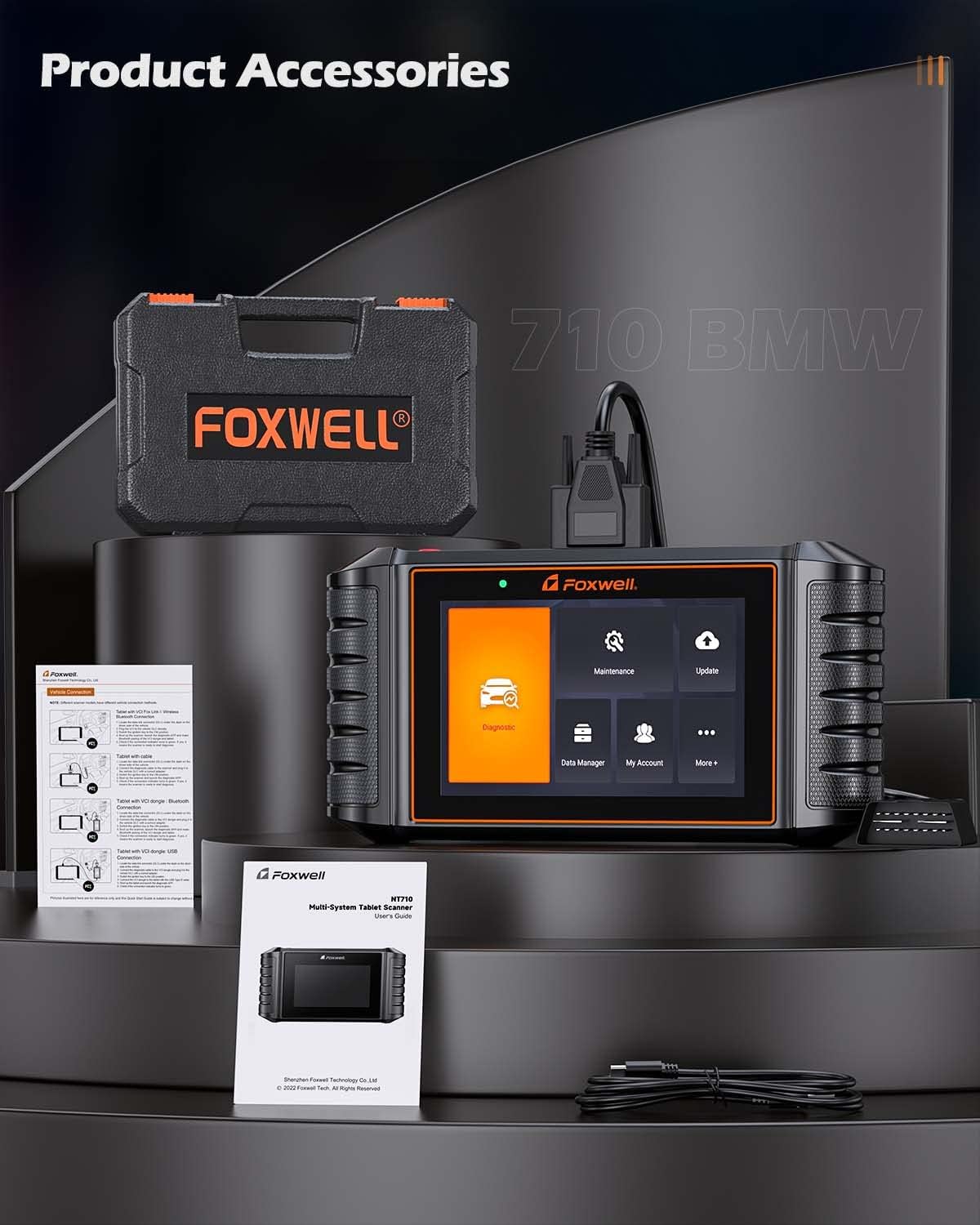
Figure 4: NT710 ready for diagnosis
3. Obsluha NT710
3.1 Úplná diagnostika systému
The NT710 provides OE-level access to all available electronic control modules in BMW, MINI, and Rolls-Royce vehicles. This allows for comprehensive scanning to quickly locate faults. You can read and clear fault codes, turn off warning lights, and view live sensor data in text and graph formats.
- Číst kódy: Získání diagnostických chybových kódů (DTC) z různých systémů vozidla.
- Vymazat kódy: Erase DTCs after repairs have been made, turning off warning indicators.
- Živá data: View real-time sensor data, such as engine RPM, coolant temperature, and vehicle speed, in both text and graphical displays.

Obrázek 5: Úplné možnosti diagnostiky systému
3.2 Obousměrné řízení / Aktivní test
The bi-directional control feature allows the NT710 to send commands directly to your vehicle's Electronic Control Unit (ECU) to perform specific active tests. This helps in verifying component functionality and identifying potential issues without manual intervention. Examples include testing doors, windows, mirrors, locks, lights, wipers, and sunroofs.
Video 1: Demonstrating Bi-Directional Control with FOXWELL NT710
Video 2: FOXWELL NT710 All System Diagnostic Tool in action

Figure 6: Bi-Directional Control Functionality
3.3 Maintenance Service Resets
The NT710 offers a wide array of maintenance and service reset functions, including:
- Resetování kontrolky oleje
- Resetování elektronické parkovací brzdy (EPB)
- Kalibrace snímače úhlu řízení (SAS).
- Reset systému sledování tlaku v pneumatikách (TPMS)
- Přeškrtit plyn
- ABS Krvácení
- Regenerace filtru pevných částic (DPF)
- Kódování vstřikovače
- Registrace baterie
- Kódování ECU
- Reset airbagů
- Inicializace střešního okna
- Test EVAP
- CVT Reset
- Resetování vzduchového odpružení
- A/T Reset
- Kalibrace sedadla
- AC System Reset
- Přeučení klikového hřídele
- Výukové vybavení
Note: Specific functions available may vary depending on your vehicle's model and year. Always confirm compatibility via VIN before performing services.

Figure 7: Available Maintenance Services
3.4 Plné funkce OBD2
The NT710 is compatible with all OBD2-compliant vehicles and performs standard OBD2 tests, including:
- Reading and Clearing Fault Codes
- Kontrola stavu připravenosti I/M
- Viewzmrazení dat snímku
- Test systému EVAP
- Test senzoru O2
- Test palubního monitoru
- Reading Vehicle Information (VIN, CID, CVN)
- Vyhledávání DTC

Obrázek 8: Rozhraní s kompletními funkcemi OBD2
4. Údržba
4.1 Aktualizace softwaru
The NT710 offers lifetime free one-click WiFi updates. Simply connect the device to a WiFi network and navigate to the 'Update' menu to download and install the latest software versions and vehicle data.

Obrázek 9: Rozhraní aktualizace softwaru
4.2 Správa dat
The device allows for efficient data management, including:
- Záznam a přehrávání dat: Record live sensor data during diagnosis for later review a analýzy.
- Data Print & Share: Generate diagnostic reports that can be printed or shared electronically for record-keeping or consultation.

Figure 10: Data Management and Utility Functions
5. Řešení problémů
Pokud narazíte na problémy s přístrojem FOXWELL NT710, zvažte následující obecné kroky pro řešení problémů:
- Ujistěte se, že je zařízení bezpečně připojeno k portu OBD2 vozidla.
- Ověřte, zda je zapalování vozidla v poloze „ON“.
- Check for sufficient battery charge on the NT710.
- Perform a software update to ensure you have the latest fixes and vehicle data.
- If the device fails to power on, ensure the OBD2 connection is stable, as the device draws power from the vehicle.
For persistent issues, utilize the online feedback feature or remote assistance options available on the device.
6. Specifikace
| Funkce | Specifikace |
|---|---|
| Model | FOXWELL NT710 |
| Operační systém | Android 9.0 |
| Velikost obrazovky | 5.5 Inches TFT Touch Screen |
| Rozlišení displeje | 1280*720 pixelů |
| Procesor | Čtyřjádrový 1.3 GHz |
| Paměť | 1GB RAM + 32GB úložiště |
| Kapacita baterie | 4000 XNUMX mAh |
| Metoda aktualizace | One-Click WiFi Update (Lifetime Free) |
| Kompatibilita vozidel | BMW, MINI, Rolls-Royce (OE-level) |
| Klíčové funkce | Full System Diagnosis, Bi-directional Control, All Maintenance Services Reset, Full OBD2 Functions |
7. Informace o záruce
For detailed warranty information regarding your FOXWELL NT710 diagnostic scanner, please refer to the official FOXWELL webwebu nebo se obraťte přímo na jejich zákaznickou podporu. Záruční podmínky se mohou lišit v závislosti na regionu a datu nákupu.
8. Podpora
FOXWELL provides several support options for users of the NT710:
- Online zpětná vazba: Submit feedback or report issues directly through the device's interface.
- Vzdálená pomoc: Access remote technical support for guided troubleshooting and problem resolution.
- Oficiální Webmísto: Visit the FOXWELL official website for FAQs, software downloads, and additional resources.