
Zavedení
This manual provides comprehensive instructions for the setup, operation, maintenance, and troubleshooting of your Bewinner 10.1 Inch Portable Touchscreen Monitor. Please read this manual thoroughly before using the product to ensure proper functionality and longevity.
The Bewinner 10.1 Inch Portable Touchscreen Monitor features a 1280x800 HD display, capacitive touch functionality, built-in speakers, and multiple input interfaces including HDMI and VGA, making it suitable for various applications such as gaming, PC use, and CCTV monitoring.
Bezpečnostní informace
Pro zajištění bezpečného provozu a prevenci poškození dodržujte prosím následující bezpečnostní opatření:
- Nevystavujte monitor dešti ani vlhkosti.
- Neumísťujte monitor do blízkosti zdrojů tepla nebo na přímé sluneční světlo.
- Používejte pouze napájecí adaptér dodaný se zařízením.
- Nepokoušejte se monitor rozebírat ani opravovat sami. Veškerý servis svěřte kvalifikovanému personálu.
- Chraňte monitor před silnými magnetickými poli.
- Zajistěte řádné větrání kolem monitoru, aby nedošlo k přehřátí.
Obsah balení
Po vybalení zkontrolujte obsah balení, abyste se ujistili, že jsou přítomny všechny položky:
- 1 x Bewinner 10.1 Inch Portable Touchscreen Monitor
- 1 x Napájecí kabel USB
- 1 x HD Multimedia Interface Cable
- 1 x Návod k obsluze (tento dokument)
- 1 x Monitor Support Stand

Image: All components included in the product package, laid out for clear viewing. This includes the monitor, a USB power cable, an HD Multimedia Interface cable, and the monitor support stand.
Konec produktuview
The Bewinner 10.1 Inch Portable Touchscreen Monitor is designed for versatility and ease of use. Key features include:
- 10.1palcový HD displej: Features a 1280x800 resolution with capacitive touch functionality, requiring no additional drivers for touch operation.
- Multi-Interface Support: Equipped with HD Multimedia Interface (HDMI) and VGA inputs for broad compatibility with various devices such as PCs, laptops, gaming consoles, and DVRs.
- Integrovaný zvuk: Built-in premium dual speakers provide an immersive audio experience. A 3.5mm headphone jack is also available for private listening.
- Flexibilní možnosti montáže: Includes a desktop stand for easy placement. Additionally, four M4 screw holes on the back allow for VESA-compatible wall mounting.
- Menu Functionality: On-screen display (OSD) menu allows adjustment of various settings including horizontal/vertical position, transparency, image flip, and display time.

Image: The Bewinner 10.1 Inch Portable Touchscreen Monitor, showcasing its display quality with a scenic image. The monitor is black with a slim bezel and includes a simple stand.

Image: A close-up of the monitor highlighting its 10.1-inch size and 1280x800 resolution, emphasizing its touch functionality and driver-free operation.
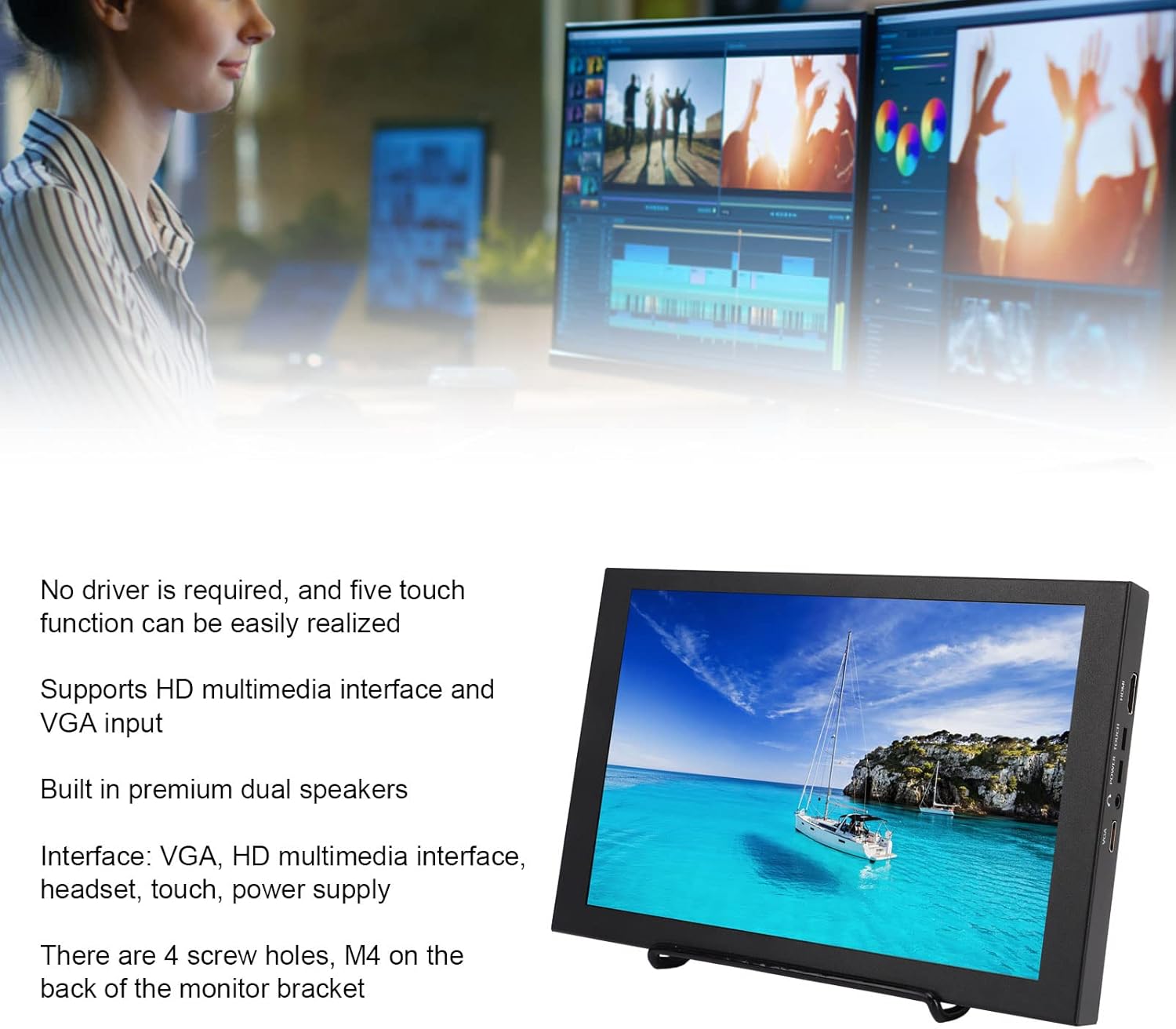
Image: The monitor displayed alongside a summary of its key features, including touch capability, multi-interface support (HDMI, VGA), dual speakers, and VESA mounting options.

Image: The back of the monitor, illustrating the adjustable stand and the four M4 screw holes designed for VESA mounting.

Obrázek: Podrobný view of the side of the monitor, showing the physical control buttons for power, menu navigation (up, down), and exit functions.

Image: A close-up of the monitor's side panel, clearly displaying the various input and output ports, including HDMI, power input, touch interface, headset jack, and VGA.
Nastavení
Follow these steps to set up your Bewinner Portable Monitor:
- Rozbalit: Carefully open the packing box and remove the pearl cotton protective sleeve from the monitor.
- Odstraňte ochrannou fólii: Gently peel off any protective film from the monitor screen.
- Install Stand: Attach the included support stand to the monitor. Ensure it is securely fastened for stable placement on a desktop. Alternatively, if wall mounting, use the M4 screw holes on the back with a compatible VESA mount (not included).
- Připojte napájení: Plug the USB Power Cable into the monitor's power input port and connect the other end to a suitable power source (e.g., USB wall adapter, computer USB port).
- Připojit vstupní zdroj:
- For HD Multimedia Interface (HDMI) connection: Use the provided HD Multimedia Interface Cable to connect the monitor to your device (e.g., computer, gaming console, DVR).
- For VGA connection: Use a VGA cable (not included) to connect the monitor to your PC or laptop.
- Zapnutí: Press the 'POWER' button on the side of the monitor to turn it on.
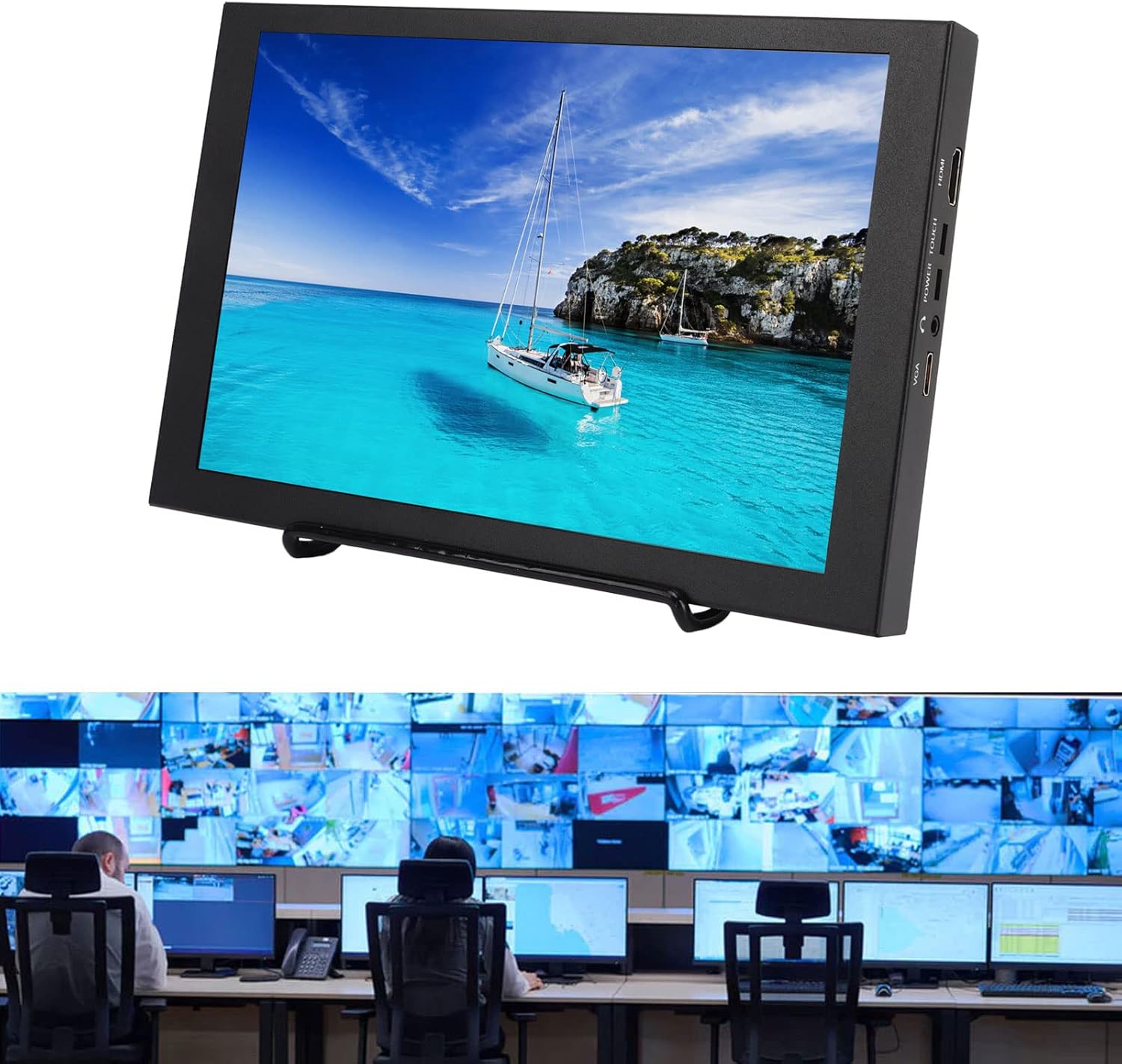
Image: The portable monitor in a professional setting, demonstrating its potential use in a CCTV monitoring station, highlighting its integration capabilities.
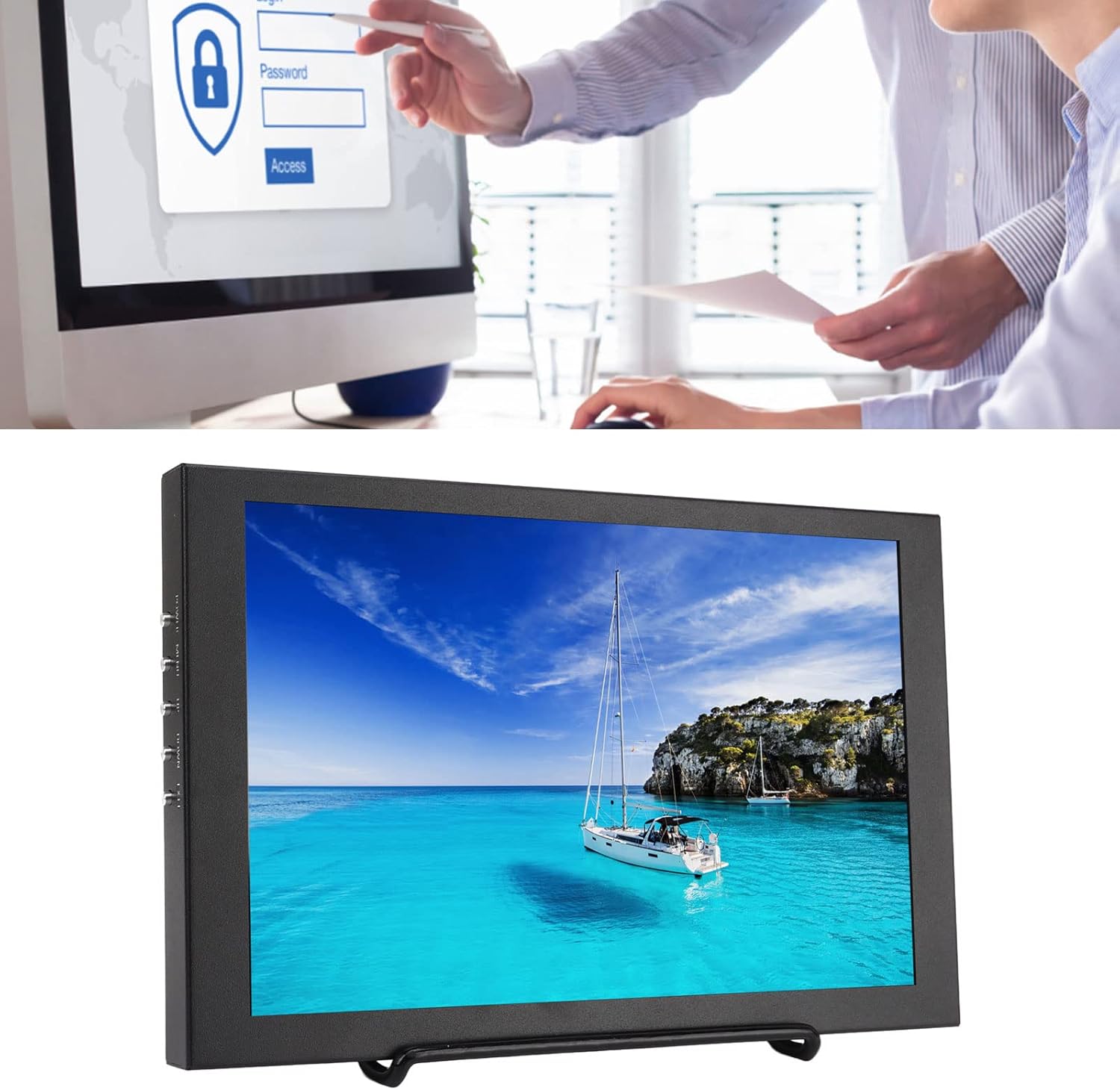
Image: The monitor in an office context, illustrating its use as an auxiliary display for productivity tasks, potentially leveraging its touchscreen for interactive applications.
Návod k obsluze
Once the monitor is set up and powered on, you can begin using it and adjust its settings.
Základní provoz:
- Zapnutí/vypnutí: Press the 'POWER' button on the side of the monitor.
- Výběr zdroje vstupu: The monitor should automatically detect the active input. If not, or if you wish to switch between HDMI and VGA, use the 'MENU' button to access the OSD and navigate to the input selection option.
- Dotyková funkce: The 10.1-inch screen supports five-point capacitive touch. Ensure the 'TOUCH' cable (if separate, though typically integrated with USB power for touch data) is connected to your device for touch input to function. No specific driver installation is required for basic touch operation.
- Zvukový výstup: Sound will be played through the built-in dual speakers. For private listening, connect headphones to the 3.5mm headset jack.
Menu Function (OSD):
The monitor's On-Screen Display (OSD) menu allows for various adjustments. Use the buttons on the side of the monitor to navigate and select options:
- Tlačítko MENU: Press to open the OSD menu. Press again to enter a selected submenu or confirm a setting.
- Tlačítka NAHORU/DOLŮ: Use these buttons to navigate through menu options or adjust values.
- Tlačítko EXIT: Stisknutím opustíte aktuální menu nebo se vrátíte na předchozí úroveň.
Common adjustable settings in the OSD menu include:
- Nastavení obrazu: Brightness, Contrast, Color Temperature, Aspect Ratio.
- Nastavení obrazovky: Horizontal Position, Vertical Position, Transparency, Image Flip (for different mounting orientations).
- Nastavení zvuku: Ovládání hlasitosti.
- Další nastavení: OSD Language, OSD Display Time.
Údržba
Správná údržba zajistí dlouhou životnost a optimální výkon vašeho monitoru.
- Čištění obrazovky: Použijte měkký hadřík, který nepouští vlákna dampened with water or a non-abrasive screen cleaner. Do not spray liquid directly onto the screen. Avoid using alcohol-based cleaners or harsh chemicals.
- Čištění Casing: Otřete monitor casinměkkým, suchým hadříkem.
- Skladování: Pokud monitor delší dobu nepoužíváte, skladujte jej na chladném a suchém místě, mimo dosah přímého slunečního záření a extrémních teplot.
- Zacházení: Always handle the monitor by its edges or frame. Avoid pressing directly on the screen.
Odstraňování problémů
Pokud se s monitorem setkáte s problémy, podívejte se na následující běžné problémy a jejich řešení:
| Problém | Možná příčina | Řešení |
|---|---|---|
| Na obrazovce není žádný obraz |
|
|
| Žádná odezva na dotyk |
|
|
| Žádný zvuk z reproduktorů |
|
|
| Obrázek je zkreslený nebo má nesprávné barvy |
|
|
Pokud problém přetrvává i po vyzkoušení těchto řešení, kontaktujte zákaznickou podporu.
Specifikace
| Funkce | Detail |
|---|---|
| Značka | Bewinner |
| Číslo modelu | Dilwe6d9atscn7o |
| Velikost obrazovky | 10.1 palce |
| Rozlišení obrazovky | 1280x800 HD |
| Technologie displeje | Kapacitní dotyková obrazovka |
| Poměr stran | 16:10 |
| Povrch obrazovky | Lesklý |
| Rozhraní | VGA, HD Multimedia Interface (HDMI), Headset (3.5mm Jack), Touch (USB), Power Supply |
| Reproduktory | Vestavěné duální reproduktory |
| Možnosti montáže | Desktop Stand, 4x M4 Screw Holes (VESA compatible) |
| Rozměry balení | 30.2 x 19.8 x 6.6 cm |
| Hrubá hmotnost | 1.19 kg |
| Datum první dostupnosti | 3. února 2023 |
Záruka a podpora
For warranty information and customer support, please refer to the terms provided at the time of purchase or contact the seller directly. The product is sold by Bewinneri.
Extended warranty options may be available from third-party providers. Please check your purchase details for more information on available protection plans.
For technical assistance or service inquiries, please contact Bewinner customer support through the platform where the product was purchased.