
Zavedení
This manual provides essential information for the proper installation, operation, and maintenance of your Donner DHT-S300 Dolby Atmos Soundbar. Please read this manual thoroughly before using the product to ensure optimal performance and safety. Keep this manual for future reference.
Důležité bezpečnostní informace
- Nevystavujte soundbar dešti, vlhkosti ani extrémním teplotám.
- Zajistěte řádné větrání kolem jednotky, abyste zabránili přehřátí.
- Používejte pouze napájecí adaptér dodaný se zařízením.
- Neotevírejte casing; veškerý servis svěřte kvalifikovanému personálu.
- Udržujte soundbar mimo dosah silných magnetických polí.
Obsah balení
Ověřte, zda jsou v balení přítomny všechny položky:
- Donner DHT-S300 Soundbar
- Dálkové ovládání
- HDMI kabel
- Napájecí adaptér
- Uživatelská příručka
Nastavení
1. Umístění
Place the soundbar on a stable, flat surface directly in front of your television. Ensure there is adequate space for sound projection and ventilation. The slim design of the DHT-S300 allows it to fit into narrow spaces, such as below a TV or on a shelf.
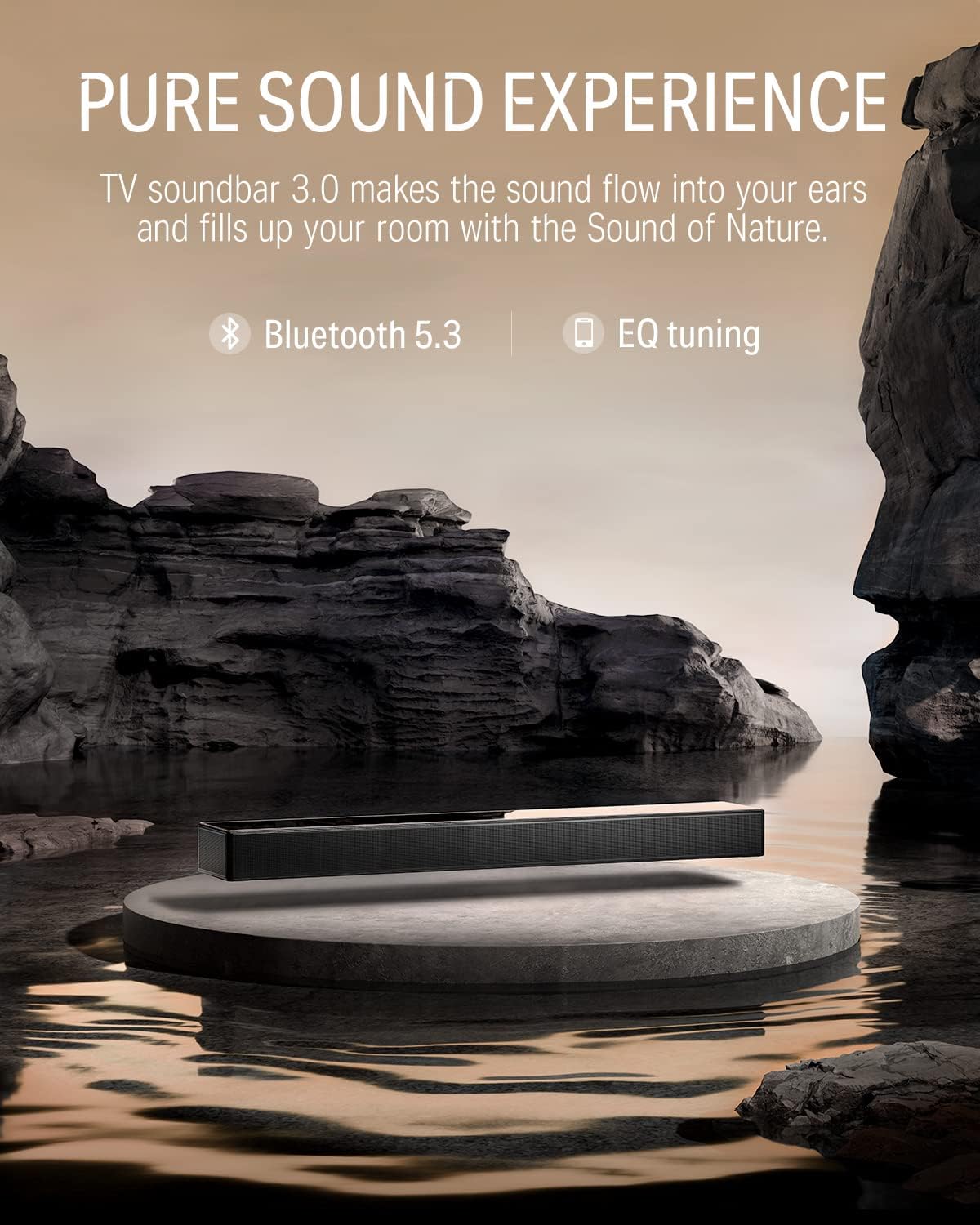
Image: The Donner DHT-S300 soundbar positioned beneath a television on a media console.
2. Připojení
Připojte soundbar k televizoru nebo jiným zdrojům zvuku jedním z následujících způsobů:
- HDMI (eARC): For optimal audio quality and control, connect the supplied HDMI cable from the soundbar's HDMI eARC port to your TV's HDMI eARC port. This allows for TV remote control of the soundbar volume.
- Optický: Connect an optical cable (not included) from the soundbar's OPTICAL IN port to your TV's optical output.
- AUX: Connect a 3.5mm audio cable (not included) from the soundbar's AUX IN port to your audio source's headphone or audio output.
- Bluetooth: For wireless connection, enable Bluetooth on your device and pair with the 'Donner DHT-S300'.

Image: Close-up of the soundbar's rear panel, highlighting the HDMI eARC, Optical, and AUX input ports for various connection options.
3. Připojení napájení
Připojte napájecí adaptér k napájecímu vstupu soundbaru a poté jej zapojte do zásuvky ve zdi.
Operace
1. Zapnutí/vypnutí
Press the power button on the soundbar's touch panel or the remote control to turn the unit on or off.
2. Výběr zdroje vstupu
Use the 'Source' button on the remote or the touch panel to cycle through available inputs: HDMI (eARC), Optical, AUX, and Bluetooth.
3. Ovládání hlasitosti
Adjust the volume using the '+' and '-' buttons on the soundbar's touch panel or the remote control.
4. Using the Donner Connect App
The Donner Connect app (available for Android and iOS) allows for advanced control and sound customization.
- Stáhnout: Hledat 'Donner Connect' in your device's app store.
- Připojit: Pair your mobile device with the soundbar via Bluetooth. Android users can also use NFC for quick pairing by tapping their device on the soundbar's NFC area.
- EQ Editor: Customize sound effects with adjustable bass and treble settings.
- Přednastavené režimy: Select from three optimized sound modes: Music, Movie, and Game.

Image: A smartphone displaying the Donner Connect app, illustrating the interface for soundbar control and equalizer adjustments.
5. Zvuk Dolby Atmos
The DHT-S300 supports Dolby Atmos technology, enhancing the stereo sense of sound for an immersive audio experience. Ensure your audio source and content support Dolby Atmos for full effect.
Video: An official demonstration of the Donner DHT-S300 TV Soundbar, showcasing its audio capabilities and design. This video illustrates the soundbar's features and how it integrates into a home entertainment setup.
Údržba
1. Čištění
Wipe the soundbar's surface with a soft, dry cloth. Do not use liquid cleaners or abrasive materials, as they may damage the finish or internal components. The hardened glass upper cover can be gently cleaned to maintain its elegant appearance.
2. Skladování
If storing the soundbar for an extended period, disconnect it from power and store it in a cool, dry place, away from direct sunlight and extreme temperatures.
Odstraňování problémů
| Problém | Možná příčina | Řešení |
|---|---|---|
| Žádná síla | Napájecí kabel není připojen; zásuvka je vadná. | Ujistěte se, že je napájecí kabel bezpečně připojen. Zkuste jinou zásuvku. |
| Žádný zvuk | Incorrect input source; volume too low; cables loose. | Select correct input source. Increase volume. Check all audio cable connections. |
| Problémy s párováním pomocí rozhraní Bluetooth | Soundbar not in pairing mode; device too far. | Ensure soundbar is in Bluetooth mode. Move device closer. Restart both devices. |
| Dálkové ovládání nefunguje | Batteries depleted; obstruction between remote and soundbar. | Replace remote batteries. Remove any obstructions. |
Specifikace
- Model: DHT-S300
- Značka: Donner
- Technologie připojení: Bluetooth 5.3, HDMI (eARC), Optical, AUX
- Režim výstupu zvuku: Surround (Dolby Atmos compatible)
- Typ reproduktoru: Soundbar with 5 drivers (tweeter, midrange, woofer)
- Způsob ovládání: Touch panel, Remote, App Control (Donner Connect)
- Rozměry položky (D x Š x V): 27.55 cm x 4.33 cm x 2.3 cm
- Hmotnost položky: 3.67 kg
- Zdroj napájení: Elektrický kabel (120 V AC)
- Rozsah Bluetooth: 10 metrů
- Poměr signál-šum: 95 dB
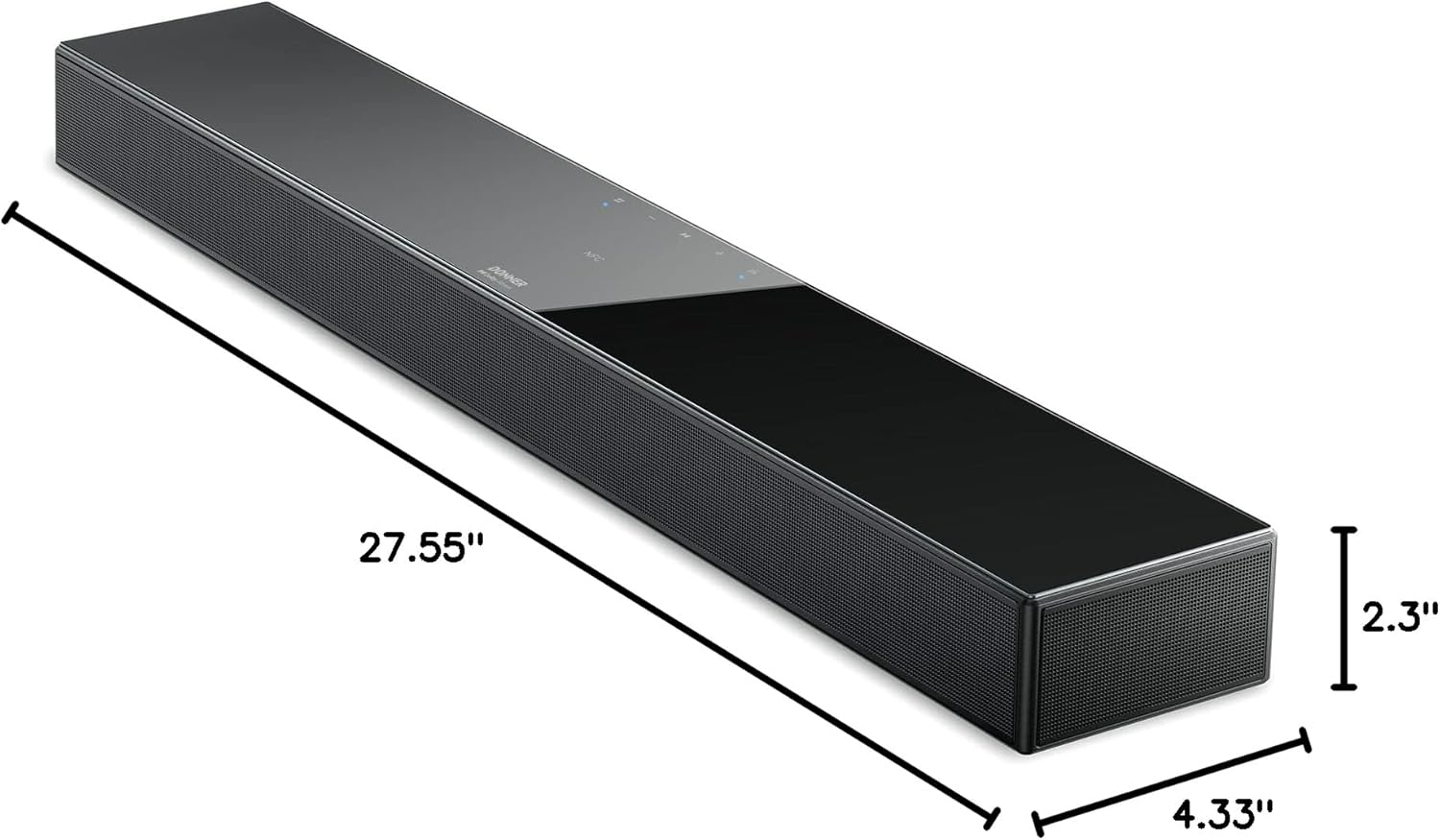
Image: A diagram illustrating the precise dimensions of the Donner DHT-S300 soundbar, including length, width, and height.
Záruka a podpora
Donner provides a limited warranty for this product. For detailed warranty information, product registration, or technical support, please visit the official Donner website or contact customer service using the information provided in your product packaging. Please retain your proof of purchase for warranty claims.
Oficiální Webmísto: www.donnerdeal.com