
1. Úvod
The Audio Array AI-04 is a professional 2x2 USB audio interface designed for high-fidelity recording and playback. It features premium mic pre-amps, 48V phantom power support, and 24-bit/192kHz audio resolution, making it suitable for various audio production needs. This manual provides essential information for setting up, operating, and maintaining your AI-04 audio interface.
2. Obsah balení
Než začnete, ujistěte se, že krabice obsahuje všechny položky:
- 1 x Audio Array AI-04 Audio Interface
- 1 x USB 2.0 B-Male to A-Male Cable
- 1 x USB 2.0 A-Male to Type-C adapter
- 1 x Type-C to USB A-Male Cable
- 1 x Uživatelská příručka (tento dokument)
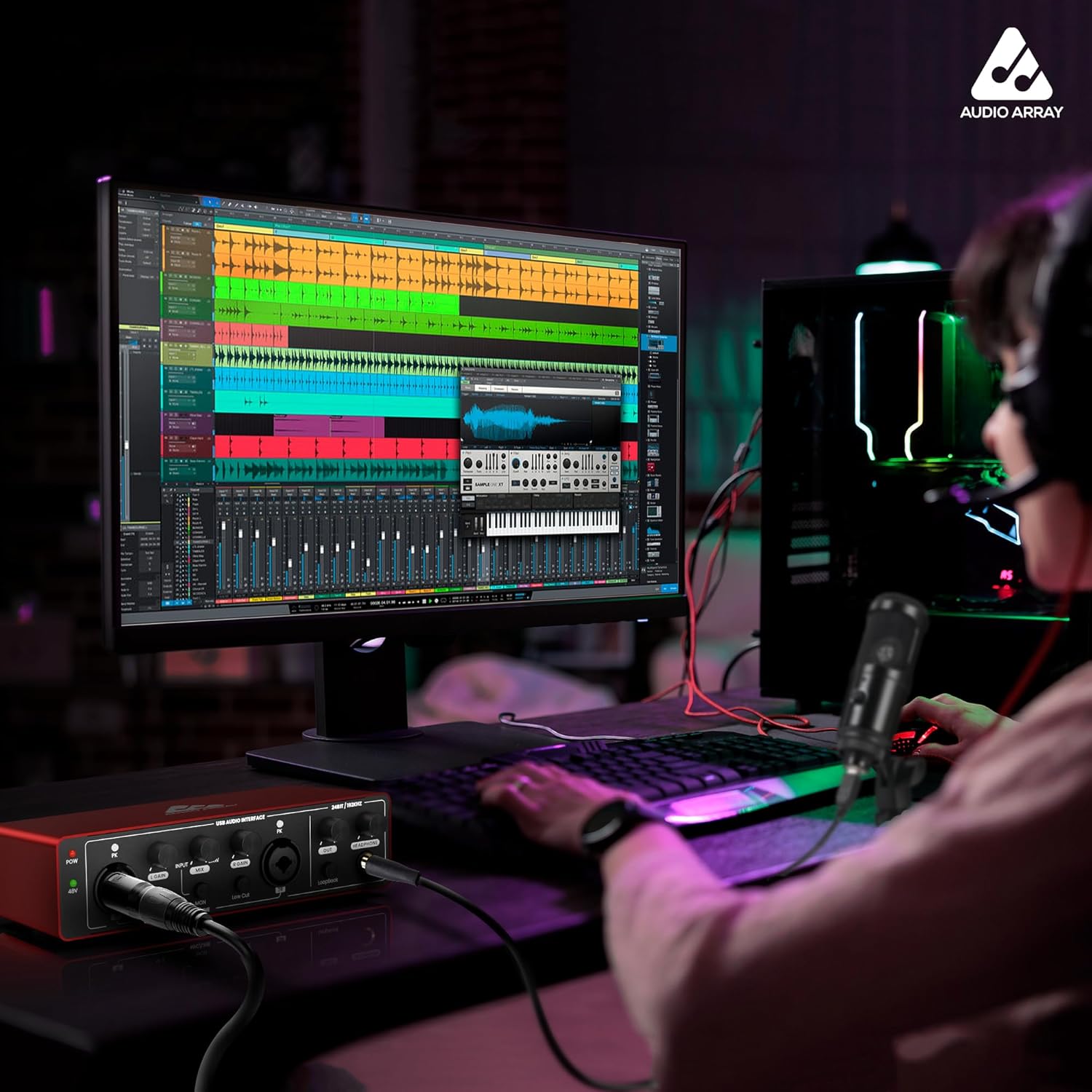
Image: Contents of the Audio Array AI-04 package, showing the red audio interface, various USB cables, and the user manual.
3. Nastavení
3.1 Připojení k počítači
The Audio Array AI-04 is a plug-and-play device, requiring no additional drivers for most operating systems. It is compatible with Mac OS and Windows XP+.
- Connect the AI-04 to your computer using the provided USB cable. Use the appropriate adapter (USB-A to USB-C) if your computer only has USB-C ports.
- The device will be automatically recognized by your operating system.
3.1.1 Connecting with Windows
- From your Windows taskbar, right-click the Sound Icon and open Sound Settings.
- Choose your output device: 'Headphones (HD USB Audio Device)'.
- Choose your input device: 'Microphone (HD USB Audio Device)'.

Image: Visual guide for configuring the Audio Array AI-04 as the input and output device in Windows Sound Settings.
3.1.2 Connecting with Mac
- On your Mac, choose Apple menu > System Preferences, then select Sound.
- Click Input, then select the 'Microphone (HD USB AUDIO DEVICE)' in the list of sound input devices.
- Click Output, then select the 'Headphones (HD USB AUDIO DEVICE)' in the list of sound output devices.

Image: Visual guide for configuring the Audio Array AI-04 as the input and output device in Mac Sound Preferences.
3.2 Připojení mikrofonů a nástrojů
The AI-04 features versatile input options:
- XLR/MIC/LINE Inputs: Two combo inputs (1L and 2R) support XLR microphones, 1/4" TRS/TS line-level instruments, or Hi-Z instruments.
- 48V fantomové napájení: Activate the 48V phantom power switch for condenser microphones. Ensure phantom power is off when connecting dynamic microphones or line-level instruments.

Obrázek: Přední a zadní views of the Audio Array AI-04, highlighting XLR/MIC/LINE inputs, headphone output, and TRS/TS stereo jacks.
3.3 Připojení výstupních zařízení
Connect your monitors, PA system, or other playback devices to the independent TRS/TS stereo jacks (1L and 2R) on the rear panel. For private listening, use the dedicated headphone output on the front panel.

Image: Rear panel of the Audio Array AI-04, detailing power input, 48V phantom power switch, and output jacks.
4. Operating the AI-04
4.1 Ovládací prvky a indikátory
The AI-04 features intuitive controls for managing your audio:
- Knoflíky pro nastavení zisku: Separate gain controls for each input channel (1L and 2R) allow you to adjust the input level.
- Signal & Overload Indicators: LED indicators (PK) next to each gain knob show signal presence and clipping (overload). Adjust gain to avoid clipping.
- Input/DAW Mix Knob: Adjusts the balance between direct input monitoring and playback from your Digital Audio Workstation (DAW).
- Nízký spínač: Engages a low-cut filter to reduce unwanted low-frequency noise.
- Přepínač Hi-Z: Activates high impedance mode for direct connection of guitars and other instruments.
- Přepínač zpětné smyčky: Enables the loopback function, allowing you to record computer audio along with your microphone/instrument inputs.
- Ovladač výstupní hlasitosti: Controls the overall output volume to your monitors/speakers.
- Ovladač hlasitosti sluchátek: Ovládá hlasitost pro sluchátkový výstup.

Obrázek: Podrobný view of the Audio Array AI-04 front panel, illustrating the function of each knob and switch.
4.2 Nahrávání a přehrávání
The AI-04 provides 24-bit/192kHz high-fidelity recording. Use with popular recording software like Pro Tools, Ableton, Cubase, etc. Low-noise balanced outputs ensure clear audio playback. The headphone output allows for high-fidelity private listening.
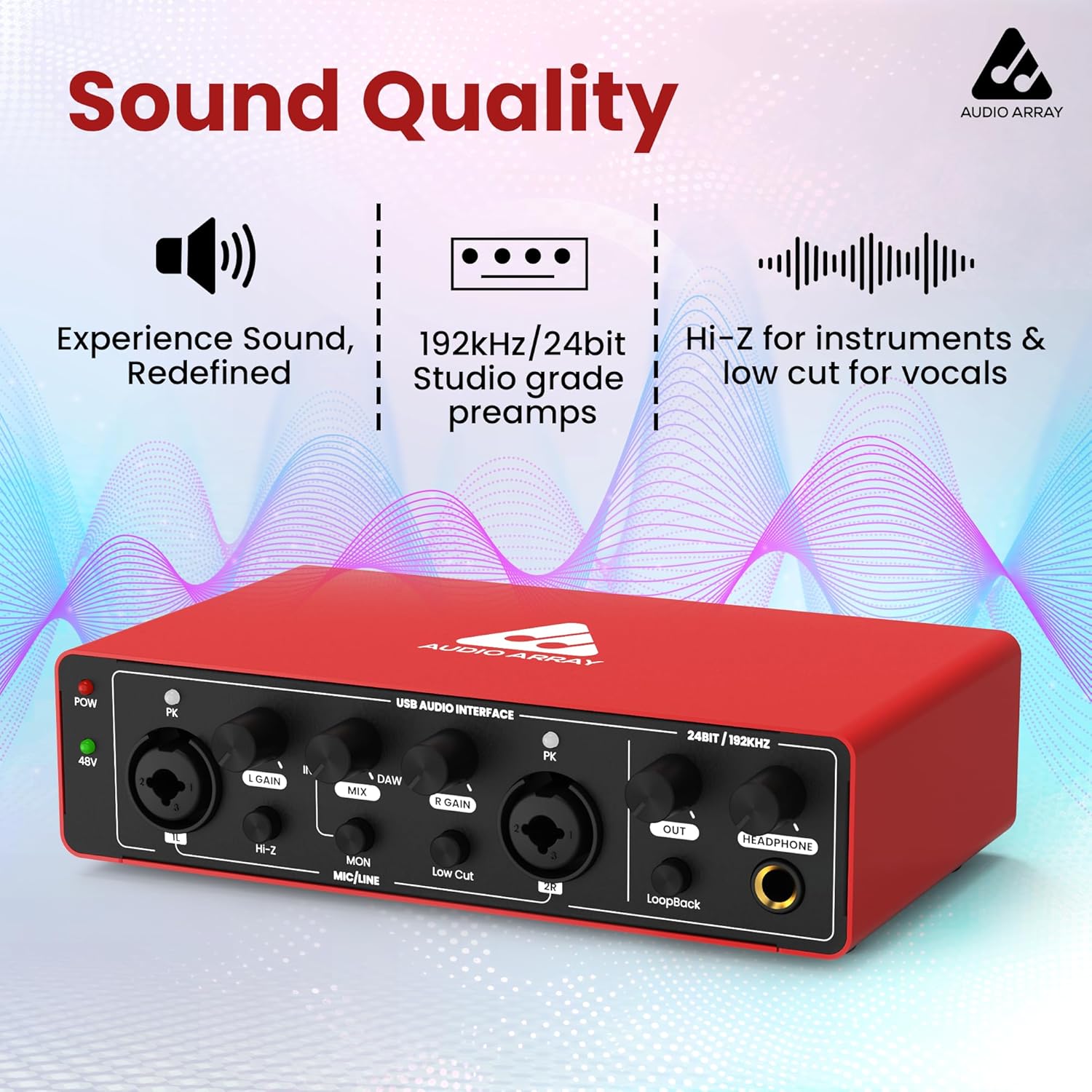
Obrázek: Přední strana view of the Audio Array AI-04, emphasizing its sound quality features like studio-grade preamps and high-resolution audio.
4.3 Oficiální video produktu
Watch this official video for a visual guide on the Audio Array AI-04's features and usage:
Video: Official product video for the Audio Array AI-04, demonstrating its key features and applications.
5. Údržba
To ensure the longevity and optimal performance of your Audio Array AI-04, follow these maintenance guidelines:
- Udržujte zařízení čisté otíráním měkkým, suchým hadříkem. Nepoužívejte agresivní chemikálie ani abrazivní materiály.
- Protect the interface from dust, moisture, and extreme temperatures.
- Nepokládejte těžké předměty na horní část jednotky.
- Disconnect all cables when the device is not in use for extended periods.
6. Řešení problémů
If you encounter issues with your Audio Array AI-04, try the following steps:
- Bez napájení: Ensure the USB cable is securely connected to both the interface and your computer. If using a separate power source (for smartphone use), ensure it is properly connected and functional.
- Žádný zvukový vstup/výstup:
- Verify all cables (microphone, instrument, output, headphone) are securely connected.
- Check the gain knobs for each input and the master output/headphone volume.
- Confirm the correct input/output device is selected in your computer's sound settings (refer to Section 3.1).
- If using a condenser microphone, ensure 48V phantom power is activated.
- Zkreslený zvuk:
- Reduce the input gain to prevent clipping (indicated by the PK LED).
- Check the audio levels in your recording software.
- Problémy s latencí: Ensure your DAW's buffer size is set appropriately for low-latency monitoring.
Pokud problémy přetrvávají, kontaktujte prosím zákaznickou podporu.
7. Specifikace
| Funkce | Detail |
|---|---|
| Číslo modelu | AI-04 |
| Rozlišení zvuku | 24 bitů / 192 kHz |
| Vstupy | 2 x Combo XLR/MIC/LINE inputs |
| Výstupy | 2 x TRS/TS Stereo Jacks, 1 x Headphone Output |
| Fantomová síla | 48V switchable |
| Konektivita | USB 2.0 (Type-B), USB Type-C (for power) |
| Kompatibilita | Mac OS, Windows XP+ |
| Hmotnost položky | 1.15 libry |
| Rozměry produktu | 5.71 x 10.55 x 2.64 palce |
8. Záruka a podpora
The Audio Array AI-04 is covered under a 3 rok záruka. If you have any questions or require assistance, please feel free to contact us. Refer to the contact information provided with your product packaging or visit the official Audio Array webstránky pro podporu.