
1. Úvod
This manual provides essential information for setting up, operating, maintaining, and troubleshooting your HP ProDesk 600 G4 Small Form Factor (SFF) Desktop PC. The HP ProDesk 600 G4 SFF is designed for various computing needs, offering a compact design with robust performance.
This system comes pre-installed with Windows 11 Pro and features an Intel i7-8700 processor, 32GB DDR4 RAM, a 512GB NVMe M.2 SSD, and a 1TB HDD for ample storage. Integrated Wi-Fi and Bluetooth 6E AX210 provide wireless connectivity, while a range of ports including USB-C, USB-A, HDMI (via adapter), and DisplayPort ensure broad compatibility with peripherals.

2. Průvodce nastavením
2.1 Vybalení
Opatrně vyjměte všechny součásti z obalu. Ujistěte se, že jsou přítomny následující položky:
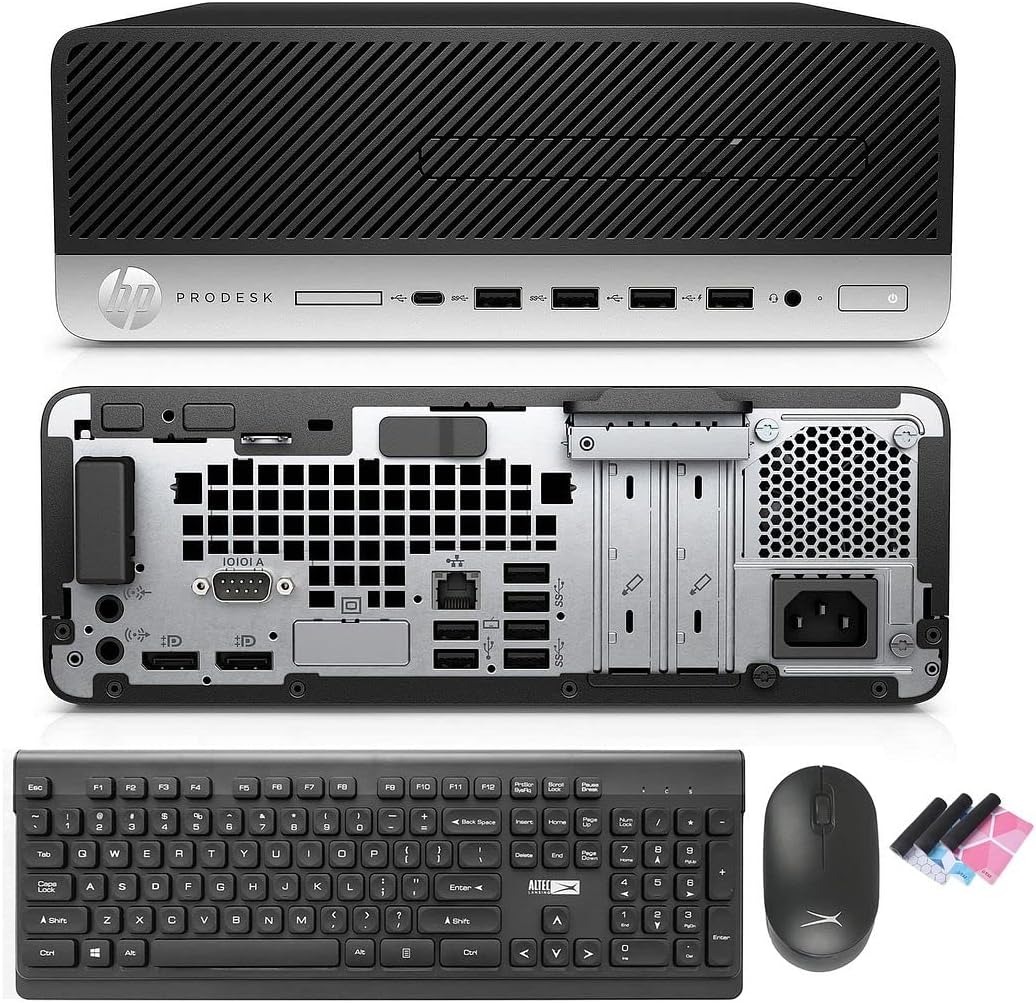
- HP ProDesk 600 G4 SFF Computer Desktop PC
- Altec Wireless Keyboard and Mouse Combo
- TJJ Large Mouse Pad (color may vary)
- Napájecí kabel
- Adaptér DP na HDMI
2.2 Připojení periferních zařízení
Follow these steps to connect your computer:
- Připojení monitoru: Use the provided DP to HDMI adapter or a DisplayPort cable to connect your monitor to one of the DisplayPort outputs on the rear of the PC.
- Připojení klávesnice a myši: Insert the wireless USB receiver for the Altec keyboard and mouse combo into any available USB-A port on the front or rear of the PC.
- Připojte napájení: Plug the power cord into the power input on the rear of the PC, then plug the other end into a wall outlet or surge protector.
- Volitelná připojení: Connect any other peripherals such as speakers, printers, or external drives to the appropriate ports.
2.3 Počáteční spuštění
Press the power button on the front of the PC. The system will boot into Windows 11 Pro. Follow the on-screen instructions for initial Windows setup, including language, region, and user account creation.
3. Návod k obsluze
3.1 Windows 11 Pro (nad)view
Your PC comes with Windows 11 Pro. Familiarize yourself with the new Start Menu, taskbar, and multi-window snapping layout for improved productivity.

3.2 Síťové připojení
The HP ProDesk 600 G4 features built-in Wi-Fi 6E AX210 for wireless internet access. To connect to a Wi-Fi network:
- Klepněte na ikonu Wi-Fi na hlavním panelu.
- Vyberte požadovanou síť ze seznamu.
- Pokud budete vyzváni, zadejte síťové heslo.
For wired connections, connect an Ethernet cable to the Ethernet port on the rear of the PC.

3.3 Konfigurace displeje
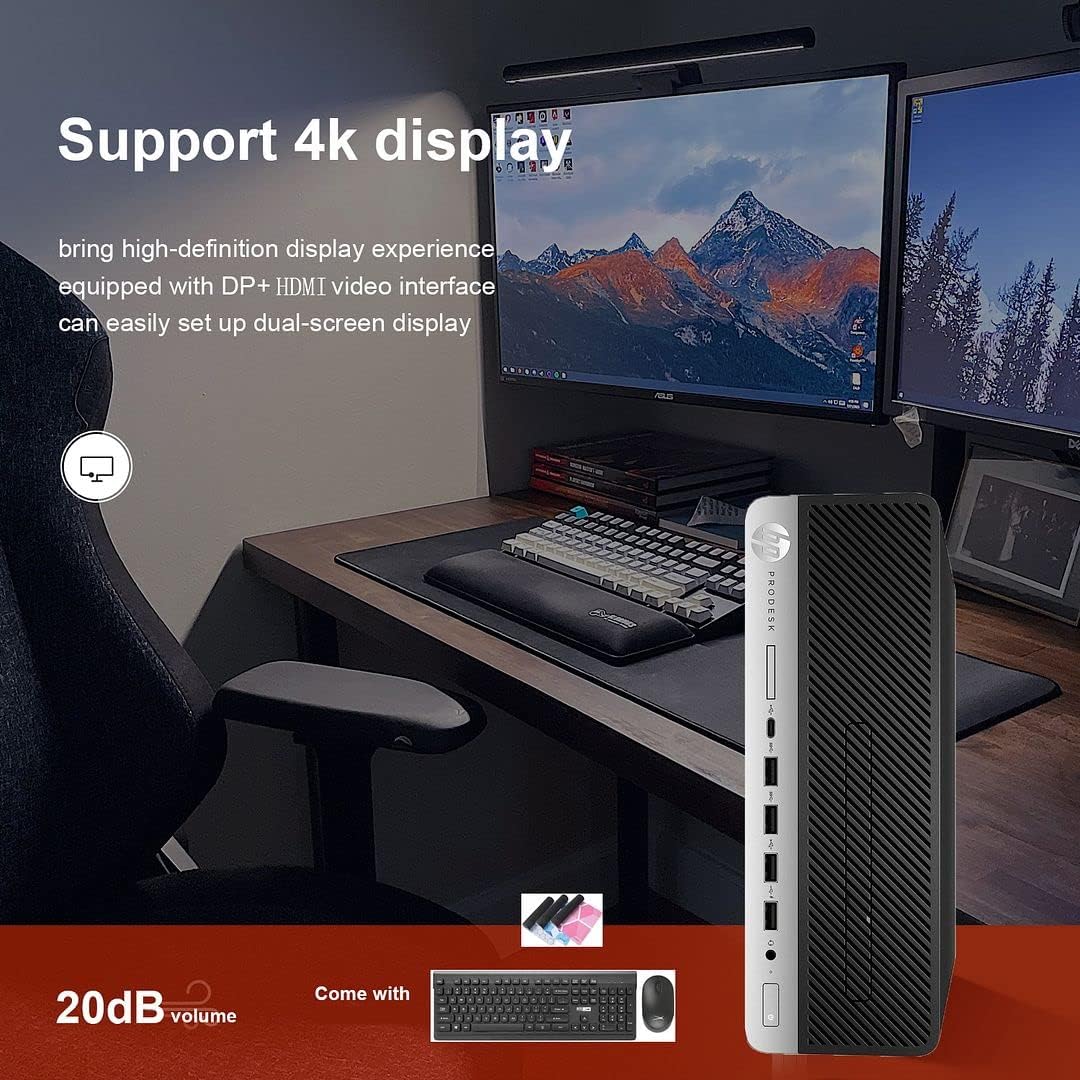
The PC supports 4K display output and dual-screen configurations using its DisplayPort outputs. Use the provided DP to HDMI adapter for HDMI-only monitors. To configure multiple displays in Windows 11:
- Klikněte pravým tlačítkem myši na plochu a vyberte možnost „Nastavení zobrazení“.
- Detect and arrange your displays as needed.
3.4 Použití optické mechaniky
The integrated DVD-RW drive allows you to read and write CDs and DVDs. Insert the disc into the drive, and Windows will typically prompt you with options for playback or burning.
4. Údržba
4.1 Čištění systému
To ensure optimal performance and longevity, regularly clean your PC:
- Vnější povrch otřete měkkým suchým hadříkem.
- Use compressed air to clear dust from vents and ports. Ensure the PC is powered off before cleaning.
- Keep the area around the PC clear to allow for proper airflow.
4.2 Aktualizace softwaru
Regularly update Windows and device drivers to maintain security and performance. Windows Update can be accessed via Settings > Windows Update.
4.3 Zálohování dat
Doporučuje se pravidelně zálohovat důležitá data na externí disk nebo cloudové úložiště, abyste předešli jejich ztrátě.
4.4 Možnost upgradu
The Small Form Factor design allows for some internal upgrades, such as adding a low-profile graphics card or additional storage, thanks to its PCIe slots.
5. Řešení problémů
If you encounter issues with your HP ProDesk 600 G4, refer to the following common troubleshooting steps:
- Bez napájení: Ensure the power cord is securely connected to both the PC and the power outlet. Try a different outlet.
- Bez displeje: Verify that the monitor is powered on and correctly connected to the PC. Check that the correct input source is selected on your monitor.
- Žádné internetové připojení: For Wi-Fi, ensure you are connected to the correct network and have entered the password correctly. For wired connections, check the Ethernet cable and router status.
- Periferní zařízení nereaguje: Ensure the keyboard, mouse, or other peripherals are properly connected. Try connecting them to a different USB port.
- Zpomalení systému: Close unnecessary applications. Check for background processes in Task Manager. Ensure sufficient free space on your drives.
For more complex issues or persistent problems, please contact technical support.
6. Specifikace
Below are the key technical specifications for the HP ProDesk 600 G4 SFF Desktop PC:
| Komponent | Specifikace |
|---|---|
| Procesor | Intel Core i7-8700 (3.20-4.60 GHz, 6 Cores, 12 Threads, 12 MB Cache) |
| Operační systém | Windows 11 Pro |
| Paměť (RAM) | 32 GB DDR4 |
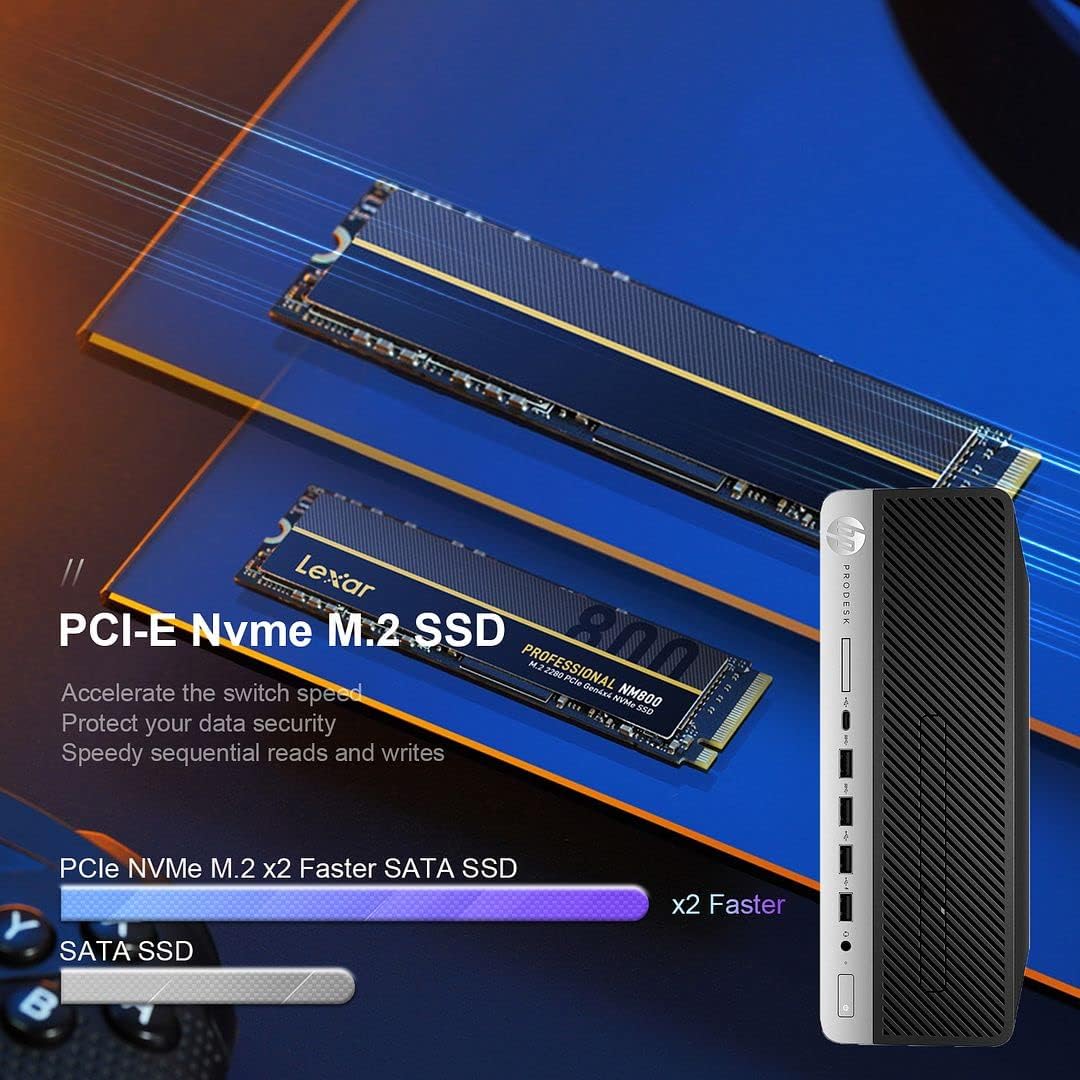
| Skladování | 512GB NVMe M.2 SSD + 1TB HDD |
| Grafika | Grafická karta Intel UHD Graphics 630 |
| Bezdrátové připojení | Built-in Wi-Fi + Bluetooth 6E AX210 Combo |
| Porty USB-C | 1 3.1 (USB XNUMX) |
| Porty USB-A | 4 (USB 3.1) + 2 (USB 3.0) + 4 (USB 2.0) |
| Zobrazit porty | 2 (with 1x DP to HDMI Adapter included) |
| Ethernetový port | 1 |
| Optická mechanika | DVD-RW |
| Rozměry (DxŠxV) | 16 x 11 x 7 palce |
| Hmotnost | 22 libry |
7. Záruka a technická podpora
Your HP ProDesk 600 G4 SFF Desktop PC comes with a 90denní záruka. Tato záruka se vztahuje na vady materiálu a zpracování při běžném používání.
For any technical issues, questions, or warranty claims, please contact the seller's technical support. They are committed to responding within 24 hours to assist you.
Uschovejte si prosím doklad o koupi pro ověření záruky.