
Zavedení
Welcome to the user manual for your new Elprico 10.1 Inch Android 11.0 Tablet PC. This guide provides essential information on setting up, operating, maintaining, and troubleshooting your device. Please read this manual thoroughly to ensure optimal performance and longevity of your tablet.
Konec produktuview
The Elprico 10.1 Inch Android 11.0 Tablet PC is designed for versatile use, offering a high-resolution display, robust performance, and comprehensive connectivity options.

Obraz: The Elprico 10.1 Inch Android 11.0 Tablet PC shown alongside its included accessories, which typically include a data cable, power adapter, and OTG cable.
Klíčové vlastnosti:
- High-Resolution IPS Display: Enjoy a 10.1-inch Full HD 1920 x 1080 resolution IPS touchscreen, delivering impressive color, clarity, and excellent HD viewing angles for vivid images.
- Operační systém Android 11.0: The tablet operates on Android 11.0, providing a user-friendly interface and access to a wide range of applications.
- Silný výkon: Equipped with an Octa-Core processor, 6GB RAM, and 128GB internal storage, expandable by an additional 128GB via a memory card, ensuring smooth multitasking and ample prostor pro vaše files.
- Duální fotoaparáty: Features a 5MP front camera and a 13MP rear camera, suitable for video calls, photography, and recording daily moments.
- Dual-Band Wi-Fi and Connectivity: Supports 2.4G and 5G Wi-Fi for reliable and fast internet connectivity. Also includes Bluetooth, AM, and FM support.
- Baterie s dlouhou výdrží: A 6000mAh battery provides up to 8 hours of mixed use, easily rechargeable via the USB Type-C port.
- Integrovaná GPS: Features GPS positioning and navigation capabilities for accurate location services.
- Vylepšený zvuk: Dual speakers deliver powerful and spacious sound for an immersive audio experience.

Obraz: The tablet screen showcasing a detailed mountain landscape, illustrating the clarity and vibrant colors of its 10.1-inch Full HD 1920x1080 IPS display.
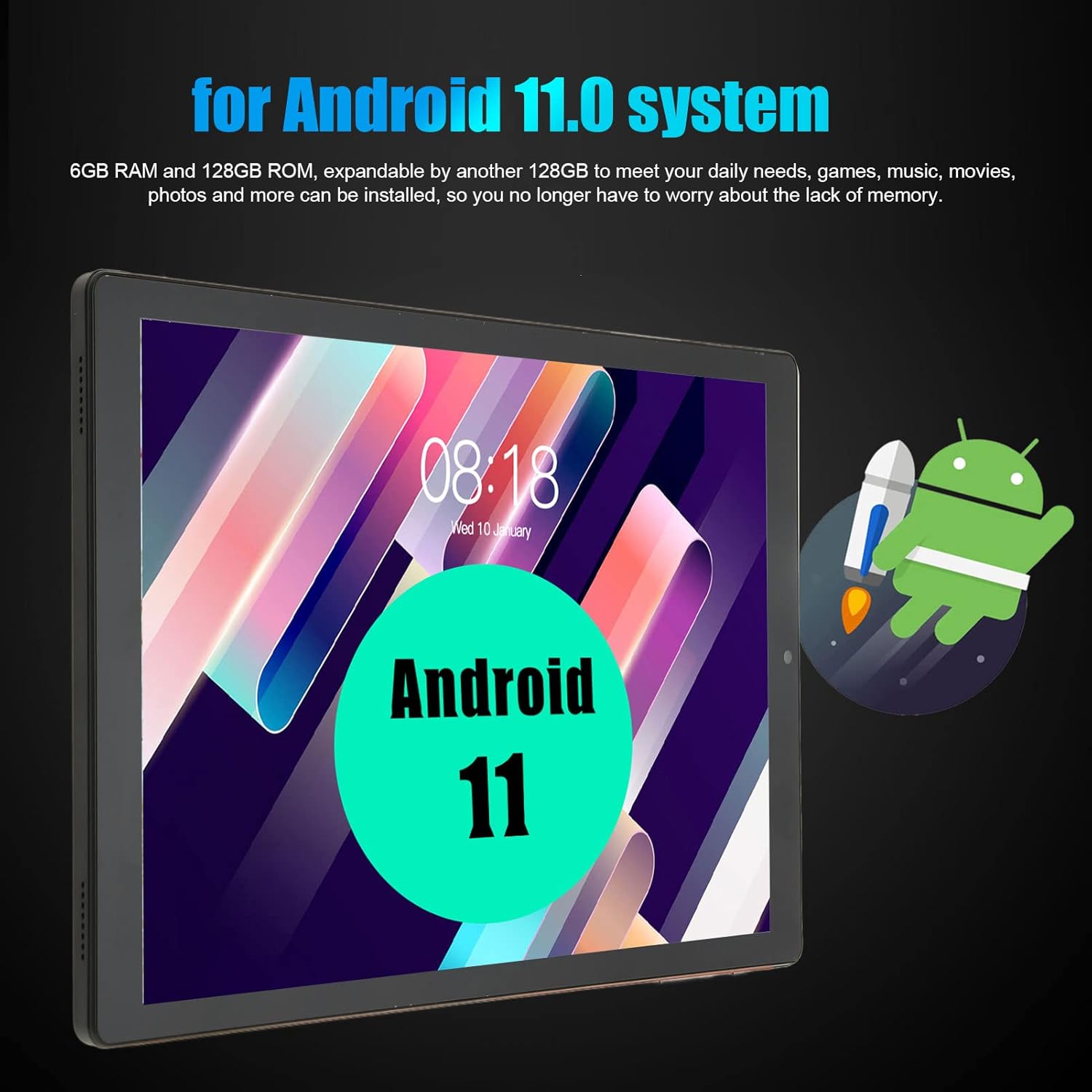
Obraz: The tablet screen displaying the Android 11 logo, indicating the operating system, along with text highlighting its 6GB RAM and 128GB ROM.

Obraz: The tablet displaying a vibrant image captured by its camera, illustrating the capabilities of its 5MP front and 13MP dual rear cameras.
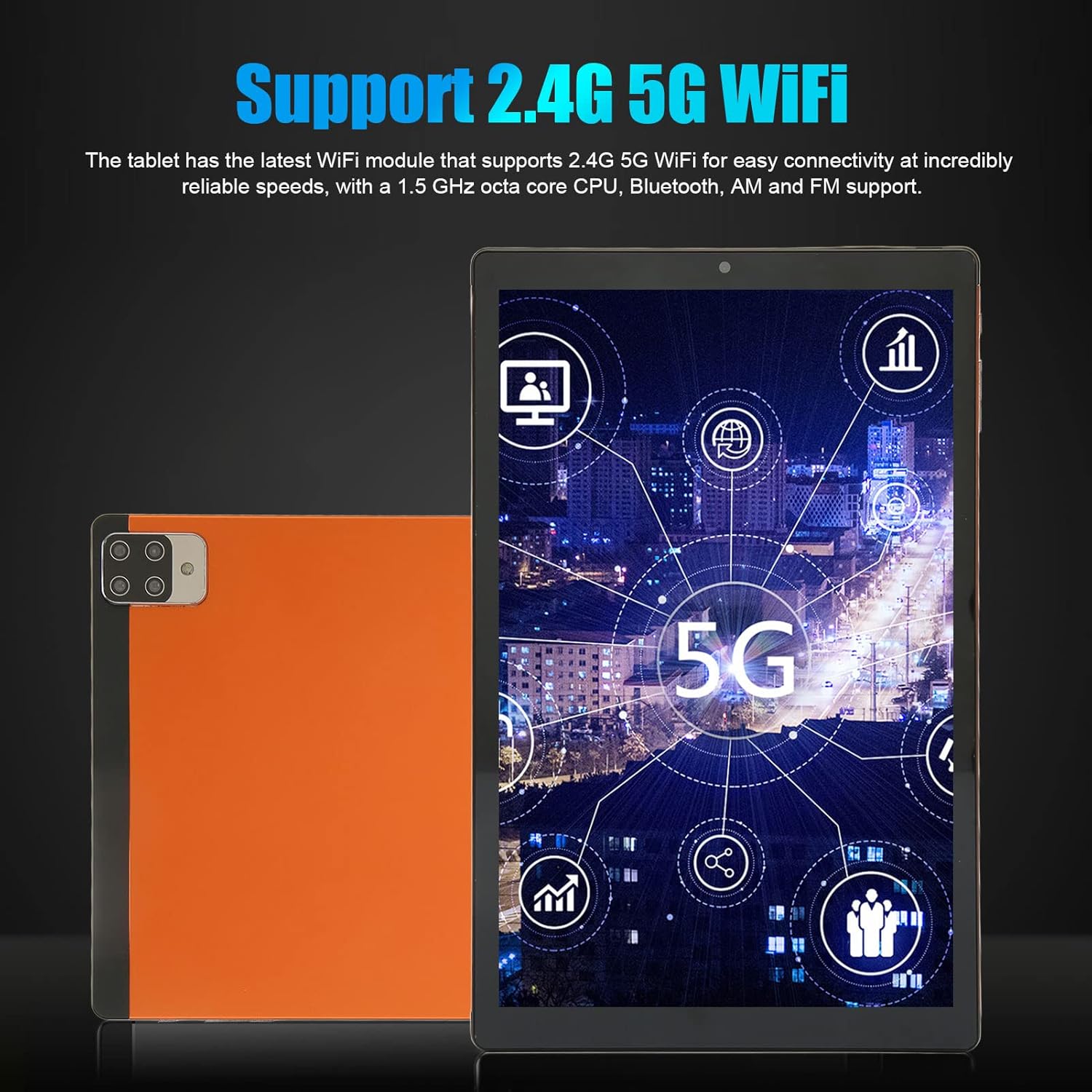
Obraz: The tablet screen showing various network and connectivity icons, highlighting its support for both 2.4G and 5G Wi-Fi bands.
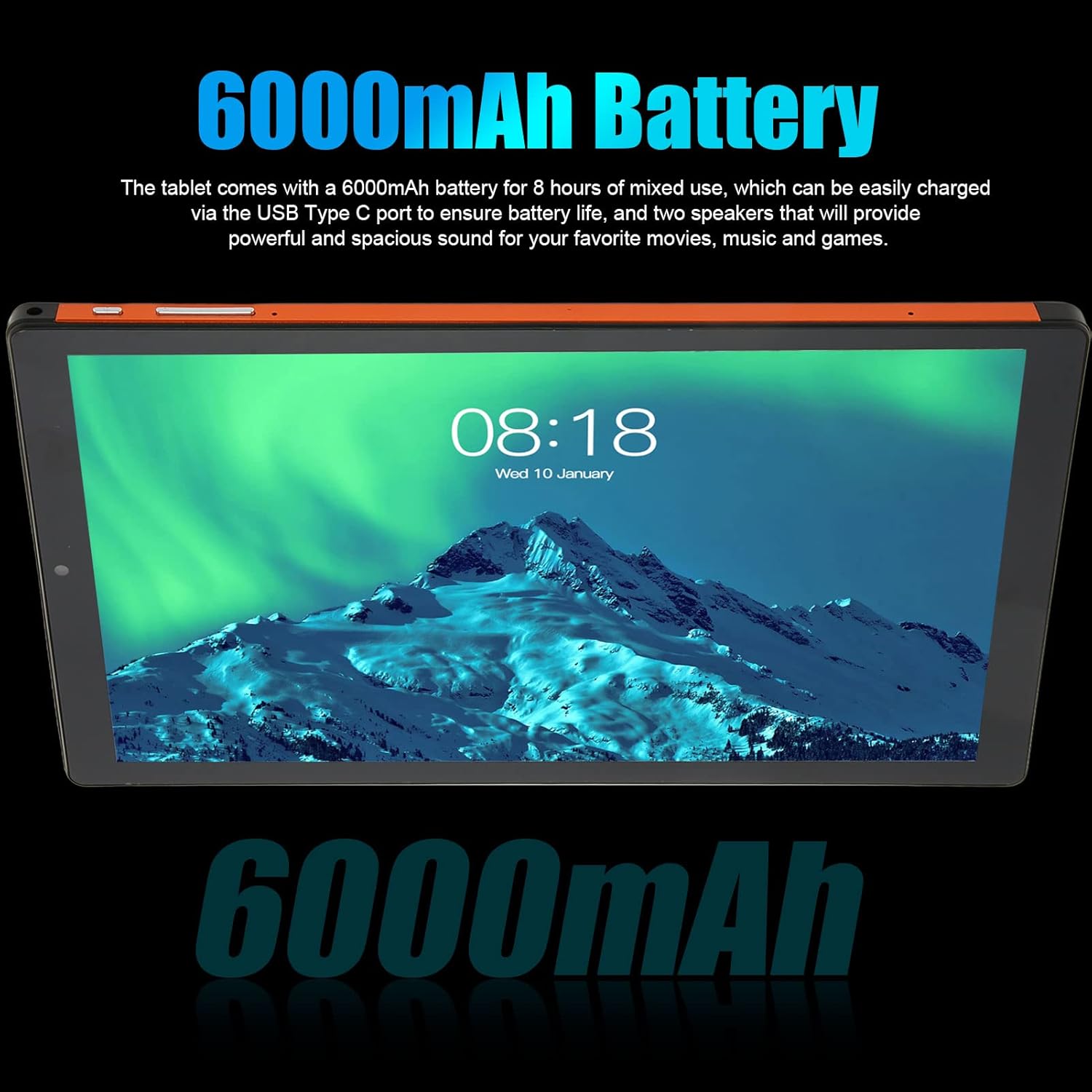
Obraz: The tablet screen displaying text that emphasizes its 6000mAh battery capacity, ensuring extended usage.

Obraz: The tablet mounted in a vehicle, displaying a detailed map, demonstrating its integrated GPS navigation functionality.

Obraz: The tablet screen showing a music player interface, illustrating its audio capabilities and surround sound quality.

Obraz: Komplexní view of the tablet from both the front and back, showcasing its sleek design and the rear camera module.
Specifikace
| Funkce | Popis |
|---|---|
| Značka | Elprico |
| Číslo modelu | Elpricoagroz8q1in |
| Operační systém | Android 11.0 |
| Velikost obrazovky | 10.1 palce |
| Rozlišení displeje | 1920 x 1080 pixelů IPS |
| Procesor | MT6753 Octa Core (1.5 GHz) |
| BERAN | 6 GB |
| Interní úložiště | 128 GB |
| Rozšiřitelné úložiště | Up to 128 GB via memory card |
| Přední kamera | 5 MP |
| Zadní kamera | 13 MP |
| Wi-Fi připojení | 2.4G / 5G Dual-band |
| Síťový standard | GSM 850/900/1800/1900, WCDMA 850/2100 |
| Bluetooth | 5.0 |
| GPS | Supported (GPS, Glonass) |
| Baterie | 6000mAh Li-Ion (Integrated) |
| I/O rozhraní | 1x 3.5mm Headphone Port, 1x Type-C Port |
| Slot na paměťové karty | Three slots (2 SIM cards + 1 memory card simultaneously) |
| Reproduktory | Duální reproduktory |
| Mikrofon | Podporováno |
| Použitelné svtage | 100-240V |
Nastavení
- Rozbalení: Carefully remove the tablet and all accessories from the packaging. Verify that all components listed in the package contents are present.
- Nabíjení baterie: Before first use, fully charge the tablet's battery. Connect the provided USB Type-C cable to the tablet's charging port and the power adapter to a wall outlet. The charging indicator will show the charging status.
- Zapnutí: Press and hold the power button (usually located on the side) for a few seconds until the screen lights up and the Elprico logo appears.
- Počáteční nastavení: Follow the on-screen prompts to complete the initial setup. This typically includes selecting your language, connecting to a Wi-Fi network, setting up your Google account, and configuring basic settings.
- SIM Card and Memory Card Installation (Optional):
- Locate the SIM/memory card tray on the side of the tablet.
- K otevření zásuvky použijte dodaný nástroj pro vysunutí SIM karty (pokud je součástí balení) nebo malou kancelářskou sponku.
- Carefully place your SIM card(s) and/or memory card into the designated slots. Ensure correct orientation as indicated on the tray.
- Jemně zatlačte zásobník zpět do tabletu, dokud nezacvakne na místo.
Návod k obsluze
Základní navigace:
- Gesta na dotykové obrazovce: Use tap, swipe, pinch-to-zoom, and long-press gestures to interact with the tablet.
- Domovská obrazovka: Centrální centrum pro vaše aplikace a widgety. Přejetím prstem doleva nebo doprava zobrazíte další obrazovky.
- Panel oznámení: Přejetím prstem dolů od horního okraje obrazovky získáte přístup k oznámením a rychlému nastavení.
- Zásuvka aplikace: Swipe up from the bottom of the screen (or tap the app drawer icon) to view všechny nainstalované aplikace.
Konektivita:
- Wi-Fi: Přejít na Nastavení > Síť a internet > Wi-Fi pro připojení k dostupným sítím.
- Bluetooth: Přejít na Nastavení > Připojená zařízení > Bluetooth pro spárování se zařízeními Bluetooth, jako jsou sluchátka nebo reproduktory.
- Mobile Data (if SIM installed): Přejít na Nastavení > Síť a internet > Mobilní síť pro správu nastavení mobilních dat.
Použití fotoaparátu:
- Otevřete Fotoaparát aplikaci z domovské obrazovky nebo ze zásuvky aplikací.
- Klepnutím na tlačítko spouště pořídíte fotografii.
- Přepínejte mezi předním a zadním fotoaparátem pomocí ikony fotoaparátu.
- Vyberte režim videa pro nahrávání videí.
Správa úložiště:
- Přejít na Nastavení > Úložiště na view využití a správa úložiště files.
- Pravidelně odstraňujte nepotřebné files and cache to maintain performance.
Údržba
- Čištění: K čištění obrazovky a těla tabletu používejte měkký hadřík, který nepouští vlákna. Nepoužívejte abrazivní materiály ani agresivní chemikálie.
- Aktualizace softwaru: Pravidelně kontrolujte a instalujte aktualizace systému, abyste zajistili, že váš tablet má nejnovější funkce a bezpečnostní záplaty. Přejděte na Nastavení > Systém > Aktualizace systému.
- Péče o baterie: Nevystavujte extrémním teplotám. Nenechávejte baterii často zcela vybíjet. Pro dlouhodobé skladování nabijte baterii přibližně na 50 %.
- Podmínky prostředí: Chraňte tablet před přímým slunečním zářením, nadměrným teplem, vlhkostí a prachem.
- Záloha dat: Pravidelně zálohujte důležitá data do cloudového úložiště nebo na externí zařízení, abyste předešli jejich ztrátě.
Odstraňování problémů
- Tablet se nezapne: Ensure the battery is charged. Connect the charger and wait a few minutes before attempting to power on again. If unresponsive, try a forced restart by holding the power button for 10-15 seconds.
- Obrazovka nereaguje: If the screen is frozen, perform a forced restart. If the issue persists, ensure the screen is clean and free of debris.
- Problémy s připojením Wi-Fi: Check if Wi-Fi is enabled in settings. Restart your Wi-Fi router and the tablet. Forget the network and reconnect.
- Pomalý výkon: Close unused apps, clear app caches (Nastavení > Aplikace > [Název aplikace] > Úložiště > Vymazat mezipaměť), and ensure sufficient free storage space. Consider a factory reset as a last resort (backup data first).
- Pády aplikací: Update the app to its latest version. Clear the app's cache and data (this will delete app-specific data). Reinstall the app if necessary.
- Rychlé vybíjení baterie: Reduce screen brightness, disable unused features like Bluetooth or GPS, close background apps, and check battery usage in Nastavení > Baterie identifikovat aplikace s vysokou spotřebou energie.
Záruka a podpora
Informace o záruce a technickou podporu naleznete v dokumentaci dodané při nákupu nebo se obraťte na svého prodejce. Uschovejte si doklad o koupi pro případné reklamace.