
Chasing MIS2-3-USA
CHASINNávod k obsluze vylepšeného podvodního dronu G MINI S
Model: MIS2-3-USA
1. Úvod
This manual provides essential information for the safe and effective operation, maintenance, and troubleshooting of your CHASING MINI S Upgraded Underwater Drone. Please read this manual thoroughly before first use to ensure proper handling and to maximize the drone's performance and longevity.
CHASING MINI S is an advanced underwater remotely operated vehicle (ROV) designed for exploration, photography, and various underwater tasks. It features a 4K UHD camera with EIS, extended dive depth, and anti-stuck motor technology.
2. Konec produktuview a Komponenty
CHASING MINI S system includes the underwater drone, a remote controller, and a carrying case. Additional accessories such as mechanical arms and action cameras can be attached.

3. Průvodce nastavením
3.1 Vybalení a úvodní kontrola
Carefully remove all components from the packaging. Inspect the drone, remote controller, and cables for any visible damage. Ensure all listed components are present.
3.2 Připojení ovladače
The remote controller connects to your mobile phone or tablet via a data cable for stable signal transmission. This wired connection ensures reliability and does not interfere with your mobile network.
3.3 Vložení Micro SD karty
The drone supports a removable 64GB Micro SD card for storing captured media. Locate the SD card slot, typically sealed with a waterproof cap, and insert the card as directed in the quick start guide.
3.4 Charging the Drone and Controller
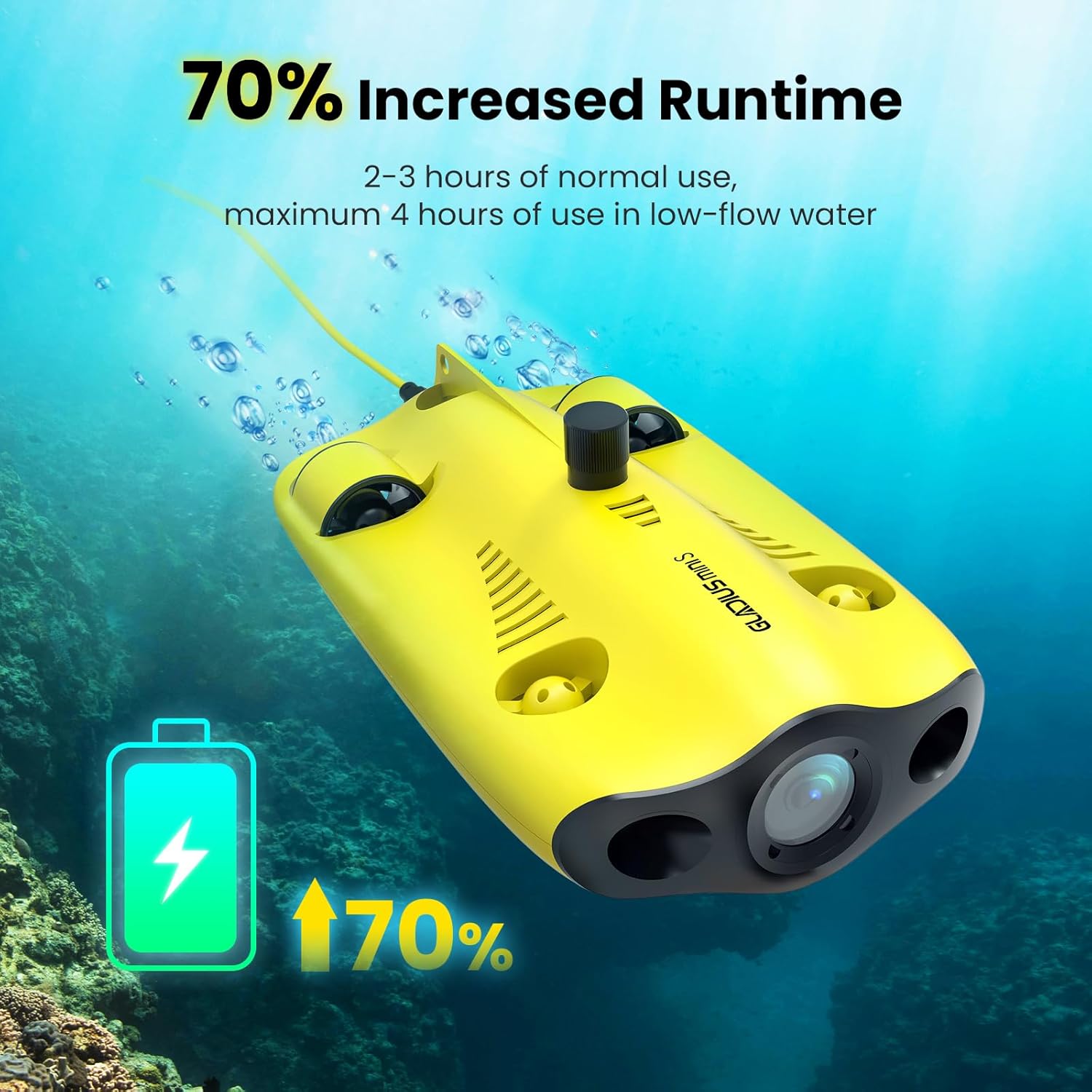
Before first use, fully charge both the drone and the remote controller. Use the provided charger, which features two cables to charge both devices simultaneously. A full charge provides approximately 2-3 hours of normal use, extending up to 4 hours in low-flow water conditions.
4. Návod k obsluze
4.1 Basic Controls and Movement
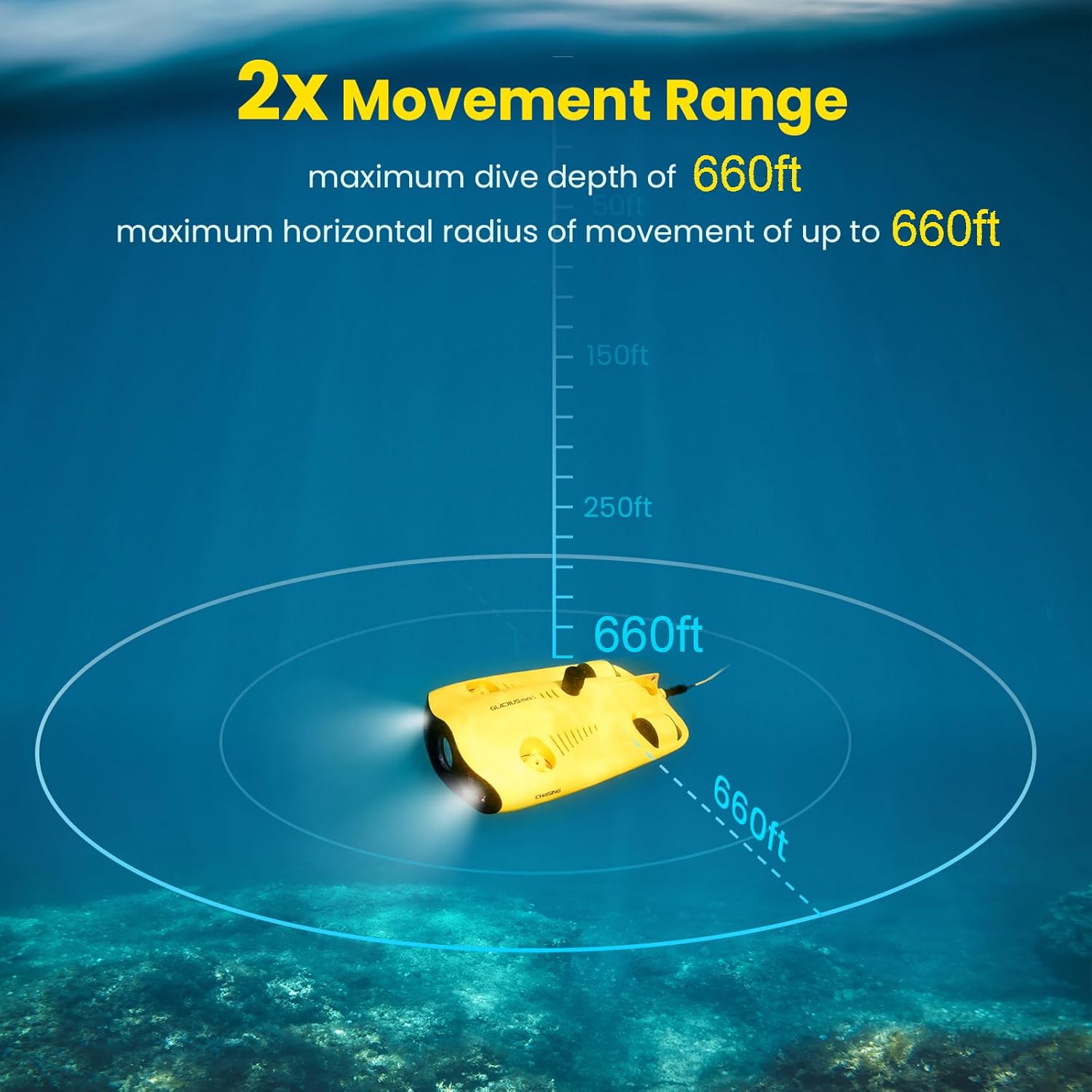
CHASING MINI S can dive to a maximum depth of 330 feet (100 meters) and has a maximum horizontal shooting radius of 660 feet. Its maximum speed is 4 knots (2 m/s). Use the remote controller to navigate the drone horizontally and vertically.

4.2 Obsluha a funkce kamery
The drone is equipped with a 4K UHD camera (1/2.3 SONY CMOS) with EIS (Electronic Image Stabilization) and an F1.8 large aperture. It provides 4K and 1080P video recording and 12-megapixel photos. Two 1200 lumen LED lights illuminate underwater environments for clear imaging.

4.3 Anti-Stuck Motor Technology
CHASING MINI S features patented anti-stuck motor technology, allowing it to operate safely and move freely even in complex underwater environments with sand or debris, reducing the risk of motor blockage.

4.4 User-Friendly Interaction via APP
The dedicated mobile application provides a user-friendly interface for controlling the drone and accessing various features. It allows for real-time monitoring of depth and temperature, live streaming, social media sharing, time-lapse photography, and quick material editing. HDMI output is also supported.
5. Přídavná zařízení a příslušenství
CHASING MINI S supports the attachment of various accessories to enhance its functionality. This includes mechanical arms for retrieving objects and mounts for additional action cameras, allowing for higher pixel video requirements.
The product also comes with a waterproof backpack for easy transport of the drone and all its accessories.

6. Údržba
6.1 Čištění po použití
After each use, especially in saltwater, it is crucial to thoroughly clean the drone. Rinse the drone with fresh water, paying close attention to the thrusters and any moving parts, to prevent salt buildup and corrosion. Operating the drone in a freshwater basin for a few minutes after saltwater use can help flush out residual salt.
6.2 Péče o baterii
To prolong battery life, avoid fully discharging the battery frequently. Store the drone and controller with a partial charge (around 50-60%) if not used for extended periods. Recharge fully before each mission.
6.3 Skladování
Store the drone and its accessories in the provided carrying case in a cool, dry place, away from direct sunlight and extreme temperatures. Ensure all components are dry before storage.
7. Řešení problémů
7.1 Remote and ROV Link Issues
If the remote controller and ROV do not link up or the drone does not emit the expected beeps upon power-on, ensure all cables are securely connected. Verify that both the drone and controller are sufficiently charged. Restart both devices and attempt to reconnect.
7.2 Thruster Malfunction
If a thruster stops working, first check for any visible obstructions such as debris or seaweed. Clean the thruster area thoroughly. If the issue persists, it may indicate an internal problem requiring professional service.
7.3 Motors Seizing in Saltwater
While the drone is designed for underwater use, prolonged exposure to saltwater without meticulous cleaning can lead to motor seizing. Always perform a thorough freshwater rinse and flush after saltwater dives to prevent this issue.
7.4 Problémy s připojením aplikací
If experiencing issues with the mobile application, ensure your device's operating system is up to date and the CHASING app is the latest version. Check your device's USB connection settings. If problems persist, try reinstalling the app.
8. Specifikace
| Funkce | Specifikace |
|---|---|
| Značka | Chasing |
| Název modelu | gladius, gladius mini |
| Speciální funkce | 70% increased runtime, 4K EIS F1.8 Aperture Camera, increased movement range, support for carrying items, patented anti-stuck motor, added wired remote |
| Věkové rozmezí (popis) | Dospělý |
| Barva | Žluť |
| Rozlišení záznamu videa | 4K |
| Technologie připojení | Wi-Fi |
| Zahrnuté komponenty | Remote Control, Carrying Case |
| Úroveň dovedností | Moderní |
| Formát záznamu videa | 4k |
| Technologie dálkového ovládání | Wi-Fi |
| Maximální dosah | 660 stop |
| Materiál | Hliník |
| Technologie bezdrátové komunikace | Wi-Fi |
| Jsou součástí balení | Žádný |
| Podporovaný formát obrázku | JPEG |
| Rozlišení výstupu videa | 1920x1080 pixelů |
| Dálkové ovládání v ceně? | Ano |
| Technologie optických senzorů | CMOS |
| Dobíjecí baterie zahrnuta | Žádný |
| UPC | 843722101590 |
| Výrobce | Chasing |
| Hmotnost položky | 23.1 libry |
| Rozměry produktu | 15.7 x 8.9 x 5.7 palce |
| Číslo dílu výrobce | MIS2-3-USA |
9. Záruka a podpora
9.1 Informace o záruce
Please refer to the warranty card included with your product for detailed warranty terms and conditions. Typically, the manufacturer provides a limited warranty covering defects in materials and workmanship under normal use.
9.2 Zákaznická podpora
For technical assistance, troubleshooting not covered in this manual, or warranty claims, please contact CHASING customer support through their official webweb nebo kontaktní informace uvedené na obalu produktu. Můžete také navštívit ChasinObchod g na Amazonu pro více informací.
Ask a question about this manual
Ask about setup, troubleshooting, compatibility, parts, safety, or missing instructions. Manuals+ will review the question and use this page’s manual context to help answer it.