
1. Úvod
The VILTROX EF-E5 Lens Mount Adapter allows Canon EF/EF-S series lenses to be used on Sony E-mount cameras and NEX series cameras. This adapter facilitates electronic communication between the lens and camera, enabling features such as autofocus, aperture control, and EXIF data transmission. It is designed to expand lens compatibility for Sony E-mount users.
2. Bezpečnostní informace
- Nevystavujte adaptér vodě ani extrémní vlhkosti.
- Avoid direct sunlight or high temperatures.
- Handle with care to prevent damage to electronic contacts.
- Uchovávejte mimo dosah dětí.
- Nepokoušejte se adaptér rozebírat ani upravovat.
3. Obsah balení
Ověřte, zda jsou v balení přítomny všechny položky:
- 1 x VILTROX EF-E5 Lens Mount Adapter
- 1 x Přední krytka
- 1 x Zadní krytka
- 1 x Uživatelská příručka

Image: Contents of the VILTROX EF-E5 package, including the adapter, front and rear caps, and user manual.
4. Nastavení
4.1 Připojení adaptéru k fotoaparátu
- Ensure both the camera and adapter are powered off.
- Align the red dot on the adapter with the red dot on your Sony E-mount camera body.
- Insert the adapter into the camera mount and rotate it clockwise until it clicks into place.
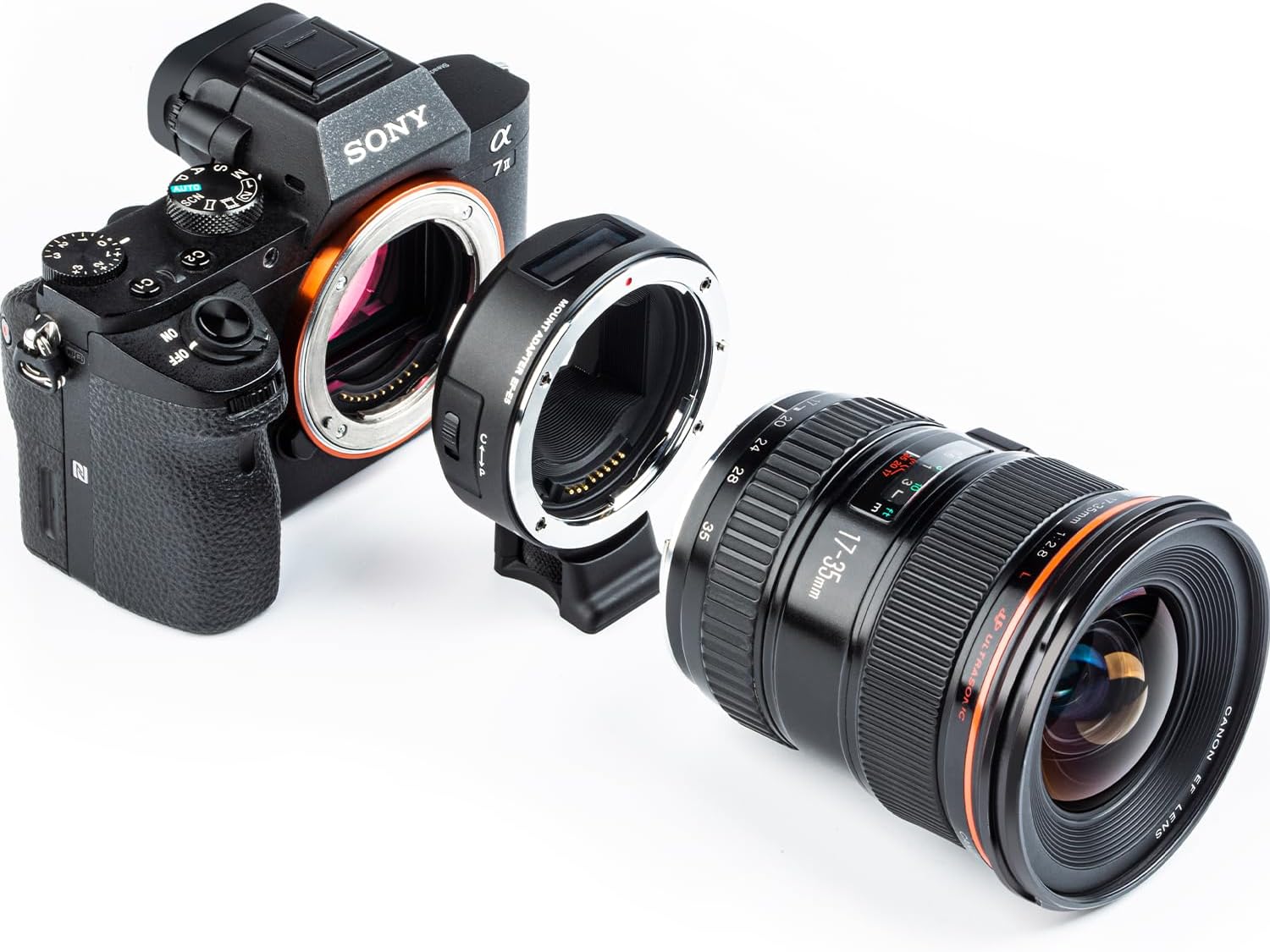
Image: The VILTROX EF-E5 adapter separated from a Sony camera body, illustrating the mounting process.
4.2 Attaching a Canon EF/EF-S Lens to the Adapter
- Align the red dot on your Canon EF/EF-S lens with the red dot on the VILTROX EF-E5 adapter.
- Insert the lens into the adapter and rotate it clockwise until it clicks into place.
- Ensure the lens is securely mounted.
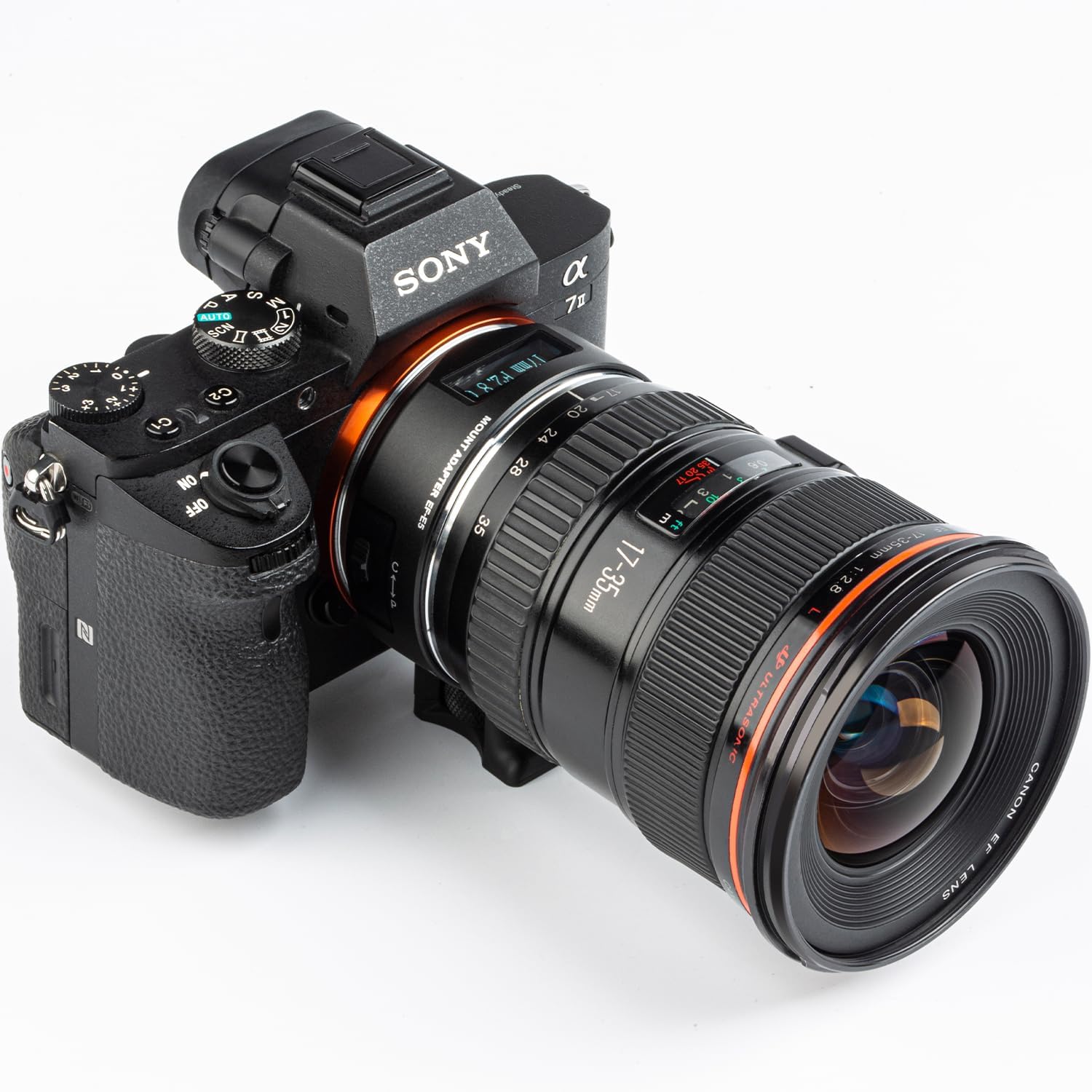
Image: A Canon EF lens fully mounted onto the VILTROX EF-E5 adapter, which is attached to a Sony camera.
5. Provoz
5.1 Klíčové vlastnosti
- Kompatibilita: Supports Canon EF/EF-S series lenses on Sony E-mount cameras.
- Dual Focus Mode (PDAF & CDAF): Allows manual switching between Phase Detection Autofocus (PDAF) and Contrast Detection Autofocus (CDAF) for optimal focusing.
- OLED displej: Provides real-time information on focal length, aperture, adapter mode, and manual aperture mode.
- Electronic Contacts: Built-in electronic contacts ensure fast and accurate autofocus, and EXIF signal transmission.
- Port pro upgrade USB: Enables firmware updates via a USB connection to a computer.
5.2 Using the OLED Display and Focus Modes
The EF-E5 adapter features an OLED display to show current settings and modes. It also allows for switching between focus modes and manual aperture control.
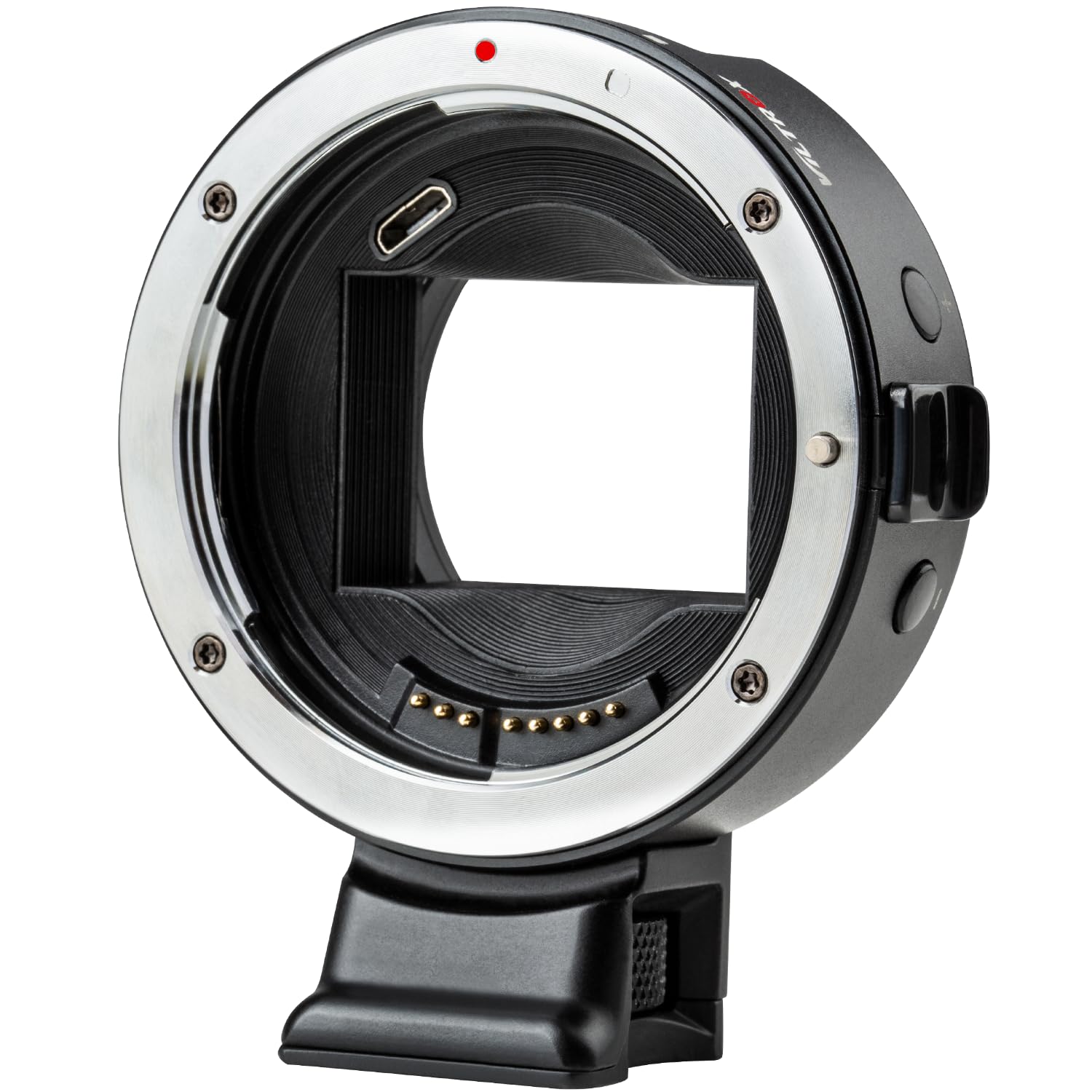
Image: The VILTROX EF-E5 adapter's OLED display showing focal length and aperture settings.
- Manual Aperture Mode: Press and hold the "+" button for 1 second to enter manual aperture mode. Use the "+" / "-" buttons to adjust the aperture value. Press and hold the "+" button again to exit this mode.
- Object Distance Display Mode: Press and hold the "-" button for 1 second to enter the object distance display mode. The two modes (manual aperture and object distance) can be switched by pressing and holding the respective button for 1 second.
- Focus Mode Switching: The adapter ring can manually switch between PDAF and CDAF modes. Refer to your camera's manual for specific settings related to adapter use.

Image: Illustration of the +/- buttons on the adapter used for switching between manual aperture and object distance display modes.
5.3 Aktualizace firmwaru
To ensure optimal performance and compatibility, it is recommended to keep the adapter's firmware updated. The EF-E5 features a USB upgrade port.
- Connect the adapter to a computer using a USB cable (not included).
- Navštivte oficiální stránky VILTROX website to download the latest firmware for the EF-E5 model.
- Dokončete proces aktualizace podle pokynů dodaných se staženým firmwarem.
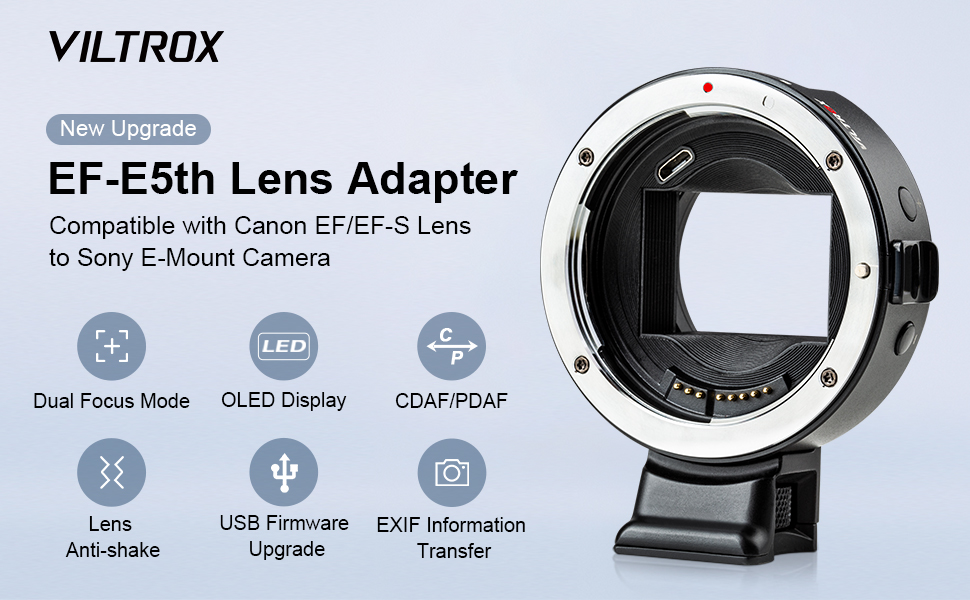
Image: Detail of the USB port on the VILTROX EF-E5 adapter, used for firmware updates.
6. Údržba
- Čištění: Use a soft, dry cloth to clean the exterior of the adapter. For electronic contacts, use a clean, lint-free cloth and avoid touching them directly with fingers.
- Skladování: When not in use, attach the front and rear caps to the adapter to protect the mounts and electronic contacts from dust and damage. Store in a dry, cool place.
- Vyhněte se dopadu: Protect the adapter from drops or impacts, which can damage internal components or deform the mount.
7. Řešení problémů
| Problém | Možná příčina | Řešení |
|---|---|---|
| Automatické ostření je pomalé nebo nefunguje vůbec. | Outdated firmware, incompatible lens, or camera settings. |
|
| Objektiv nebo adaptér se zdají být uvolněné. | Nesprávná montáž nebo výrobní tolerance. |
|
| Camera battery drains quickly. | Adapter drawing power even when camera is off. |
|
| No electronic communication (aperture control, EXIF). | Dirty or damaged electronic contacts, incompatible lens. |
|
7.1 Lens Compatibility Chart
Refer to the following chart for tested lens compatibility and specific notes regarding video focusing and manual aperture mode.

Image: Detailed compatibility chart for various Canon, Tamron, Sigma, and Tokina lenses with the VILTROX EF-E5 adapter, including notes on video focusing and manual aperture.
8. Specifikace
| Model | EF-E5 |
| Kompatibilní objektivy | Objektivy řady Canon EF/EF-S |
| Kompatibilní fotoaparáty | Sony E-mount cameras (e.g., A9, A7 series, a6000 series, NEX series) |
| Režim ostření | Auto Focus (PDAF & CDAF support) |
| Upgrade firmwaru | Micro USB Port |
| Rozměry | 83 x 72 x 36.5 mm |
| Hmotnost položky | 10.9 unce (cca 309 gramů) |
| Patice pro stativ | Cu 1/4" x 1 |
9. Záruka a podpora
VILTROX products typically come with a limited warranty. Please refer to the warranty card included in your package or visit the official VILTROX webPodrobné záruční podmínky platné pro váš region naleznete na webových stránkách.
For technical support, firmware updates, or service inquiries, please contact VILTROX customer service through their official webwebu nebo kontaktních informací uvedených v dokumentaci k produktu.
Official VILTROX Webmísto: www.viltrox.com