
Zavedení
The iHome PlayGlow+ iBT820B is a versatile waterproof Bluetooth speaker designed for portable audio enjoyment. Featuring dynamic 360° LED color modes, a robust IP67 waterproof and sandproof rating, and a long-lasting rechargeable battery, this speaker is ideal for various environments, from outdoor adventures to poolside relaxation. This manual provides essential information for setting up, operating, and maintaining your speaker.

Image: The iHome PlayGlow+ speaker illuminated with vibrant colors next to a swimming pool at night, showcasing its ambient lighting capabilities.
Co je v krabici
Carefully unpack your iHome PlayGlow+ speaker. The package should contain the following items:
- iHome PlayGlow+ Waterproof Bluetooth Speaker (Model iBT820B)
- Nabíjecí kabel USB-C
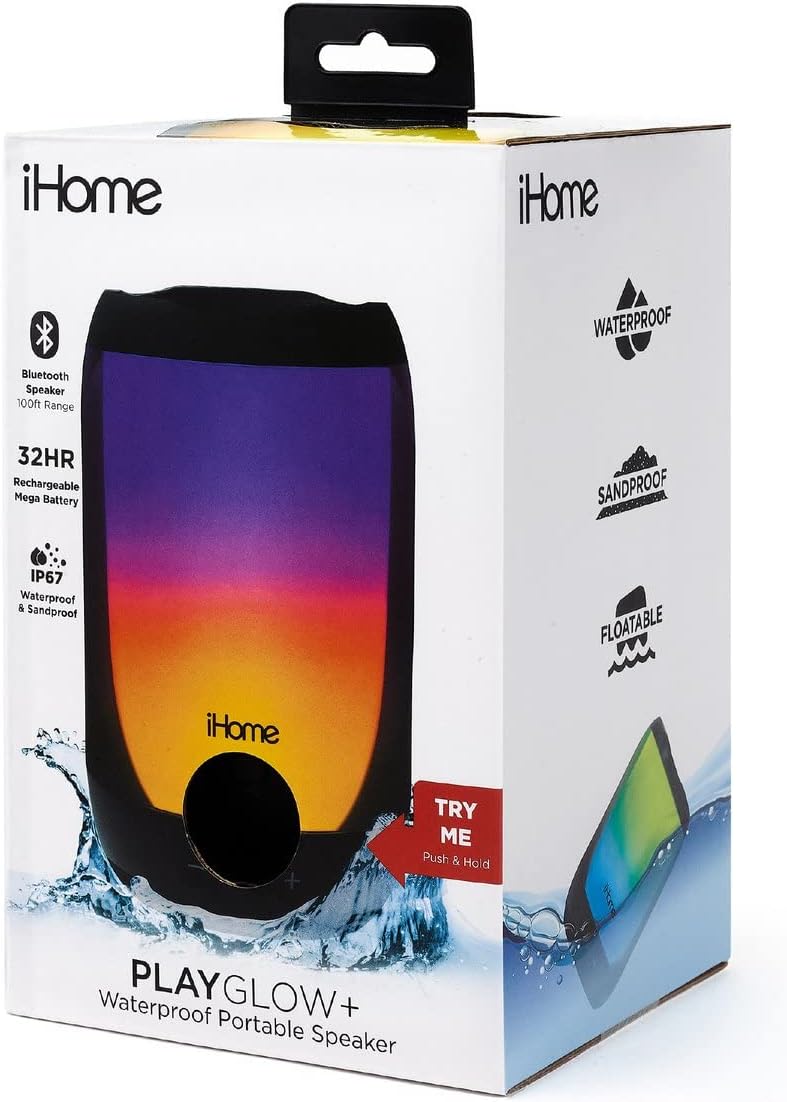
Image: The iHome PlayGlow+ speaker in its retail packaging, highlighting key features such as Bluetooth range, battery life, and waterproof rating.
Ovládací prvky a funkce
The iHome PlayGlow+ speaker is equipped with intuitive controls and features for an enhanced user experience:
- Vypínač: Located on the bottom of the speaker. Press and hold to power on/off.
- Ovládání hlasitosti (-/+): Upravte hlasitost zvuku.
- Tlačítko Přehrát/Pozastavit: Ovládání přehrávání hudby.
- Tlačítko režimu: Cycle through various LED light modes.
- Bluetooth připojení: Wireless audio streaming up to 100 feet.
- IP67 Waterproof & Sandproof: Certified to withstand immersion in water and exposure to sand. The speaker is also floatable when the jack cover is fully closed.
- Dobíjecí baterie: Provides up to 32 hours of wireless audio playback on a full charge.
- Nabíjecí port USB-C: Pro pohodlné a rychlé nabíjení.

Image: A collection of iHome PlayGlow+ speakers, each showcasing a different 360° LED color mode, illustrating the variety of lighting options available.

Image: The iHome PlayGlow+ speaker partially submerged in water, demonstrating its IP67 waterproof and sandproof certification and floatable design.

Image: A hand holding the iHome PlayGlow+ speaker, with icons indicating its Bluetooth streaming capability and long-lasting rechargeable battery.
Nastavení
Nabíjení reproduktoru
Before initial use, fully charge your iHome PlayGlow+ speaker. Use the provided USB-C charging cable to connect the speaker to a USB power source (e.g., computer USB port, USB wall adapter). The charging indicator light will show the charging status. A full charge can take several hours.
Párování pomocí Bluetooth
Připojení reproduktoru k zařízení s podporou Bluetooth:
- Ujistěte se, že je reproduktor vypnutý.
- Press and hold the Power button (located on the bottom) until the speaker powers on and enters Bluetooth pairing mode. The Bluetooth indicator light will flash, indicating it is ready to pair.
- Na zvukovém zařízení (chytrý telefon, tablet, počítač) povolte Bluetooth a vyhledejte dostupná zařízení.
- Select "iHome PlayGlow+" from the list of devices.
- Once paired, the Bluetooth indicator light on the speaker will turn solid, and you will hear an audible confirmation.
The speaker will automatically attempt to re-pair with the last connected device when powered on.
Provozní
Zapnutí/vypnutí
- To power on: Press and hold the Power button until the speaker activates.
- To power off: Press and hold the Power button until the speaker deactivates.
Přehrávání hudby
- Přehrát/pozastavit: Jedním stisknutím tlačítka Přehrát/Pozastavit přehrajete nebo pozastavíte zvuk.
- Zvýšit hlasitost: Stisknutím tlačítka „+“ zvýšíte hlasitost.
- Snížit hlasitost: Stisknutím tlačítka „-“ snížíte hlasitost.
LED světelné režimy
Press the Mode button (often indicated by a sun or flower icon) to cycle through the available 360° LED color modes:
- No Color: Lights are off, only audio plays.
- Pomalé slábnutí: Colors slowly transition from one to the next with smooth gradients.
- Změna barvy: The speaker cycles through 7 distinct solid colors.
- Favorite Color: To select a static color, cycle to the 'Color Change' mode, wait for your desired color to appear, then press the Mode button again. The speaker will hold that color.
- Pulse to Music: Lights change and pulse in sync with the rhythm of the music.
- Preset Pulse: A pre-programmed light show with changing gradients and patterns.
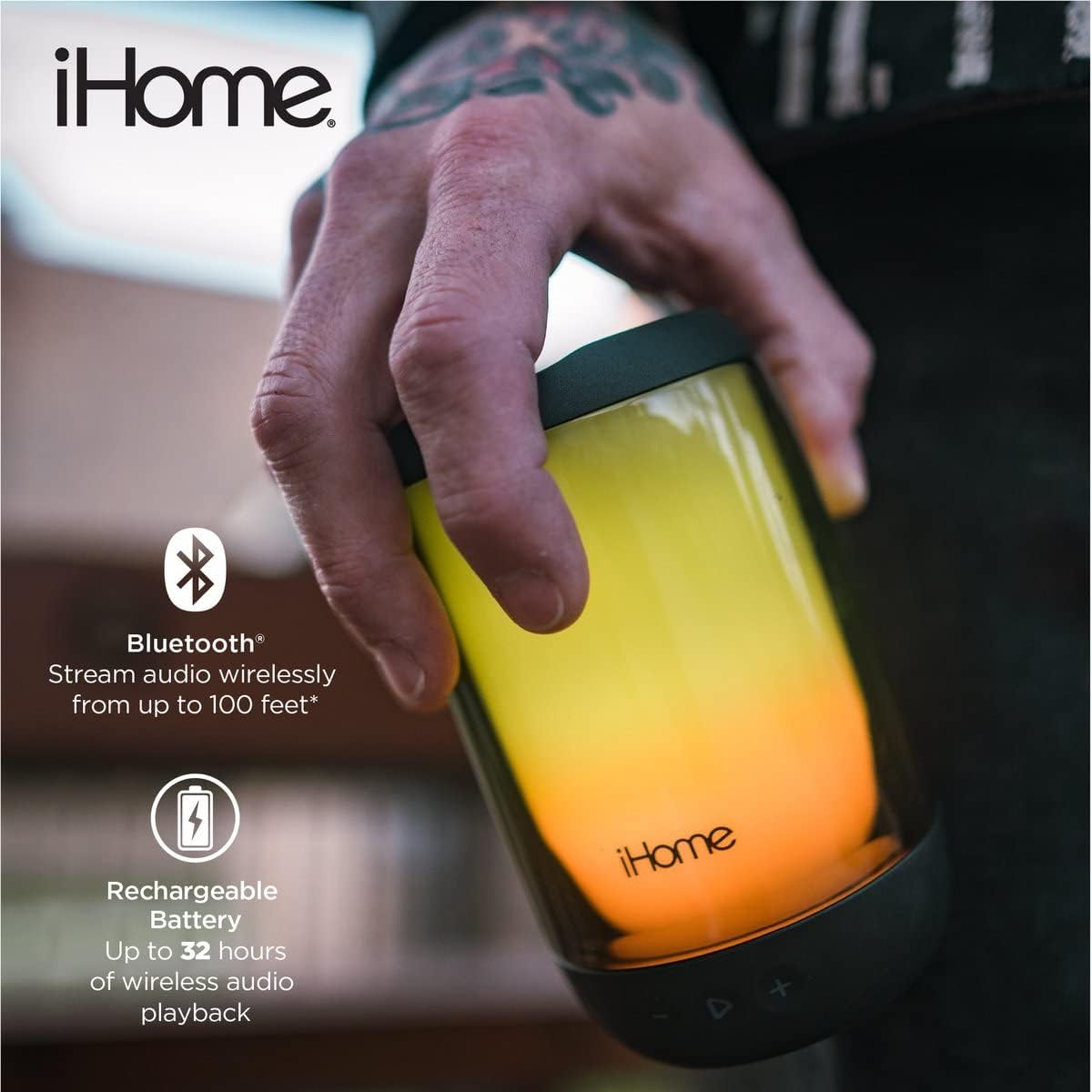
Image: The iHome PlayGlow+ speaker displaying its diverse light modes, accompanied by icons representing Bluetooth connectivity, 360° LED color, and rechargeable battery.
Údržba
To ensure the longevity and optimal performance of your iHome PlayGlow+ speaker:
- Always ensure the USB-C charging port cover is securely closed when using the speaker near water or sand to maintain its IP67 rating.
- Vyčistěte reproduktor měkkým, damp tkanina. Vyhněte se použití abrazivních čisticích prostředků nebo rozpouštědel.
- Do not expose the speaker to extreme temperatures (hot or cold) for extended periods.
- Pokud reproduktor nepoužíváte, skladujte jej na chladném a suchém místě.
Odstraňování problémů
If you encounter issues with your iHome PlayGlow+ speaker, refer to the following common problems and solutions:
| Problém | Řešení |
|---|---|
| Reproduktor se nezapne. | Ujistěte se, že je baterie nabitá. Připojte reproduktor ke zdroji napájení pomocí kabelu USB-C. |
| Nelze spárovat přes Bluetooth. | Make sure the speaker is in pairing mode (flashing Bluetooth indicator). Ensure your device's Bluetooth is enabled and within range. Forget the device on your phone and try pairing again. |
| Žádný zvuk nebo nízká hlasitost. | Zkontrolujte úroveň hlasitosti na reproduktoru i na připojeném zařízení. Ujistěte se, že je reproduktor správně spárovaný. |
| LED světla nefungují. | Press the Mode button to cycle through the light modes. Ensure the speaker is powered on. |
Specifikace
- Značka: iHome
- Číslo modelu: iBT820B
- Konektivita: Bluetooth, USB
- Voděodolnost: IP67 Certified Waterproof & Sandproof
- Životnost baterie: Až 32 hodin
- Rozsah Bluetooth: Až 100 stop
- Typ reproduktoru: Venkovní, Přenosné
- Způsob ovládání: Dotyková tlačítka
- Nabíjecí port: USB-C
Záruka a podpora
The iHome PlayGlow+ speaker comes with a limited warranty. For detailed warranty information or technical support, please refer to the warranty card included with your product or visit the official iHome webUschovejte si účtenku jako doklad o koupi pro případ reklamace.