
Zavedení
This manual provides essential instructions for the operation and maintenance of your Creative Sensemore Air True Wireless In-Ear Headphones. These headphones are designed to deliver a versatile audio experience with advanced features for various listening environments.

Image: Creative Sensemore Air earbuds shown with their charging case.
Klíčové vlastnosti:
- Sensemore Mode: Amplifies surrounding sounds for enhanced awareness.
- Ambientní režim: Umožňuje vám slyšet své okolí a zároveň si užívat zvuk.
- Aktivní potlačení hluku (ANC): Snižuje vnější hluk pro pohlcující poslech.
- Quad Microphones: Ensures clear voice pickup for calls and voice commands.
- Prodloužená životnost baterie: Up to 10 hours per charge, with a total of 35 hours using the charging case.
- Odolnost proti potu IPX5: Designed to withstand sweat and light splashes.
- Bezdrátové nabíjení: Supports Qi-certified wireless charging for convenience.
- Bluetooth 5.2: Poskytuje stabilní a efektivní bezdrátové připojení.
- Customizable Touch Controls: Personalize earbud functions via the Creative app.
Nastavení
1. Nabíjení zařízení
Before first use, fully charge the Creative Sensemore Air earbuds and their charging case.
- Přes kabel USB-C: Připojte dodaný nabíjecí kabel USB-C k nabíjecímu portu na pouzdře a ke zdroji napájení.
- Bezdrátové nabíjení: Place the charging case on a Qi-certified wireless charging pad.
The LED indicators on the front of the charging case will show the charging status. A full charge provides up to 10 hours of playtime for the earbuds and up to 35 hours total with the case. A 10-minute quick charge provides up to 2 hours of playtime.

Image: The charging case showing LED indicators for battery status.
2. Spárování se zařízením
- Ujistěte se, že jsou sluchátka v nabíjecím pouzdře a že je víko pouzdra otevřené.
- Na svém zařízení (chytrém telefonu, tabletu atd.) povolte Bluetooth a vyhledejte dostupná zařízení.
- Select "Creative Sensemore Air" from the list of detected devices to pair.
- Po spárování se sluchátka po vyjmutí z pouzdra automaticky připojí k vašemu zařízení.
3. Installing the Creative App
For full functionality and customization, download the Creative app from your device's app store. The app allows you to:
- Switch between Sensemore Mode, Ambient Mode, and Active Noise Cancellation.
- Přizpůsobte si dotykové ovládání.
- Adjust audio settings with a graphic equalizer.
- Proveďte aktualizace firmwaru.

Image: Creative app icon for mobile devices.
Obsluha sluchátek
Režimy řízení hluku
The Creative Sensemore Air headphones offer three distinct noise control modes to adapt to your environment:
- Sensemore Mode: This proprietary technology enhances ambient sound beyond conventional transparency modes. It focuses on vocals and amplifies surrounding sounds for improved hearing and clearer conversations.
- Ambientní režim: Allows you to hear your surroundings naturally, useful for staying aware in busy environments.
- Aktivní potlačení hluku (ANC): Blocks out unwanted external noise, providing a more immersive audio experience.
Switch between these modes using the customizable touch controls on the earbuds or through the Creative app.

Image: A person on a bus using the Creative Sensemore Air earbuds, illustrating the noise control features.
Video: Overview of the Creative Sensemore Air True Wireless in-Ear Headphones, demonstrating key features like Sensemore Mode, Ambient Mode, and Active Noise Cancellation.
Funkce volání
Equipped with four microphones, the earbuds provide enhanced voice pickup and call clarity. You can also activate voice assistants like Siri or Google Assistant with ease.

Image: A woman using the earbuds to interact with a voice assistant, highlighting the quad mic feature.
Dotykové ovládání
The earbuds feature intuitive touch controls for managing playback, calls, and noise control modes. These controls can be customized through the Creative app to suit your preferences.

Image: Screenshot of the Creative app showing customizable touch control settings.
Údržba
Čištění a péče
To ensure longevity and optimal performance, regularly clean your earbuds and charging case.
- Otřete sluchátka a nabíjecí pouzdro měkkým, suchým hadříkem, který nepouští vlákna.
- Sejměte ušní nástavce a omyjte je jemným mýdlem a vodou, poté je před opětovným nasazením důkladně osušte.
- Vyhněte se použití abrazivních čisticích prostředků nebo rozpouštědel.
Voděodolnost (IPX5)
The Creative Sensemore Air earbuds are rated IPX5 sweatproof, meaning they are protected against low-pressure water jets from any direction. This makes them suitable for workouts and use in light rain.
Důležité: Nabíjecí pouzdro je ne water-resistant. Do not expose it to water or moisture.
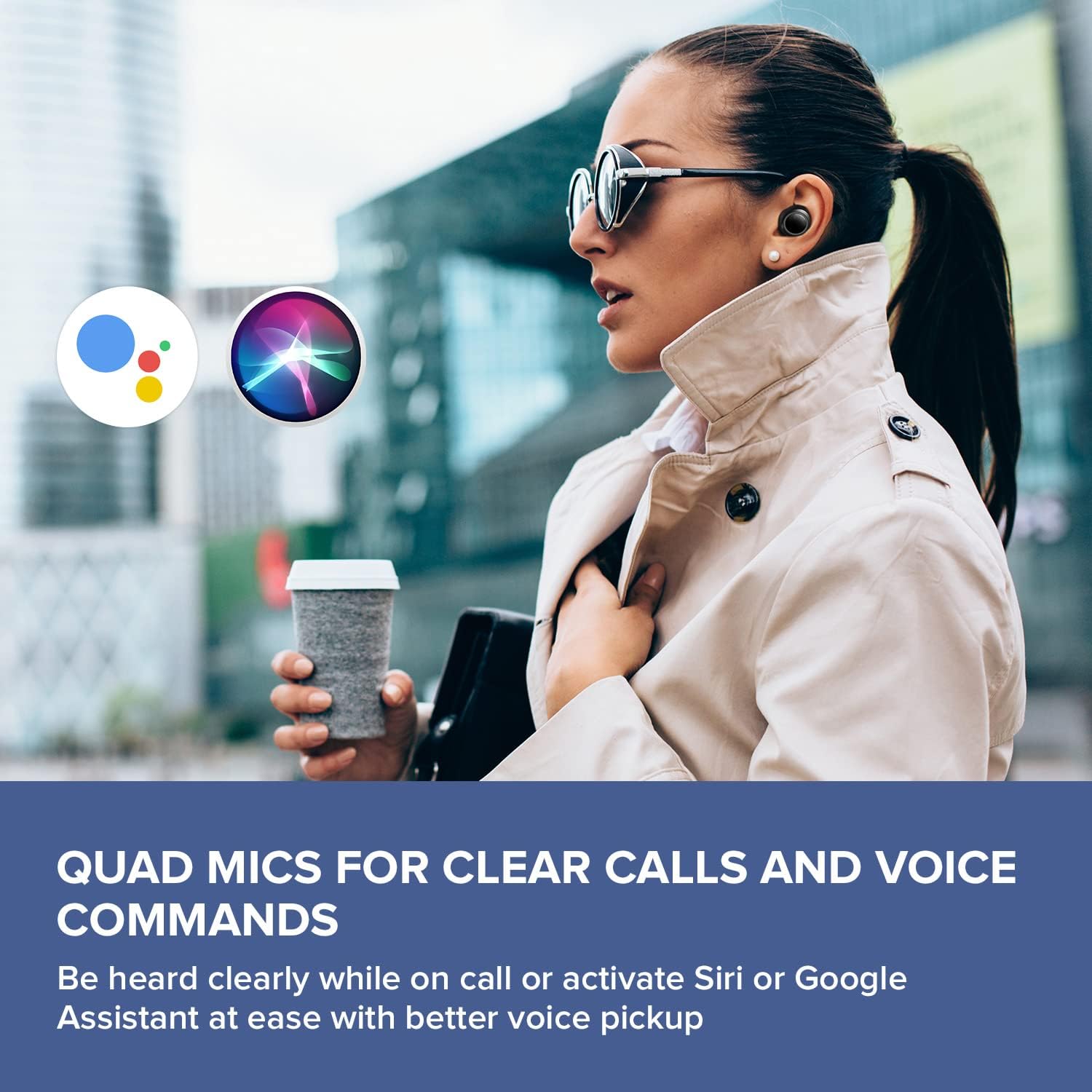
Image: A woman running outdoors, demonstrating the IPX5 sweatproof feature of the earbuds.
Odstraňování problémů
Běžné problémy a řešení
- Žádný zvuk/Špatná kvalita zvuku:
- Ujistěte se, že jsou sluchátka plně nabitá.
- Zkontrolujte připojení Bluetooth a v případě potřeby proveďte párování.
- Upravte hlasitost na sluchátkách i na připojeném zařízení.
- Clean ear tips and earbud nozzles to remove any debris.
- Pro lepší utěsnění vyzkoušejte ušní nástavce různých velikostí.
- Sluchátka se nespárují:
- Place earbuds back in the case, close the lid, then open it again to reset.
- Ujistěte se, že je na vašem zařízení povoleno Bluetooth a zda je v dosahu.
- Zapomeňte na zařízení v nastavení Bluetooth telefonu a zkuste jej znovu spárovat.
- Problémy s nabíjením:
- Verify the USB-C cable is securely connected to both the case and power source.
- Pokud používáte bezdrátové nabíjení, ujistěte se, že je pouzdro správně umístěno na podložce s certifikací Qi.
- Zkontrolujte, zda jsou nabíjecí kontakty na sluchátkách a uvnitř pouzdra čisté.
- Problémy s připojením aplikace:
- Ensure the Creative app is updated to the latest version.
- Restartujte aplikaci nebo mobilní zařízení.
- Confirm Bluetooth is active and the earbuds are connected to your device.
Specifikace
| Funkce | Detail |
|---|---|
| Název modelu | EF1020 |
| Konektivita | Bluetooth 5.2 |
| Dosah Bluetooth | 10 metrů |
| Audio kodeky | AAC, SBC |
| Ovladače | 6 mm Bio-cellulose Dynamic Drivers |
| Mikrofony | Čtyři mikrofony |
| Kontrola hluku | Sensemore Mode, Ambient Mode, Active Noise Cancellation |
| Celková doba hraní | Až 35 hodin (s nabíjecím pouzdrem) |
| Doba přehrávání na jedno nabití | Až 10 hodin |
| Doba nabíjení | 2 hodiny |
| Nabíjecí rozhraní | USB-C, Wireless (Qi-certified) |
| Voděodolnost | IPX5 (pouze sluchátka) |
| Kontrolní metoda | Dotek |
| Hmotnost položky | 1.76 unce |
| Rozměry produktu | 2.7 x 1.9 x 1.3 palce (nabíjecí pouzdro) |
Záruka a podpora
Creative products are designed for reliability and performance. For warranty information and customer support, please refer to the official Creative webwebu nebo v dokumentaci dodané s vaším produktem.
- Registrace výrobku: Zaregistrujte si svůj produkt online a získejte aktualizace a podporu.
- Technická podpora: Visit the Creative support page for FAQs, troubleshooting guides, and contact information.
Poznámka: Warranty terms may vary by region and retailer. Please retain your proof of purchase.