
1. Úvod
Welcome to the Nokia T10 Wi-Fi Tablet user manual. This guide provides essential information to help you set up, operate, maintain, and troubleshoot your new device. The Nokia T10 is an 8-inch HD Android 12 tablet designed for everyday use, offering a balance of performance and portability.
Please read this manual carefully to ensure proper use and to maximize the lifespan of your tablet.
2. Co je v krabici
Upon unboxing your Nokia T10 tablet, please verify that all the following items are included:
- Nokia T10 Tablet Device
- Kabel USB typu C
- Nabíječka
- Stručný průvodce (QSG)
- Bezpečnostní brožura
- User Guide Band
- Plastic Bag (packaging material)
If any items are missing or damaged, please contact your retailer or Nokia customer support immediately.
3. Nastavení
3.1 Nabíjení tabletu
Before first use, fully charge your Nokia T10 tablet. Connect the provided Type-C USB cable to the tablet's charging port and the other end to the charger. Plug the charger into a power outlet. The battery indicator on the screen will show the charging status.
3.2 Zapnutí/vypnutí
- Zapnutí: Press and hold the Power button until the Nokia logo appears.
- Vypnutí: Press and hold the Power button until the power options appear on the screen. Select "Power off" and confirm.
- Restartovat: Press and hold the Power button until the power options appear. Select "Restart" and confirm.
3.3 Počáteční nastavení
When you power on your tablet for the first time, you will be guided through an initial setup process:
- Výběr jazyka: Vyberte preferovaný jazyk.
- Wi-Fi připojení: Connect to a Wi-Fi network to access the internet. This is crucial for downloading updates and setting up your Google account.
- Účet Google: Sign in with your existing Google account or create a new one. This is necessary for accessing the Google Play Store, Gmail, and other Google services.
- Datum a čas: Nastavte správné datum a čas nebo nechte síť, aby je nastavila automaticky.
- Zabezpečení: Set up a screen lock (PIN, pattern, password) and consider enabling AI Face Unlock for convenient access.
3.4 Vložení karty MicroSD
The Nokia T10 supports expandable storage via a MicroSD card. Locate the SIM/SD card tray on the side of the tablet. Use the provided SIM ejector tool to open the tray. Carefully place the MicroSD card into the designated slot with the gold contacts facing down, then reinsert the tray firmly.
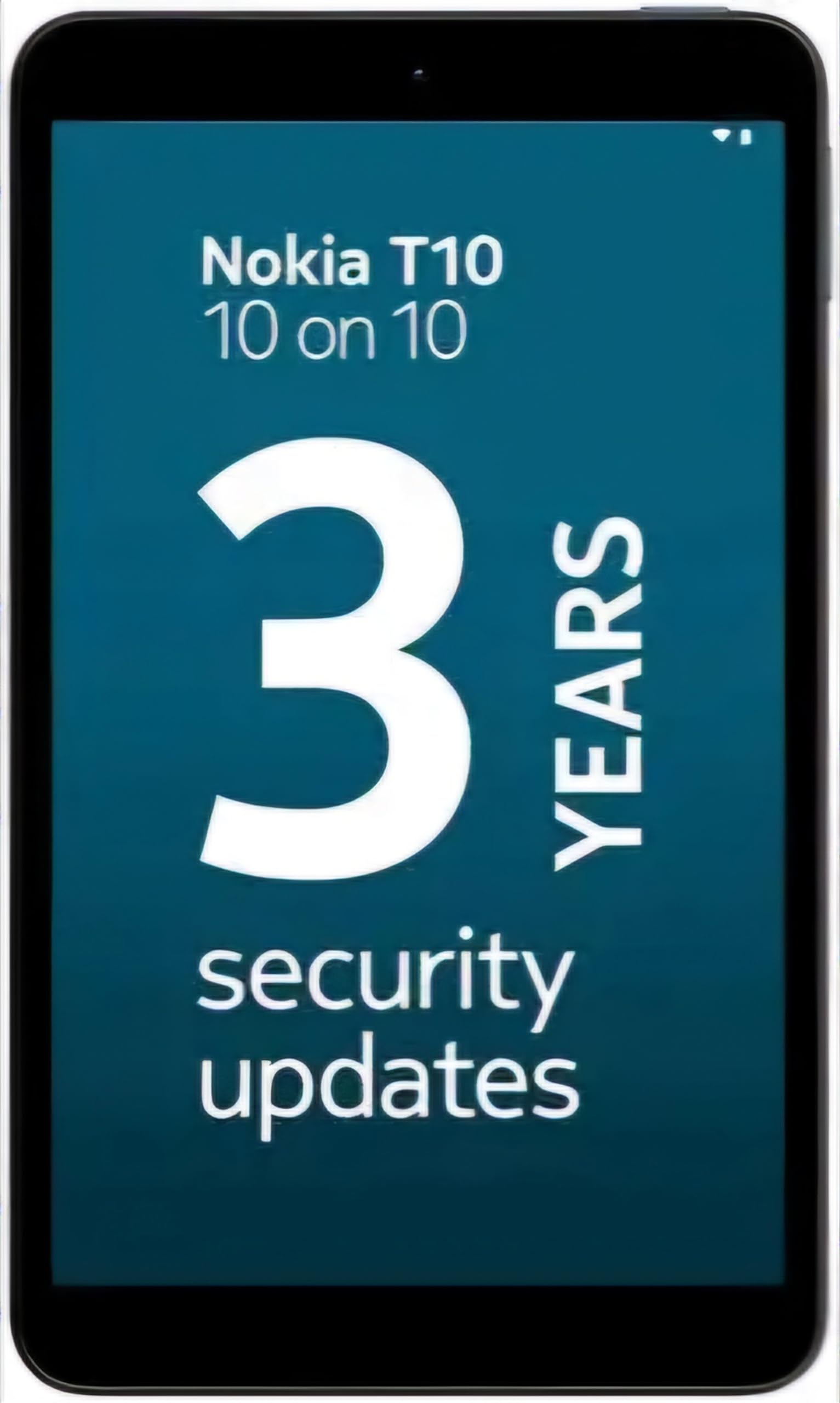
Image: Nokia T10 tablet, showcasing its sleek design and the rear camera module.
4. Návod k obsluze
4.1 Zobrazení a navigace
The Nokia T10 features an 8-inch HD display (1280x800 pixels). Navigate the interface using touch gestures:
- Klepněte na: Vyberte položku nebo otevřete aplikaci.
- Výpad: Procházení obrazovek, seznamů nebo obsahu.
- Přiblížení/zvětšení prsty: Přiblížení nebo oddálení fotografií a web stránky.
- Dlouhé stisknutí: Přístup k kontextovým nabídkám nebo přesun ikon aplikací.
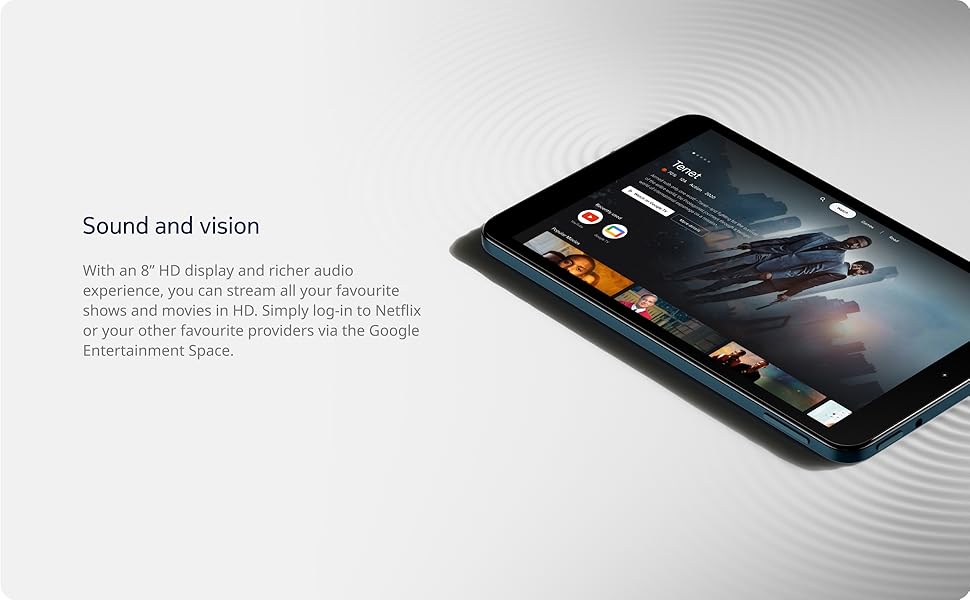
Image: The Nokia T10 tablet showcasing its 8-inch HD display with streaming video content.
4.2 Funkce fotoaparátu
Your tablet is equipped with an 8MP rear camera with autofocus and flash, and a 2MP front camera.
- Fotit: Otevřete aplikaci Fotoaparát, zaměřte záběr a klepněte na tlačítko spouště.
- Záznam videa: Switch to video mode in the Camera app and tap the record button to start/stop. The tablet supports FHD 1080p video capture.
- Přední kamera: Tap the camera switch icon to use the front camera for selfies or video calls.

Image: A Nokia T10 tablet displaying a video call, highlighting its front camera functionality.
4.3 Správa baterie
The Nokia T10 has a 5250 mAh battery designed for all-day use. To optimize battery life:
- Snižte jas obrazovky.
- Vypněte Wi-Fi a Bluetooth, když je nepoužíváte.
- Zavřete aplikace na pozadí.
- V Nastavení povolte režim úspory baterie.
4.4 Konektivita
- Wi-Fi: Connect to wireless networks via Settings > Network & internet > Wi-Fi. The tablet supports 802.11a/b/g/n/ac standards.
- Bluetooth: Pair with Bluetooth devices (headphones, speakers) via Settings > Connected devices > Bluetooth. The tablet features Bluetooth 5.0.
- USB Type-C: Pro nabíjení a přenos dat použijte port USB-C.
4.5 Odemknutí obličejem pomocí umělé inteligence
For quick and secure access, set up AI Face Unlock:
- Go to Settings > Security > Face unlock.
- Registrujte svůj obličej podle pokynů na obrazovce.
- Ensure you are in a well-lit environment during setup and use.
4.6 Software a aktualizace
The Nokia T10 runs on Android 12. Nokia provides 2 years of OS updates and 3 years of monthly security updates to keep your device secure and up-to-date. You will receive notifications when updates are available. It is recommended to install updates over a Wi-Fi connection.
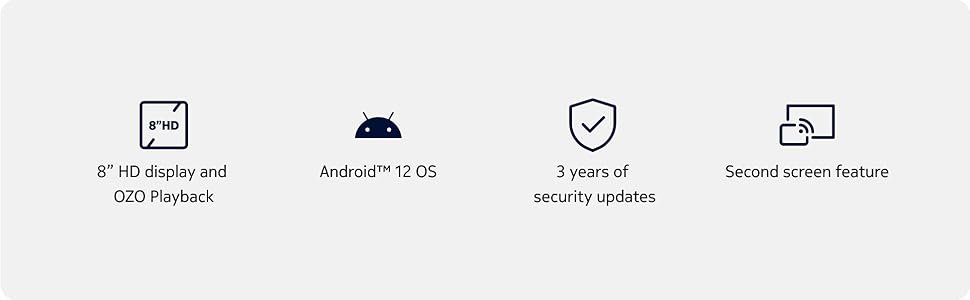
Image: Visual representation of Nokia T10 features including Android 12 OS and 3 years of security updates.
5. Údržba
5.1 Čištění tabletu
- K čištění obrazovky a těla používejte měkký hadřík, který nepouští vlákna.
- Vyhněte se používání agresivních chemikálií, abrazivních čisticích prostředků nebo aerosolových sprejů.
- Do not expose the tablet to excessive moisture.
5.2 Aktualizace softwaru
Pravidelně kontrolujte a instalujte aktualizace softwaru, abyste zajistili optimální výkon a zabezpečení. Přejděte do Nastavení > Systém > Aktualizace systému.
5.3 Správa úložiště
To maintain performance, periodically manage your tablet's storage:
- Smažte nepotřebné aplikace a files.
- Přesunout velké files (photos, videos) to a MicroSD card or cloud storage.
- Clear app cache regularly via Settings > Apps > [App Name] > Storage & cache.
6. Řešení problémů
If you encounter issues with your Nokia T10 tablet, try the following solutions:
| Problém | Řešení |
|---|---|
| Tablet se nezapne | Ujistěte se, že je baterie nabitá. Připojte nabíječku a před opětovným zapnutím počkejte několik minut. |
| Problémy s připojením Wi-Fi | Restartujte Wi-Fi router. Přejděte do Nastavení > Síť a internet > Wi-Fi, vypněte Wi-Fi a znovu jej zapněte. Zapomeňte na síť a znovu se připojte. |
| Pomalý výkon | Close unused apps. Clear app caches. Restart the tablet. Check for available software updates. |
| Aplikace padá nebo zamrzávají | Force stop the app (Settings > Apps > [App Name] > Force stop). Clear the app's cache and data. Reinstall the app. |
| Baterie se rychle vybíjí | Reduce screen brightness. Disable unnecessary features like GPS, Bluetooth, and Wi-Fi when not in use. Check battery usage in Settings to identify power-hungry apps. |
If the problem persists after trying these steps, please contact Nokia customer support.
7. Specifikace
Below are the key technical specifications for the Nokia T10 Wi-Fi Tablet:
- Název modelu: Nokia T10 TA-1472 WIFI 3/32
- Operační systém: Android 12
- Procesor: Unisoc T606 (Octa-core, 1.6 GHz)
- Grafický koprocesor: Mali-G57
- BERAN: 3 GB
- Interní úložiště: 32 GB
- Rozšiřitelné úložiště: Yes, via MicroSD card (up to 512GB, sold separately)
- Zobrazit: 8-inch HD (1280 x 800 pixels) TFT, 16:10 aspect ratio
- Zadní kamera: 8 MP with AF and Flash
- Přední kamera: 2 MP
- Rozlišení záznamu videa: FHD 1080p at 30 fps
- Baterie: Lithium Polymer s kapacitou 5250 mAh
- Konektivita: Wi-Fi (802.11a/b/g/n/ac), Bluetooth 5.0, USB Type-C, 3.5mm Audio Jack
- Bezpečnostní funkce: AI Face Unlock
- Zvuk: Stereo Speakers, OZO Playback
- Dimensions (L x W x Thickness): 20.8D x 12.3Š x 0.9 centimetrů
- Hmotnost: 375 gramů
- Barva: Modrý
8. Informace o záruce
The Nokia T10 tablet comes with a 1letá záruka výrobce for the device and battery from the date of purchase. In-box accessories are covered by a Záruka výrobce 6 měsíců from the date of purchase. Please retain your proof of purchase for warranty claims. For detailed terms and conditions, refer to the warranty card included in your product packaging or visit the official Nokia support webmísto.
9. Podpora
For further assistance, technical support, or to find service centers, please visit the official Nokia support website or contact their customer service. You can typically find support contact information on the Nokia website or in the safety booklet provided with your tablet.
Online podpora: Podpora Nokie Webmísto