
1. Úvod
MUBVIEW Indoor Security Camera 2K, Model PK320, is designed to provide reliable and high-quality surveillance for your home. Featuring 2K Full HD video, two-way audio, human detection, and motion tracking, this camera allows you to monitor your indoor spaces with ease and peace of mind. It supports both 2.4GHz and 5GHz Wi-Fi networks for stable connectivity and offers flexible storage options.

Figure 1: MUBVIEW Indoor Security Camera 2K (Model PK320)
2. Co je v krabici
Před zahájením instalace se ujistěte, že jsou všechny komponenty přítomny:
- Indoor Camera with 1.7M Power Cable
- Pet Camera Mounting Bracket
- Dog Camera Screw Kit
- Security Camera Indoor User Manual
- Pet Camera Indoor With Phone App Charger
3. Průvodce nastavením
3.1 Počáteční nastavení
Pro rychlé a snadné nastavení postupujte podle těchto kroků:
- Stáhněte si MUBVIEW APP: Hledat "MUBVIEW" in your mobile device's app store (iOS or Android) and download the official application.
- Zapnutí a připojení k Wi-Fi: Plug the camera into a power outlet using the provided charger. The camera will power on. Open the MUBVIEW app and follow the on-screen instructions to connect the camera to your 2.4GHz or 5GHz Wi-Fi network. Ensure your Wi-Fi password is correct.
- Enjoy Monitoring: Once connected, you can begin monitoring your space, adjust settings, and utilize all camera features through the app.

Figure 2: Quick and Easy Setup Process
3.2 Síťové připojení
MUBVIEW PK320 supports both 2.4GHz and 5GHz dual-band Wi-Fi for fast and stable connectivity. Ensure your router is configured to allow connections on these frequencies. For optimal performance, place the camera within a reasonable range of your Wi-Fi router.
Obrázek 3: Podpora dvoupásmové Wi-Fi
3.3 Instalace SD karty (volitelné)
For local storage of recordings, you can install a Micro SD card (up to 128GB, not included). The SD card slot is typically located near the camera lens or on the side. Gently insert the card until it clicks into place. Format the SD card through the MUBVIEW app settings after insertion.
Figure 4: Location of SD Card Slot and Reset Button
4. Ovládání fotoaparátu
4.1 Živě View and 2K FHD Quality
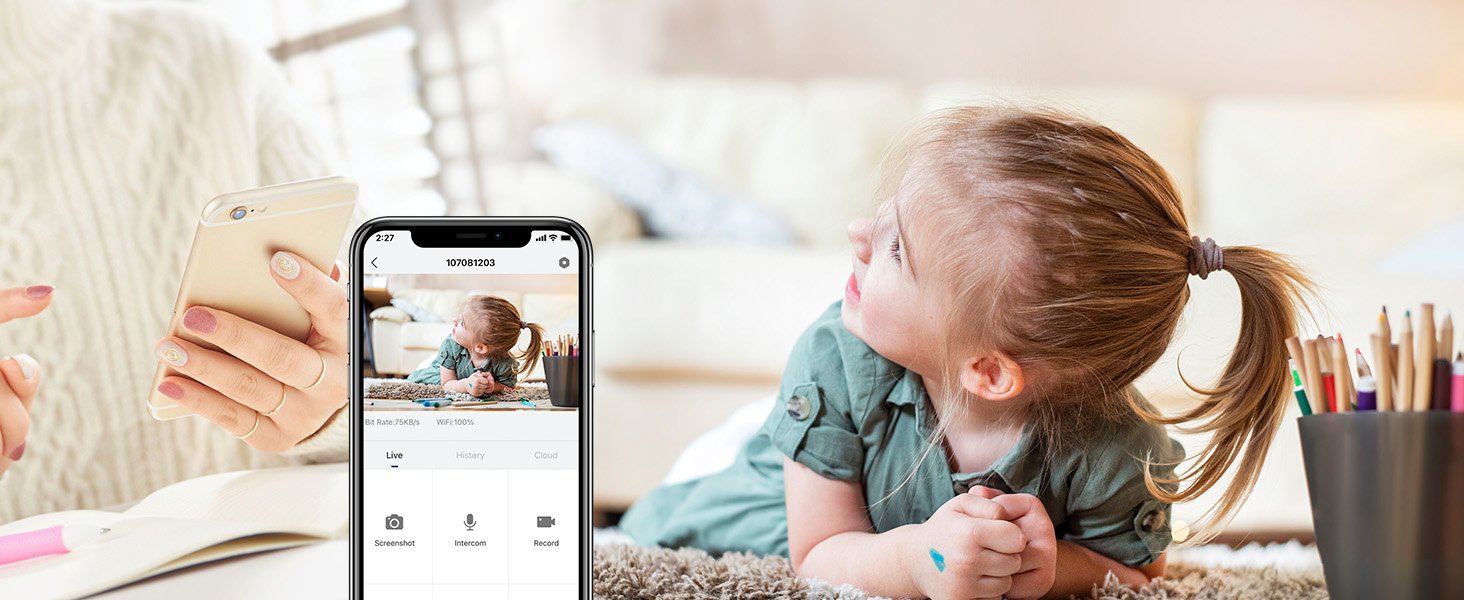
Access the live feed from your camera anytime, anywhere through the MUBVIEW app. The 2K Full HD resolution provides clear and detailed video, allowing you to see every important moment.

Figure 5: Key Features of PK320 Smart Camera
4.2 Otáčení, naklápění a zoom (PTZ)
Ovládejte fotoaparát viewing angle directly from your phone. Swipe on the live view screen to pan (355 degrees horizontally) and tilt (80 degrees vertically) the camera, ensuring comprehensive coverage of your room. The digital zoom allows you to focus on specific details.

Figure 6: Camera Pan and Tilt Capabilities
4.3 Obousměrný zvuk
The built-in microphone and speaker enable clear two-way communication. You can listen to what's happening in the room and speak through the camera to comfort a pet, soothe a baby, or communicate with family members.

Obrázek 7: Používání obousměrného zvuku
4.4 Detekce a sledování pohybu
The camera features smart human detection and motion tracking. When motion is detected, the camera can automatically track the moving object and send instant alerts to your phone. This ensures you are always informed of activity in your monitored area.

Figure 8: Auto Tracking in Action

Figure 9: Human Detection Capability
4.5 Noční vidění
Equipped with 4 IR lights, the camera provides clear night vision, allowing you to monitor your space even in low-light or complete darkness. You can see every movement of your baby or pet at night.
4.6 Možnosti úložiště
Kamera nabízí flexibilní řešení pro ukládání vašich nahrávek:
- Cloudové úložiště: Securely save your footage to the cloud. MUBVIEW offers a free 7-day cloud service, with options for extended plans.
- Místní úložiště: Store recordings directly on a Micro SD card (up to 128GB, not included).

Obrázek 10: Možnosti úložiště v cloudu a na SD kartě
4.7 Více zařízení Viewa sdílení
MUBVIEW app allows simultaneous viewing of up to four cameras. You can also easily share camera access with trusted individuals, granting them either 'view only' or 'allow control' permissions. This is ideal for family members or security personnel.

Figure 11: Sharing Camera Access with Multiple Users

Figure 12: Multi-Device Sharing Options in App
4.8 Ochrana soukromí
MUBVIEW app includes privacy protection features, allowing you to set schedules for when the camera's lens should be off or to manually turn off the lens for privacy. This ensures your personal moments remain private.
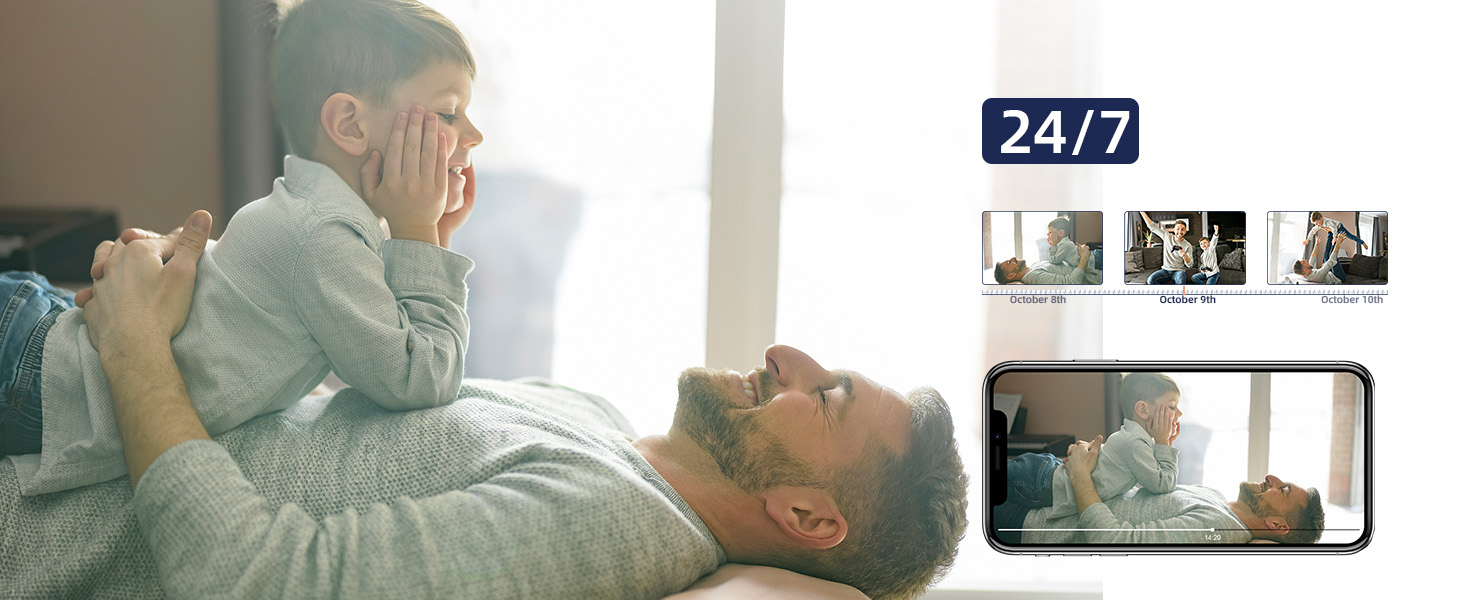
Figure 13: Privacy Protection Features
5. Údržba
To ensure optimal performance and longevity of your MUBVIEW camera, consider the following maintenance tips:
- Čištění: Jemně otřete objektiv a tělo fotoaparátu měkkým, suchým hadříkem. Nepoužívejte agresivní chemikálie ani abrazivní materiály, které by mohly poškrábat povrch.
- Aktualizace firmwaru: Regularly check the MUBVIEW app for available firmware updates. Updates often include performance improvements, new features, and security enhancements.
- Napájení: Use only the original power adapter provided with the camera to prevent damage.
- Umístění: Ensure the camera is placed in a stable, dry indoor environment, away from direct sunlight, extreme temperatures, and high humidity.
6. Řešení problémů
Pokud narazíte na problémy s vaším MUBemVIEW camera, try the following solutions:
- Kamera se nepřipojuje k Wi-Fi:
- Ujistěte se, že vaše Wi-Fi síť je 2.4 GHz nebo 5 GHz.
- Zkontrolujte správnost hesla k Wi-Fi.
- Přesuňte kameru blíže k Wi-Fi routeru.
- Restartujte router a kameru.
- Perform a factory reset on the camera using the reset button (refer to Figure 4 for location) and try connecting again.
- Špatná kvalita videa:
- Zkontrolujte rychlost svého internetového připojení. Stabilní a rychlé připojení je pro streamování ve 2K rozlišení klíčové.
- Ujistěte se, že objektiv fotoaparátu je čistý a bez prachu nebo šmouh.
- Adjust the camera's position to avoid glare or backlighting.
- Problémy s žádným zvukem nebo obousměrnou komunikací:
- Check the volume settings in the MUBVIEW app and on your phone.
- Ujistěte se, že mikrofon a reproduktor na kameře nejsou zakryty.
- Verify app permissions for microphone access on your mobile device.
- Detekce pohybu nefunguje:
- Ensure motion detection is enabled in the MUBVIEW nastavení aplikace.
- Upravte citlivost detekce pohybu.
- Zkontrolujte zorné pole fotoaparátu view pro jakékoli překážky.
- SD karta nenahrává:
- Ujistěte se, že je SD karta správně vložena.
- Format the SD card through the MUBVIEW aplikace
- Ověřte, zda SD karta není plná nebo poškozená.
- Ensure continuous recording or event recording is enabled in app settings.
7. Specifikace
| Funkce | Detail |
|---|---|
| Název modelu | PK320 |
| Vnitřní/venkovní použití | Krytý |
| Rozlišení záznamu videa | 3MP (2K FHD) |
| Protokol připojení | Wi-Fi (2.4 GHz a 5 GHz) |
| Zdroj napájení | Corded Electric (5V AC, 5 watts) |
| Typ ovladače | CloudEdge, iOS, Mubview, Android App |
| Typ montáže | Surface Mount, Ceiling Mount, Wall Mount |
| Viewúhel | 355 stupňů (otáčení), 80 stupňů (náklon) |
| Rozsah nočního vidění | 8 metrů |
| Snímková frekvence | 15-20fps |
| Materiál | Akrylonitrilbutadienstyren (ABS) |
| Rozměry položky (D x Š x V) | 3 x 5 x 3 palce |
| Hmotnost položky | 10.88 unce |
| Max Flash Memory Supported Size | 128 GB |
| Speciální funkce | Smart Tracking, Human Detection, 2-Way Audio, Night Vision, Privacy Protection |
8. Záruka a podpora
MUBVIEW is committed to providing excellent customer service and product reliability:
- Lifetime Service/Warranty: Your MUBVIEW camera comes with a lifetime service and warranty, ensuring long-term support and confidence in your purchase.
- Rychlá odpověď: MUBVIEW aims for quick responses to all customer inquiries.
- 24/7 Professional Technical Support: Access professional technical support around the clock for any assistance you may need.
For further assistance, please refer to the MUBVIEW app's support section or visit the official MUBVIEW webmísto.