
1. Úvod
This manual provides essential information for setting up, operating, maintaining, and troubleshooting your IST Computers IdeaPad Slim 3i Laptop. Please read this guide thoroughly to ensure proper use and to maximize the lifespan of your device.
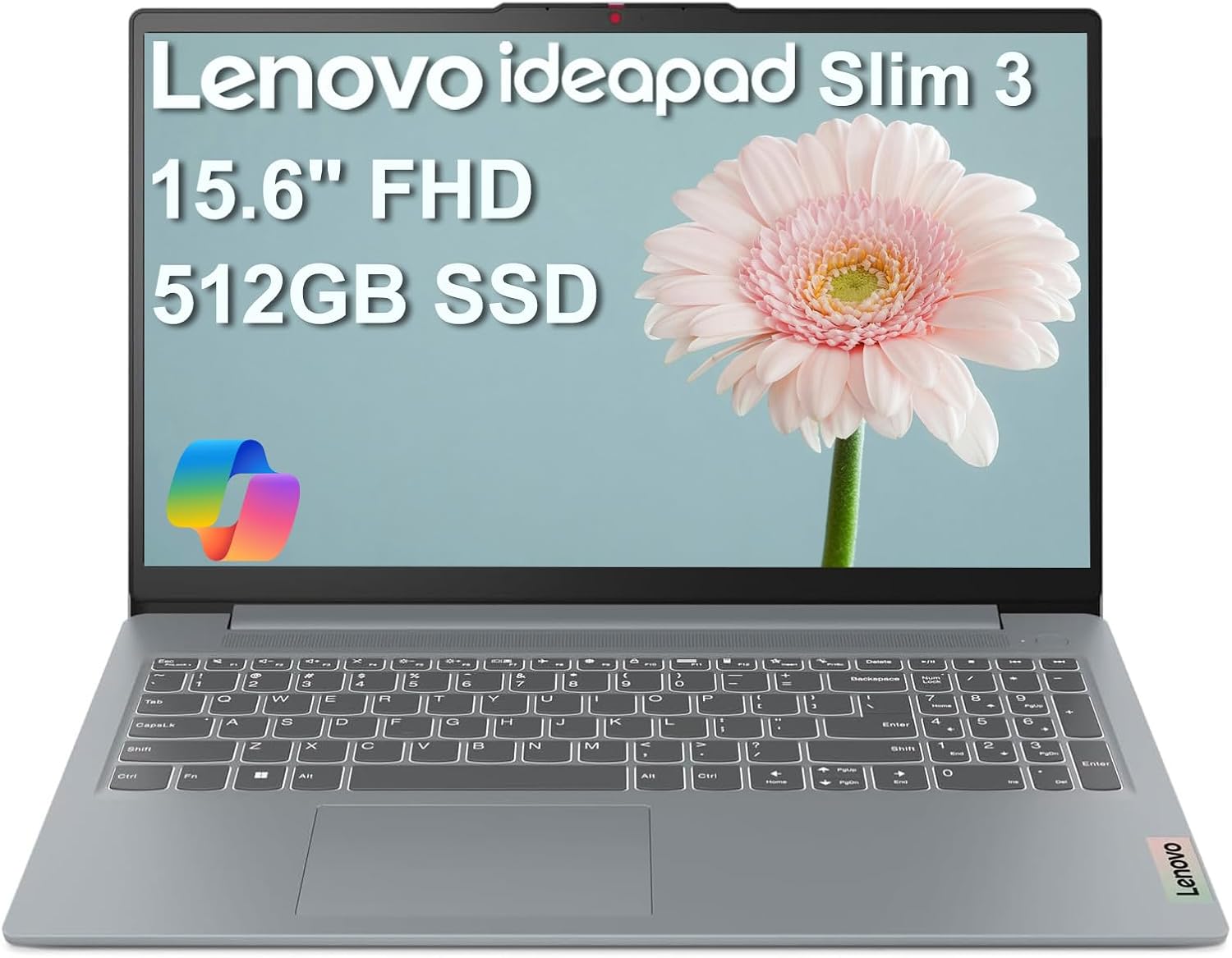
Image: The IdeaPad Slim 3i laptop, showcasing its sleek design and full display.
2. Průvodce nastavením
2.1 Vybalení a úvodní kontrola
Opatrně vyjměte všechny součásti z obalu. Zkontrolujte, zda jsou součástí balení následující položky:
- Notebook IdeaPad Slim 3
- 65W AC adaptér s napájecím kabelem
- Uživatelská příručka (tento dokument)
Zkontrolujte notebook, zda není fyzicky poškozen. Pokud zjistíte jakékoli poškození, okamžitě kontaktujte zákaznickou podporu.
2.2 Připojení napájení
Connect the 65W AC adapter to the laptop's power connector and then plug it into a wall outlet. It is recommended to fully charge the battery before initial use.
2.3 Počáteční zapnutí a nastavení operačního systému
Press the power button to turn on the laptop. Follow the on-screen instructions to complete the Windows 11 Home setup process. This includes selecting your language, region, connecting to a Wi-Fi network, and creating a user account.
2.4 Port Overview a konektivita
The IdeaPad Slim 3i offers various ports for connecting peripherals and external devices.

Image: Diagram illustrating the various ports on the left and right sides of the IdeaPad Slim 3i laptop.
| Číslo | Přístav | Popis |
|---|---|---|
| 1 | Čtečka karet | Pro čtení paměťových karet. |
| 2 | USB 3.2 Gen 1 | Standardní USB port pro připojení periferií. |
| 3 | Napájecí konektor | Zde připojte AC adaptér. |
| 4 | USB 3.2 Gen 1 | Další standardní USB port. |
| 5 | HDMI® | Connect to external displays or TVs. |
| 6 | USB-C® 3.2 Gen 1 | Versatile USB-C port for data transfer and charging. |
| 7 | Kombinovaný konektor pro sluchátka / mikrofon (3.5 mm) | Pro připojení sluchátek nebo headsetu. |
The laptop supports Wi-Fi 6 for fast wireless internet and Bluetooth 5.2 for connecting wireless accessories.
3. Ovládání notebooku
3.1 Klávesnice a touchpad
The laptop features a full-sized keyboard and a responsive touchpad for navigation. Familiarize yourself with the function keys (Fn) for quick access to settings like volume, brightness, and Wi-Fi.

Obrázek: Shora dolů view of the IdeaPad Slim 3i laptop's keyboard and touchpad layout.
3.2 Funkce displeje
The 15.6-inch Full HD (1920x1080) anti-glare display provides clear visuals and reduces reflections, enhancing your viewzkušenosti.
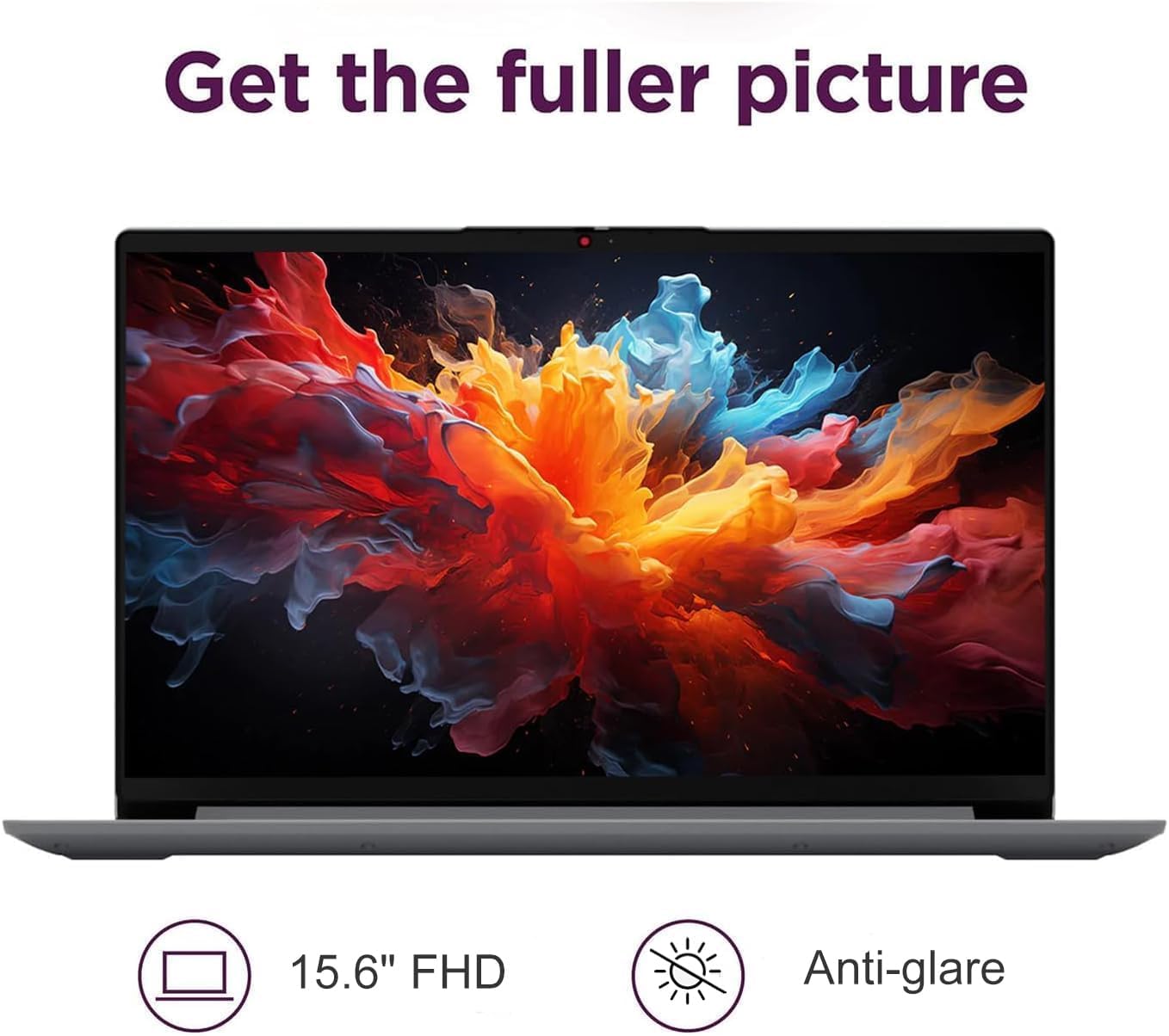
Image: The IdeaPad Slim 3i laptop display showing vibrant colors, highlighting its 15.6-inch FHD anti-glare screen.
3.3 Audio systém
Experience immersive sound with the integrated Dolby Audio speakers. Adjust volume using the dedicated function keys or through the Windows sound settings.

Image: The IdeaPad Slim 3i laptop with sound waves emanating from it, emphasizing the Dolby Audio speakers for enhanced entertainment.
3.4 Webkamera s Privacy Shutter
Integrovaný webcam includes a physical privacy shutter. Slide the shutter to cover the camera lens when not in use to ensure your privacy.
3.5 Správa baterie
The IdeaPad Slim 3i offers up to 10 hours of battery life. It also supports Rapid Charge technology, allowing for quick recharging. To optimize battery life, adjust power settings in Windows and disconnect the charger once the battery is full.

Image: The IdeaPad Slim 3i laptop with a clock graphic, indicating its super long battery life of up to 10 hours.
4. Údržba
4.1 Čištění notebooku
Použijte měkký hadřík, který nepouští vlákna dampDisplej opláchněte vodou nebo čističem obrazovek. Na klávesnici a šasi použijte suchý, měkký hadřík. Nepoužívejte agresivní chemikálie ani abrazivní materiály.
4.2 Aktualizace softwaru
Regularly check for and install Windows updates and driver updates to ensure optimal performance and security. These can be found in the Windows Settings menu.
4.3 Správa úložiště a RAM
The laptop comes with a 512GB SSD for fast storage and 8GB DDR5 RAM for efficient multitasking. Periodically review vaše nainstalované aplikace a files to free up storage space. Close unnecessary programs to optimize RAM usage.
4.4 Trvanlivost
The IdeaPad Slim 3i meets MIL-STD-810H standards, indicating a degree of durability against environmental factors. However, it is not indestructible. Avoid dropping the laptop or exposing it to extreme conditions.

Image: The IdeaPad Slim 3i laptop shown with a 'US MILITARY GRADE MIL-STD-810H' badge, indicating its durable and reliable construction.
5. Řešení problémů
This section addresses common issues you might encounter with your IdeaPad Slim 3i laptop.
5.1 Problémy s napájením
- Notebook se nezapne: Ensure the AC adapter is securely connected to both the laptop and a working power outlet. Check if the power indicator light is on. Try holding the power button for 10-15 seconds to perform a hard reset.
- Baterie se nenabíjí: Verify the power adapter is functioning correctly. Try a different outlet. If the issue persists, contact support.
5.2 Problémy se zobrazením
- Obrazovka je prázdná: Ensure the laptop is powered on. Try adjusting the screen brightness using the function keys. If an external monitor is connected, try disconnecting it.
- Blikající obrazovka: Update your graphics drivers. If the issue continues, it may indicate a hardware problem.
5.3 Problémy s připojením
- Nelze se připojit k Wi-Fi: Check if Wi-Fi is enabled (often via a function key or in Windows settings). Restart your router and the laptop. Ensure you are entering the correct Wi-Fi password.
- Zařízení Bluetooth se nespáruje: Ensure Bluetooth is enabled on both the laptop and the device. Put the Bluetooth device into pairing mode. Remove and re-add the device in Windows Bluetooth settings.
5.4 Obecné problémy s výkonem
- Pomalý výkon: Close unnecessary applications. Check for malware. Ensure Windows and drivers are up to date. Consider freeing up disk space.
- Systém zamrzá: If the system becomes unresponsive, press and hold the power button for several seconds until the laptop shuts down. Restart the laptop.
For more complex issues, refer to the online support resources or contact IST Computers customer service.
6. Technické specifikace
Below are the detailed technical specifications for the IdeaPad Slim 3i Laptop:
| Funkce | Specifikace |
|---|---|
| Název modelu | IdeaPad Slim 3i |
| Velikost stálé obrazovky | 15.6 palce |
| Maximální rozlišení obrazovky | 1920 x 1080 pixelů (FHD) |
| Procesor | Intel 8-Core i3-N305 (1.8 GHz) |
| BERAN | 8 GB DDR5 |
| Rychlost paměti | 4800 MHz |
| Pevný disk | 512 GB SSD |
| Grafický koprocesor | Grafická karta Intel UHD (integrovaná) |
| Bezdrátový typ | 802.11ax (Wi-Fi 6), Bluetooth 5.2 |
| USB porty | 2x USB 3.0, 2x USB typu C |
| Jiné porty | Card Reader, HDMI 1.4, Headphone/Mic Combo Jack |
| Operační systém | Windows 11 Home |
| Průměrná životnost baterie | 10 hodiny |
| Hmotnost položky | 4.02 libry |
| Rozměry produktu (DxŠxV) | 14.4 x 9.76 x 0.75 palce |
| Barva | Arctic Grey |
| Speciální funkce | Anti Glare Coating, Backlit Keyboard, Fingerprint Reader, Numeric Keypad, Spill Resistant |
7. Záruka a podpora
7.1 Záruka na produkt
The IdeaPad Slim 3i laptop comes with a jednoletá záruka výrobce covering defects in materials and workmanship for most components. Additionally, IST Computers provides a tříletá záruka on the RAM (Memory) and SSD (Storage) components that have been upgraded by their professional technicians.
Uschovejte si prosím doklad o koupi pro uplatnění záruky.
7.2 Zákaznická podpora
For technical assistance, troubleshooting, or warranty inquiries, please contact IST Computers customer support. Refer to the contact information provided with your purchase documentation or visit the official IST Computers webstránky pro podrobnosti o podpoře.
Můžete také navštívit IST Computers Brand Store on Amazon pro více informací.