
7687
SmartClean 2000 Robovac Ionvac User Manual
Model: 7687
Zavedení
Thank you for choosing the SmartClean 2000 Robovac Ionvac. This robotic vacuum cleaner is designed to provide efficient and convenient floor cleaning for your home. Featuring Wi-Fi connectivity, app control, and multiple cleaning modes, it simplifies your cleaning routine. Please read this manual thoroughly before operating the device to ensure proper use and maintenance.
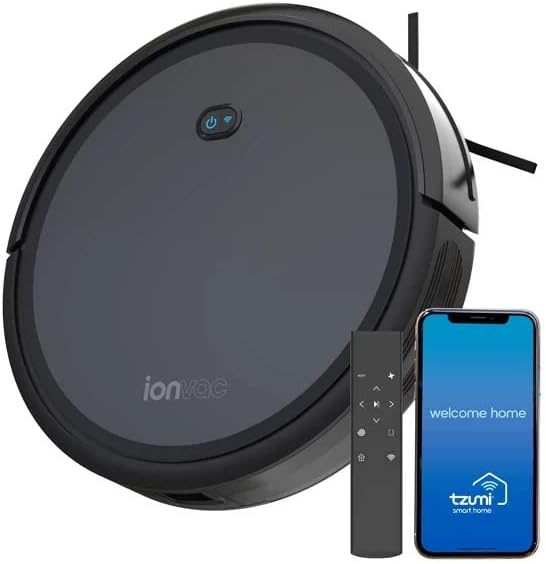
Image: The SmartClean 2000 Robovac Ionvac, a circular black robotic vacuum, is shown alongside its remote control and a smartphone displaying the companion application. This illustrates the product and its primary control methods.
Bezpečnostní informace
Abyste snížili riziko zranění nebo poškození, pečlivě si přečtěte tyto bezpečnostní pokyny a uschovejte si je pro budoucí použití.
- Tento spotřebič mohou používat děti ve věku 8 let a starší a osoby se sníženými fyzickými, smyslovými nebo duševními schopnostmi nebo nedostatkem zkušeností a znalostí, pokud jsou pod dohledem nebo jsou poučeny o používání spotřebiče bezpečným způsobem a chápou související nebezpečí. .
- Děti by měly být pod dohledem, aby bylo zajištěno, že si se spotřebičem nebudou hrát.
- Čištění a uživatelskou údržbu nesmějí provádět děti bez dozoru.
- Nepoužívejte robota v prostředí s otevřeným ohněm nebo křehkými předměty.
- Ensure the charging dock is placed on a flat, stable surface against a wall, with clear space around it.
- Do not expose the robot or its battery to water or other liquids.
- Before use, remove any loose cables, small objects, or curtains that could entangle the robot.
- The robot is designed for indoor use only.
Obsah balení
Ověřte, zda jsou v balení přítomny všechny komponenty:
- SmartClean 2000 Robovac Ionvac Unit
- Nabíjecí dok
- Napájecí adaptér
- Dálkové ovládání
- Boční kartáče (2 páry)
- Vysoce účinný filtr (předinstalovaný)
- Nástroj na čištění
- Uživatelská příručka
Nastavení
1. Umístění nabíjecí stanice
Place the charging dock on a hard, level surface against a wall. Ensure there is at least 1 meter (3 feet) of clear space to the front and 0.5 meters (1.5 feet) to each side of the charging dock to allow the robot to return easily.
2. Počáteční nabíjení
Connect the power adapter to the charging dock and plug it into a wall outlet. Place the robot onto the charging dock, ensuring the charging contacts on the robot align with those on the dock. The robot will begin charging. For first-time use, charge the robot for at least 6 hours to ensure the battery is fully conditioned.
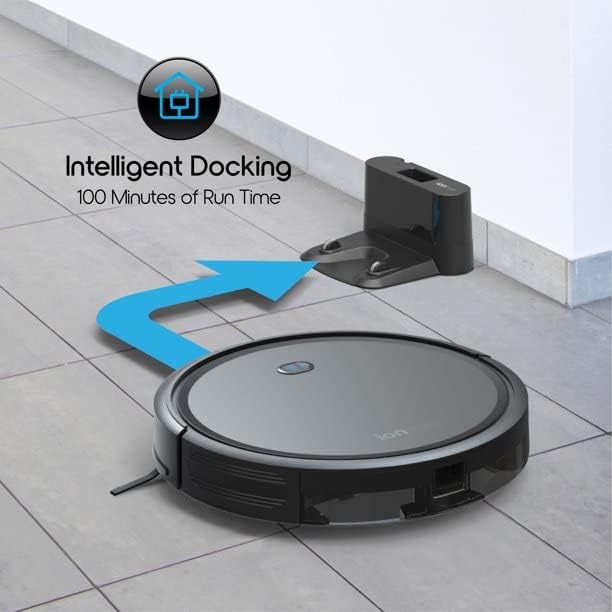
Image: The SmartClean 2000 Robovac Ionvac is shown automatically returning to its charging dock. This feature, "Intelligent Docking," allows the robot to recharge itself after cleaning or when its battery is low, providing up to 100 minutes of run time per charge.
3. Instalace aplikace a připojení k Wi-Fi
Download the "SmartClean Home" app from your smartphone's app store (iOS or Android). Follow the in-app instructions to connect your robot to your home Wi-Fi network. This will enable advanced features such as scheduling, cleaning mode selection, and remote control from your smartphone.
4. Připevnění bočních kartáčů
Flip the robot over. Align the side brushes with the square posts on the bottom of the robot and press them down until they click into place. Ensure both brushes are securely attached.

Obrázek: Pohled zhora view of the underside of the SmartClean 2000 Robovac Ionvac, highlighting key components such as charging contacts, sweeping side brushes, powerful 2000 Pa suction & roll brush, large capacity 600ml dirt bin & high efficiency filter, floor/carpet terrain wheels, and collision & cliff sensors. This diagram illustrates the robot's internal mechanisms and cleaning capabilities.
Návod k obsluze
Zapnutí/vypnutí
Press and hold the power button on the robot for 3 seconds to turn it on or off. Alternatively, use the power button on the remote control or the app.
Režimy čištění
The SmartClean 2000 Robovac Ionvac offers multiple cleaning modes to suit different needs:
- Automatické čištění: Robot se automaticky pohybuje po celé podlahové ploše a uklízí ji.
- Bodové čištění: Robot čistí specifickou oblast ve spirálovitém vzoru, ideální pro koncentrované nečistoty.
- Čištění hran: Robot čistí podél zdí a hran nábytku.
- Ruční ovládání: Use the remote control or app to direct the robot's movement.

Image: A visual representation of the four distinct cleaning modes available for the SmartClean 2000 Robovac Ionvac. These include automatic cleaning (zigzag pattern), spot cleaning (spiral pattern), edge cleaning (along walls), and manual control (directional arrows), all controllable via the included remote.
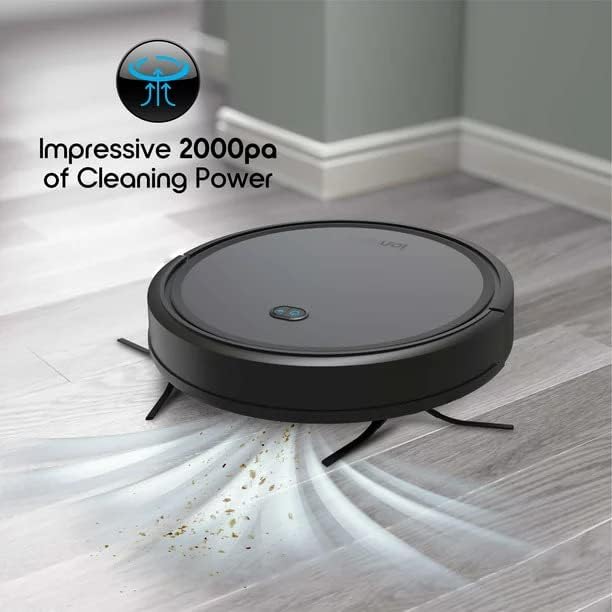
Image: The SmartClean 2000 Robovac Ionvac is depicted actively cleaning a hard floor, with visual effects indicating its "Impressive 2000pa of Cleaning Power" as it picks up debris.
Plánování
Use the SmartClean Home app to set daily or weekly cleaning schedules. The robot will automatically start cleaning at the programmed time.
Obstacle and Cliff Detection
The robot is equipped with sensors to detect obstacles and prevent falls from stairs or ledges. While highly effective, it is recommended to clear the cleaning path of excessive clutter and ensure no large drops are present without a physical barrier.
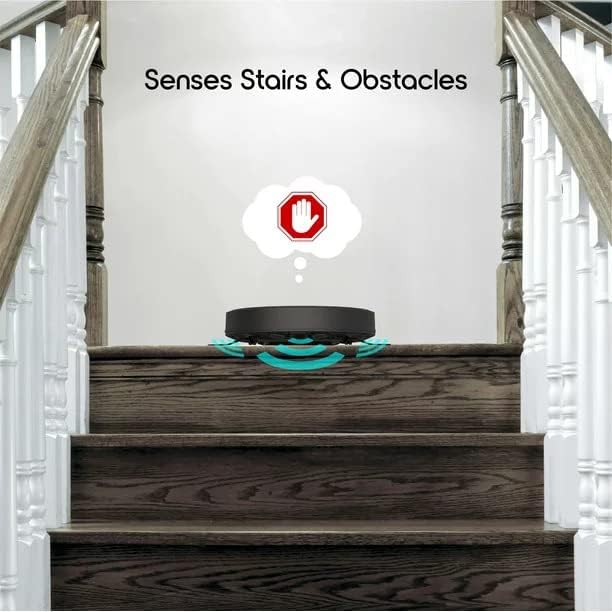
Image: The SmartClean 2000 Robovac Ionvac is shown at the top of a staircase, with visual cues indicating its ability to sense stairs and obstacles, preventing it from falling.

Image: The SmartClean 2000 Robovac Ionvac is shown transitioning smoothly from a hard floor to a carpeted area, demonstrating its "Home Terrain Floor Wheel Drive" capability, which allows it to navigate different floor types and overcome small inclines up to 15 degrees.
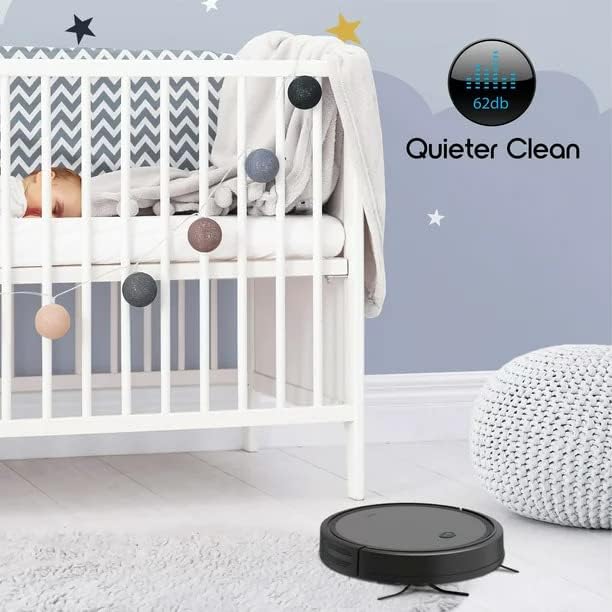
Image: The SmartClean 2000 Robovac Ionvac is shown cleaning quietly on a rug near a baby's crib, emphasizing its "Quieter Clean" operation at 62dB, suitable for use without disturbing household activities.
Údržba
Regular maintenance ensures optimal performance and extends the lifespan of your SmartClean 2000 Robovac Ionvac.
1. Vyprázdnění nádoby na prach
It is recommended to empty the 600ml dust bin after each cleaning cycle. Press the dust bin release button, pull out the bin, open its lid, and discard the debris. Close the lid and reinsert the bin until it clicks into place.
2. Čištění filtru
Remove the filter from the dust bin. Tap the filter gently to remove loose dirt. For thorough cleaning, the filter can be rinsed under running water. Ensure the filter is completely dry before reinserting it into the dust bin. Replace the filter every 3-6 months, depending on usage.
3. Čištění hlavního kartáče a bočních kartáčů
Periodically remove the main brush and side brushes. Use the provided cleaning tool to remove hair and debris tangled around the brushes. Reinstall them securely.
4. Čištění senzorů a nabíjecích kontaktů
Wipe the cliff sensors (located on the bottom of the robot) and the charging contacts (on the robot and charging dock) with a clean, dry cloth. This prevents dust buildup from affecting performance.
5. Cleaning the Wheels
Inspect the drive wheels and the universal wheel for any trapped hair or debris. Clean them as needed to ensure smooth movement.
Odstraňování problémů
| Problém | Možná příčina | Řešení |
|---|---|---|
| Robot se nezapne. | Slabá baterie; Tlačítko napájení nebylo správně stisknuto. | Umístěte robota na nabíjecí stanici; stiskněte a podržte tlačítko napájení po dobu 3 sekund. |
| Robot se nenabíjí. | Charging contacts are dirty; Power adapter not connected. | Očistěte nabíjecí kontakty na robotu a doku; Ujistěte se, že je napájecí adaptér bezpečně zapojený. |
| Robot se často zasekává. | Too many obstacles; Wheels are tangled. | Clear the cleaning area of cables, toys, etc.; Clean the drive wheels. |
| Čisticí výkon je špatný. | Dust bin full; Filter clogged; Brushes tangled. | Empty dust bin; Clean/replace filter; Clean main and side brushes. |
| Robot se nemůže připojit k Wi-Fi. | Nesprávné heslo k Wi-Fi; Router příliš daleko; Síť 5 GHz. | Ověřte heslo; Přesuňte robota blíže k routeru; Ujistěte se, že je použita síť 2.4 GHz. |
Specifikace
| Značka | Obecný |
| Název modelu | 7687 |
| Rozměry produktu (robot) | Approximately 12.76" (Diameter) x 2.86" (Height) |
| Barva | Černý |
| Hmotnost položky | 8.8 libry |
| Kapacita nádoby na prach | 600 mililitrů |
| Typ baterie | 1 lithium-iontová baterie (součástí balení) |
| Výdrž baterie (doba provozu) | Až 100 minut |
| Kontrolní metoda | Aplikace, Dálkové ovládání |
| Speciální funkce | 360-Degree Swivel, Intelligent Docking, Cliff & Collision Sensors, Quiet Operation (62dB) |
| Typ filtru | Kazeta |
| Zahrnuté komponenty | Robotic Vacuum, Charging Dock, Power Adapter, Remote Control, Side Brushes, High-Efficiency Filter, Cleaning Tool |

Obrázek: Strana view of the SmartClean 2000 Robovac Ionvac, highlighting its "Super Slim Profile" with a height of 2.86 inches and a diameter of 12.76 inches, allowing it to clean under low-lying furniture.
Záruka a podpora
For warranty information and technical support, please refer to the contact details provided on the product packaging or visit the manufacturer's official webUschovejte si účtenku jako doklad o koupi pro případ reklamace.
For common questions and troubleshooting, please refer to the troubleshooting section of this manual or the FAQ section on the manufacturer's support page.
Ask a question about this manual
Ask about setup, troubleshooting, compatibility, parts, safety, or missing instructions. Manuals+ will review the question and use this page’s manual context to help answer it.