
Andoer NDB7090303116798WD
Andoer Portable Digital Camera User Manual
Model: NDB7090303116798WD | Brand: Andoer
Zavedení
Thank you for choosing the Andoer Portable Digital Camera. This compact and lightweight camera is designed for ease of use, allowing you to capture high-quality photos and videos. Featuring a CMOS image sensor, it supports up to 1080P video resolution and 16MP (interpolation) image resolution, along with 16X digital zoom and a 2.7-inch rotatable LCD screen. It includes functions such as digital anti-shake, white balance adjustment, exposure control, and built-in speaker and microphone for a versatile shooting experience.

The Andoer Digital Camera offers a range of features including 48 Megapixel photos, 2.7K video recording, 16X powerful zoom, anti-shaking technology, self-timer options, a 2.88-inch IPS screen, 128GB extended memory support, and face detection.
Co je v krabici
Zkontrolujte prosím obsah balení, abyste se ujistili, že jsou přítomny všechny položky:
- Digitální fotoaparát
- USB kabel
- Řemínek na ruku
- Pouzdro na přenášení
- 2 x Baterie
- Uživatelská příručka
The complete package includes the digital camera, USB cable, hand strap, carry pouch, two rechargeable batteries, and the user manual.
Nastavení
1. Instalace baterie
The camera uses a BL-5C Li-ion Battery. Ensure the battery is charged before first use.
- Otevřete kryt přihrádky na baterie, který se nachází ve spodní části fotoaparátu.
- Insert the BL-5C battery into the compartment, ensuring the correct polarity.
- Bezpečně zavřete kryt bateriového prostoru.

The camera uses a 700 mAh rechargeable lithium battery. Insert it into the designated compartment at the bottom of the camera.
2. Instalace paměťové karty
The camera supports memory cards up to 32GB. A Class 10 or higher memory card is highly recommended for optimal performance.
- Locate the SD card slot, usually next to the battery compartment.
- Insert the memory card into the slot with the metal contacts facing the correct direction until it clicks into place.
- Chcete-li kartu vyjmout, jemně ji zatlačte, dokud nevyskočí.
3. Nabíjení baterie
Nabijte baterii pomocí dodaného kabelu USB.
- Připojte jeden konec USB kabelu k USB portu fotoaparátu.
- Druhý konec připojte k napájecímu adaptéru USB (není součástí balení) nebo k portu USB počítače.
- Rozsvítí se kontrolka nabíjení. Po dokončení nabíjení zhasne nebo změní barvu.
Obsluha fotoaparátu
1. Zapnutí/vypnutí
Press and hold the power button (usually marked with a circle and a vertical line) to turn the camera on or off.
2. Základní ovládací prvky
Familiarize yourself with the camera's buttons and their functions:
- Tlačítko spouště: Press halfway to focus, fully to take a photo or start/stop video recording.
- Tlačítko režimu (M): Přepíná mezi režimy foto, video a přehrávání.
- Páčka zoomu (W/T): Adjusts the digital zoom (Wide/Telephoto).
- Směrový ovladač/tlačítko OK: Prochází menu a potvrzuje výběr.
- Tlačítko nabídky: Přístup k nastavení fotoaparátu.
- Smazat tlačítko: Smaže vybrané filev režimu přehrávání.
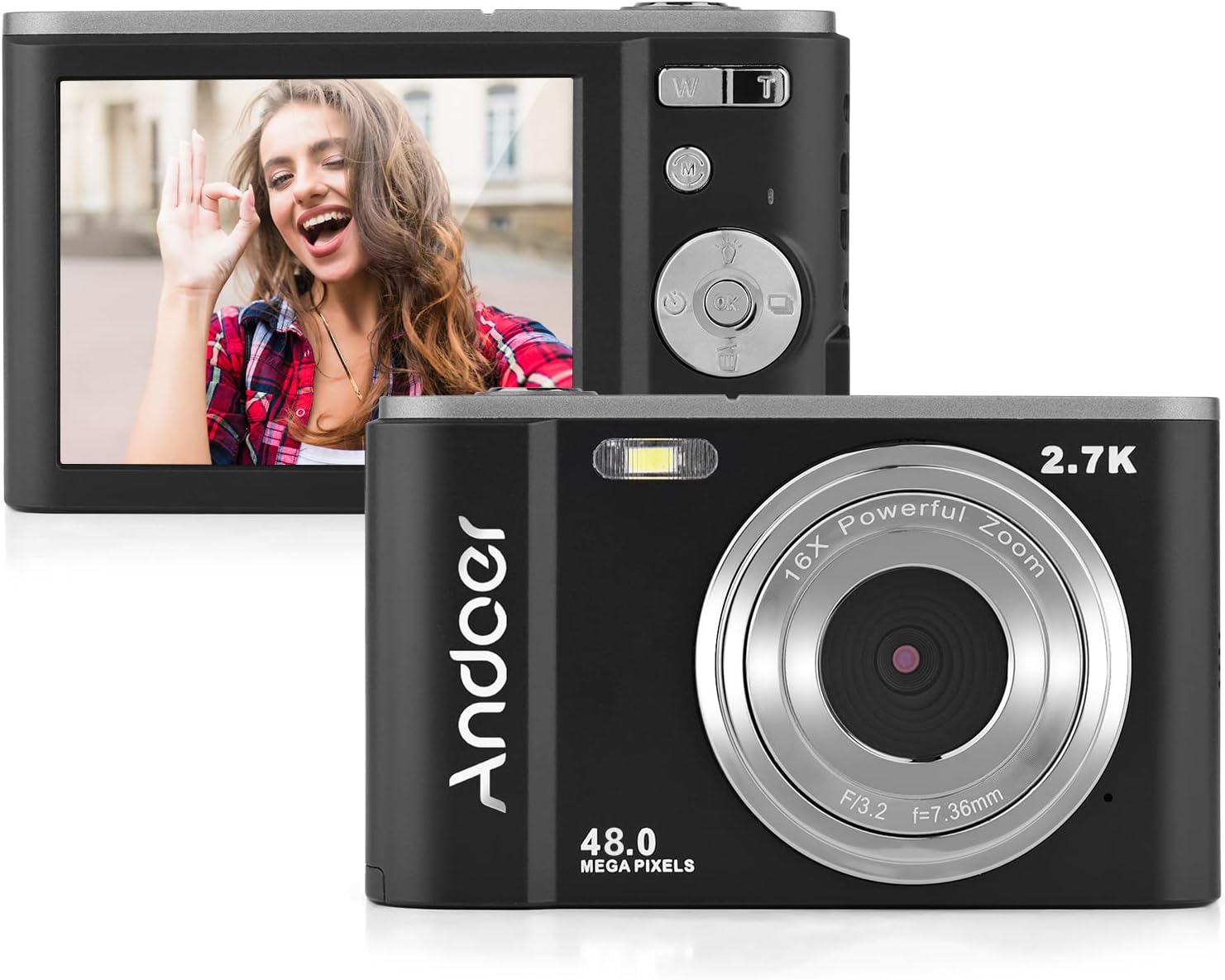
The camera features a 2.7-inch IPS screen and intuitive controls on the back for easy operation.
3. Fotografování
In photo mode, frame your shot using the LCD screen. Press the shutter button halfway to focus, then fully to capture the image. Photos are saved in JPEG format with resolutions up to 16MP (interpolation).
4. Nahrávání videí
Switch to video mode using the Mode button. Press the shutter button to start recording, and press it again to stop. Videos are saved in AVI format with resolutions including 1080P, 720P, and VGA.

The camera supports both 2.7K video recording and 48 Megapixel photo capture for high-quality media.
5. Funkce zoomu
Use the W/T lever to adjust the 16X digital zoom. 'T' (Telephoto) zooms in, and 'W' (Wide) zooms out.

The 16X powerful zoom allows for detailed close-up shots.
6. Samospoušť
Access the self-timer option in the camera's menu. Available settings include off, 2 seconds, 5 seconds, and 10 seconds.
7. Smart Detection (Face Detection, Smile Capture)
The camera features smart detection capabilities, including face detection and smile capture, to assist in taking better portraits.
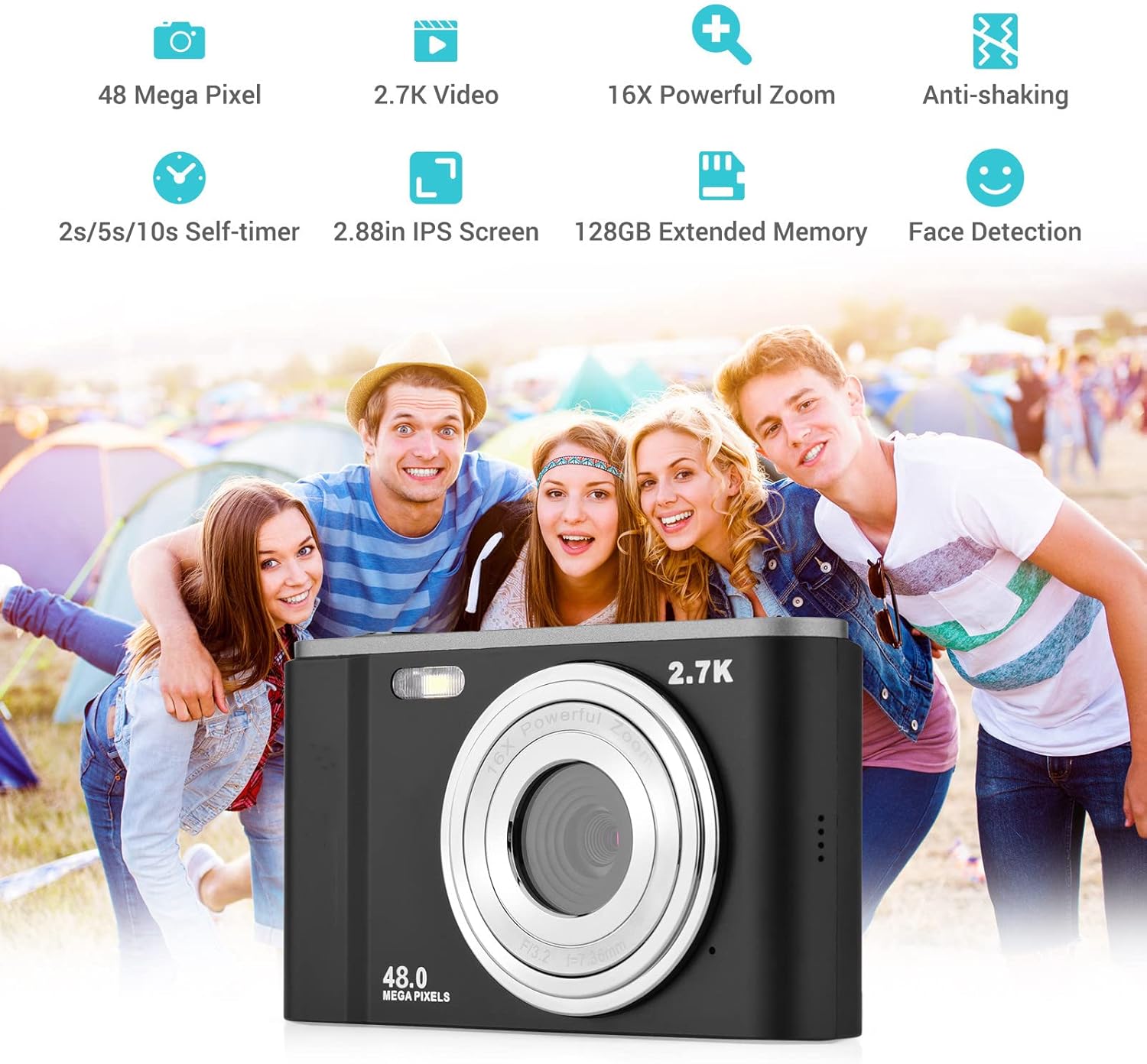
Smart detection features like face detection and smile capture enhance portrait photography.
8. Anti-Shaking
The digital anti-shake function helps reduce blur caused by camera movement, resulting in clearer images and videos.
9. Připojení k počítači
Use the provided USB cable to connect the camera to a computer for transferring photos and videos.
- Připojte fotoaparát k počítači pomocí kabelu USB.
- Fotoaparát se v počítači zobrazí jako vyměnitelná disková jednotka.
- You can then access and transfer your files.
Údržba
1. Čištění fotoaparátu
- K čištění těla fotoaparátu použijte měkký, suchý hadřík.
- For the lens, use a specialized lens cleaning cloth and solution. Avoid touching the lens with your fingers.
- Nepoužívejte drsné chemikálie ani abrazivní čisticí prostředky.
2. Péče o baterie
- Pokud baterie nepoužíváte, skladujte je na chladném a suchém místě.
- Abyste prodloužili životnost baterie, vyhněte se častému úplnému vybíjení.
- Pokud fotoaparát nebudete delší dobu používat, vyjměte baterii.
3. Skladování
- Store the camera in its carry pouch or a protective case to prevent scratches and dust accumulation.
- Keep the camera away from extreme temperatures, high humidity, and direct sunlight.
Odstraňování problémů
Pokud se s fotoaparátem setkáte s problémy, podívejte se na následující běžné problémy a jejich řešení:
| Problém | Možná příčina | Řešení |
|---|---|---|
| Fotoaparát se nezapne | Baterie je vybitá nebo nesprávně vložená. | Plně nabijte baterii. Ujistěte se, že je baterie vložena se správnou polaritou. |
| Slabá výdrž baterie | Battery degradation or frequent use of power-intensive features. | Ensure battery is fully charged. Reduce use of flash or prolonged video recording. Consider replacing the battery if it's old. |
| Obrázky jsou rozmazané | Camera shake, dirty lens, or incorrect focus. | Hold the camera steady. Clean the lens. Ensure the camera has focused before taking the shot. |
| Chyba paměťové karty | Karta není správně vložena, je nekompatibilní nebo je poškozená. | Reinsert the card. Ensure it's a compatible SD card (up to 32GB, Class 10 recommended). Try formatting the card (this will erase all data). |
Specifikace
Detailed technical specifications for the Andoer Portable Digital Camera:
| Funkce | Specifikace |
|---|---|
| Senzor | CMOS snímač |
| Max. Rozlišení obrazu | 16MP (interpolation) |
| Rozlišení videa | 1080P / 720P / VGA |
| Obrazovka | 2.7 inch LCD (rotatable) |
| Přiblížení | 16X digitální zoom |
| Ohnisková vzdálenost | 1.2m do nekonečna |
| Kapacita paměťové karty | Max. 32GB (Not included, Class 10 or above recommended) |
| Formát fotografie | JPEG |
| Formát videa | AVI |
| Vystavení | ± 2.0 EV |
| Samospoušť | Vypnuto, 2 s, 5 s, 10 s |
| USB port | USB 2.0 |
| Napájení | 1 * BL-5C Li-ion Battery |
| Rozměry produktu | 0.98 x 3.78 x 2.2 palce |
| Hmotnost položky | 3.28 unce |

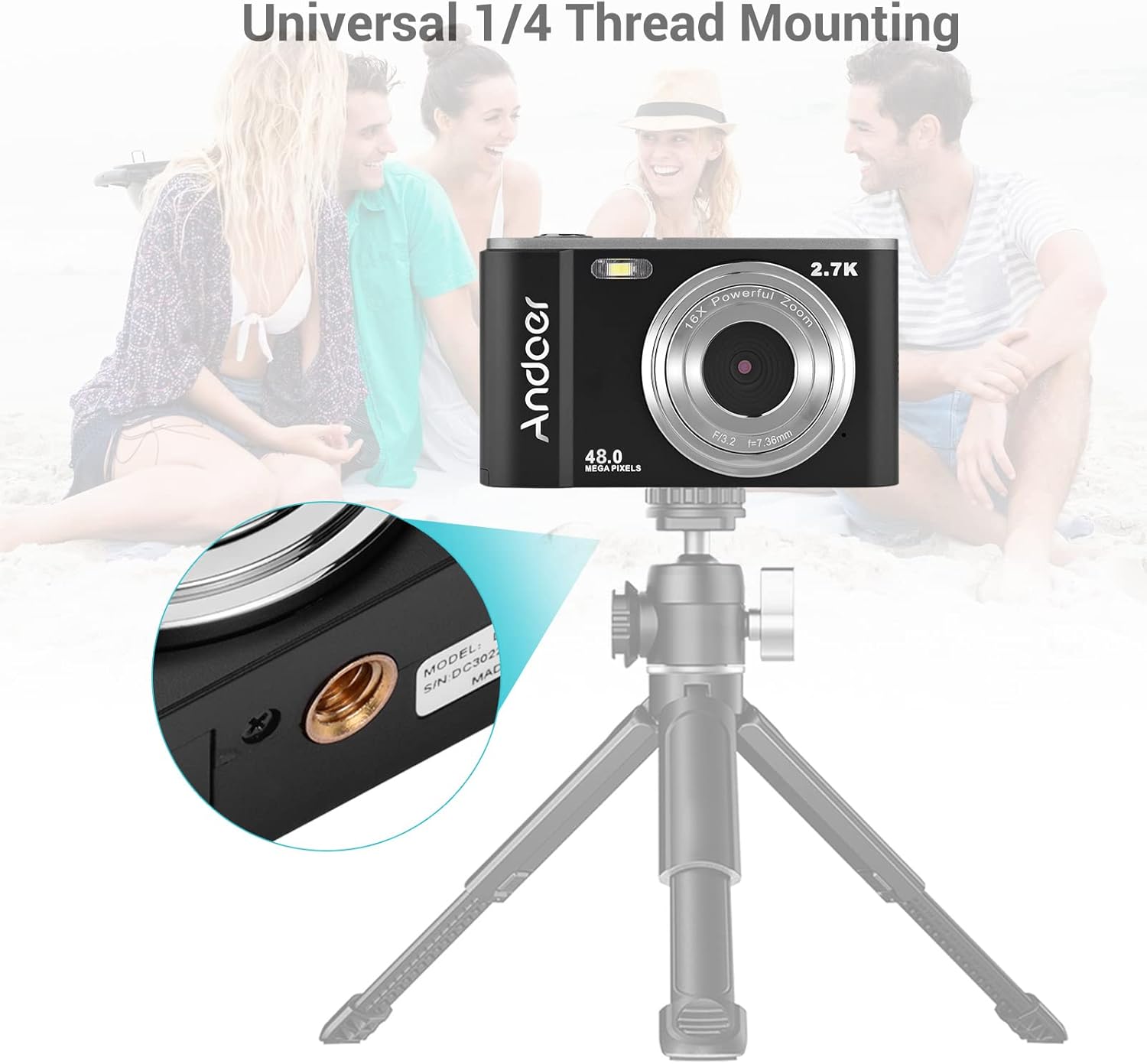
Physical dimensions of the camera for reference.
Záruka a podpora
For warranty information and customer support, please refer to the documentation provided with your purchase or contact Andoer customer service through their official webUschovejte si doklad o koupi pro případné reklamace.
Ask a question about this manual
Ask about setup, troubleshooting, compatibility, parts, safety, or missing instructions. Manuals+ will review the question and use this page’s manual context to help answer it.