
Edifier MG300
Edifier MG300 Computer Sound Bar Instruction Manual
Model: MG300
Zavedení
The Edifier MG300 Computer Sound Bar is designed to enhance your audio experience for desktop computers, gaming, and multimedia consumption. It features dual full-range drivers, a built-in microphone, RGB lighting, and versatile connectivity options including Bluetooth 5.3 and USB. This manual provides detailed instructions for setup, operation, and maintenance to ensure optimal performance.
Obsah balení
Zkontrolujte prosím obsah balení, abyste se ujistili, že jsou přítomny všechny položky:
- Edifier MG300 Computer Sound Bar
- USB kabel
- Uživatelská příručka
Konec produktuview
The Edifier MG300 is a compact sound bar designed to fit under your computer monitor, saving desktop space. It integrates audio and lighting features for an immersive experience.
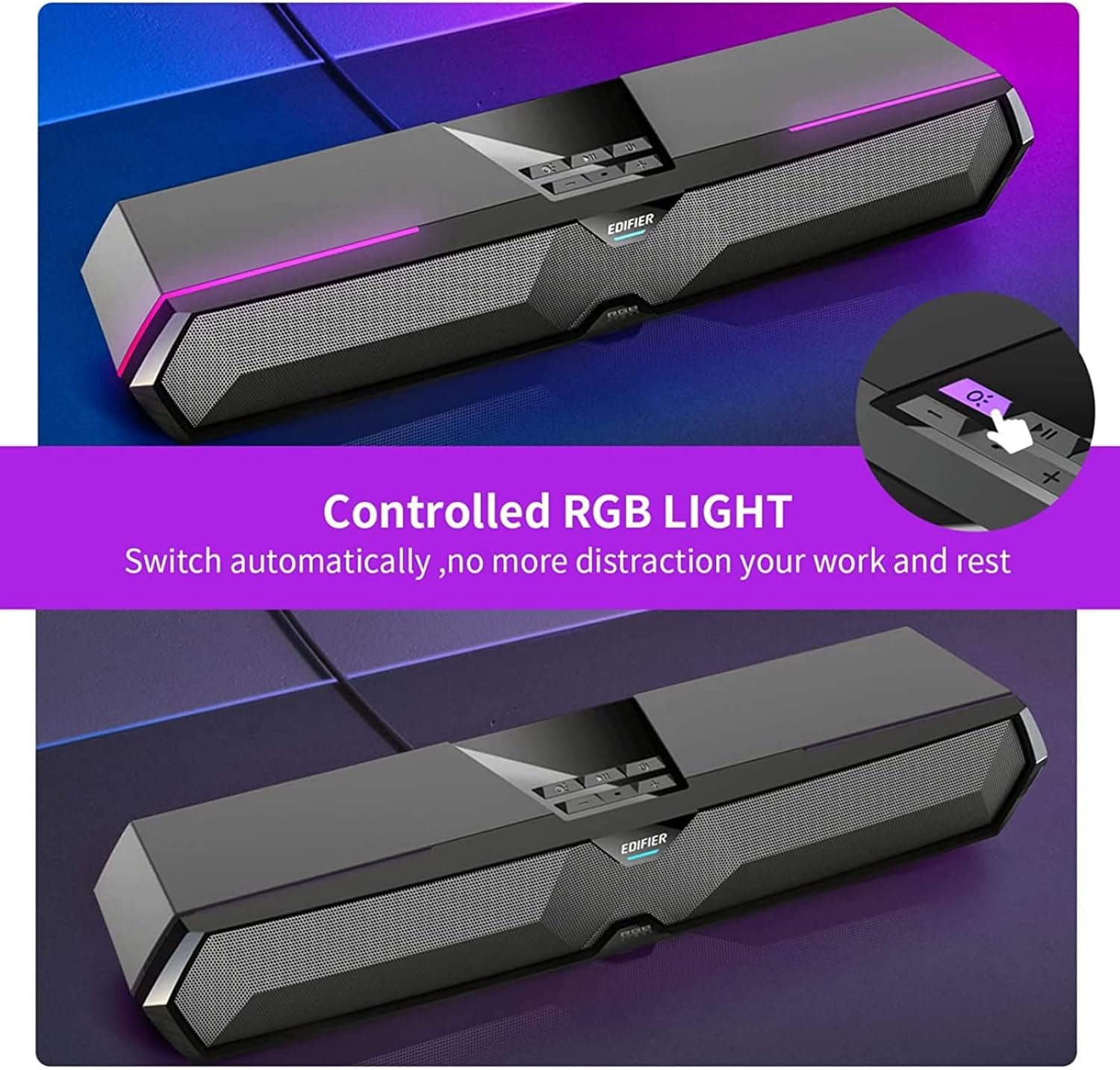
Figure 1: Edifier MG300 Sound Bar with dimensions. The sound bar measures approximately 16.5 inches in width, 5 inches in depth, and 4 inches in height.

Figure 2: The compact design of the Edifier MG300 Sound Bar allows it to be placed efficiently under a computer monitor, optimizing desktop space. The image shows the sound bar positioned beneath a monitor on a wooden stand.

Figure 3: The Edifier MG300 Sound Bar features powerful yet pure sound, delivered by dual high-quality 52mm drivers and two mica fiber diaphragms, ensuring clear and rich audio output.
Nastavení a připojení
The MG300 offers both USB and Bluetooth connectivity for versatile use with various devices.
USB Connection (for PC/Desktop)
- Insert the USB cable from the sound bar into an available USB port on your computer.
- The sound bar will automatically power on.
- Your computer should automatically install the necessary USB audio streaming driver.
- Once the driver is installed, the sound bar is ready to use.
- In your computer's sound settings, select "Speaker (EDIFIER MG300)" as the output device.
Note: In USB audio streaming mode, the speaker does not support volume sync. Adjust speaker volume and computer volume separately.
Bluetooth Connection (for Smartphones/Tablets)
- Press the input mode switch button on the sound bar to switch to Bluetooth input. The blue LED indicator will blink rapidly, indicating pairing mode.
- On your mobile device, enable Bluetooth and search for "EDIFIER MG300" in the list of available devices.
- Select "EDIFIER MG300" to connect. The blue LED will become solid once connected.
- To disconnect Bluetooth or clear pairing records, press and hold the input mode switch button.
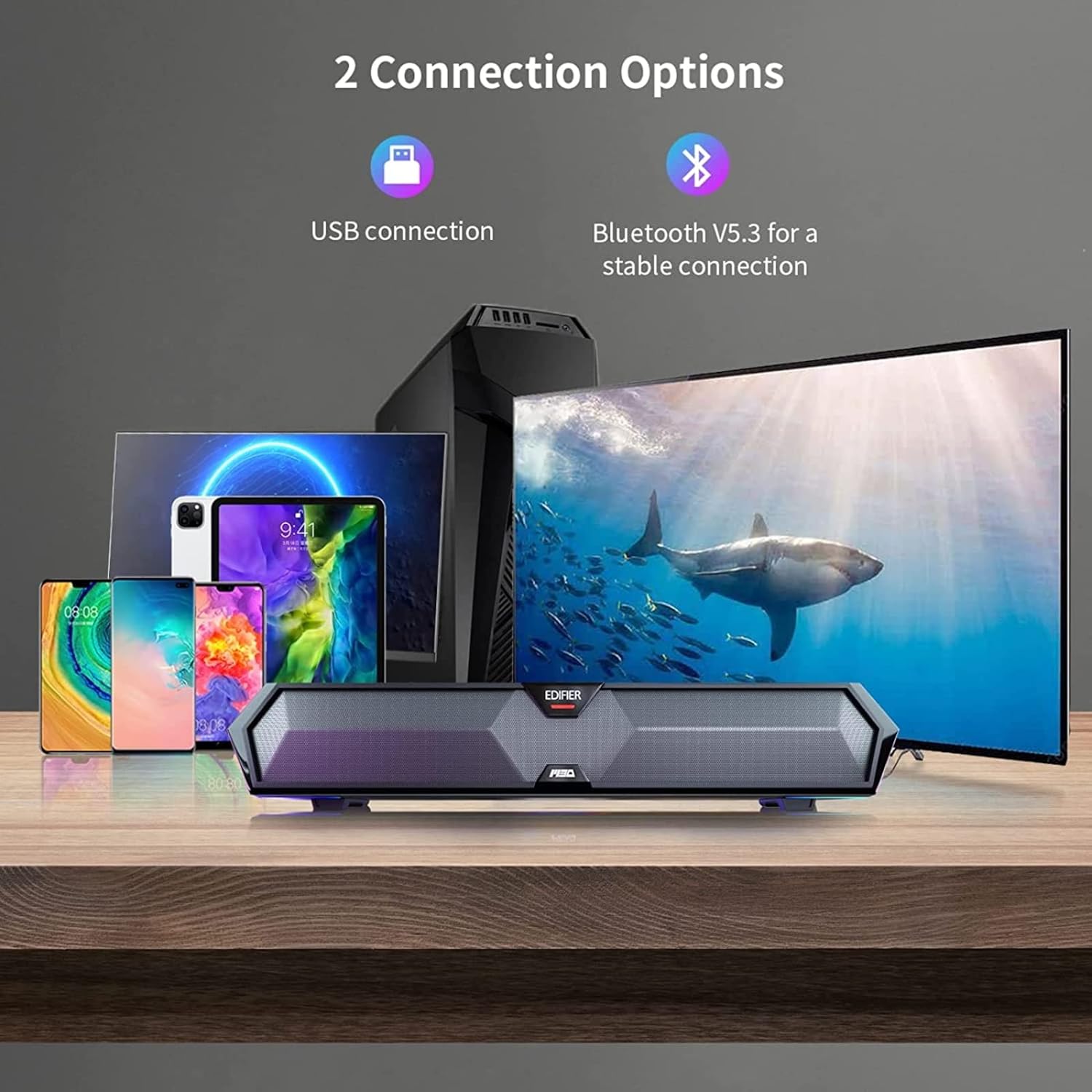
Figure 4: The Edifier MG300 Sound Bar supports two primary connection methods: USB for computers and Bluetooth 5.3 for mobile devices such as smartphones and tablets, ensuring stable and versatile audio streaming.
Návod k obsluze
Ovládací prvky
The control buttons are located on the top of the sound bar:
- Zapnutí/vypnutí: Stiskněte a podržte pro zapnutí/vypnutí.
- Přepínač vstupního režimu: Press to switch between USB (red LED) and Bluetooth (blue LED) modes. Press and hold to disconnect Bluetooth and clear pairing records.
- Přehrát/pozastavit: Stisknutím spustíte nebo pozastavíte zvuk.
- Zvýšení hlasitosti (+): Stisknutím zvýšíte hlasitost. Stisknutím a podržením přejdete na další skladbu.
- Snížit hlasitost (-): Stisknutím snížíte hlasitost. Stisknutím a podržením přejdete na předchozí skladbu.
- Přepínač světelných efektů: Press to cycle through RGB lighting effects. Press and hold to turn off light effect.
RGB světelné efekty
The sound bar features 6 RGB lighting effects to enhance your gaming or listening environment. You can cycle through these effects or turn them off as desired.
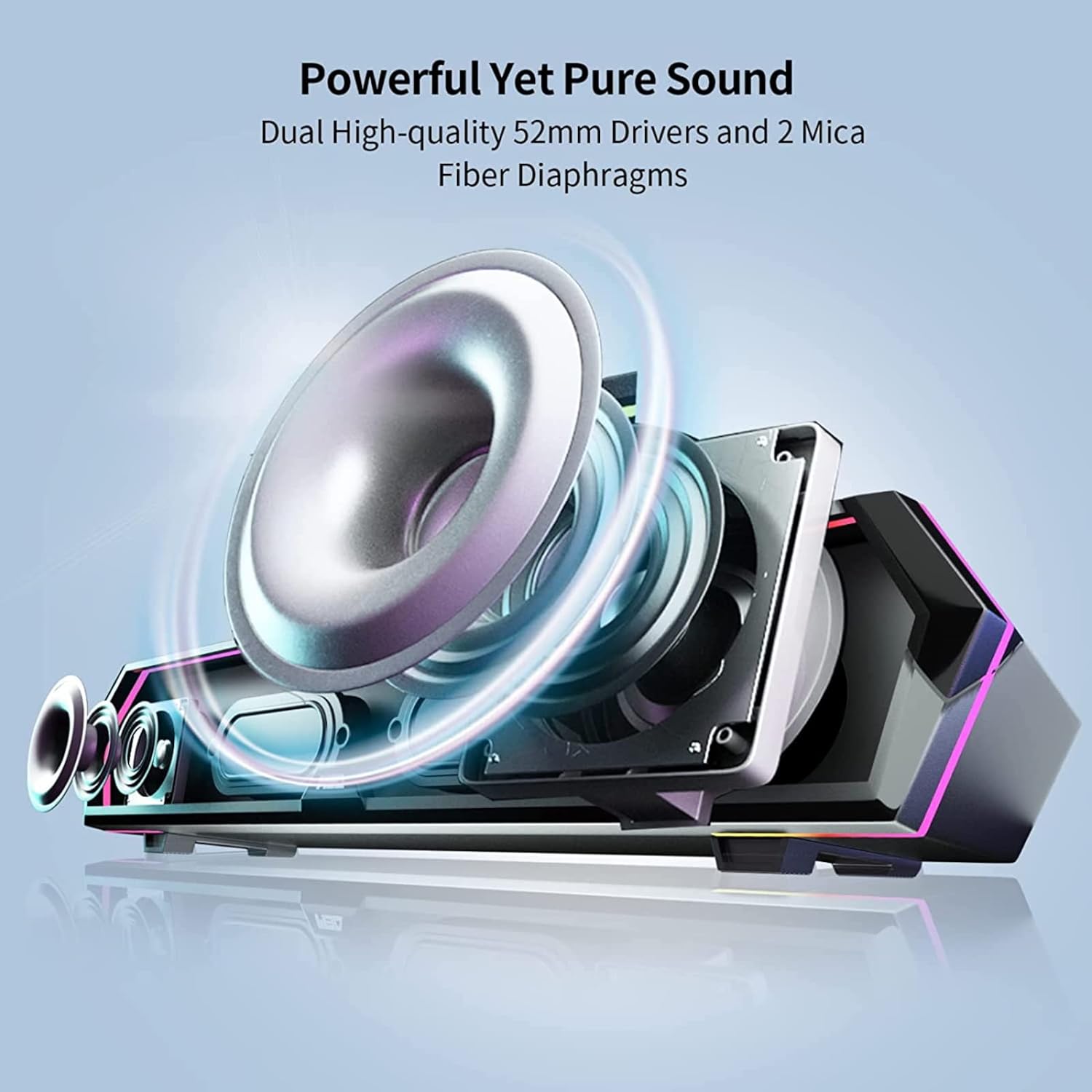
Figure 5: The Edifier MG300 Sound Bar features customizable RGB lighting. Users can switch between various lighting effects by pressing the dedicated light effect switch button located on the top panel.
Vestavěný mikrofon
The MG300 includes a cleverly hidden microphone, integrated into the top silicone protective sleeve. This design helps isolate vibration interference from the speaker, ensuring clear communication during calls or gaming sessions.

Figure 6: The Edifier MG300 Sound Bar features a hidden microphone, strategically placed to minimize interference and ensure clear voice pickup during gaming or communication. The image depicts a user in a gaming scenario, utilizing the microphone for in-game chat.
Zvukové režimy
The sound bar is equipped with optimized sound effects for different scenarios:
- Herní režim: Tuned for immersive gaming audio, highlighting environmental details and enhancing realism.
- Hudební režim: Optimized for clear and balanced audio reproduction for music listening.

Figure 7: The Edifier MG300 Sound Bar is equipped with distinct sound effects for game and music modes, professionally tuned to suit various scenarios. The image illustrates the sound bar in a gaming setup and a music listening setup.
Údržba a péče
- Keep the sound bar away from heat sources, direct sunlight, humidity, and water.
- Do not disassemble or attempt to repair the unit yourself. Contact qualified service personnel if needed.
- Clean the surface with a soft, dry cloth. Avoid using abrasive cleaners or solvents.
- Zajistěte řádné větrání kolem jednotky.
Odstraňování problémů
If you encounter any issues with your Edifier MG300 Sound Bar, please refer to the following common solutions:
| Problém | Možná příčina | Řešení |
|---|---|---|
| Žádný zvuk | Speaker is off, volume is too low, incorrect input selected, or cable not connected properly. | Ensure speaker is powered on. Increase volume. Select correct input mode (USB/Bluetooth). Check USB cable connection. Verify computer sound output settings. |
| Nelze se připojit přes Bluetooth | Bluetooth not enabled on device, speaker not in pairing mode, or device too far. | Enable Bluetooth on your device. Press input mode button to enter Bluetooth pairing mode (blue LED blinking). Ensure device is within 10 meters of the speaker. Try clearing pairing records on the speaker and re-pairing. |
| Hluk vycházející z reproduktorů | Interference from other audio devices or poor signal quality. | Move the speaker away from other electronic devices. Ensure the audio source is not generating noise. If using Bluetooth, try moving closer to the speaker. |
Specifikace
- Název modelu: MG300
- Typ reproduktoru: Soundbar
- Materiál: Plast
- Rozměry produktu: 5"H x 16.5"Š x 4"V
- Hmotnost položky: 2.55 liber (1.16 kilogramů)
- Maximální výstupní výkon reproduktoru: 5 wattů (2.5 W + 2.5 W)
- Velikost ovladače zvuku: 52 Millimeters (2 x 52mm full-frequency drivers)
- Konfigurace kanálu prostorového zvuku: 2.0
- Poměr signál-šum: 85 dB
- Technologie připojení: Bluetooth 5.3, USB
- Technologie bezdrátové komunikace: Bluetooth 5.3
- Rozsah Bluetooth: 50 stop
- Speciální funkce: Built-in Microphone, RGB Lighting
- Způsob ovládání: Dotyková tlačítka
- Zdroj napájení: Elektrický s kabelem (napájený z USB)
- Kompatibilní zařízení: Desktop, Smartphones, Tablets
Oficiální video produktu
Video 1: Oficiální produkt skončilview of the Edifier MG300 Sound Bar, showcasing its design, RGB lighting, and connectivity features. This video highlights the sound bar's capabilities in a gaming environment.
Záruka a podpora
The Edifier MG300 Sound Bar comes with a Limited Warranty. For detailed warranty information, product support, or any queries, please visit the official Edifier webnebo kontaktujte jejich zákaznický servis.
- Typ záruky: Omezený
- Online podpora: Návštěva www.edifier.com for English support.
- For specific regional support, please check the relevant country page on the Edifier webmísto.
Ask a question about this manual
Ask about setup, troubleshooting, compatibility, parts, safety, or missing instructions. Manuals+ will review the question and use this page’s manual context to help answer it.