
1. Úvod
This manual provides instructions for the setup, operation, and maintenance of your Cuifati Bilingual Chinese English Wired Computer Keyboard. This full-sized 108-key keyboard features both Chinese and English characters, a USB wired connection, and is designed for general use in home, office, and gaming environments.

Image: Cuifati Wired Computer Keyboard overview.
2. Nastavení
The Cuifati Wired Computer Keyboard is designed for simple plug-and-play functionality. No additional drivers or software are required for basic operation.
- Rozbalte klávesnici: Opatrně vyjměte klávesnici z obalu.
- Connect to your Device: Locate an available USB-A port on your computer (desktop or laptop). Insert the USB connector of the keyboard cable into the USB port.
- Rozpoznávání systému: Your operating system should automatically detect and configure the keyboard. This process may take a few moments.
- Začněte používat: Once recognized, the keyboard is ready for immediate use.

Image: Close-up of the USB-A connector for connection to a computer.
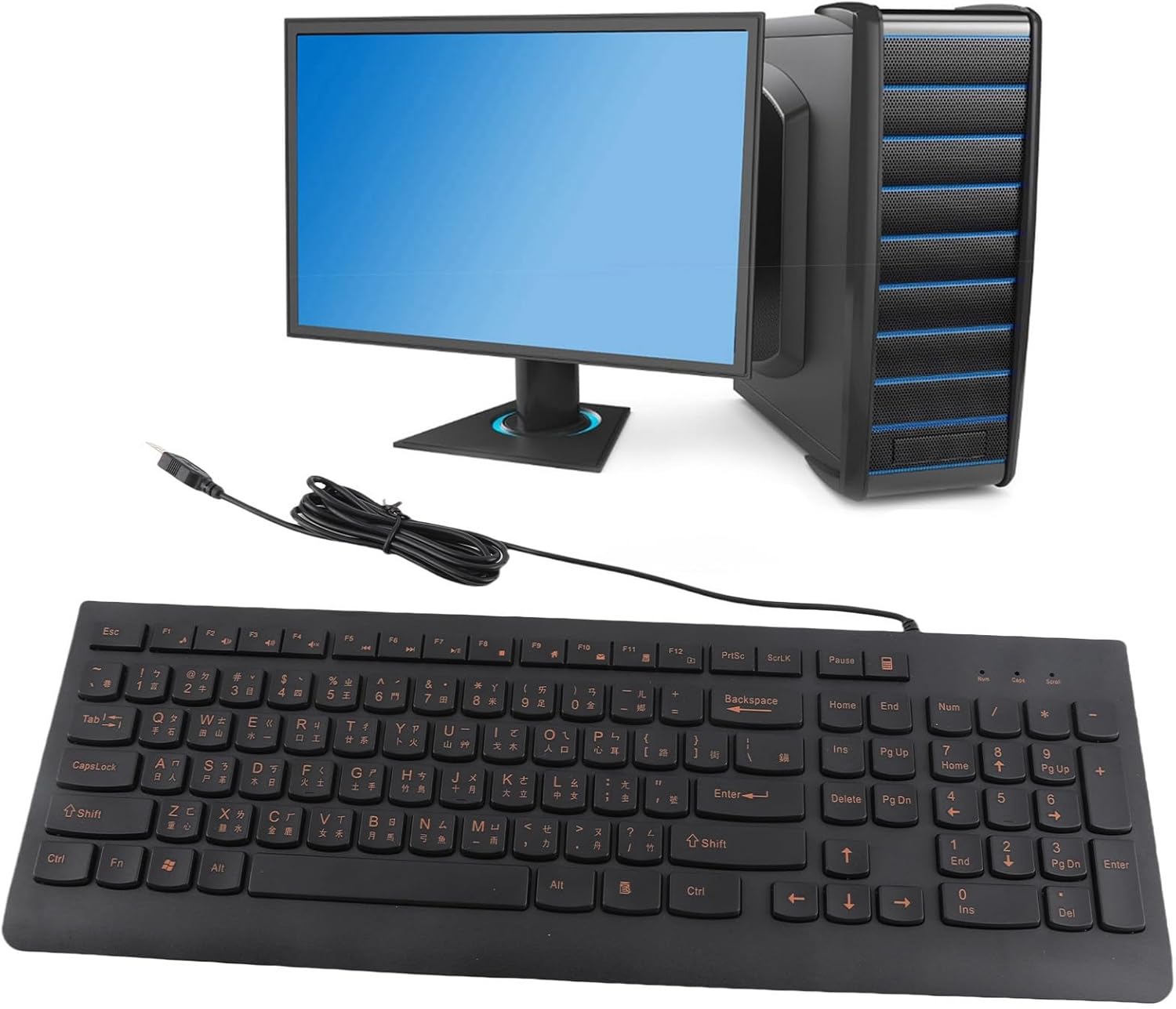
Image: The Cuifati keyboard connected to a desktop computer setup.
3. Návod k obsluze
3.1 General Typing
The keyboard features a standard 108-key layout with both English and Chinese characters printed on the keycaps. The keys are designed for silent typing and a comfortable hand feel.
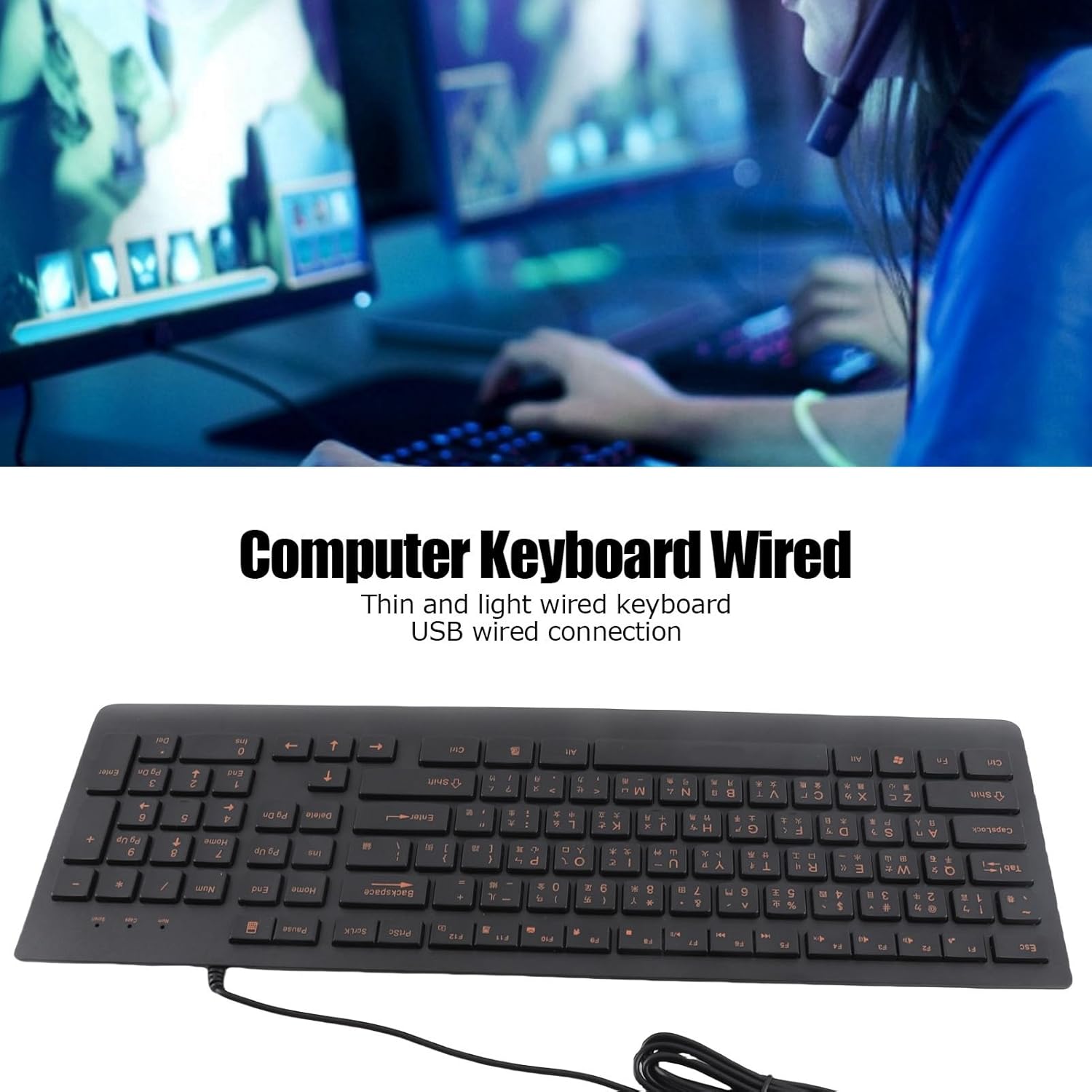
Obrázek: Nahoře view of the Cuifati Bilingual Chinese English Wired Computer Keyboard, showing the full 108-key layout with both character sets.
3.2 Multimedia Keys (Function Keys)
The keyboard includes multimedia shortcut keys (F1-F10) that can be activated by pressing the Fn key in combination with the desired function key. Some operating systems may require specific settings for these keys to function correctly.

Image: Detail of the keyboard highlighting the function keys (F1-F10) and the Fn key for multimedia shortcuts.
4. Údržba
To ensure the longevity and optimal performance of your Cuifati keyboard, follow these maintenance guidelines:
- Čištění: Disconnect the keyboard from your computer before cleaning. Use a soft, dry cloth to wipe the surface of the keyboard. For stubborn dirt, a slightly damp cloth with mild soap can be used, ensuring no liquid enters the key switches.
- Odstranění prachu: K odstranění prachu a nečistot z prostoru mezi klávesami použijte stlačený vzduch.
- Vyhněte se tekutinám: Nevylévejte tekutiny na klávesnici. V případě náhodného polití klávesnici okamžitě odpojte a nechte ji před opětovným připojením zcela vyschnout.
- Skladování: Pokud klávesnici delší dobu nepoužíváte, skladujte ji na chladném a suchém místě mimo dosah přímého slunečního záření a extrémních teplot.
The engraved keycaps are designed for durability and wear resistance, maintaining their legibility over time.
5. Řešení problémů
Pokud narazíte na problémy s klávesnicí, postupujte podle následujících běžných kroků pro řešení problémů:
| Problém | Možná příčina | Řešení |
|---|---|---|
| Klávesnice nereaguje | Volné USB připojení, vadný USB port, problém s ovladačem systému. |
|
| Klávesy se zasekávají nebo nereagují | Dirt or debris under keycaps, liquid damage. |
|
| Multimediální klávesy nefungují | Operating system settings, incorrect key combination. |
|
6. Specifikace
| Značka | Cuifati |
| Číslo modelu | CUIFATI6m0w7ogh918078 |
| Technologie připojení | USB, USB-A (kabelové) |
| Počet klíčů | 108 |
| Rozložení klávesnice | Bilingual Chinese/English, Full-Sized |
| Typ krytky kláves | Vyryto |
| Typ přepínače | Taktilní |
| Kompatibilní zařízení | Notebook, stolní počítač |
| Hmotnost položky | 1.4 libry (přibližně 0.64 kg) |
| Rozměry balení | 18.4 x 6.5 x 1.55 palce (přibližně 46.7 x 16.5 x 3.9 cm) |
| Zahrnuté komponenty | Wired computer keyboard |
7. Podpora
For any questions regarding your Cuifati Bilingual Chinese English Wired Computer Keyboard, or if you are not satisfied with the product, please contact Cuifati customer service. We are committed to providing the best possible solution and ensuring your satisfaction.
Viz dokumentace k nákupu nebo informace od prodejce. webweb pro konkrétní kontaktní informace.