
1. Úvod
This manual provides detailed instructions for the setup, operation, and maintenance of your XINMENG 60% Gaming Keyboard and Mouse Combo. Please read this manual thoroughly before use to ensure optimal performance and longevity of your product.
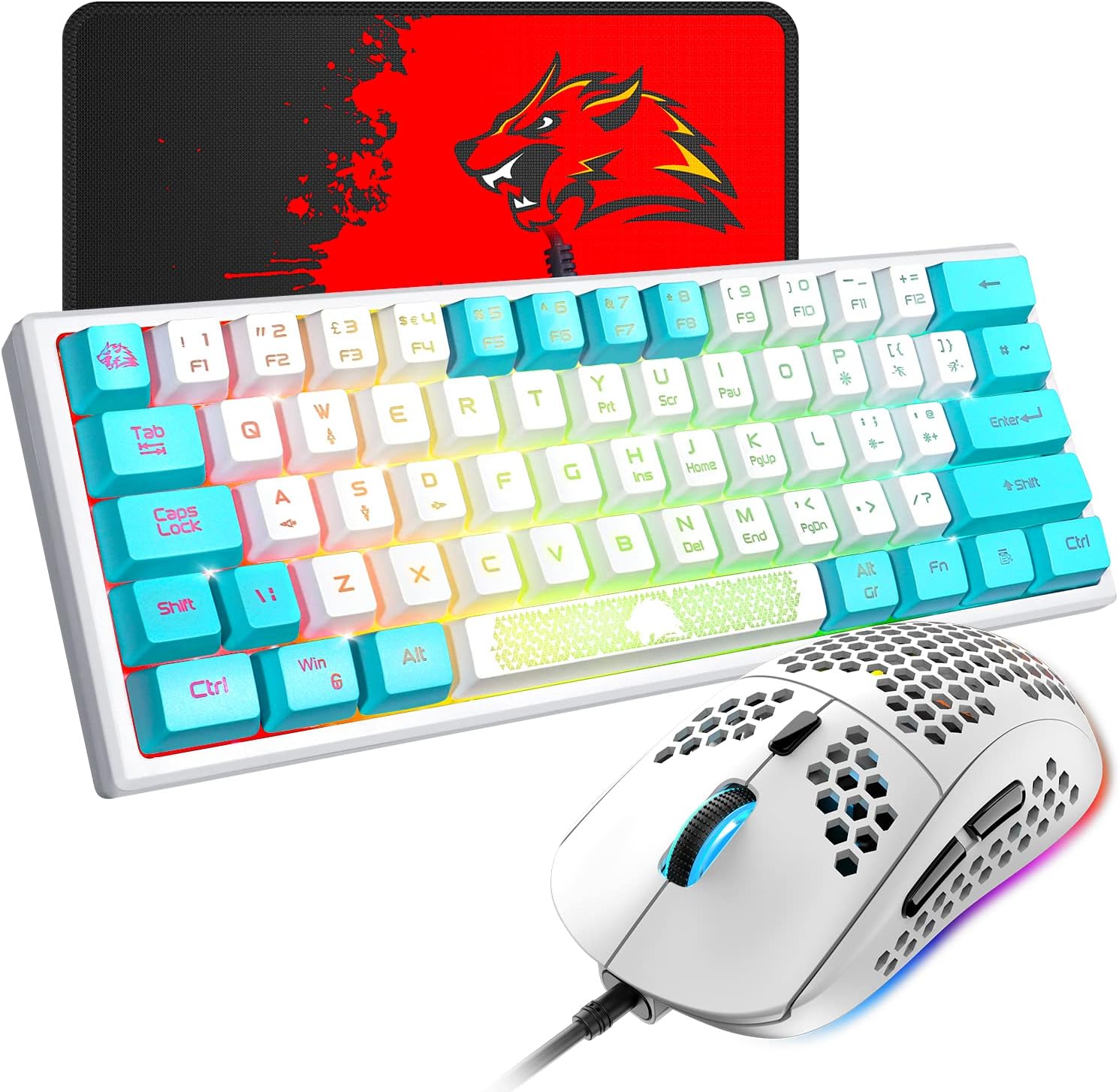
Image 1.1: The XINMENG 60% Gaming Keyboard and Mouse Combo, featuring a compact keyboard with RGB backlighting and a lightweight honeycomb optical mouse.
2. Vlastnosti produktu
- 60% Compact Layout Keyboard: Designed for space-saving, ideal for gaming setups and portability.
- RGB podsvícení: Customizable lighting effects for both keyboard and mouse, enhancing the user experience.
- Mechanical Feel Keyboard: Provides a tactile typing experience with reduced noise compared to traditional mechanical keyboards.
- Honeycomb Optical Mouse: Lightweight design (approximately 65 grams) with a perforated shell for improved heat dissipation and ergonomic comfort.
- Myš s nastavitelným DPI: Up to 6400 DPI (6 levels, editable) for precise cursor control.
- Funkční klávesy FN: The 61-key mini keyboard includes FN key combinations to access full-size 104-key keyboard functions.
- Široká kompatibilita: Compatible with Windows XP, WIN 7/8/10, and MAC OS 2.0.

Image 2.1: Diagram illustrating the compact 60% layout of the keyboard, measuring approximately 11.8 inches in width and 4.3 inches in height.

Image 2.2: The compact keyboard being placed into a backpack, demonstrating its portability for travel, office, or home use.
3. Pokyny k nastavení
- Rozbalení: Opatrně vyjměte klávesnici a myš z obalu.
- Spojení: Connect the USB cable of the keyboard to an available USB port on your computer. Connect the USB cable of the mouse to another available USB port on your computer.
- Instalace ovladače: The keyboard and mouse are plug-and-play devices. Your operating system should automatically detect and install the necessary drivers. No additional software installation is typically required.
- Počáteční test: After connection, test the keyboard by typing and the mouse by moving the cursor and clicking buttons to ensure they are functioning correctly.
4. Návod k obsluze
4.1 Funkce klávesnice

Obrázek 4.1: Příkladamples of various RGB backlight effects available on the keyboard, showcasing different color patterns.
- Ovládání RGB podsvícení: Stiskněte FN + P to cycle through different backlight effects. The keyboard offers various cool backlight effects and monochromatic light options with 5 levels of brightness.
- FN Key Combinations: The keyboard utilizes FN key combinations to access secondary functions. Refer to the keycap legends for specific functions. For exampten:
- Stiskněte FN + W to switch between W, S, A, D keys and the Up, Down, Left, Right arrow keys. Press again to toggle back.
- The ESC key and space bar may have luminous patterns or secondary functions accessible via the FN key.

Image 4.2: Diagram illustrating the FN multi-function shortcut keys, showing how FN + W toggles between WASD and arrow key functions.
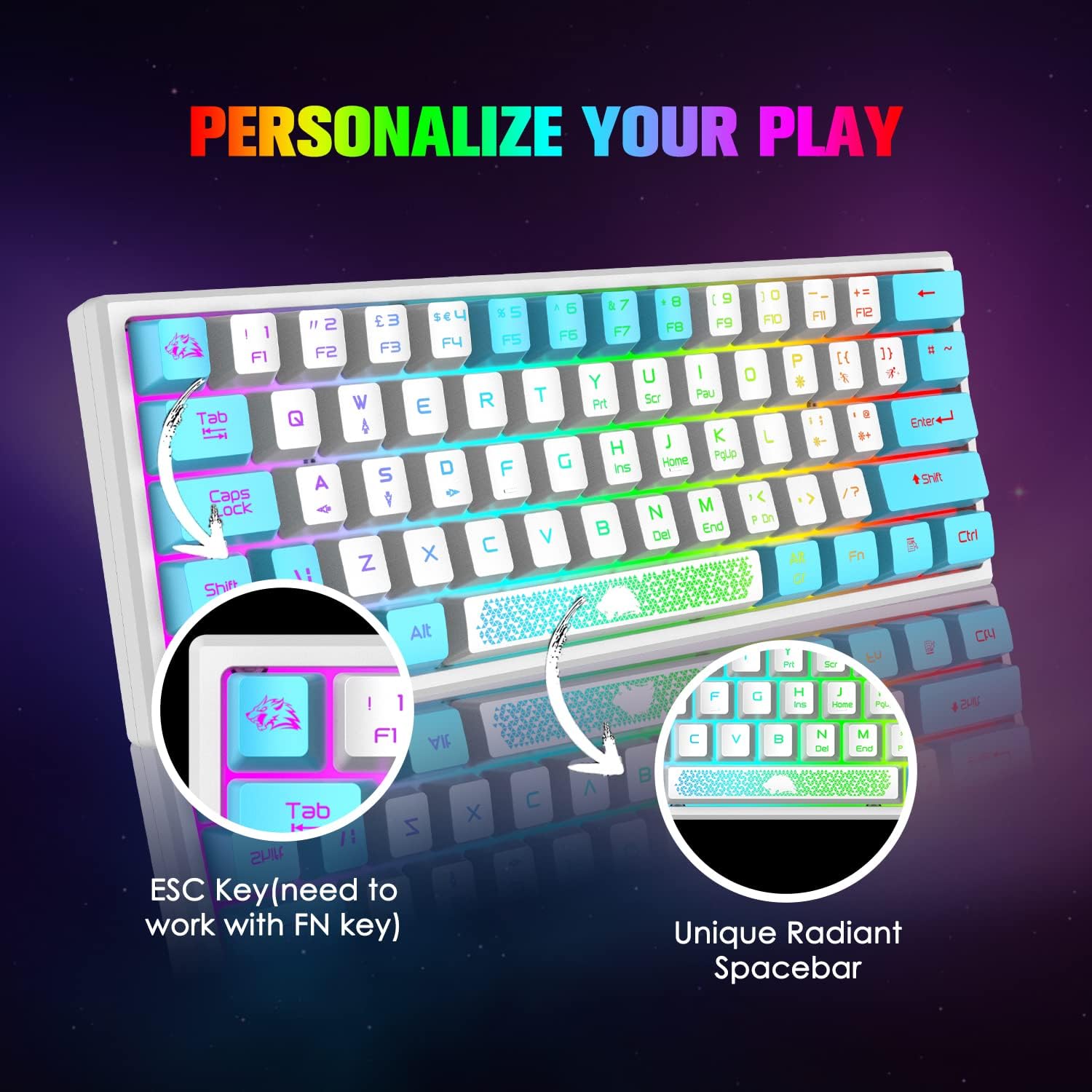
Obrázek 4.3: Detail view of the keyboard's ESC key and the unique radiant spacebar, highlighting their design and potential FN key functions.
4.2 Funkce myši

Image 4.4: Diagram of the 6-button gaming mouse, labeling the DPI button, scroll wheel, left/right buttons, and forward/backward buttons. It also shows the 7-color auto-changing breathing backlight.
- Nastavení DPI: Use the dedicated DPI button (usually located behind the scroll wheel) to cycle through different DPI settings. The mouse supports up to 6400 DPI with 6 editable levels.
- tlačítka: The mouse features 6 buttons: Left Click, Right Click, Scroll Wheel Click, DPI Button, Forward Button, and Backward Button.
- RGB podsvícení: The mouse features a 7-color auto-changing breathing backlight. This lighting effect is typically automatic and cannot be manually adjusted.

Obrázek 4.5: Boční strana view of the mouse illustrating its DPI range, from 800 to 10000, with an indicator showing the current setting around 5000 DPI.

Image 4.6: The lightweight honeycomb shell design of the mouse, highlighting its ergonomic shape and perforated structure for comfort and heat dissipation.
5. Údržba
- Čištění: K čištění povrchů klávesnice a myši používejte měkký, suchý hadřík. Pro důkladnější čištění použijte lehceamp Lze použít hadřík, abyste zajistili, že se do vnitřních součástí nedostane žádná tekutina.
- Odstranění prachu: Use compressed air to remove dust and debris from between the keycaps and from the mouse's optical sensor.
- Péče o kabely: Abyste předešli poškození, vyhněte se ostrým ohybům nebo nadměrnému tahání za USB kabely.
- Skladování: When not in use, store the combo in a clean, dry environment away from direct sunlight and extreme temperatures.
6. Řešení problémů
- Klávesnice/myš nereaguje:
- Ensure the USB cables are securely connected to your computer's USB ports.
- Zkuste zařízení připojit k různým USB portům.
- Restartujte počítač.
- Podsvícení nefunguje:
- For the keyboard, ensure the backlight is not turned off or set to the lowest brightness. Press FN + P pro cyklické přepínání režimů.
- For the mouse, the backlight is automatic. If it's not working, try reconnecting the mouse.
- Klíče se neregistrují správně:
- Clean the affected key to ensure no debris is obstructing its mechanism.
- Verify that no FN key combination is active that might alter key functions (e.g., WASD/arrow key toggle).
- Kurzor myši poskakuje nebo je nepřesný:
- Vyčistěte optický senzor myši.
- Ensure you are using the mouse on a suitable surface, preferably a mouse pad.
- Upravte nastavení DPI pomocí tlačítka DPI.
7. Specifikace
| Funkce | Detail |
|---|---|
| Značka | XINMENG |
| Model | B09TDCBSJD |
| Barva | Bílá a modrá |
| Technologie připojení | Kabel USB |
| Rozložení klávesnice | 60 % (61 klíčů) |
| podsvícení klávesnice | RGB, 5 brightness levels |
| DPI myši | Až 6400 DPI (6 nastavitelných úrovní) |
| Tlačítka myši | 6 tlačítek |
| Design myši | Lightweight Honeycomb Optical |
| Kompatibilní zařízení | Herní konzole, osobní počítač |
| Kompatibilita operačního systému | Windows XP, WIN 7/8/10, MAC OS 2.0 |
| Hmotnost položky | 2.05 pounds (approximate for combo) |
| Rozměry balení | 17.13 x 6.46 x 2.44 palce |
8. Záruka a podpora
For warranty information and customer support, please refer to the documentation included with your purchase or contact the retailer/manufacturer directly. Protection plans may be available for extended coverage; consult your purchase options for details.