
1. Úvod
This manual provides essential information for the safe and efficient operation of your SANSUI 43-inch 4K Ultra HD Certified Android LED TV, model JSW43ASUHD. Please read these instructions thoroughly before using your television and retain them for future reference.

Image: SANSUI 43-inch 4K Ultra HD Android LED TV JSW43ASUHD.
2. Co je v krabici
Opatrně vybalte krabici a ujistěte se, že jsou v ní přítomny všechny následující položky:
- 1 televizní jednotka
- 1 Dálkový ovladač
- 1 Uživatelská příručka (tento dokument)
- 1 Záruční list
- 1 na zeď
- 2 AAA baterie
- 2 základní stojany
- 4 Screws (for base stand)
- 1 Mini AV Cable
- 1 napájecí kabel
3. Nastavení
3.1 Vybalení a umístění
Vyjměte televizor a veškeré příslušenství z obalu. Umístěte televizor na stabilní, rovný povrch nebo jej připravte k montáži na zeď. Zajistěte dostatečné větrání kolem televizoru.
3.2 Instalace stojanu
If using the included base stands:
- Televizor opatrně položte obrazovkou dolů na měkký, čistý povrch, abyste zabránili poškrábání.
- Zarovnejte každý podstavec s odpovídajícími otvory na spodní straně televizoru.
- Každý stojan zajistěte pomocí dodaných šroubů. Ujistěte se, že jsou pevně utaženy.
- Opatrně zvedněte televizor do svislé polohy na stabilním povrchu.

Image: SANSUI TV with base stands installed.
3.3 Montáž na stěnu
Your SANSUI TV supports VESA wall mounting with a standard of 200 x 200 mm. Follow the instructions provided with your wall mount kit. Ensure the wall mount is securely fastened to a suitable wall structure and can support the weight of the TV (approximately 6.75 kg).
3.4 Připojení periferních zařízení
Připojte externí zařízení k příslušným portům na zadním panelu televizoru.
- HDMI porty (3): Connect Blu-ray players, gaming consoles, set-top boxes, etc.
- USB porty (2): Connect USB drives for media playback or other USB devices.
- Zvukový konektor 3.5mm: Connect headphones or external audio systems.
- RJ45 (Ethernet): Pro kabelové připojení k internetu.
- Anténní vstup: Connect your terrestrial or cable antenna.

Image: Rear panel connectivity ports.
3.5 Zapnutí
After connecting all necessary cables, plug the power cord into a wall outlet. Press the power button on the remote control or on the TV to turn it on. Follow the on-screen instructions for initial setup, including network connection and Google account login.
4. Ovládání vašeho televizoru
4.1 Funkce chytré televize (Android 10.0)
Your SANSUI TV runs on Android 10.0, offering a smart and intuitive user experience. Key features include:
- Google Assistant & Alexa Enabled Support: Use voice commands for navigation, content search, and smart home control.
- Vestavěný Chromecast: Easily cast content from your smartphone or tablet to the TV screen.
- Podporované aplikace: Access popular streaming services like Prime Video, Netflix, Disney+ Hotstar, YouTube, and Google Play Store.
- Výkon: Powered by a CA53 Quad Core Processor with 2GB RAM and 8GB ROM for smooth operation.
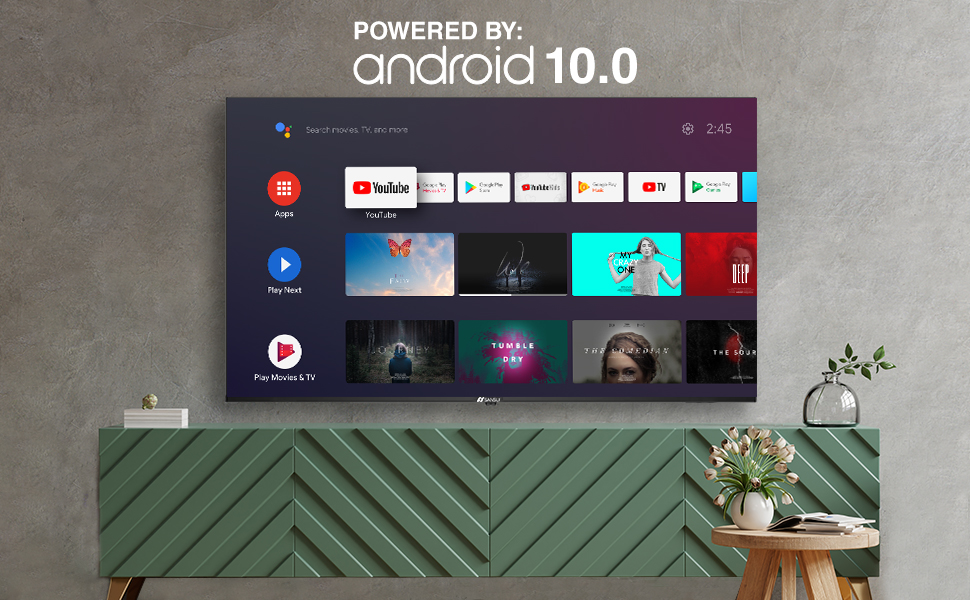
Image: Android 10.0 Smart TV interface.
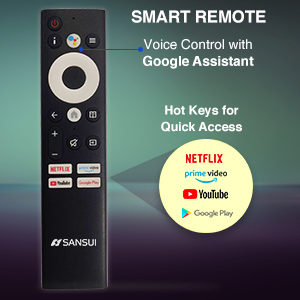
Image: Built-in Chromecast functionality.
4.2 Dálkové ovládání
The included remote control features voice search capabilities with Google Assistant and dedicated hotkeys for quick access to popular streaming services.
- Hlasové ovládání: Press the microphone button and speak your commands.
- Klávesové zkratky: Direct access buttons for Netflix, Prime Video, YouTube, and Google Play.

Image: SANSUI Smart Remote Control.

Image: Smart Remote features.
4.3 Konektivita
Televizor nabízí široké možnosti připojení:
- Wi-Fi: Connect to your home wireless network for internet access.
- Bluetooth: Pair with compatible wireless headphones, speakers, or other Bluetooth devices.
- Ethernet (RJ45): For a stable wired internet connection.
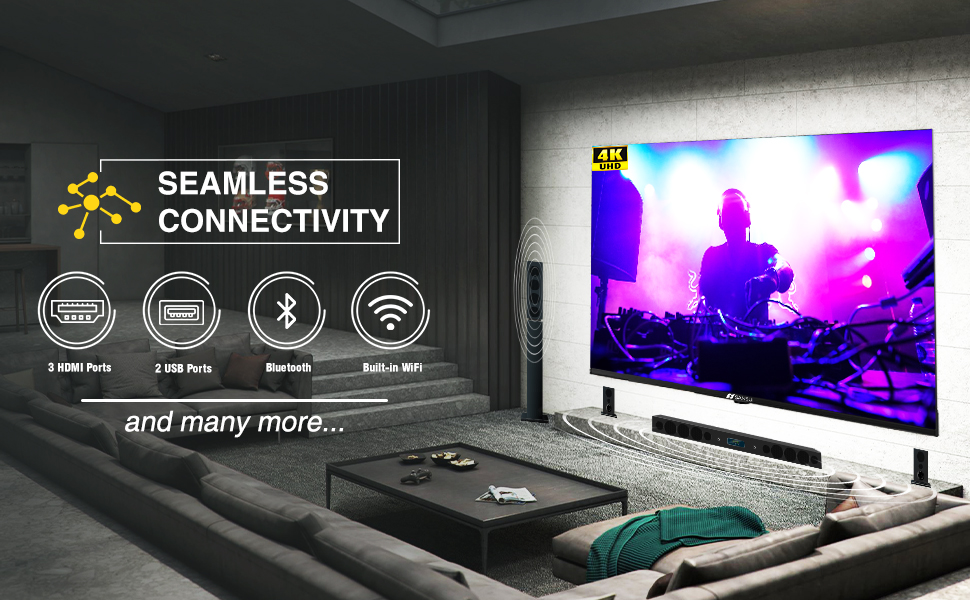
Image: Seamless connectivity options.
5. Funkce displeje a zvuku
5.1 Kvalita zobrazení
Experience stunning visuals with your SANSUI 4K UHD Android TV:
- 4K UHD (3840x2160) Resolution: Delivers sharp, detailed images.
- HDR 10: Enhances contrast and color accuracy for a more dynamic picture.
- Široký barevný gamut: Produces a broader range of vibrant colors.
- Design bez rámečku: Maximizes screen space for an immersive viewzkušenosti.
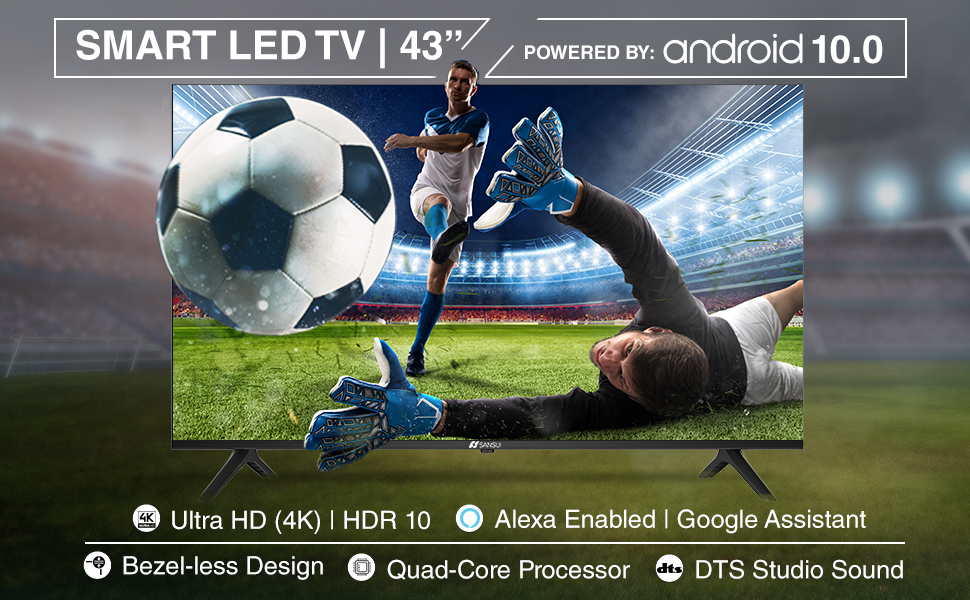
Image: Incredible visual possibilities with 4K UHD.
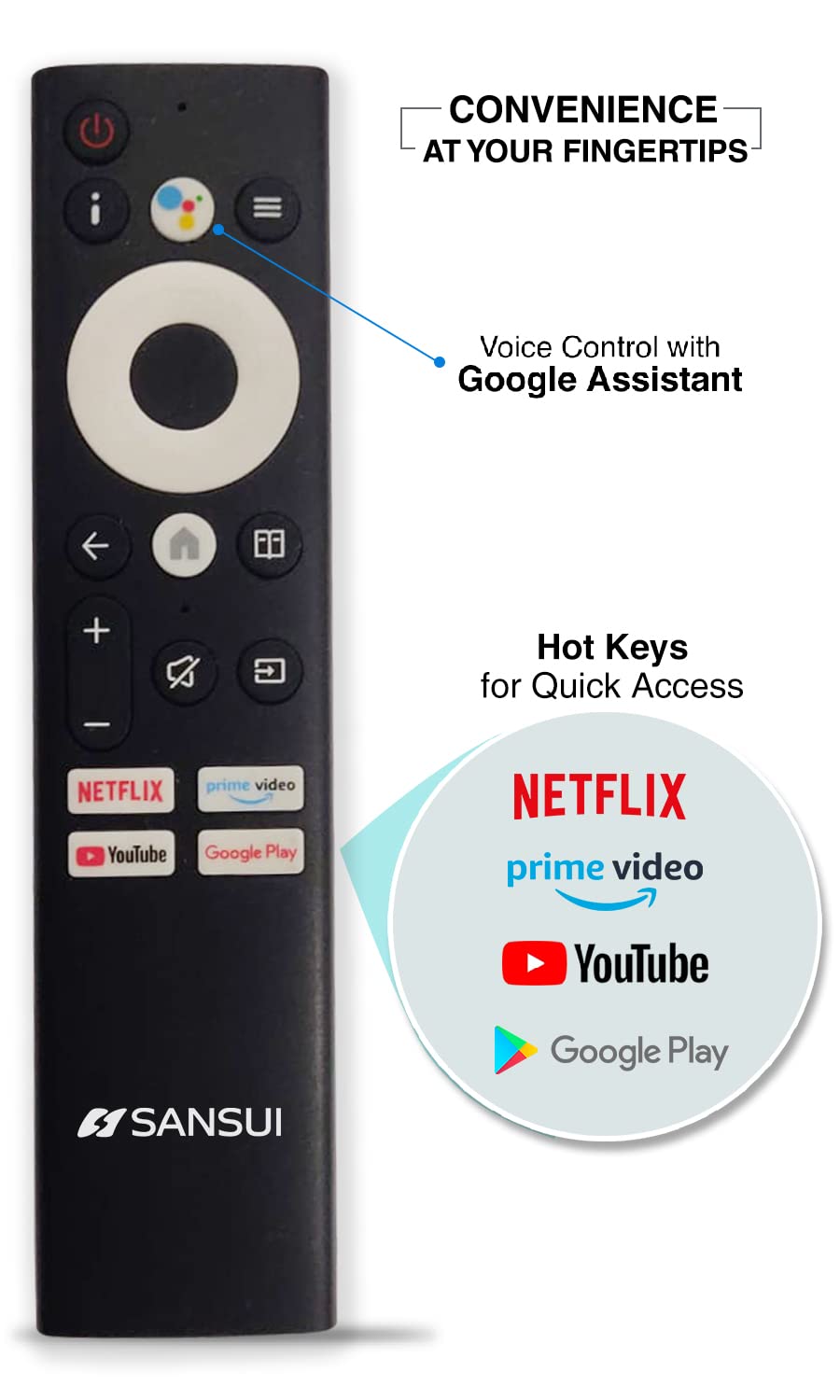
Image: Bezel-less design for an expansive view.
5.2 Kvalita zvuku
The TV features:
- 20W Audio Output: Provides clear and powerful sound.
- Dolby Audio & DTS Studio Sound: Enhances audio quality for an immersive listening experience.
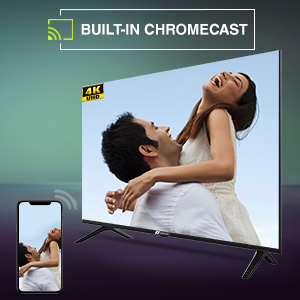
Image: Incredible audio features.
6. Údržba
6.1 Čištění obrazovky
Obrazovku jemně otřete měkkým hadříkem, který nepouští vlákna. V případě odolných skvrn ji lehce otřete.amphadřík vodou nebo specializovaným čističem obrazovek. Ne Nepoužívejte agresivní chemikálie, abrazivní čisticí prostředky ani nestříkejte tekutiny přímo na obrazovku.
6.2 Obecná péče
- Uchovávejte televizor mimo dosah přímého slunečního záření, zdrojů tepla a nadměrného prachu.
- Zajistěte správné větrání kolem televizoru, abyste zabránili přehřátí.
- Během bouřek nebo pokud nebudete televizor delší dobu používat, odpojte jej ze zásuvky.
7. Řešení problémů
Pokud narazíte na problémy s televizorem, podívejte se na následující běžná řešení:
| Problém | Možné řešení |
|---|---|
| Žádná síla | Check if the power cord is securely plugged into the TV and the wall outlet. Ensure the outlet is functional. Try pressing the power button on the TV itself. |
| Žádný obraz, ale zvuk je přítomný | Zkontrolujte vstupní zdroj. Ujistěte se, že jsou externí zařízení zapnutá a správně připojená. Zkuste restartovat televizor. |
| Žádný zvuk, ale obraz je přítomen | Zkontrolujte úroveň hlasitosti a ujistěte se, že televizor není ztlumený. V případě potřeby ověřte nastavení zvuku a připojení externích reproduktorů. |
| Dálkové ovládání nefunguje | Ensure the AAA batteries are correctly inserted and not depleted. Point the remote directly at the TV's IR sensor. Remove any obstructions. |
| Nelze se připojit k Wi-Fi | Check if your Wi-Fi router is on and functioning. Re-enter the Wi-Fi password. Try restarting both the TV and the router. |
Pokud problém přetrvává i po vyzkoušení těchto řešení, kontaktujte zákaznickou podporu SANSUI.
8. Technické specifikace
Below are the detailed technical specifications for the SANSUI JSW43ASUHD TV:

Image: TV dimensions.
| Funkce | Specifikace |
|---|---|
| Velikost obrazovky | 43 palce (109 cm) |
| Technologie displeje | LED |
| Rezoluce | 4K UHD (3840x2160) |
| Obnovovací frekvence | 60 Hz |
| Operační systém | Android 10.0 (certifikováno společností Google) |
| Procesor | Čtyřjádrový CA53 |
| BERAN | 2 GB |
| ROM (úložiště) | 8 GB |
| Podporovaný formát HDR | HDR10 |
| Viewúhel | 178 stupňů |
| Zvukový výstup | 20 W |
| Audio technologie | Dolby Audio, DTS Studio Sound |
| HDMI porty | 3 |
| USB porty | 2 |
| Konektivita | Bluetooth, Wi-Fi, Ethernet (RJ45) |
| Typ montáže | Wall Mount & Table Top |
| Standardní držák VESA | 200 x 200 mm |
| Hmotnost položky | 6750 gramů |
| Modelový rok | 2022 |
9. Záruka a podpora
9.1 Informace o záruce
Your SANSUI TV comes with a 1letá komplexní záruka a additional 1-year warranty on the panel, poskytované značkou od data nákupu.
9.2 Zákaznická podpora
For warranty support or any technical assistance, please contact SANSUI customer service:
- Toll-Free No.: 1800-419-3777
- E-mail: sansuicare@jainaindia.com
- Importer Contact: Jaina India Pvt Ltd., D170, Okhla Industrial Area, Phase-1, New Delhi-110020 INDIA
10. Důležité poznámky
No official product videos with 'Seller' as creator type were available for embedding in this manual.