
Zavedení
This manual provides comprehensive instructions for the Lexar Professional USB 3.2 Type-C Dual-Slot Reader (Model: LRW470U-RNHNU). It covers product overview, setup, operation, maintenance, troubleshooting, and technical specifications. Please read this manual thoroughly before using the device to ensure proper functionality and longevity.
Konec produktuview
The Lexar Professional USB 3.2 Type-C Dual-Slot Reader is designed to facilitate fast data transfer from SD and microSD UHS-II memory cards to your computer. It features a compact design and a USB-C connector for broad compatibility.
Klíčové vlastnosti
- Vysokorychlostní přenos dat: Achieves read speeds up to 312MB/s for efficient workflow.
- Dual-Slot Design: Supports both SD and microSD UHS-II cards simultaneously.
- USB 3.2 Gen1 Type-C Connectivity: Ensures compatibility with modern USB-C equipped computers.
- Zpětná kompatibilita: Fully compatible with UHS-I cards (up to 170MB/s) and USB 2.0/3.1 ports.
- LED Activity Light: Indicates data transfer status.
Obsah balení
- Lexar Professional USB 3.2 Type-C Dual-Slot Reader (LRW470U-RNHNU)
- Uživatelská příručka (tento dokument)

Image: The Lexar Professional USB 3.2 Type-C Dual-Slot Reader, showcasing its compact design and USB-C connector.

Image: Lexar Quality Labs logo with text indicating rigorous testing for performance, quality, compatibility, and reliability.
Nastavení
- Připojení čtečky: Plug the USB-C connector of the Lexar Dual-Slot Reader into an available USB-C port on your computer. The reader is designed for plug-and-play functionality and does not require additional drivers for most operating systems (Mac OS X 10.8+, Windows 10/8/7/Vista/XP).
- Vložte paměťovou kartu:
- For SD cards, insert the card into the larger slot labeled "SD" until it clicks into place.
- For microSD cards, insert the card into the smaller slot labeled "microSD" until it clicks into place.
Note: Ensure the card is inserted in the correct orientation to avoid damage.
- Ověřit připojení: The LED activity light on the reader will illuminate when connected and flash during data transfer, indicating active operation.

Image: The Lexar Dual-Slot Reader connected to a laptop's USB-C port, demonstrating its plug-and-play setup.
Návod k obsluze
- Přístup k datům: Once a memory card is inserted and the reader is connected to your computer, the card will appear as a removable drive in your operating system's file průzkumník (např. File Explorer on Windows, Finder on macOS).
- Přenos Files:
- Kopírovat files z the card to your computer: Drag and drop files or folders from the card's drive to your desired location on your computer.
- Kopírovat files na the card from your computer: Drag and drop files or folders from your computer to the card's drive.
The LED activity light will flash during data transfer.
- Ejecting the Card: Before removing the memory card or disconnecting the reader, always safely eject the drive from your operating system. This prevents data corruption.
- Windows: Right-click on the drive icon in File Explorer and select "Eject."
- MacOS: Přetáhněte ikonu disku do koše nebo klikněte na tlačítko Vysunout vedle disku ve Finderu.
- Vyjmutí karty: After safely ejecting, gently pull the memory card out of its slot.

Image: The Lexar Dual-Slot Reader connected to a laptop, with a microSD card inserted, illustrating high-speed data transfer.

Image: The Lexar Dual-Slot Reader with its LED activity light illuminated, indicating active operation or data transfer.
Údržba
- Čištění: Use a soft, dry, lint-free cloth to clean the exterior of the reader. Avoid using liquid cleaners or solvents.
- Skladování: Čtečku skladujte na chladném a suchém místě mimo dosah přímého slunečního záření a extrémních teplot.
- Zacházení: Avoid dropping the reader or subjecting it to strong impacts. Do not force memory cards into the slots.
- Aktualizace firmwaru: Periodically check the official Lexar website for any available firmware updates for your reader model.
Odstraňování problémů
| Problém | Možná příčina | Řešení |
|---|---|---|
| Reader not recognized by computer. |
|
|
| Paměťová karta nebyla detekována. |
|
|
| Pomalé rychlosti přenosu dat. |
|
|
| LED activity light not working. |
|
|
Specifikace
| Funkce | Detail |
|---|---|
| Značka | Lexar |
| Číslo modelu | LRW470U-RNHNU |
| Série | LXLRW470U |
| Konektivita | USB 3.2 Gen1 Type-C (backward compatible with USB 3.1, 3.0, 2.0) |
| Podporovaná média | SD (UHS-II, UHS-I), microSD (UHS-II, UHS-I) |
| Maximální rychlost čtení | Up to 312MB/s (with UHS-II cards) |
| Kompatibilita operačního systému | Mac OS X 10.8+, Windows 10/8/7/Vista/XP |
| Rozměry (DxŠxV) | 4.74 x 3.9 x 1.02 palce |
| Hmotnost | 0.96 unce |
| Barva | Černý |
| Speciální funkce | High-speed data transfer, Dual-slot design, LED activity light |
Informace o záruce
The Lexar Professional USB 3.2 Type-C Dual-Slot Reader (LRW470U-RNHNU) comes with a dvouletá omezená záruka from the date of purchase. This warranty covers defects in materials and workmanship under normal use. It does not cover damage caused by misuse, accident, modification, unauthorized repair, or external causes such as drops or liquid exposure.
For detailed warranty terms and conditions, please refer to the official Lexar warranty documentation available on their website or contact Lexar customer support.
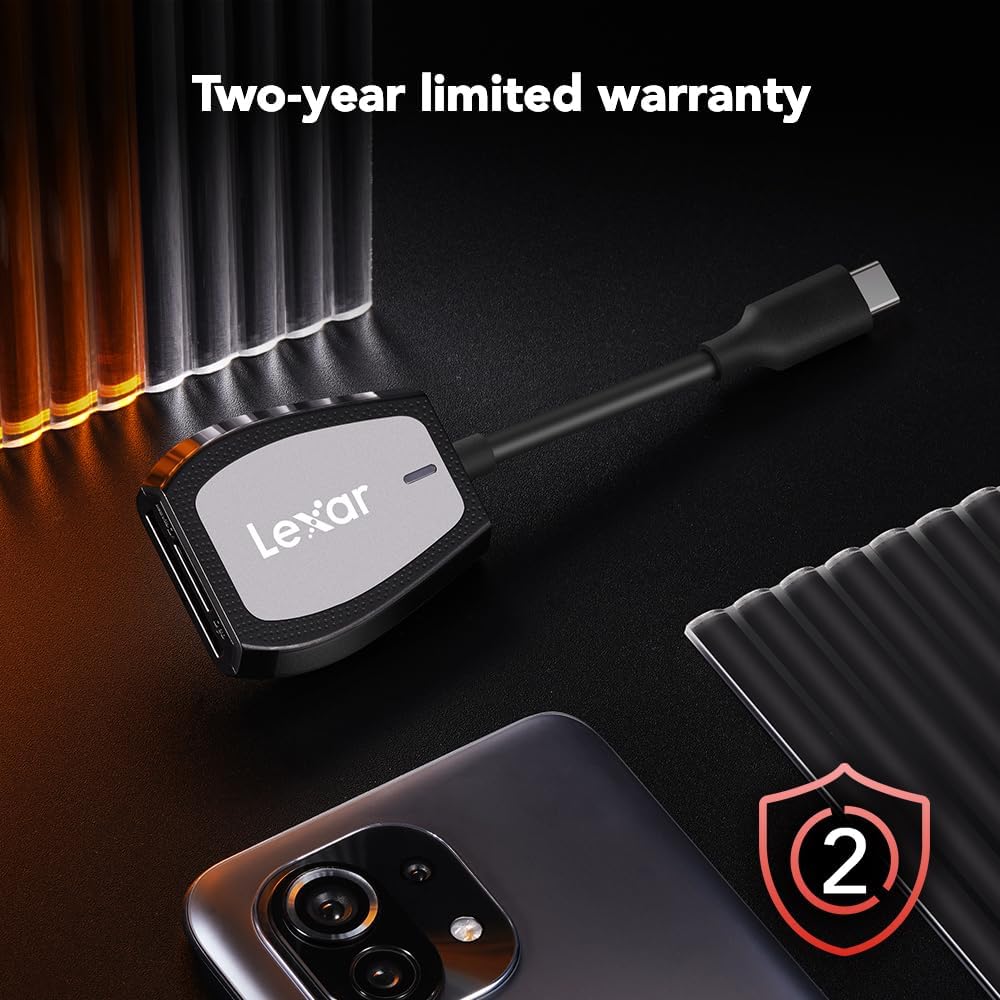
Image: The Lexar Dual-Slot Reader accompanied by a graphic indicating a two-year limited warranty.
Podpora
If you encounter any issues or have questions not addressed in this manual, please contact Lexar customer support. You can find contact information and additional resources on the official Lexar webmísto:
Please have your product model number (LRW470U-RNHNU) and purchase information ready when contacting support.