
Zavedení
This manual provides detailed instructions for the setup, operation, maintenance, and troubleshooting of your CCA KZ ZSN PRO X In-Ear Monitors and KZ AZ09 Bluetooth 5.2 Module. Please read this manual carefully before use to ensure optimal performance and longevity of your product.
Co je v krabici
- KZ ZSN PRO X with Mic *1
- KZ AZ09 Bluetooth Module *1
Konec produktuview
Klíčové vlastnosti
- Free Switch Between Wired and Wireless: The KZ Bluetooth module is specifically designed for earphones with 0.75mm / 0.78mm pins, allowing wired headphones to become wireless in seconds.
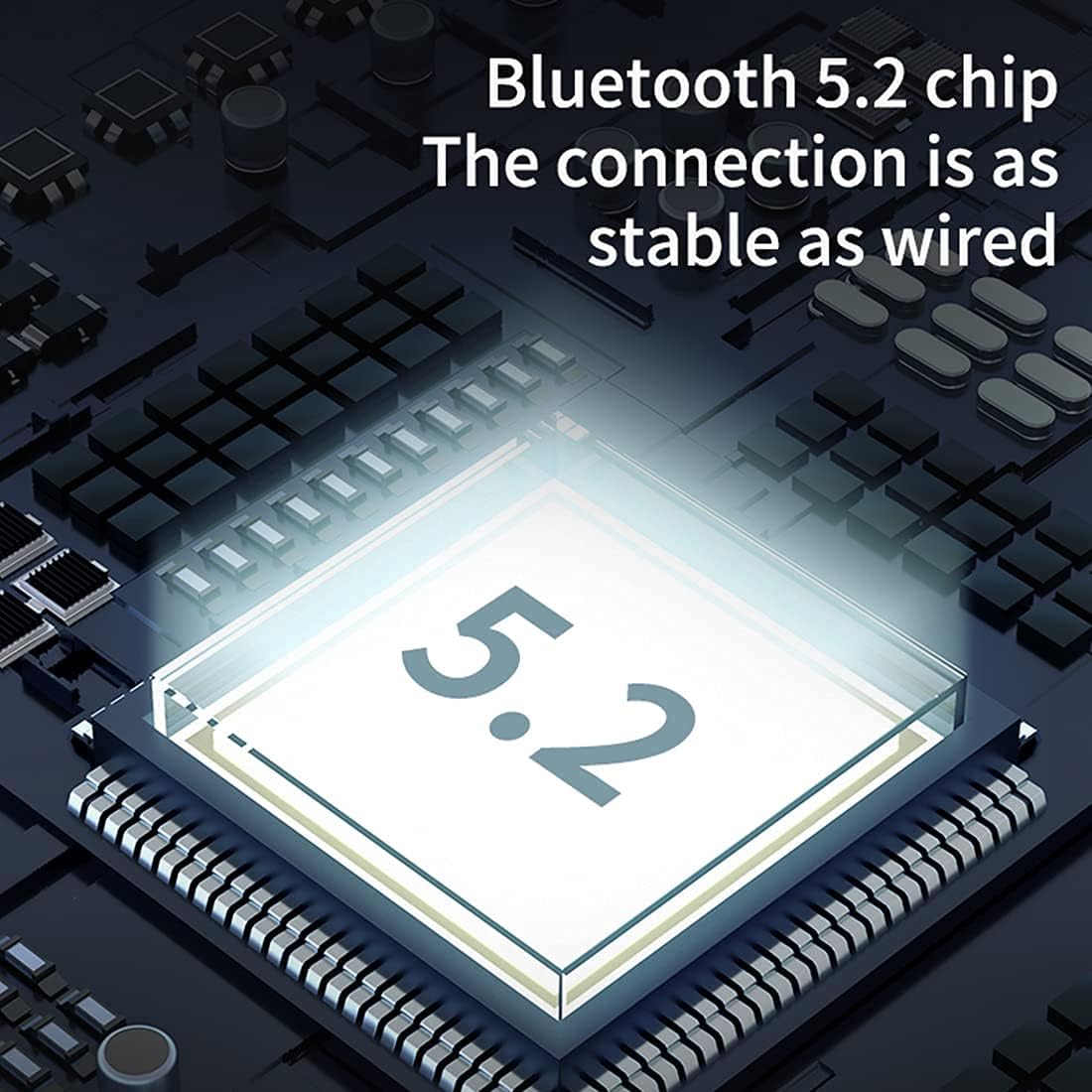
- Vysoce věrný zvuk: Adopting Bluetooth 5.2 technology and AAC advanced audio coding, the module offers an unparalleled audio experience with faster transmission speed, stronger connection stability, and natural, clear sound.
- Dlouhá výdrž baterie: Each earbud provides 6 hours of playback on a single charge. The 800mAh charging case supports 7 full recharges, offering up to 42 hours of continuous music time.
- Double Host & High-Performance Game Mode: Eliminates conventional single host transmission, providing dual-channel transmission for lower delay. Earhooks can be used individually. High-performance mode offers faster audio transmission speeds for gaming.
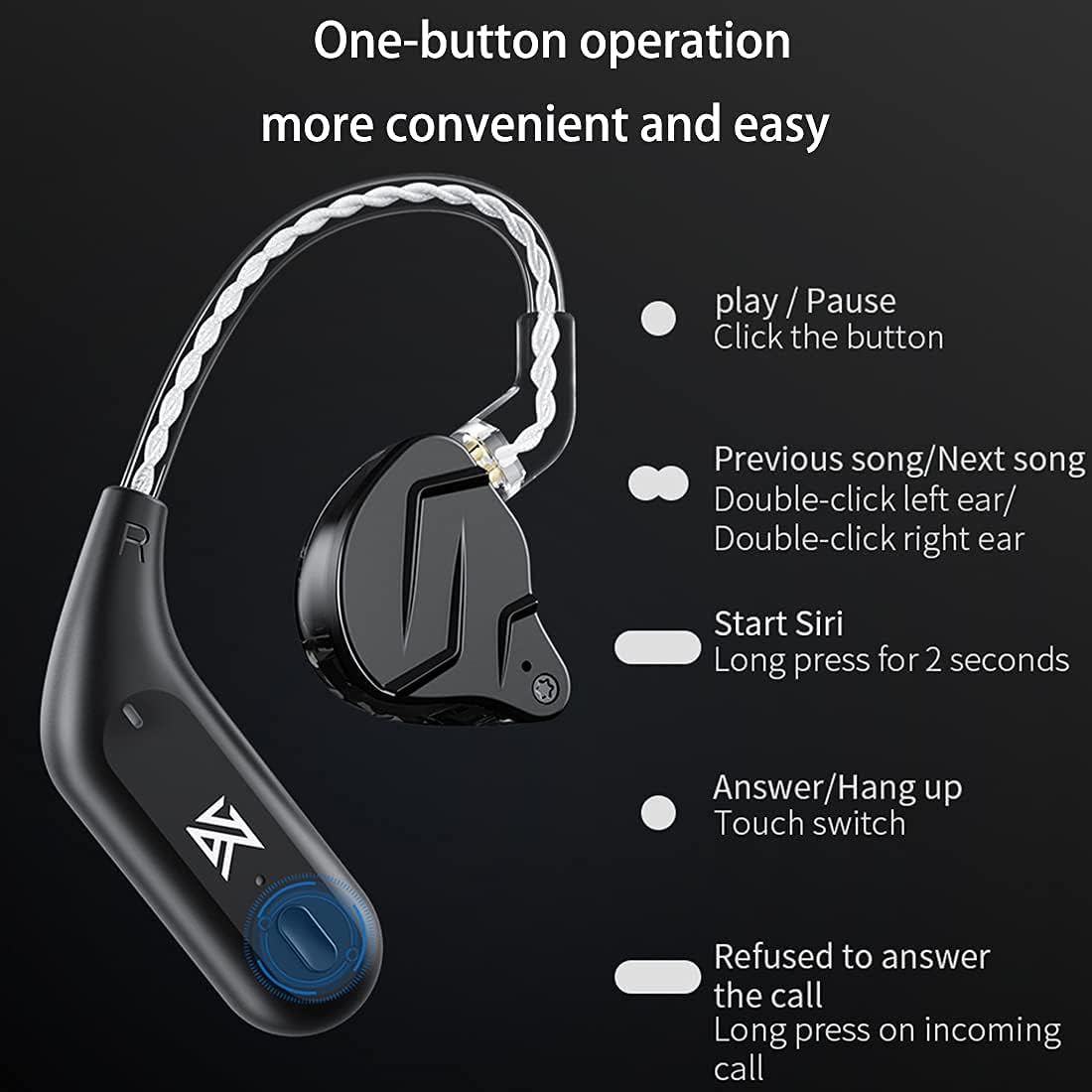
- Lightness & One Key Operation: Each Bluetooth earhook features a multi-functional press button for calls, music playback/pause, and music switching.
Obrázky produktů




Oficiální videa produktů
Nastavení
Connecting IEMs to Bluetooth Module
- Identify the correct orientation of the KZ ZSN PRO X In-Ear Monitors and the KZ AZ09 Bluetooth Module.
- Carefully align the 0.75mm / 0.78mm pins of the IEMs with the corresponding sockets on the Bluetooth ear hooks.
- Gently push the IEMs into the ear hooks until they are securely connected. Ensure a firm connection to prevent accidental detachment.
Počáteční párování Bluetooth
- Open the charging case of the KZ AZ09 Bluetooth Module. The module will automatically enter pairing mode.
- Na svém zařízení (chytrý telefon, tablet, počítač) přejděte do nastavení Bluetooth.
- Hledat available Bluetooth devices and select "KZ AZ09" (or similar name) from the list.
- Po připojení se ozve potvrzovací zvuk nebo kontrolka, která potvrdí úspěšné spárování.
Návod k obsluze
Multifunkční ovládání jedním tlačítkem
Each Bluetooth earhook is equipped with a multi-functional button for easy control:
- Přehrát/pozastavit: Klepněte na tlačítko jednou.
- Předchozí skladba: Double-click the button on the left earhook.
- Další skladba: Double-click the button on the right earhook.
- Start Siri/Voice Assistant: Dlouze stiskněte tlačítko na 2 sekundy.
- Přijmout/zavěsit hovor: Touch the switch once during an incoming call to answer, or during a call to hang up.
- Refuse Incoming Call: Long press the button during an incoming call.
Special Audio Modes
The KZ AZ09 Bluetooth Module offers specialized audio modes for enhanced experiences:
- High-Performance Game Mode: Triple-click the button on the právo earhook to activate this mode. It reduces audio latency for a more responsive gaming experience.
- 3D Audio Spatial Sound Mode: After activating High-Performance Game Mode, triple-click the button on the právo earhook again to switch to 3D Audio Spatial Sound Mode for an immersive soundstage.
- Režim vysokého výkonu: Triple-click the button on the vlevo earhook to activate this mode. It provides increased volume and a deeper bass response.
Údržba
To ensure the longevity and optimal performance of your KZ ZSN PRO X and AZ09 module, follow these maintenance guidelines:
- Čištění: Regularly wipe the ear hooks and IEMs with a soft, dry cloth. For ear tips, remove them and clean with mild soap and water, then dry completely before reattaching.
- Skladování: When not in use, store the ear hooks and IEMs in their charging case to protect them from dust, moisture, and physical damage.
- Nabíjení: K nabíjení vždy používejte dodaný kabel USB-C. Nepoužívejte poškozené kabely ani nabíječky.
- Vyhněte se extrémním podmínkám: Do not expose the product to extreme temperatures, direct sunlight, or liquids. The product is not water resistant.
Odstraňování problémů
Pokud narazíte na nějaké problémy, podívejte se na následující běžná řešení:
- Žádný zvuk/Špatná kvalita zvuku:
- Ensure the IEMs are securely connected to the Bluetooth ear hooks.
- Check if the Bluetooth module is properly paired with your device. Try re-pairing if necessary.
- Verify the volume levels on both your device and the ear hooks.
- Ensure the ear tips are clean and correctly seated in your ears for optimal seal.
- Problémy s připojením:
- Make sure your device is within the 10-meter wireless range of the Bluetooth module.
- Avoid obstacles (walls, large electronic devices) that may interfere with the Bluetooth signal.
- Turn off and on the Bluetooth function on your device, then try reconnecting.
- Problémy s nabíjením:
- Ujistěte se, že je nabíjecí kabel bezpečně připojen k pouzdru i ke zdroji napájení.
- Check the charging indicator lights on the case and ear hooks.
- Zkuste jiný nabíjecí kabel nebo napájecí adaptér.
- Mikrofon nefunguje:
- Ensure the Bluetooth module is connected and selected as the audio input device on your phone/computer.
- Zkontrolujte, zda na portu mikrofonu nejsou nějaké překážky.
Specifikace
| Funkce | Specifikace |
|---|---|
| Značka | CCA |
| Název modelu | KZ ZSN PRO X |
| Umístění uší | V uchu |
| Form Factor | V uchu |
| Kontrola hluku | Žádný |
| Technologie připojení | Bezdrátový |
| Bezdrátová technologie | Bluetooth |
| Verze Bluetooth | 5.2 |
| Dosah Bluetooth | 10 metrů |
| Typ ovládání | Ovládání médií |
| Kontrolní metoda | Dotek |
| Životnost baterie sluchátek | 6 hodin (na jedno nabití) |
| Kapacita baterie nabíjecího pouzdra | 800 XNUMX mAh |
| Celková doba přehrávání (s pouzdrem) | Až 42 hodin |
| Frekvenční rozsah | 20 Hz - 20,000 XNUMX Hz |
| Typ zvukového ovladače | Vyvážený ovladač armatury |
| Další funkce | Microphone Included, Wireless |
| Materiál pouzdra | Plast, silikon |
| Specifické použití pro produkt | Music, Gaming, Calling |
| Úroveň odolnosti proti vodě | Není odolný vůči vodě |
Záruka a podpora
Your CCA product is covered by a standard manufacturer's warranty. For specific warranty details, please refer to the documentation included in your product packaging or contact CCA customer support.
For technical assistance, troubleshooting, or any product-related inquiries, please visit the official CCA webnebo kontaktujte jejich tým zákaznických služeb.