
Zavedení
Děkuji za nákupasing the Cuifati A100 Mini Cartoon Kids Camera. This camera is designed for children aged 3-12, offering a fun and safe way to explore photography and videography. Its compact, lightweight, and durable design, made from food-grade ABS material, ensures a comfortable and secure grip for small hands. This manual provides essential information for setting up, operating, and maintaining your camera.
The camera features a 2.0-inch color display, 20MP photo resolution, 720P video recording, and includes various photo frames and filters to enhance creativity. It is equipped with a built-in 400mAh rechargeable battery for extended use.
Bezpečnostní informace
- This product is intended for children aged 3-12. Adult supervision is recommended during use.
- The camera is made from food-grade ABS material, ensuring it is safe for children.
- Do not expose the camera to extreme temperatures, direct sunlight for prolonged periods, or moisture.
- Zabraňte pádu fotoaparátu na zem nebo jeho vystavení silným nárazům.
- Uchovávejte malé součástky, jako například paměťové karty, mimo dosah velmi malých dětí, abyste předešli nebezpečí udušení.
- Use only the provided charging cable or a compatible DC5V 1A charger.
- The battery is built-in and non-detachable. Do not attempt to replace it.
Obsah balení
Zkontrolujte prosím balení, zda jsou všechny položky přítomny:
- 1 x Cuifati A100 Children Camera
- 1 x upevňovací popruh
- 1 x Anti-lost Rope
- 1 x USB nabíjecí kabel

Obrázek 1: Package contents including the camera, straps, and charging cable.
Konec produktuview
The Cuifati A100 camera features a user-friendly design with a durable, rounded body for comfortable handling.

Obrázek 2: The camera's light and round design.
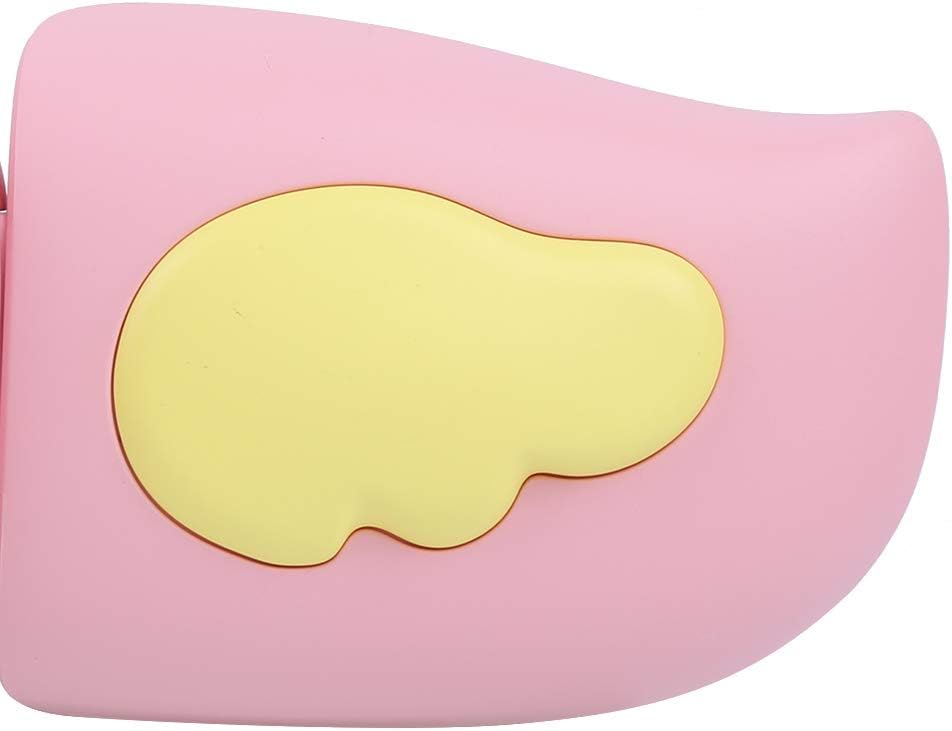
Obrázek 3: Detail of the camera's ergonomic design.
Klíčové vlastnosti:
- 2.0palcový barevný displej: Pro viewpořizování fotografií, videí a navigace v menu.
- Pevný objektiv: 100° viewing angle for capturing wide scenes.
- Uživatelsky přívětivá tlačítka: Intuitivní ovládání pro snadnou obsluhu.
- USB rozhraní: Pro nabíjení a přenos dat.
- Slot pro paměťovou kartu: Supports up to 32GB (card not included).
Nastavení
1. Nabíjení fotoaparátu
Before first use, fully charge the camera's built-in 400mAh battery. The camera features a large capacity battery for strong endurance.
- Connect the provided USB charging cable to the camera's USB port.
- Connect the other end of the USB cable to a DC5V 1A USB power adapter (not included) or a computer's USB port.
- Rozsvítí se kontrolka nabíjení. Po dokončení nabíjení může kontrolka změnit barvu nebo zhasnout.
2. Vložení paměťové karty
A memory card (MicroSD card, up to 32GB) is required to save photos and videos. It is not included in the package.
- Najděte slot pro paměťovou kartu na boční straně fotoaparátu.
- Gently insert a MicroSD card into the slot with the metal contacts facing the front of the camera until it clicks into place.
- To remove the card, gently push it in again until it springs out.
Návod k obsluze
1. Zapnutí/vypnutí
- Zapnutí: Stiskněte a podržte tlačítko napájení (obvykle označené Ⓜ or a similar icon) for a few seconds until the screen lights up.
- Vypnutí: Znovu stiskněte a podržte tlačítko napájení, dokud se obrazovka nevypne.

Obrázek 4: Camera in hand, showing the display and control buttons.
2. Fotografování
- Zapněte fotoaparát. Obvykle se ve výchozím nastavení přepne do režimu fotografování.
- Frame your shot using the 2.0-inch color display.
- Press the Shutter button (often a prominent button on top or side) to take a picture.
- The camera supports 20MP photo resolution.
- Utilize the 4 types of photo stickers and 9 kinds of filters for creative effects.
- Time-lapse shooting for selfies can be set for 3 or 5 seconds.
3. Nahrávání videí
- From photo mode, navigate to video mode using the mode button (usually marked 'M' or a video camera icon).
- Stisknutím tlačítka spouště spusťte nahrávání. Na obrazovce se zobrazí indikátor nahrávání.
- Dalším stisknutím tlačítka spouště nahrávání zastavíte.
- The camera records videos in 720P (1080x720) resolution.
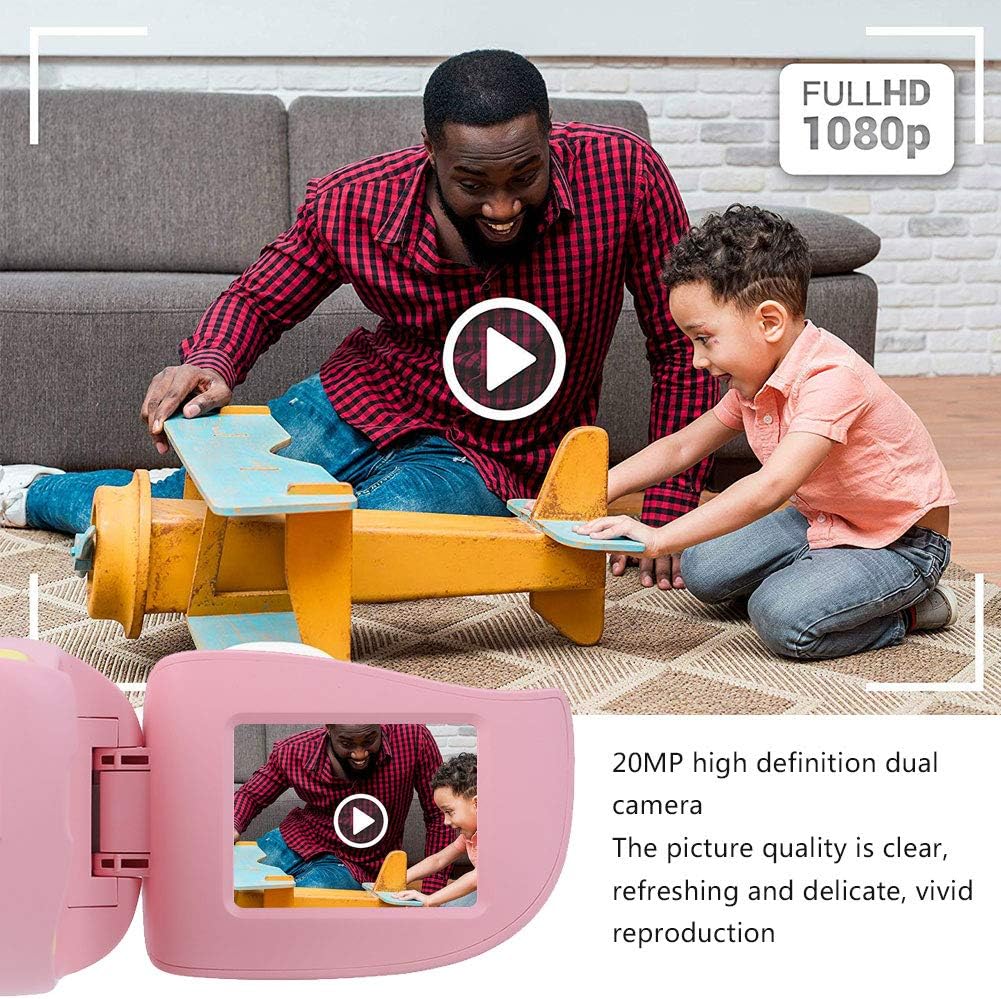
Obrázek 5: Illustrating the camera's 20MP photo and 720P video capabilities.
4. Režim přehrávání
- Přejděte do režimu přehrávání pomocí tlačítka režimu.
- Use the navigation buttons (up/down or left/right arrows) to browse through your photos and videos.
- Press the OK/Shutter button to view fotografii nebo přehrání videa.
5. Settings and Games
- Access the settings menu via the mode button or a dedicated menu button. Here you can adjust language (Chinese, English, Russian, Korean, Japanese), date/time, and other camera parameters.
- The camera supports a variety of built-in games for entertainment. Navigate to the game section through the menu.
Údržba
- Čištění: Use a soft, dry cloth to clean the camera body. For the lens, use a specialized lens cleaning cloth. Do not use liquid cleaners or abrasive materials.
- Skladování: Store the camera in a cool, dry place away from direct sunlight and moisture when not in use.
- Péče o baterie: Chcete-li prodloužit životnost baterie, vyvarujte se častého úplného vybíjení. Fotoaparát pravidelně nabíjejte, i když jej delší dobu nepoužíváte.
Odstraňování problémů
| Problém | Možná příčina | Řešení |
|---|---|---|
| Fotoaparát se nezapne. | Baterie je slabá nebo vybitá. | Charge the camera using the USB charging cable. |
| Nelze fotografovat/nahrávat videa. | Není vložena paměťová karta nebo je karta plná/poškozená. | Insert a compatible MicroSD card (up to 32GB). Check if the card has sufficient space or try formatting it (this will erase all data). |
| Images/videos are blurry. | Lens is dirty or lighting is poor. | Clean the lens with a soft cloth. Ensure adequate lighting for your shots. |
| Fotoaparát se zasekne nebo přestane reagovat. | Softwarová závada. | Press and hold the Power button for an extended period (e.g., 10-15 seconds) to force a restart. If the issue persists, ensure the battery is charged. |
Specifikace
| Model | A100 |
| Materiál | Potravinářský ABS |
| Obrazovka | 2.0 Inch Color Display Screen (LCD) |
| Čočka | Fixed Lens, 100° Viewúhel |
| Úložné médium | Memory Card (MicroSD), Maximum Support 32GB (Not Included) |
| Formát obrázku | JPG |
| Formát videa | JPEG |
| Rozlišení videa | 720P (1080x720) |
| Fotografické pixely | 20 MP Effective Still Resolution |
| foto rámečky | 4 typů |
| Efekty filtru | 9 druhů |
| Vstupní objemtage | DC5V 1A |
| Funkce | Taking Pictures, Video Recording, Games |
| Podporované jazyky | Chinese, English, Russian, Korean, Japanese |
| Baterie | Built-in, Non-Detachable 400mAh Lithium Battery |
| Hmotnost | Přibl. 220 g |
| Rozměry (cca) | 13 x 11 x 7 cm (rozměry balíku) |
| Konektivita | USB, Wi-Fi |
| Technologie fotosenzoru | CMOS |
| Kontrola expozice | Manuál |
| Režimy fotografování | Sportovní |
| Nepřetržité fotografování | 30 FPS |
| Věkové rozmezí | Dítě (3–12 let) |
Záruka a podpora
Specific warranty information is not provided in this manual. For details regarding warranty coverage, technical support, or service, please refer to the documentation included with your purchase or contact the retailer where the product was acquired. You may also visit the official Cuifati brand store for additional information.
Cuifati Brand Store: Navštivte obchod