
1. Úvod
The CUBOT King Kong 7 is a rugged smartphone designed for durability and performance in challenging environments. It features IP68/IP69K water, dust, and shock resistance, an Android 11 operating system, a powerful Octa-Core processor, and a high-resolution camera system. This manual provides essential information for setting up, operating, maintaining, and troubleshooting your device.

Obrázek: Overview of CUBOT King Kong 7 key features including ruggedness, processor, operating system, camera, memory, battery, and connectivity options.
2. Obsah balení
Please check the package contents upon unboxing your CUBOT King Kong 7 smartphone. If any items are missing or damaged, contact your retailer.
- CUBOT King Kong 7 Smartphone
- Napájecí adaptér
- USB kabel (typ C)
- Nástroj pro vysunutí SIM karty
- Ochranná fólie na displej (přednalepená nebo v krabici)
- Rychlý průvodce
- Záruční list
3. Uspořádání zařízení
Familiarize yourself with the physical components of your CUBOT King Kong 7.
- Přední: 6.36-inch FHD+ Display, 32MP Front Camera, Earpiece, Sensors.
- Zadní: 64MP Main Camera, 16MP Wide-Angle Camera, 5MP Macro Camera, LED Flash, Fingerprint Sensor.
- Strany: Power Button, Volume Up/Down Buttons, SIM/SD Card Tray, USB Type-C Port.
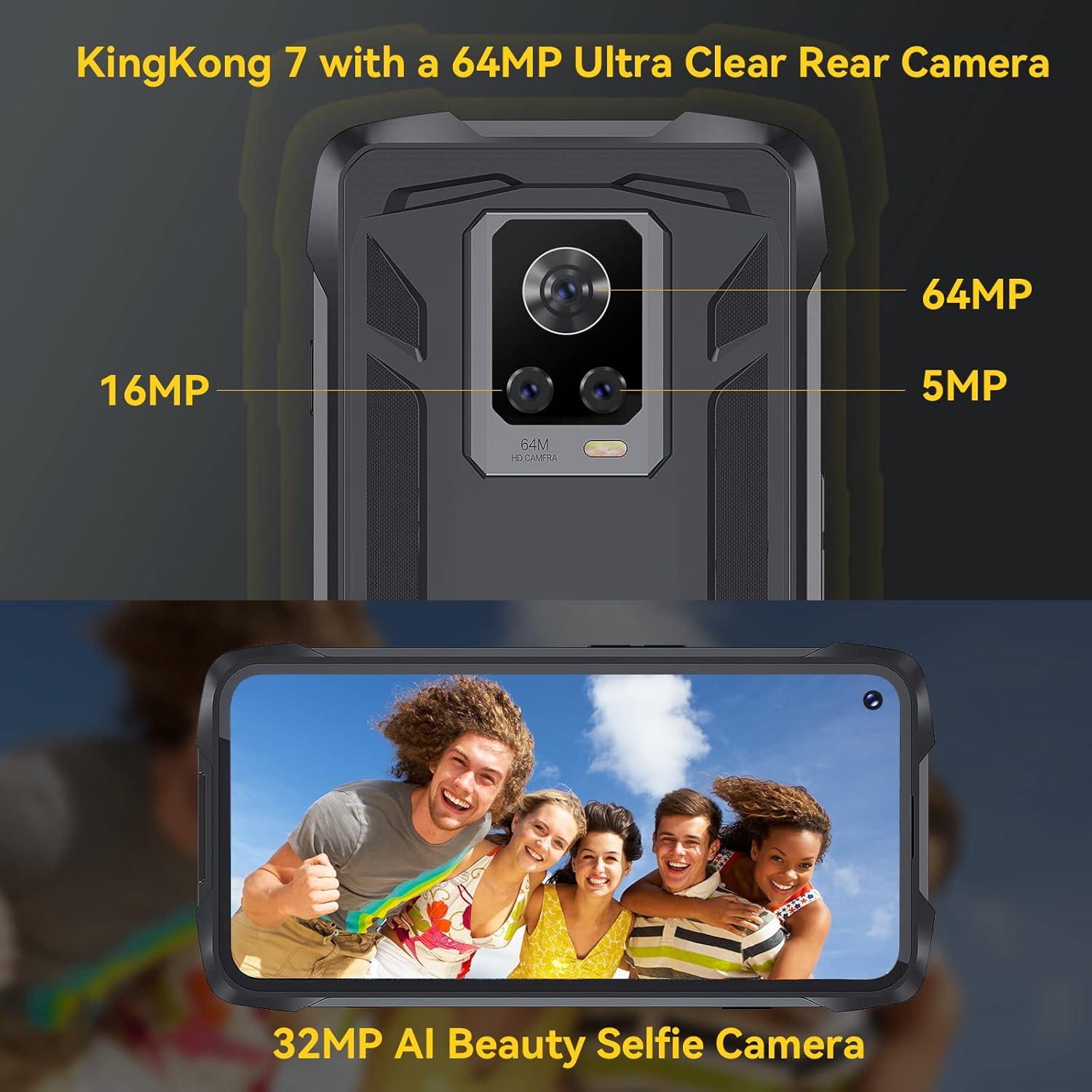
Obrázek: Zadní view of the CUBOT King Kong 7, highlighting the camera array and fingerprint sensor placement.
4. Nastavení
4.1 Installing SIM and SD Cards
- Locate the SIM/SD card tray on the side of the device.
- Vložte nástroj pro vysunutí SIM karty do malého otvoru vedle zásobníku a jemně zatlačte, dokud zásobník nevyskočí.
- Place your Nano-SIM card(s) and/or microSD card (up to 256GB) into the designated slots on the tray, ensuring correct orientation.
- Opatrně zatlačte zásobník zpět do telefonu, dokud nezacvakne na místo.
4.2 Zapnutí/vypnutí
- Zapnutí: Stiskněte a podržte tlačítko napájení, dokud se nezobrazí logo CUBOT.
- Vypnutí: Press and hold the Power button until the power options appear on the screen, then select "Power off."
4.3 Počáteční nastavení
Po prvním zapnutí postupujte podle pokynů na obrazovce:
- Vyberte svůj jazyk.
- Připojte se k síti Wi-Fi.
- Nastavte si účet Google.
- Configure screen lock (PIN, pattern, password, fingerprint, Face ID).
5. Obsluha vašeho zařízení
5.1 Android 11 Basics
Your CUBOT King Kong 7 runs on Android 11, offering an intuitive user experience. Navigate using gestures or on-screen buttons. Swipe down from the top for notifications and quick settings.
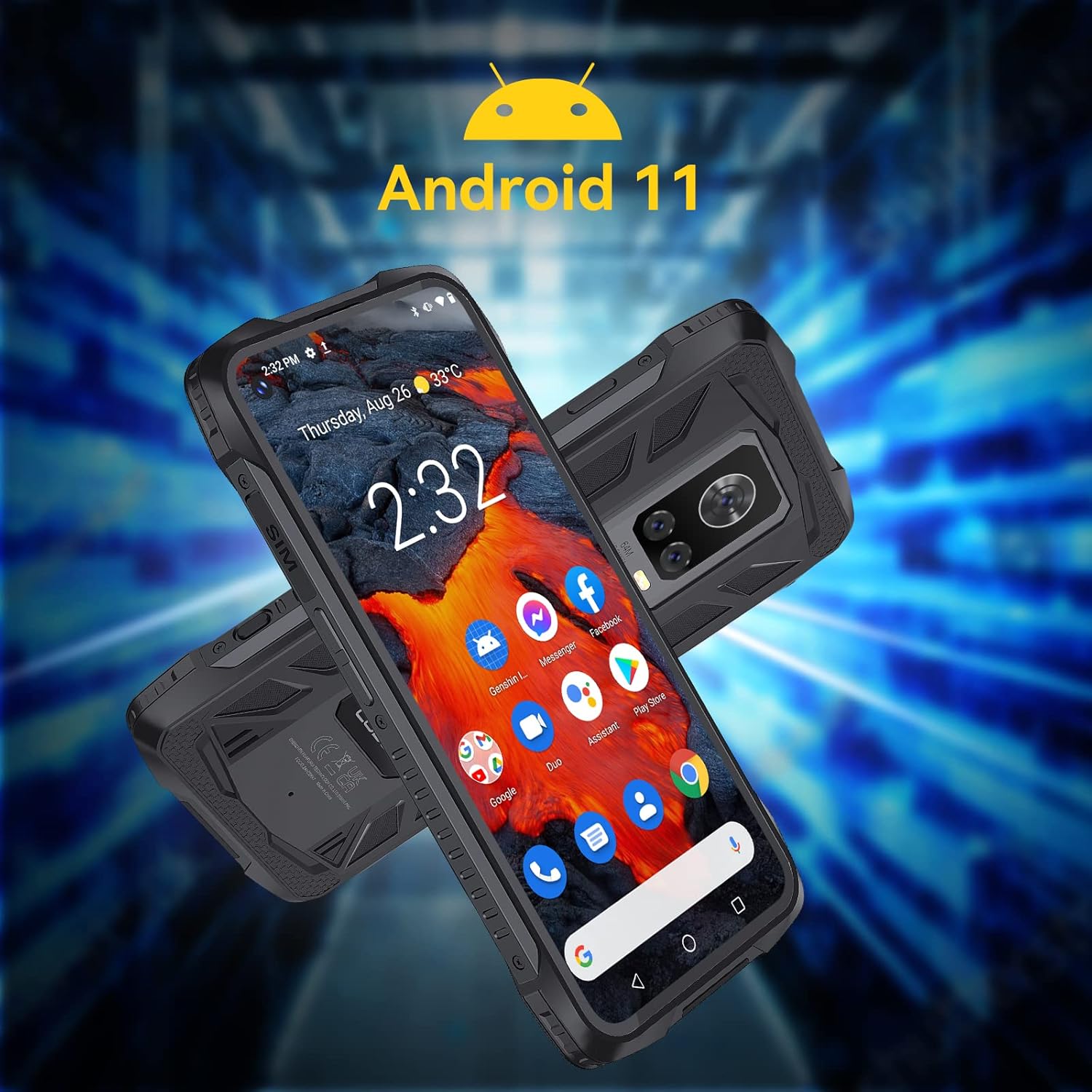
Image: The CUBOT King Kong 7 running Android 11, showing the user interface and pre-installed applications.
5.2 Hovory a zprávy
- Uskutečňování hovorů: Otevřete aplikaci Telefon, zadejte číslo a klepněte na ikonu volání.
- Odesílání zpráv: Otevřete aplikaci Zprávy, klepnutím zahajte novou konverzaci, zadejte příjemce a svou zprávu.
5.3 Použití kamery
The King Kong 7 features a versatile camera system:
- 64MP hlavní fotoaparát: Pro fotografie ve vysokém rozlišení.
- 16MP Wide-Angle Lens: Capture broader scenes.
- 5MP makro objektiv: Pro detailní záběry zblízka.
- 32MP přední fotoaparát: Pro selfie a videohovory.
- Super noční režim: Enhance photos in low-light conditions.

Obrázek: Podrobný view of the King Kong 7's AI Triple Camera system, illustrating the different lens capabilities.
5.4 Konektivita
- Wi-Fi: Připojte se k bezdrátovým sítím pro přístup k internetu.
- 4G LTE: Utilize cellular data for internet on the go (Dual SIM support).
- Bluetooth 4.2: Connect to wireless headphones, speakers, and other devices.
- NFC: Pro bezkontaktní platby a rychlé párování s kompatibilními zařízeními.
5.5 Bezpečnostní funkce
- ID obličeje: Odemkněte telefon pomocí rozpoznávání obličeje.
- Snímač otisku prstu: Unlock your phone quickly and securely using the side-mounted fingerprint sensor.

Image: Visual representation of NFC, Face ID, and Dual Nano SIM capabilities.
5.6 Navigace
The device supports multiple global navigation satellite systems for accurate positioning:
- GPS
- GLONASS
- BEIDOU
6. Údržba
6.1 Čištění vašeho zařízení
To maintain the rugged features and appearance of your phone:
- Otřete obrazovku a tělo měkkým hadříkemamp tkanina.
- Vyhněte se používání agresivních chemikálií nebo abrazivních materiálů.
- Před vystavením telefonu vodě nebo prachu se ujistěte, že jsou všechny kryty portů bezpečně uzavřeny.
6.2 Péče o baterii
The CUBOT King Kong 7 is equipped with a 5000mAh battery. To prolong battery life:
- Vyhněte se extrémním teplotám.
- Použijte originální nabíječku a kabel.
- Nevybíjejte baterii často úplně.
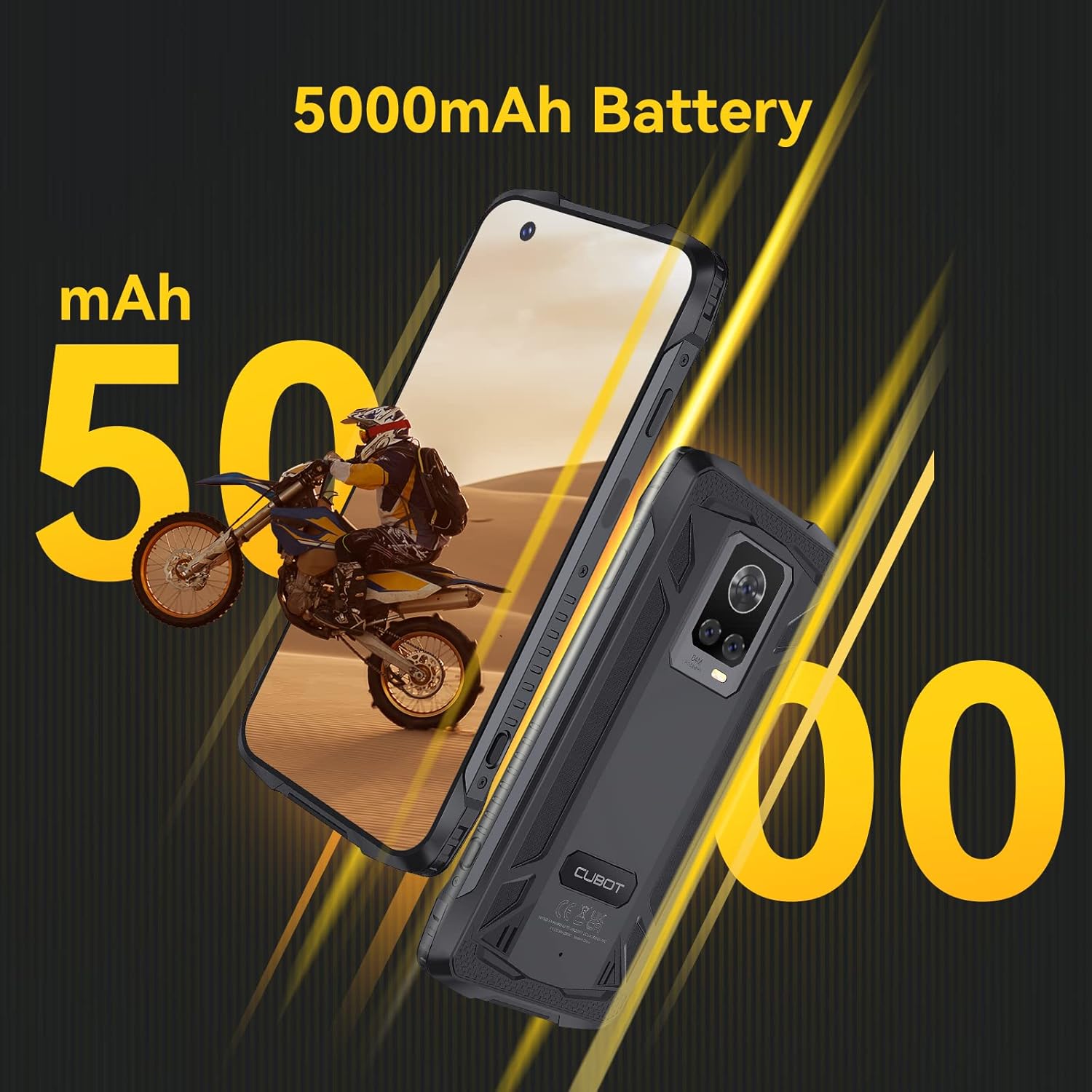
Image: The CUBOT King Kong 7 highlighting its 5000mAh battery capacity.
6.3 Aktualizace softwaru
Pravidelně kontrolujte a instalujte aktualizace softwaru, abyste zajistili optimální výkon, zabezpečení a přístup k novým funkcím. Přejděte na Nastavení > Systém > Aktualizace systému.
7. Řešení problémů
Tato část se zabývá běžnými problémy, se kterými se můžete setkat.
| Problém | Řešení |
|---|---|
| Zařízení se nezapne | Ujistěte se, že je baterie nabitá. Připojte ji k nabíječce alespoň na 10 minut a poté ji zkuste znovu zapnout. |
| Slabý signál sítě | Zkontrolujte vložení SIM karty. Přesuňte se do oblasti s lepším pokrytím sítě. Restartujte zařízení. |
| Aplikace padá nebo zamrzávají | Clear the app's cache (Settings > Apps > [App Name] > Storage > Clear cache). Restart the device. Update the app. |
| Snímač otisků prstů nefunguje | Ensure your finger and the sensor are clean and dry. Re-register your fingerprints in Settings > Security. |
| Water/Dust ingress | Ensure all port covers are properly sealed. If water has entered, power off immediately and seek professional service. |
8. Specifikace
Key technical specifications for the CUBOT King Kong 7.
| Funkce | Detail |
|---|---|
| Název modelu | King Kong 7 |
| Operační systém | Android 11.0 |
| Procesor | P60 Octa-Core Processor |
| BERAN | 8 GB |
| Interní úložiště | 256 GB (rozšiřitelné až na 256 GB pomocí TF karty) |
| Zobrazit | 6.36 palce FHD+ (1080 x 2300) |
| Zadní kamera | 64MP Main + 16MP Wide-Angle + 5MP Macro |
| Přední kamera | 32 MP |
| Kapacita baterie | 5000 XNUMX mAh |
| Konektivita | 4G Dual SIM, Wi-Fi, Bluetooth 4.2, NFC |
| Navigace | GPS, GLONASS, BEIDOU |
| Zabezpečení | Face ID, Side Fingerprint Sensor |
| Drsnost | IP68 & IP69K Waterproof, Dustproof, Shockproof |
| Rozměry | 6.56 x 3.29 x 0.55 palce |
| Hmotnost | 6 unce |
| Audio Jack | Žádný konektor pro sluchátka |

Image: Visual representation of the King Kong 7's powerful Helio P60 Octa-core Processor and memory configuration (8GB RAM + 256GB ROM).
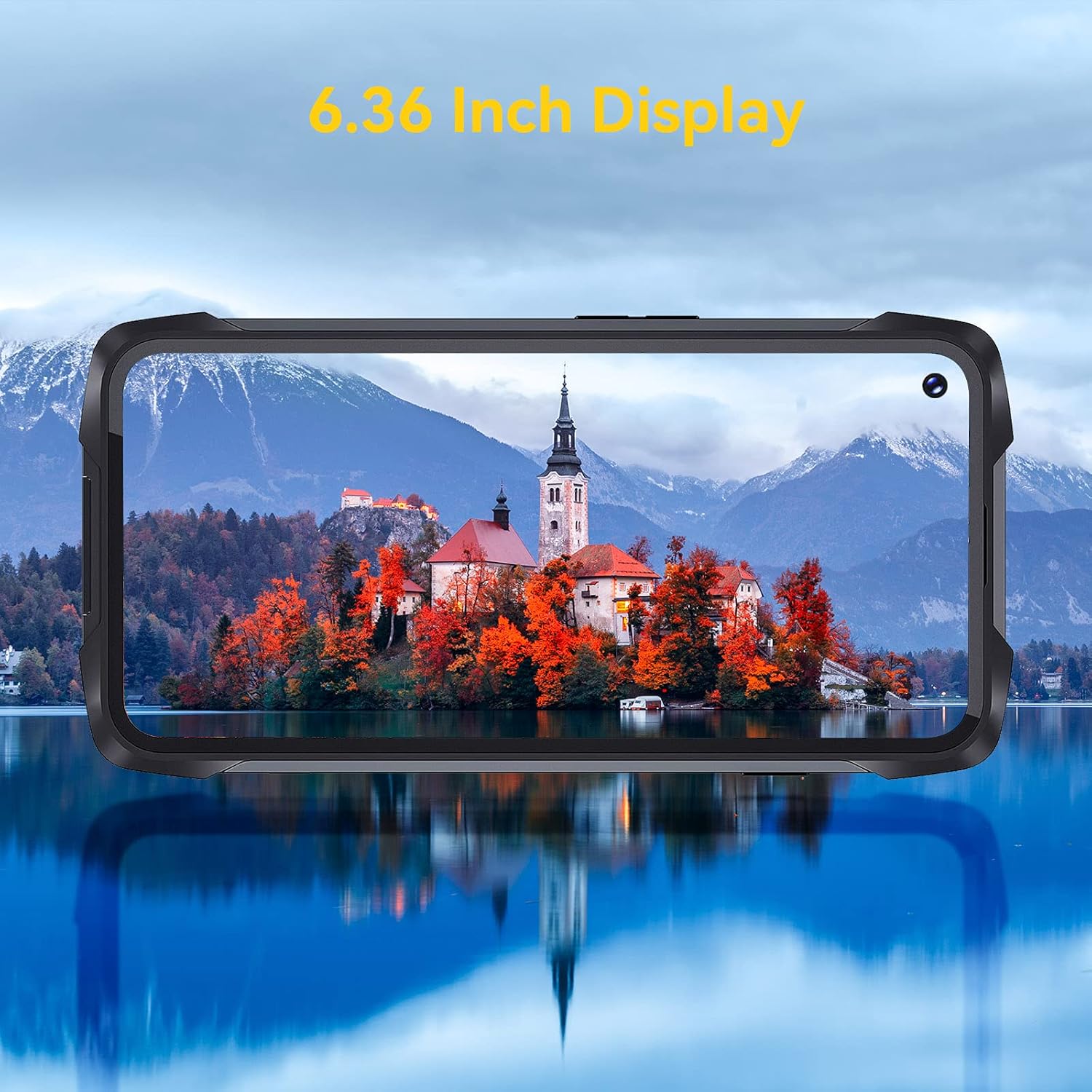
Image: The 6.36-inch display of the CUBOT King Kong 7 showcasinjeho vizuální jasnost.
9. Bezpečnostní informace
Please read the following safety guidelines carefully to ensure safe and proper use of your device:
- Nepokoušejte se zařízení rozebírat nebo upravovat.
- Používejte pouze schválené nabíječky a příslušenství.
- Nevystavujte zařízení po delší dobu extrémním teplotám nebo přímému slunečnímu záření.
- Uchovávejte zařízení mimo dosah lékařských přístrojů a kardiostimulátorů.
- Zařízení a jeho baterii zlikvidujte zodpovědně v souladu s místními předpisy.
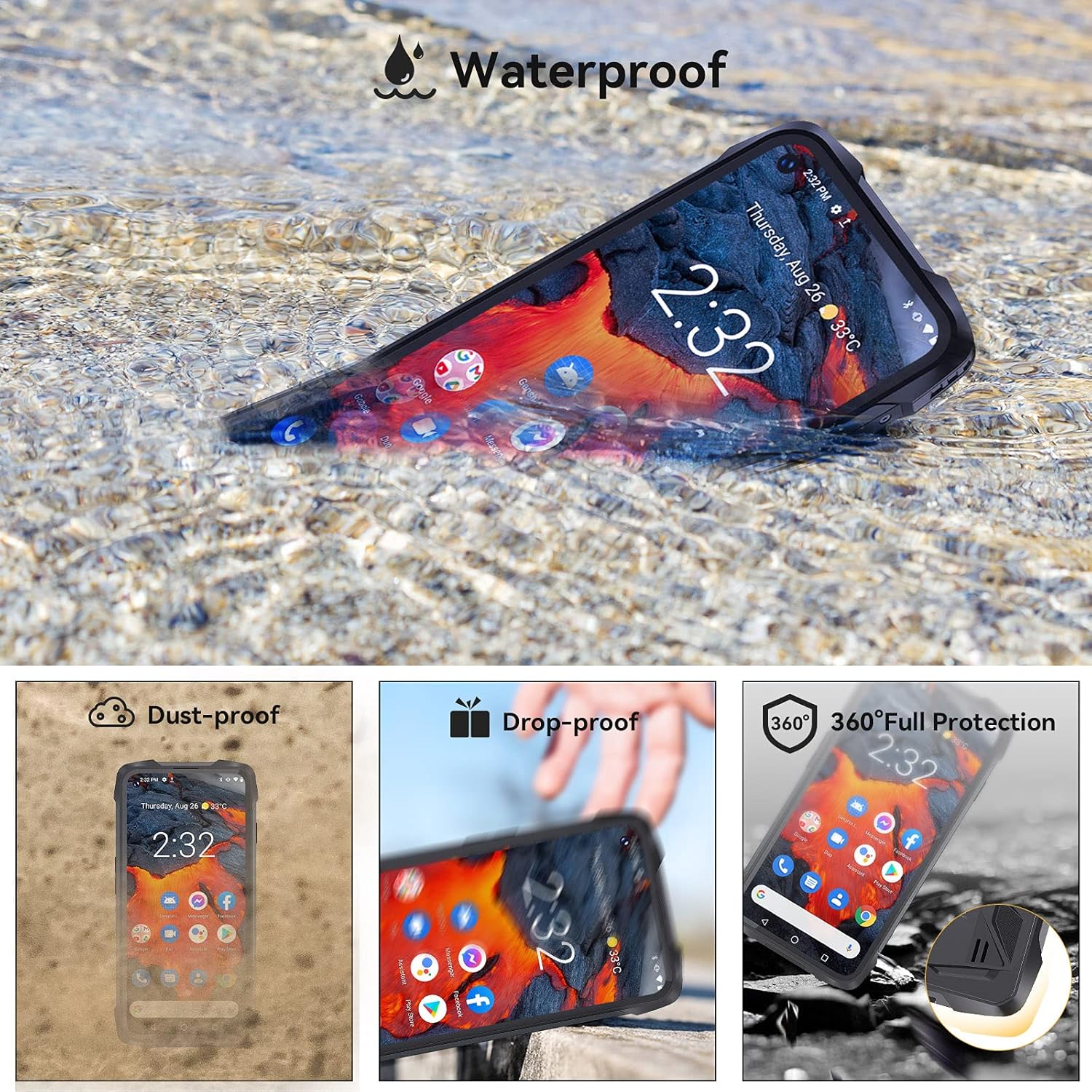
Image: The CUBOT King Kong 7 demonstrating its waterproof capability, alongside icons indicating its dust-proof, drop-proof, and overall rugged protection.
10. Záruka a podpora
Your CUBOT King Kong 7 is covered by a limited warranty. Please refer to the warranty card included in your package for specific terms and conditions. For technical support, software updates, or further assistance, please visit the official CUBOT webwebu nebo se obraťte na svého místního prodejce.