
Sifely Sifely R
Uživatelská příručka k bezdrátovému klíčenkám Safely
Model: Sifely R
Zavedení
This user manual provides comprehensive instructions for the Sifely Wireless Key Fob (Model: Sifely R). This key fob is designed to offer a convenient and contactless method for unlocking Sifely Smart Locks from a distance of up to 30 feet. It integrates seamlessly with your existing Sifely Smart Lock system via the "Sifely Smart Lock" application.
Před použitím zařízení si prosím pečlivě přečtěte tento návod k obsluze, abyste zajistili jeho správný provoz a maximalizovali jeho životnost.
Obsah balení
- 1 x Sifely Wireless Key Fob (Model: Sifely R)
- 1 x lithiová kovová baterie (předinstalovaná)
- 1 x Quick Start Guide (refer to this manual for detailed instructions)
Konec produktuview

Obrázek: Přední strana view of the Sifely Wireless Key Fob, showing the lock and unlock buttons.
The Sifely Wireless Key Fob features two primary buttons: one for locking and one for unlocking your Sifely Smart Lock. It is compact and designed for easy portability, often attached to a keychain.
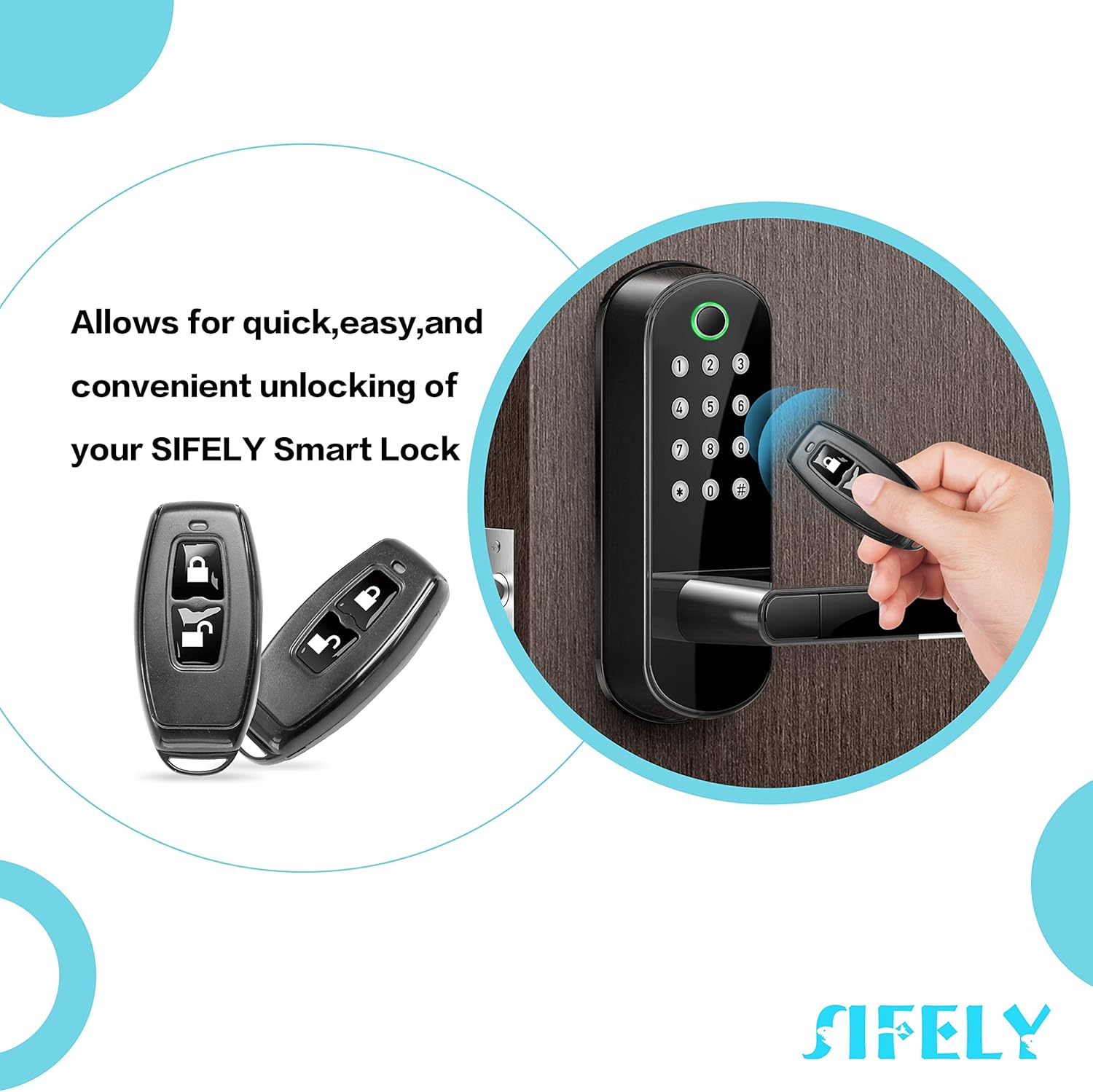
Image: Illustration of the Sifely Wireless Key Fob being used to unlock a Sifely Smart Lock, demonstrating its quick and convenient functionality.
This image illustrates the key fob's primary function: providing quick, easy, and convenient unlocking of your Sifely Smart Lock without needing to use the app or keypad directly at the door.
Nastavení
- Download the Sifely Smart Lock App: Ensure you have the "Sifely Smart Lock" application installed on your smartphone. This app is available for both iOS and Android devices.
- Ujistěte se, že je Bluetooth povoleno: On your smartphone, enable Bluetooth to allow the app to communicate with your Sifely Smart Lock and the key fob.
- Add the Key Fob in the App:
- Open the Sifely Smart Lock app.
- Navigate to the specific Sifely Smart Lock you wish to pair the key fob with.
- Look for an option such as "Add Remote" or "Add Key Fob" within the lock's settings. (Note: If this option is not present, your lock may require a Sifely Gateway for remote functionality. Refer to your lock's manual or Sifely support for details.)
- Follow the on-screen prompts to complete the pairing process. This typically involves pressing a button on the key fob when instructed by the app.
- Test funkčnosti: After successful pairing, test the key fob by pressing the lock and unlock buttons to ensure it controls your Sifely Smart Lock as expected.
Návod k obsluze
The Sifely Wireless Key Fob provides simple, one-touch control over your Sifely Smart Lock.
- Odemykání dveří:
Stiskněte tlačítko Odemknout button (typically indicated by an open padlock icon) once. The Sifely Smart Lock will disengage, allowing you to open the door. Ensure you are within the effective range (up to 30 feet) of the lock.
- Zamykání dveří:
Stiskněte tlačítko Zámek button (typically indicated by a closed padlock icon) once. The Sifely Smart Lock will engage, securing the door. This is useful for locking the door as you leave or if you forgot to lock it after entering.
For optimal performance, ensure there are no significant obstructions between the key fob and the smart lock.
Údržba
- Čištění: Wipe the key fob with a soft, dry cloth. Avoid using abrasive cleaners or solvents, as these can damage the surface.
- Výměna baterie: The key fob uses a Lithium Metal battery. When the battery is low, you may notice a decrease in range or responsiveness. Refer to the "Specifications" section for battery type. To replace, carefully open the key fob casing (often by prying gently along the seam with a small, flat tool) and replace the battery, ensuring correct polarity.
- Skladování: Klíčenku skladujte na suchém místě, mimo dosah extrémních teplot a přímého slunečního záření.
- Physical Durability: While designed for daily use, avoid excessive force or impact, as the plastic housing can be fragile, particularly the key ring attachment point.
Odstraňování problémů
| Problém | Možná příčina | Řešení |
|---|---|---|
| Key fob does not respond. | Baterie je vybitá nebo téměř vybitá. | Vyměňte baterii. |
| Key fob out of range. | Move closer to the Sifely Smart Lock. | |
| Není správně spárováno. | Re-pair the key fob using the Sifely Smart Lock app. | |
| Key fob works intermittently. | Slabá baterie. | Vyměňte baterii. |
| Rušení od jiných zařízení. | Ensure no strong wireless signals are interfering. Try using the fob in a different location relative to the lock. | |
| "Add Remote" option not available in app. | Sifely Gateway required for remote functionality with your specific lock model. | Check your Sifely Smart Lock's manual or contact Sifely support to confirm if a Gateway is needed for key fob integration. |
Specifikace
- Název modelu: Sifely R Model
- Číslo dílu: Sifely R
- UPC: 767501154570
- Značka: Bezpečně
- Hmotnost položky: 0.317 unce
- Rozměry balení: 3.27 x 2.2 x 0.55 palce
- Materiál: ABS Plastic or TPU
- Barva: Černý
- Počet tlačítek: 2 (Lock and Unlock)
- Typ baterie: 1 lithiová kovová baterie (součástí balení)
- Konektivita: Bezdrátové (Bluetooth)
- Provozní rozsah: Až 30 stop (přibližně 9 metrů)
Záruka a podpora
Sifely offers the following for your Wireless Key Fob:
- 30denní záruka vrácení peněz: Pokud nejste s nákupem spokojeni, můžete jej do 30 dnů vrátit a obdržíte plnou náhradu.
- 1letá záruka na produkt: The key fob is covered by a 1-year warranty from the date of purchase against manufacturing defects.
- Doživotní zákaznická podpora: Sifely provides lifetime customer support for the product.
For warranty claims, technical assistance, or any inquiries, please contact Sifely Customer Support through the "Sifely Smart Lock" app or visit the official Sifely webstránky pro kontaktní informace.
Note: The key ring attachment point on the key fob is made of plastic and may be susceptible to breakage under excessive stress. This is generally not covered under warranty if due to physical misuse.