
1. Úvod
This manual provides essential information for the proper setup, operation, and maintenance of your HP Wireless Mouse S1500. Please read these instructions carefully before using the product to ensure optimal performance and longevity.

Image 1.1: The HP Wireless Mouse S1500, showcasing its ergonomic and lightweight design.
2. Nastavení
2.1 Obsah balení
Ujistěte se, že váš balíček obsahuje následující položky:
- HP Wireless Mouse S1500
- USB 2.4GHz přijímač
- AA Battery (pre-installed or included separately)
2.2 Instalace baterie
- Najděte kryt přihrádky na baterie na spodní straně myši.
- Posuňte nebo zvedněte kryt pro otevření přihrádky.
- Vložte jednu baterii typu AA a ujistěte se, že kladný (+) a záporný (-) pól správně směřují k indikátorům uvnitř přihrádky.
- Nasaďte kryt prostoru pro baterie.
2.3 Připojení USB přijímače

Image 2.1: The HP Wireless Mouse S1500 and its accompanying 2.4GHz USB receiver.
- Remove the USB 2.4GHz receiver from its storage slot, usually located within the battery compartment or on the underside of the mouse.
- Zapojte USB přijímač do volného USB portu na vašem počítači.
- Váš počítač by měl automaticky detekovat a nainstalovat potřebné ovladače. Tento proces může chvíli trvat.

Image 2.2: The mouse utilizes 2.4GHz wireless technology for a stable connection up to approximately 10 meters.
3. Návod k obsluze
3.1 Základní funkce
The HP Wireless Mouse S1500 features three standard buttons and a scroll wheel:
- Levé tlačítko: Primární funkce kliknutí, používaná pro výběr položek, otevírání filea interakce se softwarem.
- Pravé tlačítko: Funkce sekundárního kliknutí, obvykle používaná k otevření kontextových nabídek.
- Rolovací kolečko: Používá se k procházení dokumentů a web pages. It can also function as a middle button when pressed.

Image 3.1: The HP Wireless Mouse S1500 in use, demonstrating its comfortable fit for daily tasks.
3.2 Ergonomics and Portability
The S1500 mouse is designed for comfort and ease of use. Its ergonomic shape fits naturally in the hand, and its lightweight construction makes it suitable for extended use and portability.
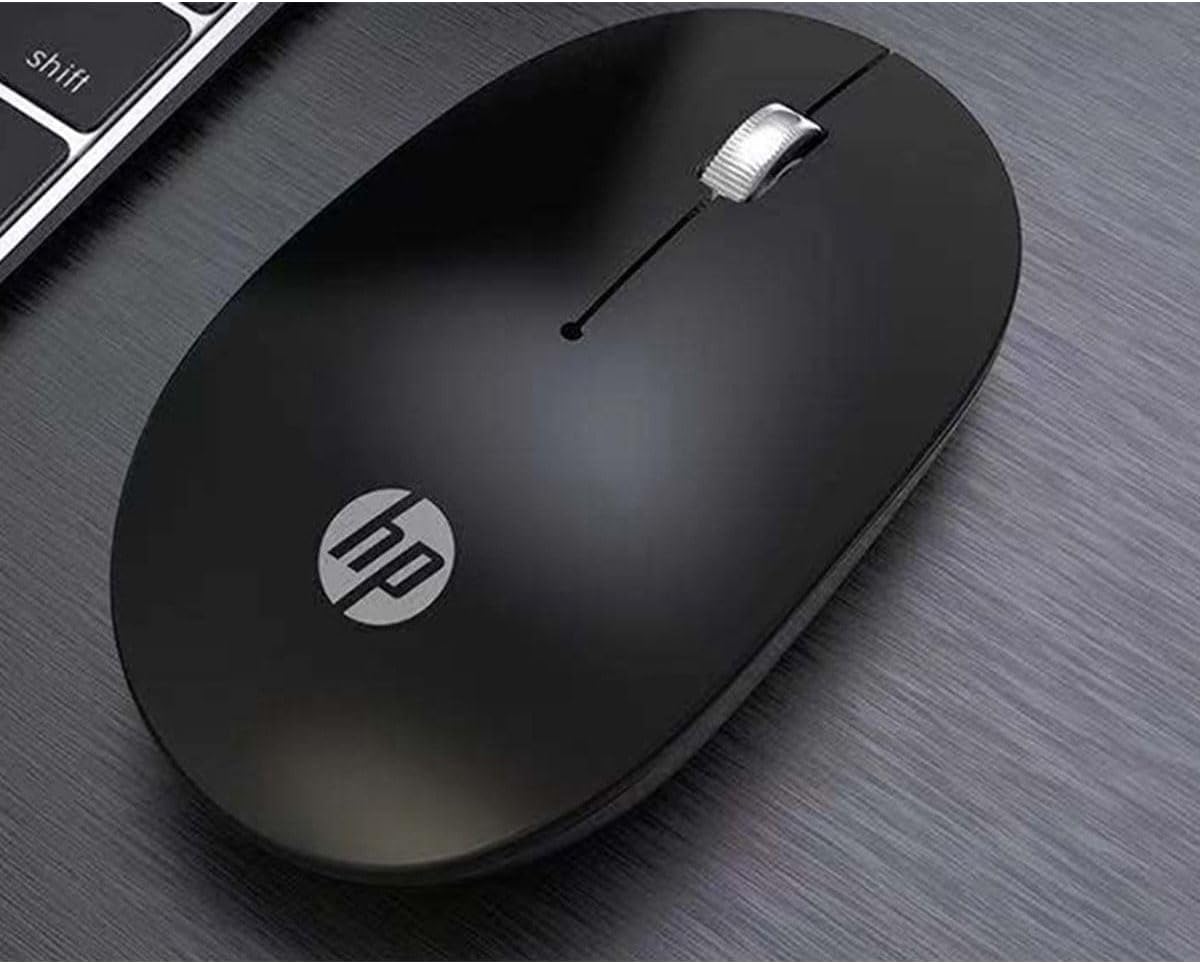
Image 3.2: The HP Wireless Mouse S1500 positioned for use on a typical workspace.
3.3 Řízení spotřeby
The mouse features a smart sleep function combined with energy-saving optimization to extend battery life. If the mouse is inactive for a period, it will enter a low-power sleep mode. To wake it up, simply move the mouse or click any button.

Image 3.3: The HP Wireless Mouse S1500's power management features contribute to long battery life.
4. Údržba
4.1 Čištění
K čištění myši použijte měkký, suchý hadřík, který nepouští vlákna. V případě odolné nečistoty lehceampen the cloth with water. Avoid using harsh chemicals, solvents, or abrasive cleaners, as these can damage the mouse's surface.
4.2 Výměna baterie
When the mouse's performance degrades or it stops responding, it may be time to replace the battery. Follow the steps in Section 2.2 to replace the AA battery.
5. Řešení problémů
5.1 Myš nereaguje
- Zkontrolujte baterii: Ujistěte se, že je baterie AA správně vložena a dostatečně nabitá. V případě potřeby ji vyměňte.
- Zkontrolujte USB přijímač: Make sure the USB receiver is securely plugged into a working USB port on your computer. Try a different USB port.
- Vzdálenost: Ensure the mouse is within the effective operating range (approximately 10 meters) of the USB receiver.
- Rušení: Přemístěte myš a přijímač dále od jiných bezdrátových zařízení nebo velkých kovových předmětů, které by mohly způsobovat rušení.
- Obnovení připojení: Some mice have a connect button on the underside. If available, press it and then press the connect button on the receiver (if applicable) to re-establish the connection.
5.2 Nepravidelný pohyb kurzoru
- Čistit senzor: Ensure the optical sensor on the underside of the mouse is clean and free from dust or debris.
- Povrch: Use the mouse on a clean, non-reflective, and uniform surface. Avoid highly reflective or transparent surfaces like glass. A mouse pad is recommended.
6. Specifikace
| Funkce | Detail |
|---|---|
| Název modelu | S1500 |
| Značka | HP |
| Technologie připojení | Bezdrátové připojení 2.4 GHz (USB přijímač) |
| Detekce pohybu | Optický |
| Množství tlačítek | 3 (Vlevo, Vpravo, Kolečko/Uprostřed) |
| Orientace rukou | Právo |
| Speciální funkce | Ergonomic Design, Lightweight, Portable, Soundless, Wireless |
| Zdroj napájení | 1 x AA baterie |
| Kompatibilní zařízení | Osobní počítač |
| Rozměry balení | 12 x 8.2 x 4.6 cm |
| Hmotnost | 250 g (including packaging) |
7. Záruka a podpora
7.1 Informace o záruce
Na tento produkt HP se vztahuje omezená záruka. Konkrétní záruční podmínky naleznete v záruční kartě dodané s produktem nebo navštivte oficiální stránky podpory HP. webUschovejte si doklad o koupi pro případ reklamace.
7.2 Technická podpora
Pro technickou pomoc, stažení ovladačů nebo další informace navštivte oficiální stránky podpory HP. website or contact HP customer service. Contact details can typically be found on the HP webmístě nebo na obalu produktu.
Oficiální HP Webmísto: www.hp.com